From a Plain Match-3 to a Hero in a Storm: How to Turn Your Matches Into a Fight
Give your match-3 game a hero who fights while you match. One edit adds the hero, one makes it harder, one makes it dramatic. Here's how.
In this article
A match-3 is easy to love and easy to forget. You swap two items, three in a row vanish, the rest tumble down, and nothing in the game needs you. Add a hero who fights while you match, and suddenly every swap is a move in a battle.
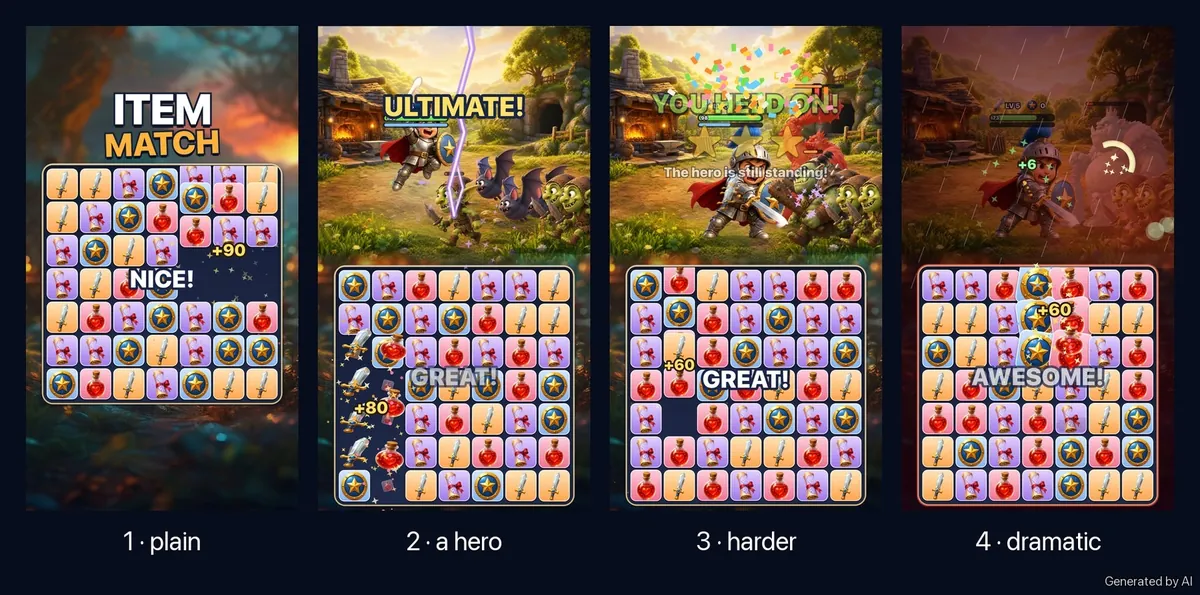
This guide follows one match-3 game, which we'll call Hero Forge, through a few edits on Flikk, each one asked for in plain words. It starts as a board of swords, shields, potions and spell scrolls. It ends with a little knight fighting an Ogre King in a thunderstorm.
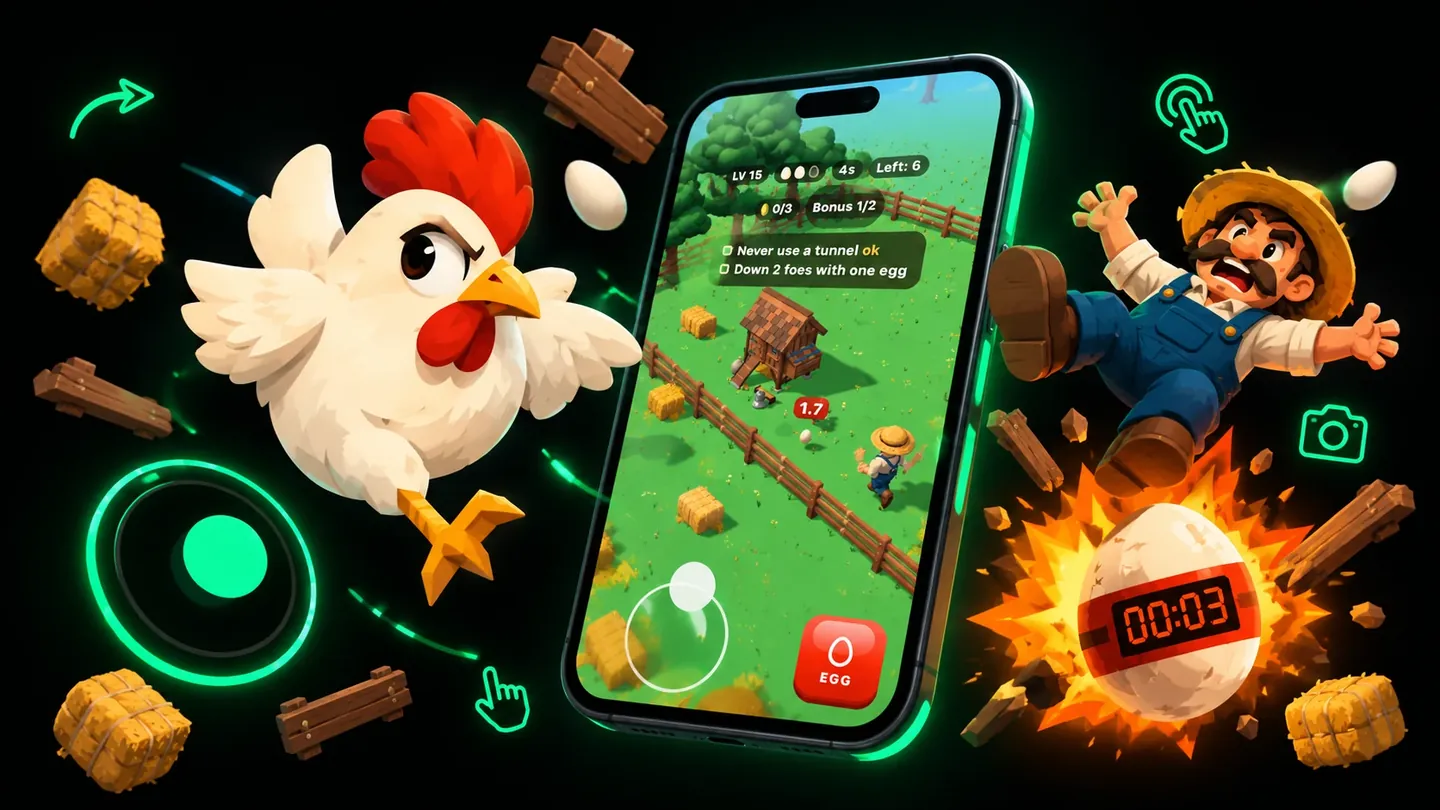
Quick note: Flikk is our app. All pictures in this guide are AI illustrations of how a game can grow. They're not screenshots from the app, and your own game will look different.
Step 1: Start with only the matching game
Every Flikk game starts in the Create tab, with a sentence. For this one, a short start is enough:
"A match-3 game with swords, shields, potions and spell scrolls."
Next, you pick a look (an asset pack, or none if you want the AI to draw everything), check the short game plan Flikk writes, and tap Build it. A build takes about 15 minutes.
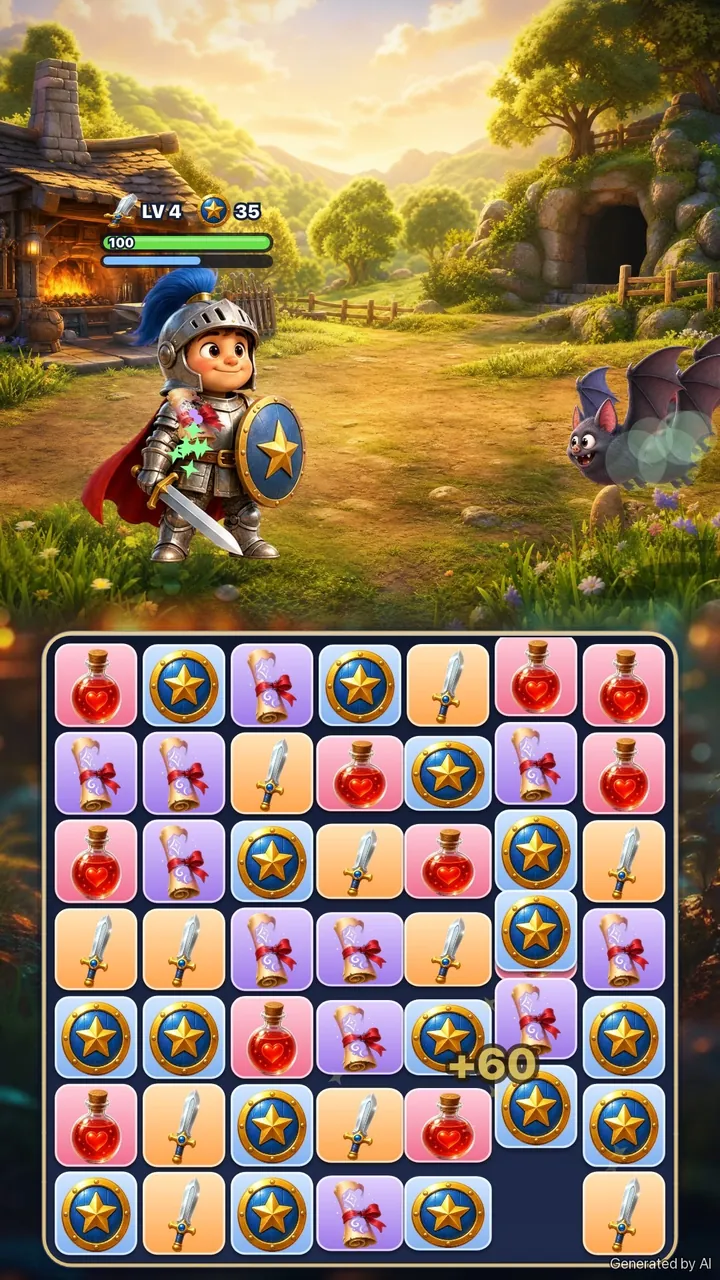
Picture the first version like this: a 7x7 board, every item on a plate of its own color. Orange for swords, blue for shields, red for potions, purple for scrolls.
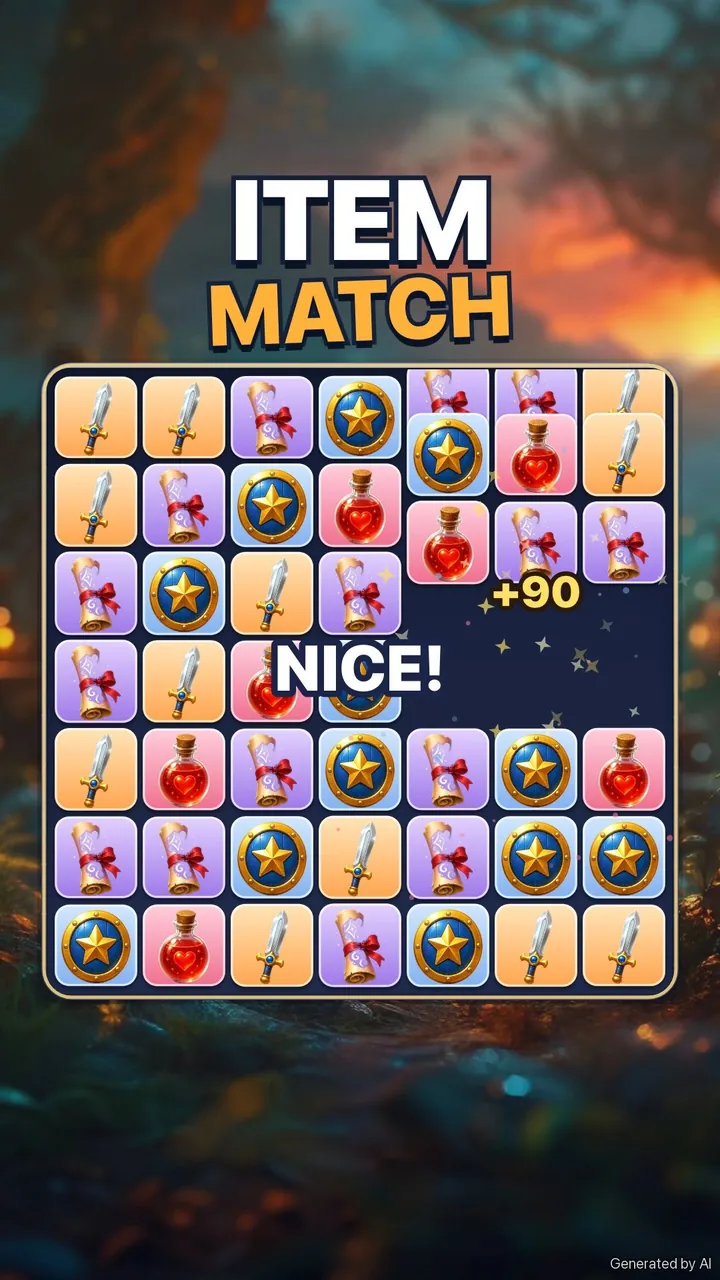
It works. It looks nice. But it has the same problem every plain match-3 has: a sword is just an orange tile. Nothing on the screen cares what you match.
Tip: Play your first version for a minute before you change anything. What's missing shows up much faster when you play than when you think about it.
Step 2: One edit, add a hero on top
You don't start over to change a game. Open your game's page, go to the Make Edits tab, and say what you want:
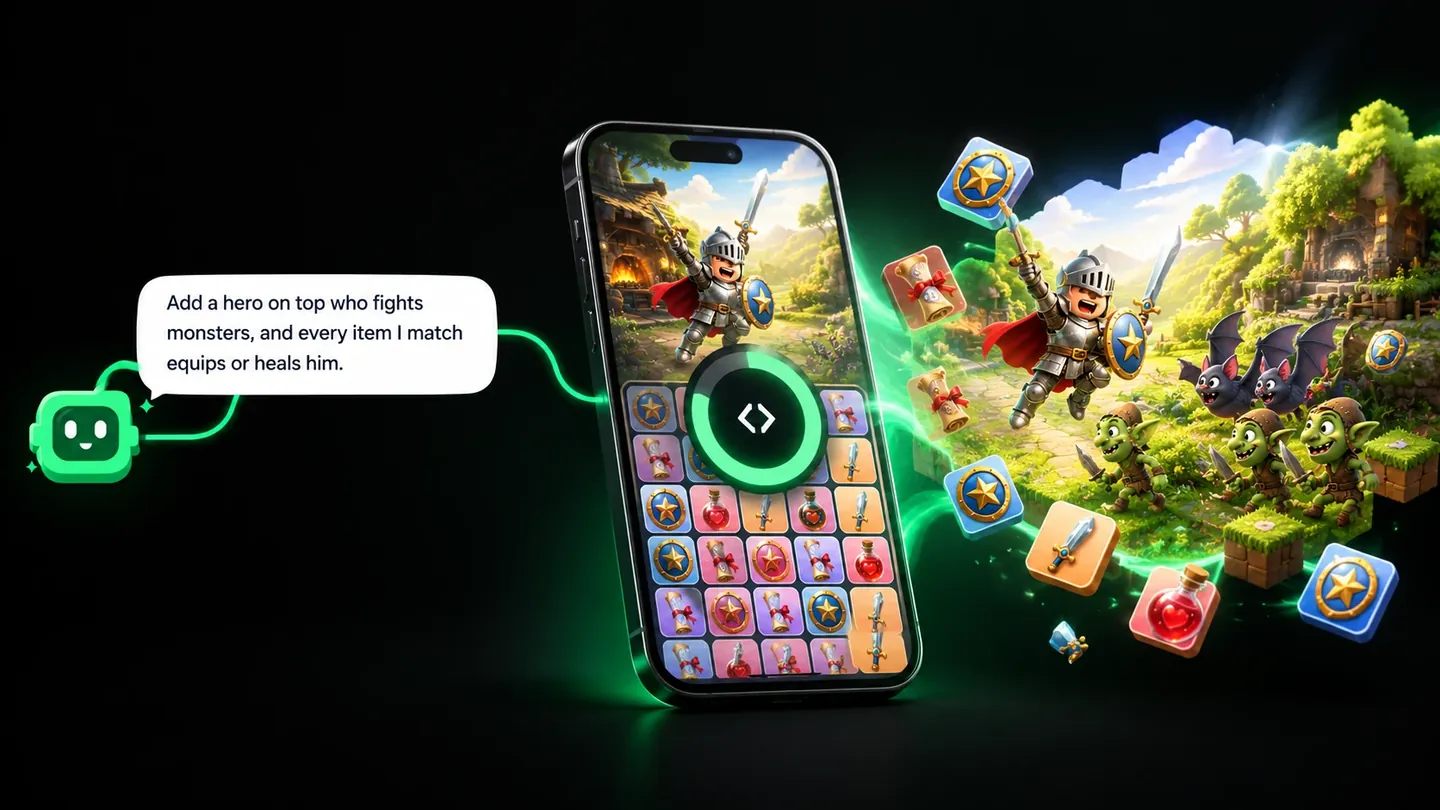
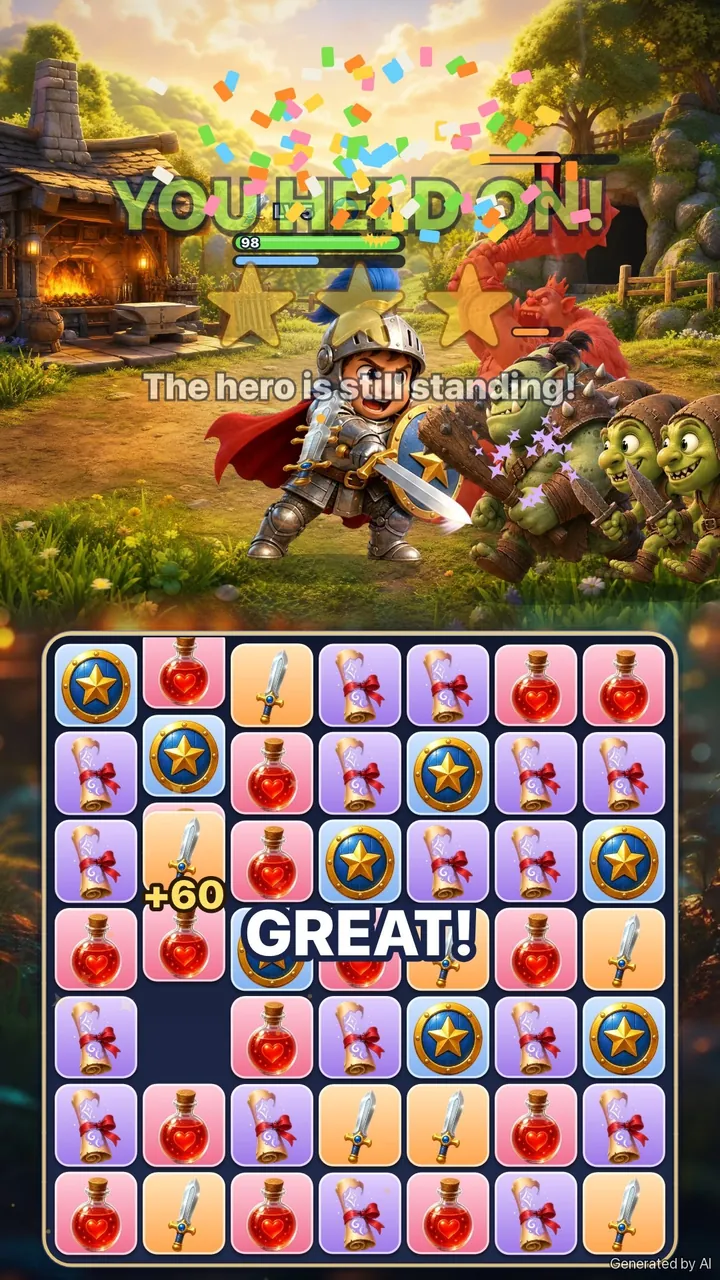
"Add a hero on top who fights monsters by himself, and every item I match equips or heals him."
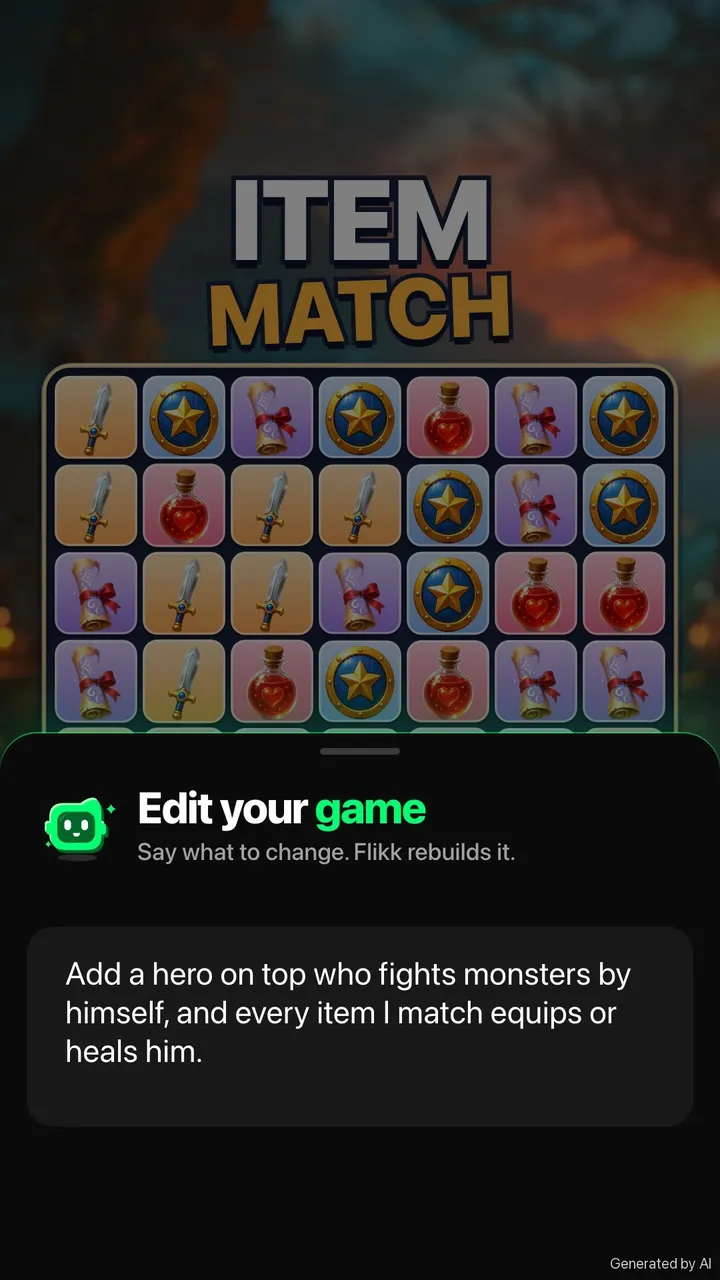
Flikk shows you a plan of the change and its cost (25 Tokens per edit as of October 2026). Tap Build it, and about 5 minutes later the new version is ready. Until then, people playing your game keep the old one.
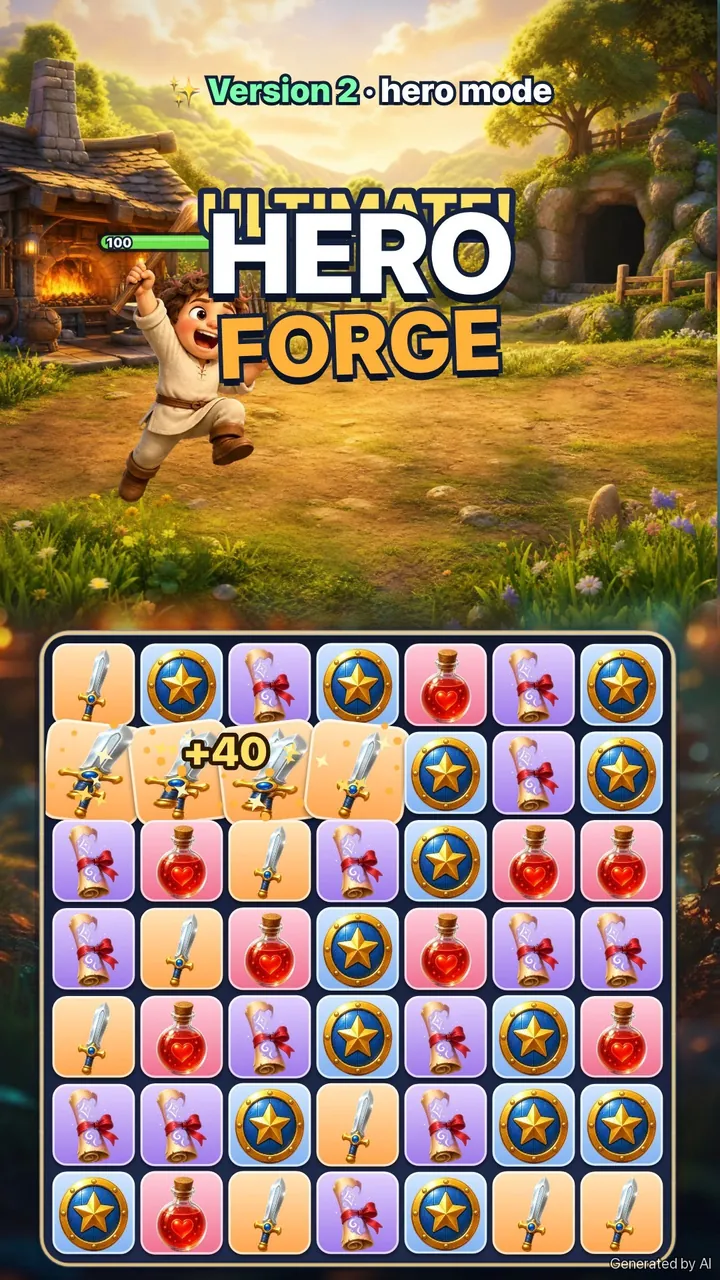
Notice what this sentence does. It doesn't ask for a new game. It keeps the board you already have and gives it a job: the board is now the hero's forge.
Will one edit give you all of this? Maybe not on the first try. Flikk sometimes leaves part of a request out, and tells you why. Play the new version, see what you got, and ask again for what's still missing.
Version 2: every match means something
Here's what that edit could turn the game into. One hero, not an army. He fights the monsters on his own, and you're the one keeping him alive from below:
- Swords put a blade in his hand and sharpen it. More attack.
- Shields add armor. Less damage taken.
- Potions heal him.
- Scrolls cast magic.
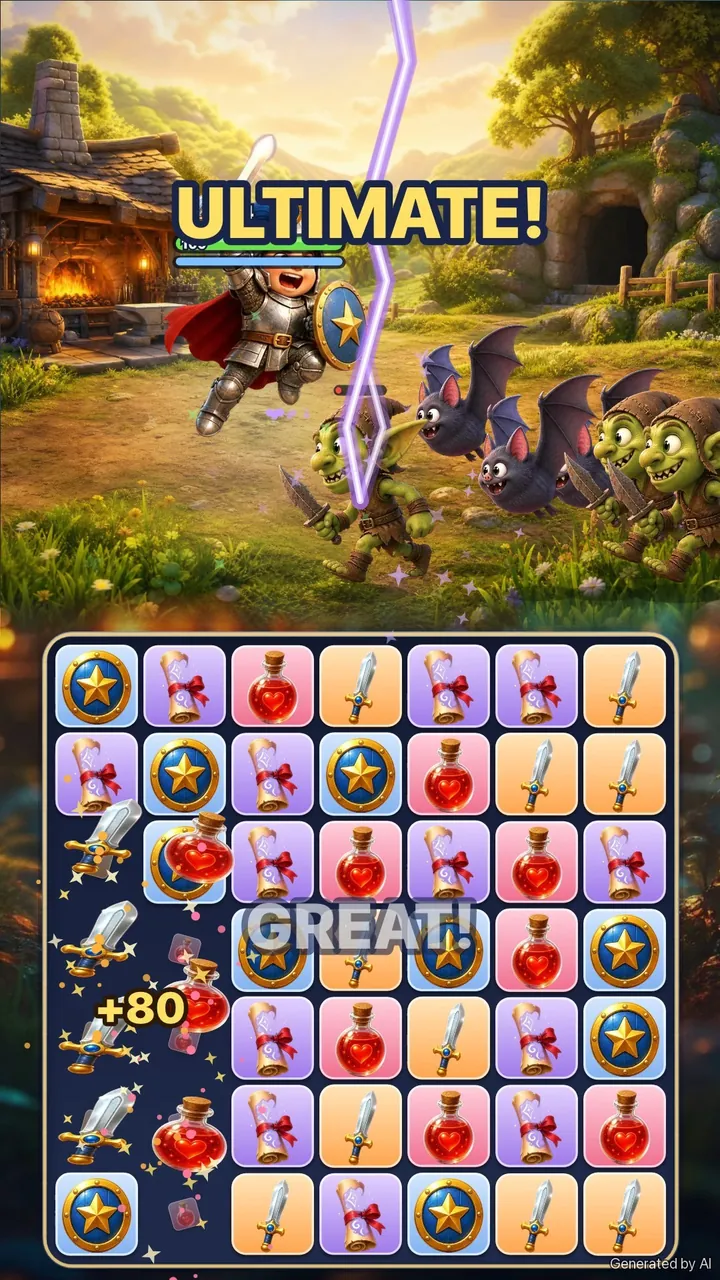
The best part: you can see your progress on him. He starts in a plain tunic with a borrowed shield and ends up a knight in shining armor with a blue plume. Nobody has to read a stat screen to know he's getting stronger.
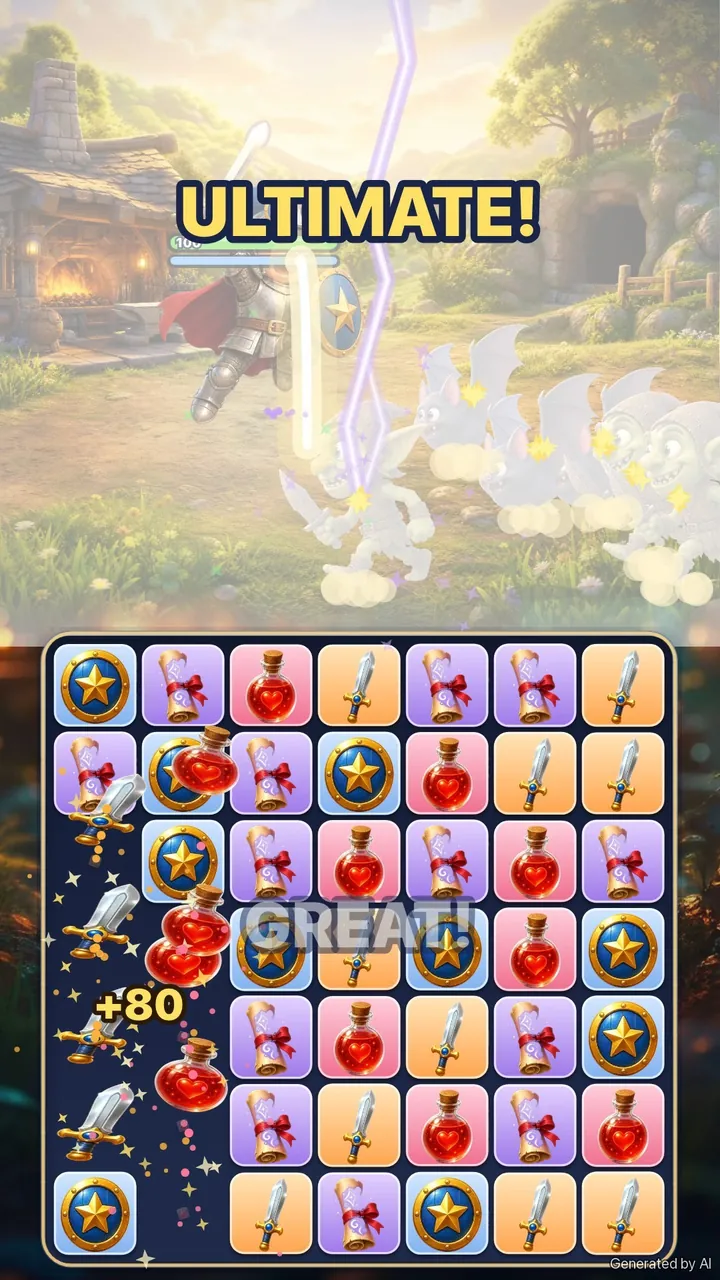
Match four in a row, and he leaps into an ultimate attack.
The trick that makes it a real game: bosses that want different things
A hero who just gets stronger is nice. A hero who needs the right items is a game. In Hero Forge, each boss asks for a different answer:
| Boss | What it does | What you should match |
|---|---|---|
| Ogre King | Smashes with a huge club | Shields, to block the hit |
| Stone Golem | Is armored | Scrolls, because magic ignores armor |
| Dragon | Breathes fire that burns through armor | Potions, to heal through the damage |
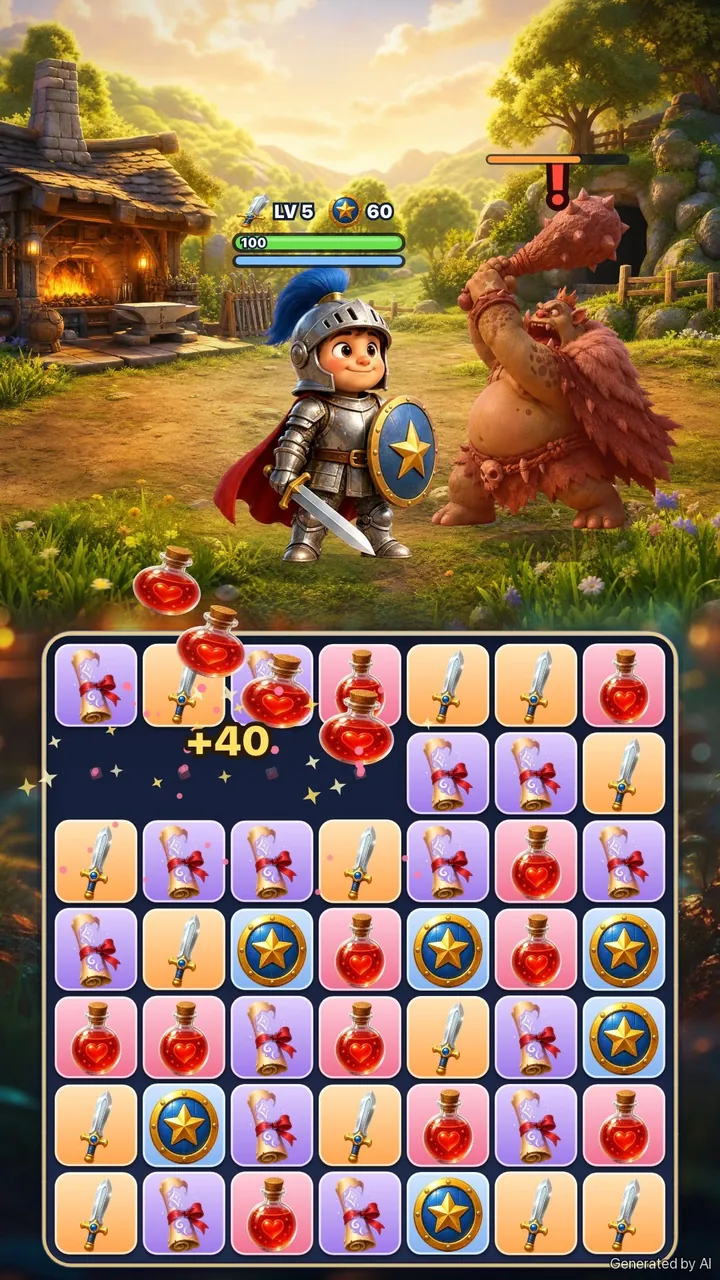
Now you're not asking what can I match? You're asking what does my hero need right now? That's the same question that makes a good match-3 hard to put down.
Step 3: Make it harder, or more dramatic
Once the core works, one-sentence edits can change how the game feels. Two directions to try.
Make it harder
An easy, gentle version is a good start. If it's too easy, one edit turns up the pressure:
"Make it harder: faster monsters, tougher bosses and less time to heal."
Make Edits even suggests one-tap changes like "Make the game harder", so you don't always need to type.
Make it more dramatic
Difficulty changes what you do. Mood changes how it feels. A calm, sunny village can turn into something tense with one sentence:
"Make it more dramatic: a dark storm, red light and tense boss music."
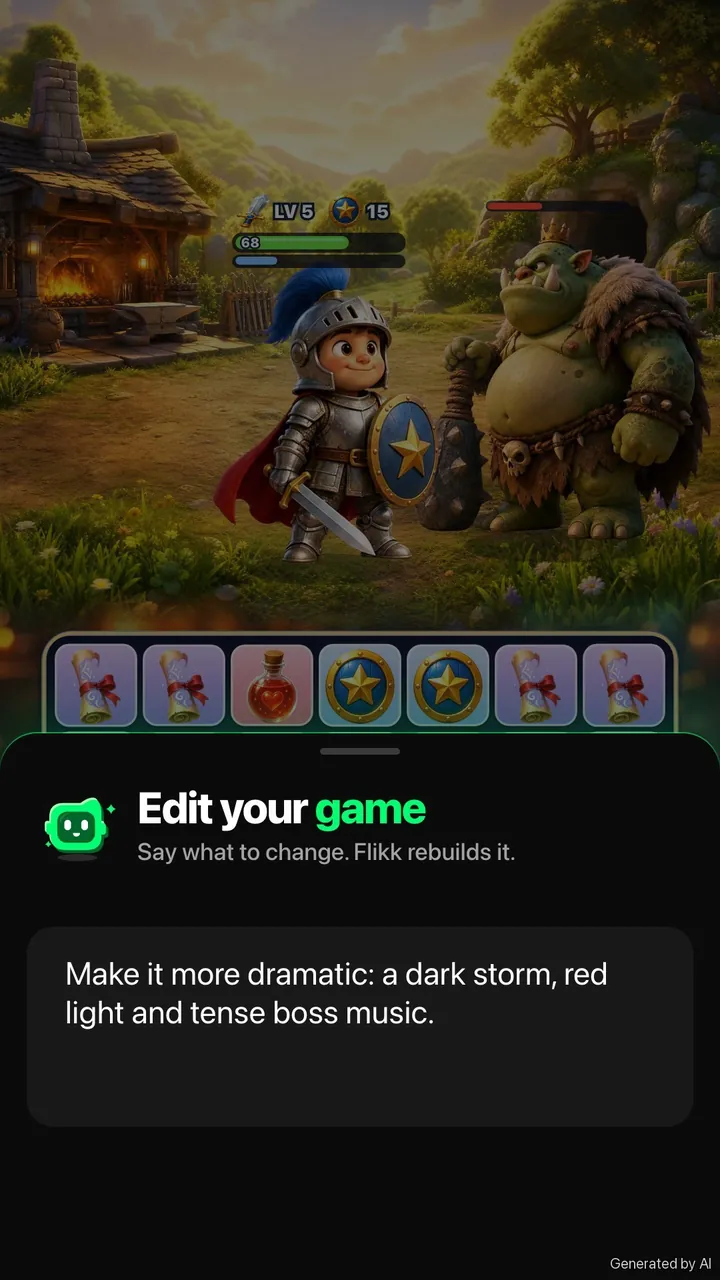
Picture the light turning stormy, rain sweeping across the village, and the bosses stepping out of the dark.
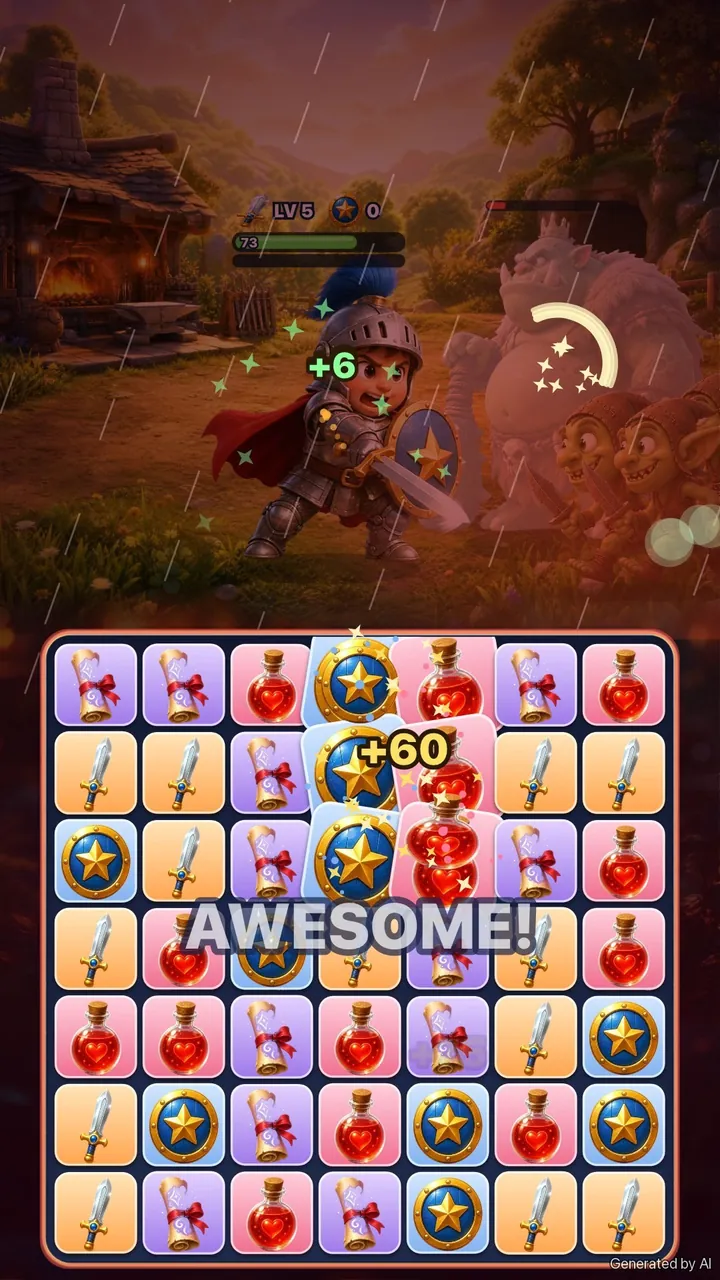
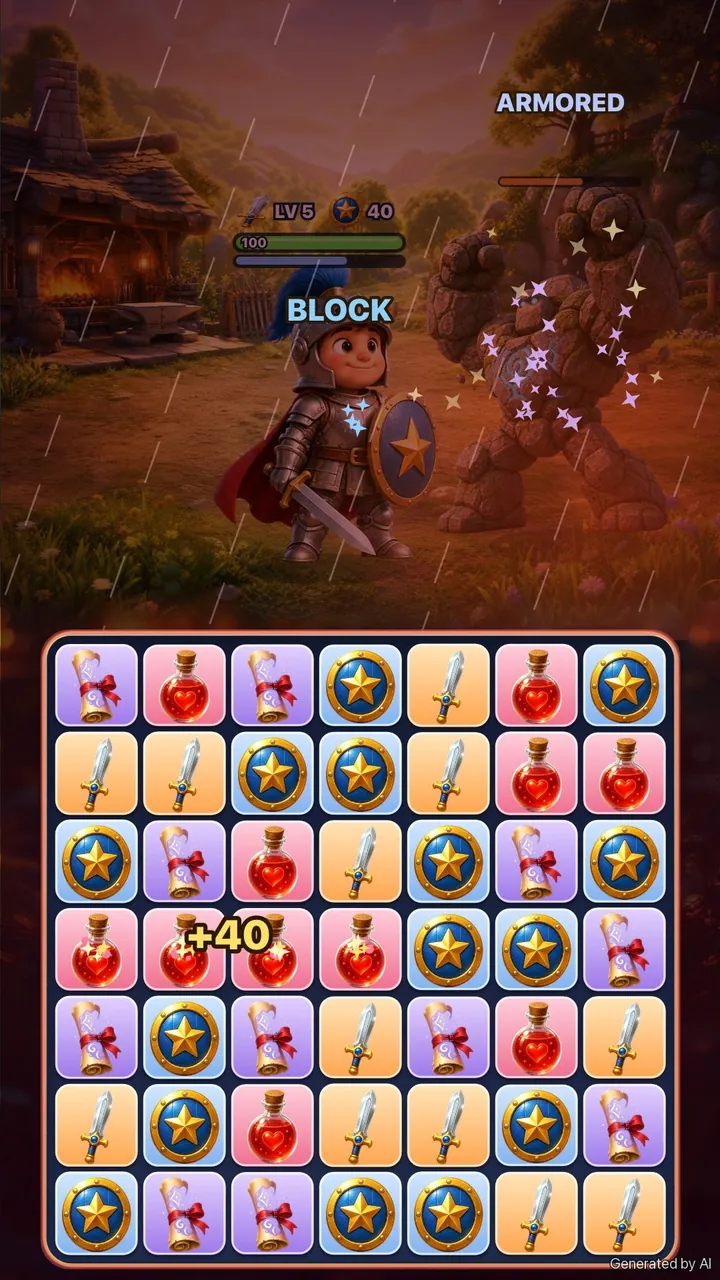
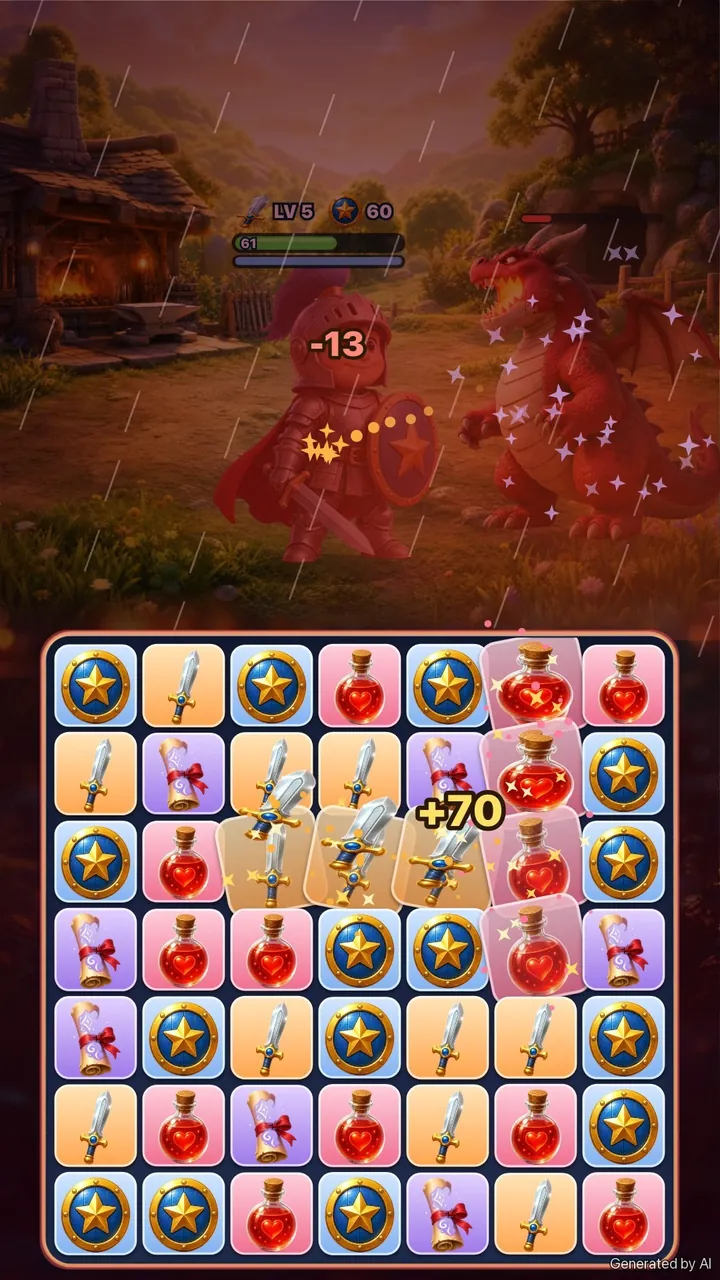
Same board, same rules, same hero. It just feels like the fight matters more.
Tip: Change one thing per edit. If you ask for "harder, darker, more bosses and a shop" in one go, it's hard to tell which part made the game better (or worse).
Why the hero works
The hero doesn't change how matching works. It changes why you match. In game design terms, it gives the core loop a purpose: each swap feeds something you can see and care about.
It also adds the three things most good games have:
- A goal: beat the boss.
- A choice: attack, defend or heal. You can't do all three at once.
- A way to lose: if his health runs out, the run is over. That's the lose condition that gives the game tension.
Mixing a puzzle board with a fight isn't new. It's a whole genre, often called "puzzle RPG", and it's popular for a good reason. The board gives you something to do with your hands, and the fight gives you a reason to do it.
The same trick works for other themes:
- A space game: match fuel, shields and lasers to keep your ship flying.
- A cooking game: match ingredients to serve a chef who's racing a rival.
- A Halloween game: match candy and lanterns to help a kid get through a haunted street.
These are ideas, not tested prompts. Try one, play it, and change what doesn't work.
If you'd rather feed hungry animals than fight monsters, our farm match-3 guide shows the same method with a cozier game.
Five tips for your own match-3 hero game
- Start with only the board. A plain match-3 is quick to check. Add the story once the matching feels good.
- Make every item do one clear thing. Sword = attack, potion = heal. If players need a manual, it's too much.
- Show progress on the character. New armor beats a bigger number.
- Give bosses different weaknesses. That's what turns "match anything" into "match the right thing".
- Use mood as a separate edit. Light, weather and music change the feel without touching the rules.
Try it yourself
Flikk is free to start. Open the Create tab, describe your match-3 in one sentence, play it, and tell Flikk what to change. New to Flikk? Our beginner's guide walks you through every step.
Collect Flikk Points while you play other people's games, and turn them into Tokens to make and edit your own.
Who would your hero fight?
Download Flikk on iOS · Download Flikk on Android
FAQ
How do I make a match-3 game with a hero who fights?
On Flikk, start with a plain match-3 in one sentence, for example "A match-3 game with swords, shields, potions and spell scrolls." Once it's built, open your game's page, go to Make Edits and ask for a hero, for example "Add a hero on top who fights monsters by himself, and every item I match equips or heals him."
How do I make my match-3 game more fun?
Give every match a reason. A hero who needs swords, shields and potions turns each swap into a choice. Bosses with different weaknesses make that choice matter, and a little danger (a health bar that can run out) adds tension.
Can I make my game harder after it's built?
Yes. In Make Edits, describe what should change, like "faster monsters, tougher bosses and less time to heal", or tap a suggested change like "Make the game harder". An edit takes about 5 minutes, and players keep the old version until the new one is ready.
How much does it cost?
Flikk is free on iOS and Android, and making games is free to start. As of October 2026, a new game costs 100 Tokens and each edit costs 25 Tokens. You can buy Tokens or turn Flikk Points into Tokens. Flikk is available in the US.