What Is Flikk? A Beginner's Guide to Playing and Making Games
Flikk is a free app where you play games made with AI, or make your own by describing it in one sentence. Here's how it works, step by step.
In this article
Flikk is a free gaming app where every game is made with AI. You can do two things in it: play hundreds of games other people made, or make your own game by describing it in a sentence. No code, no engine, no computer. Flikk builds your game in about 15 minutes, and then everyone on Flikk can play it.
Flikk's tagline sums it up: "Play it. Or make it." This guide shows you both, step by step, with real screenshots from the app.
Quick note: Flikk is our app. Every screenshot below is from our own phones, and the game we build here is a real one you can play.
What you need
- A phone. Flikk is free on iPhone and Android.
- The Flikk app. Download it from the App Store or Google Play.
- An idea, if you want to make a game. One sentence is enough.
Flikk is currently available in the US.
Finding your way around
At the bottom of the app are five tabs: Discover, Explore, Create, Community and Profile. At the top you always see your Flikk Points (the green coin) and your Tokens (the gold coin). More on those below.
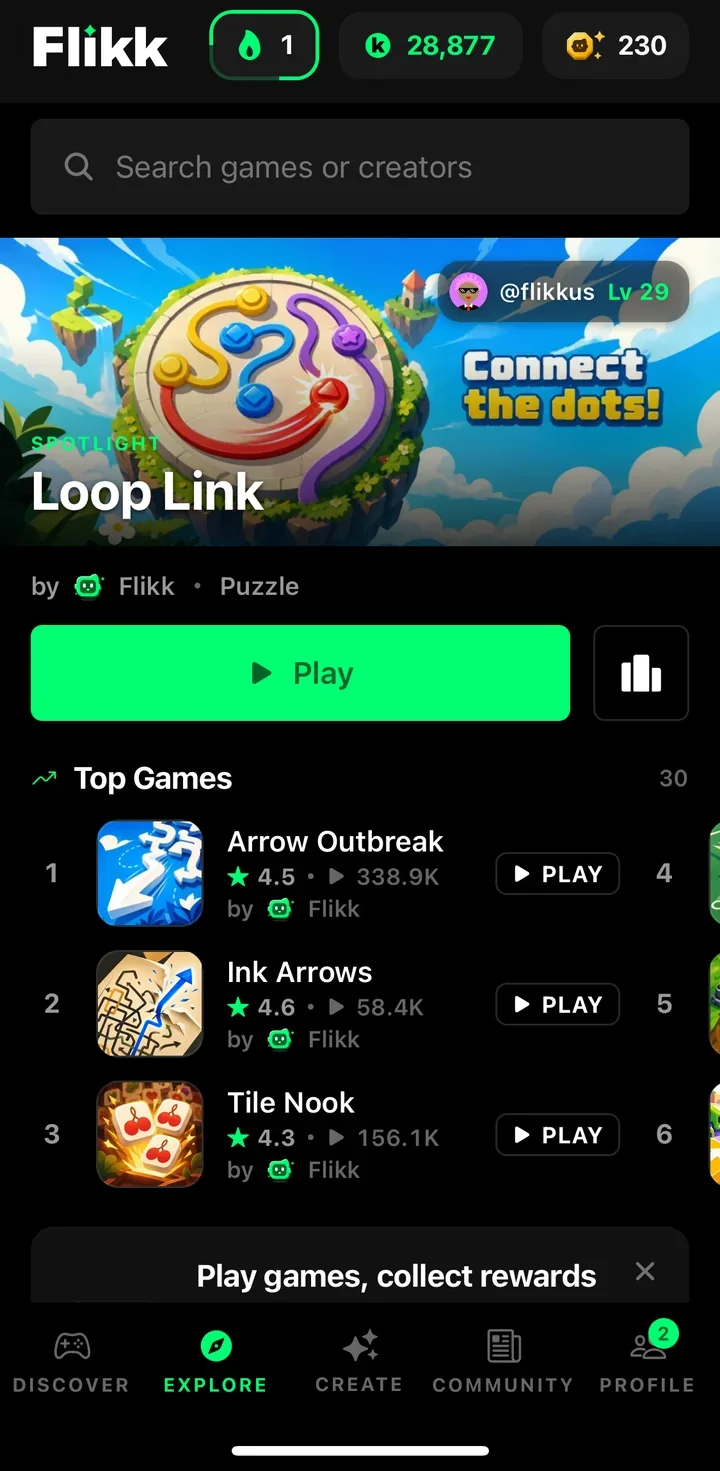
Explore is the best place to start. You can search for a game or a creator, see the Spotlight game, and scroll through the Top Games with their ratings and play counts.
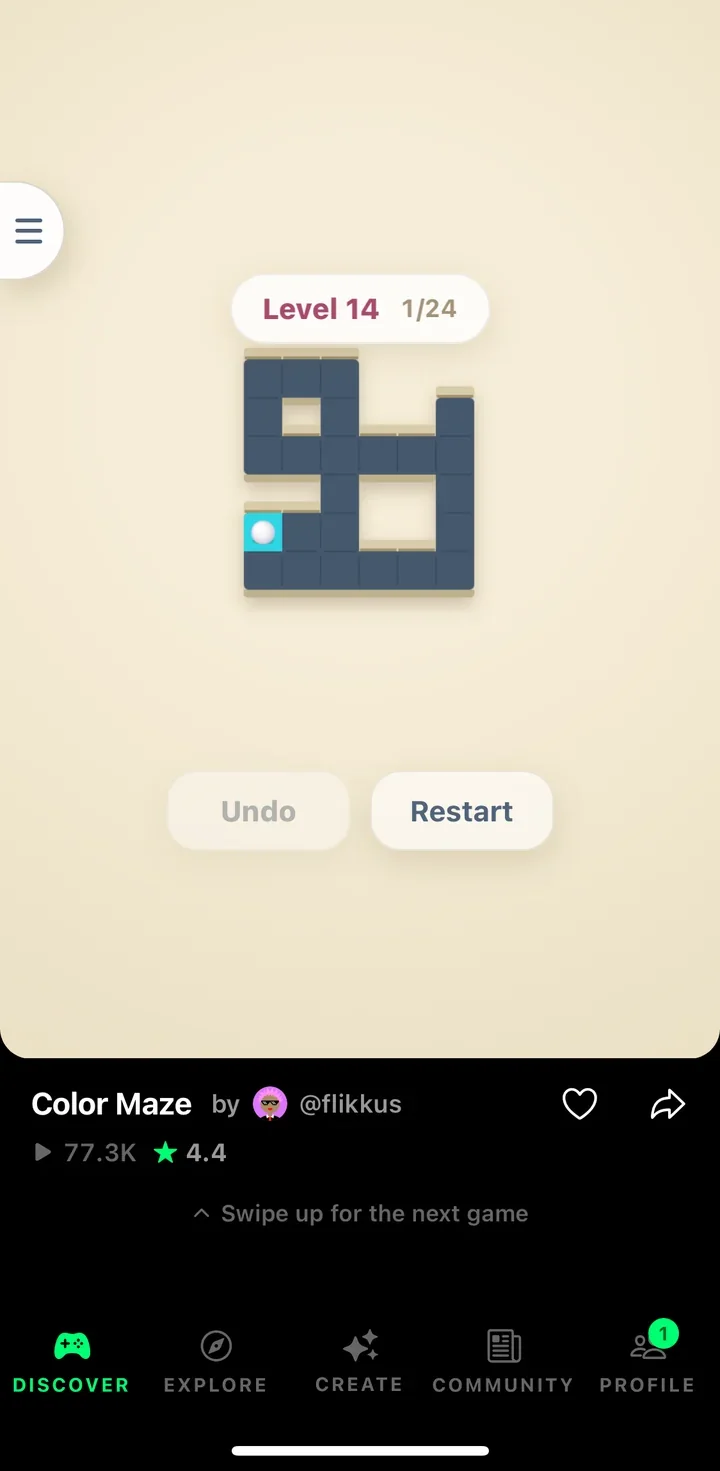
Discover is the quickest way to play. It's a full-screen feed: a game starts right away, and you see its name, who made it, its plays and its rating. Like it with the heart, share it, or swipe up for the next game. This is also where finished games land, so everyone can find them, and new ones come in every day.
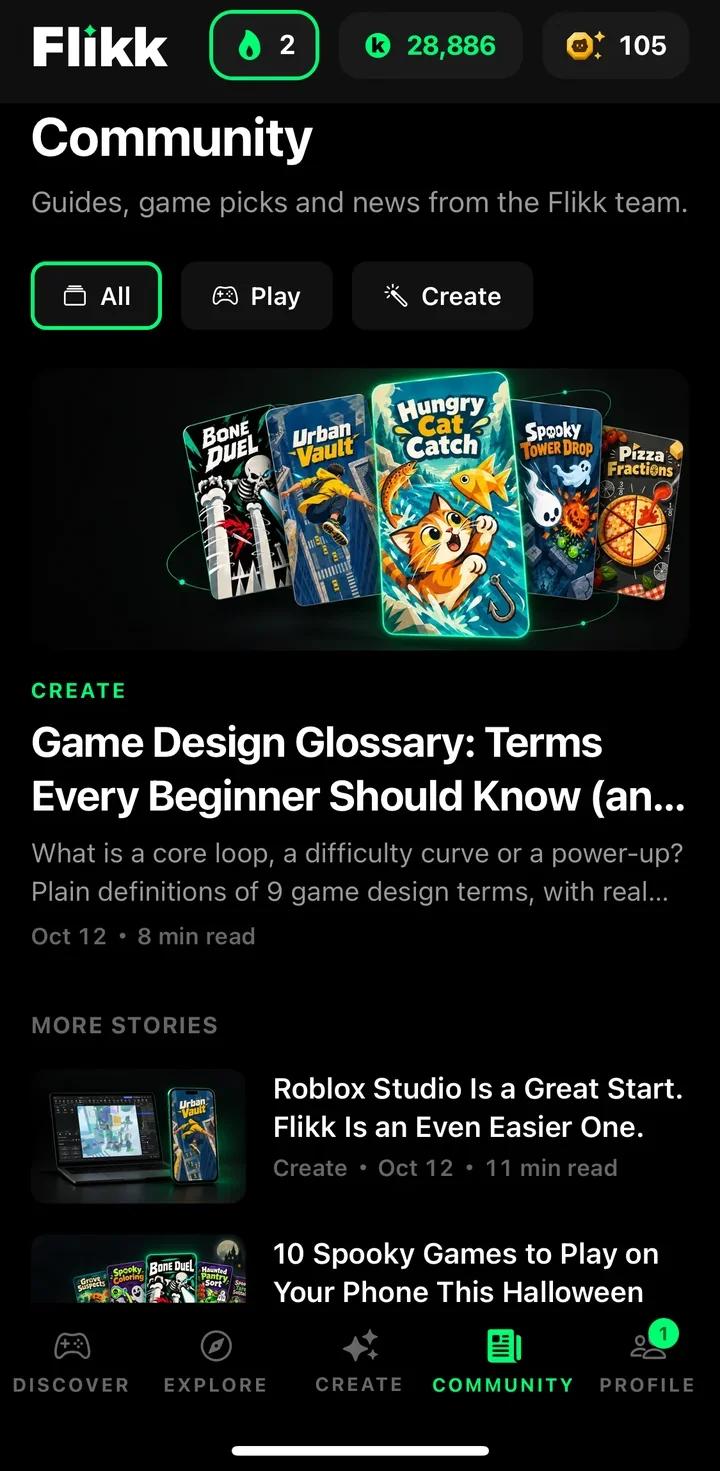
Community has "Guides, game picks and news from the Flikk team", sorted into Play and Create. The articles on this blog show up there too.
Create is where you make your own game, and Profile is where you find the games you've made.
Part 1: Playing games
Playing on Flikk is simple: open Discover and swipe, or tap any game in Explore. Every game runs inside the app, so there's nothing to install and no download per game. Games are made for your phone: portrait, quick to learn, and good for short sessions. Your progress is saved.
There are two main kinds of games:
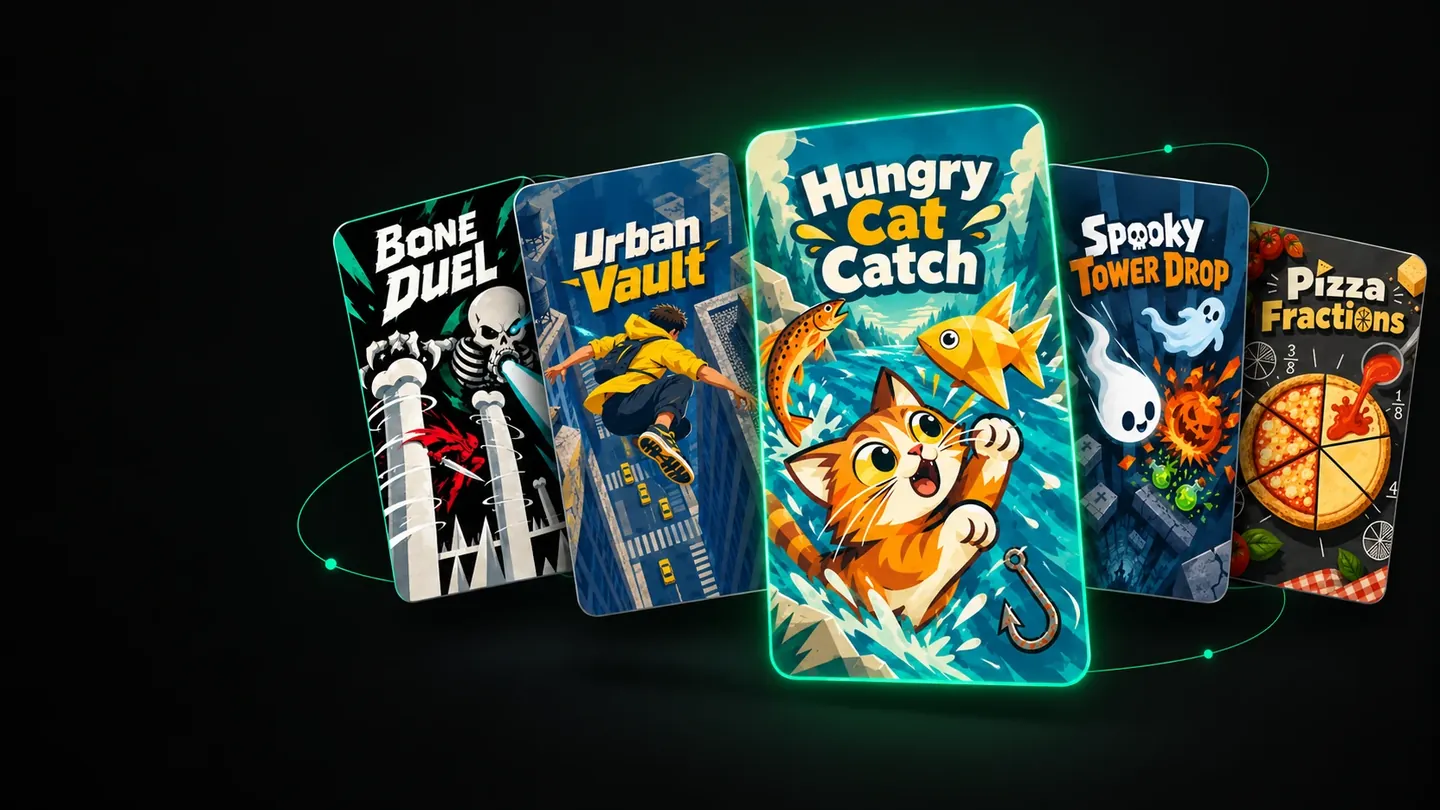
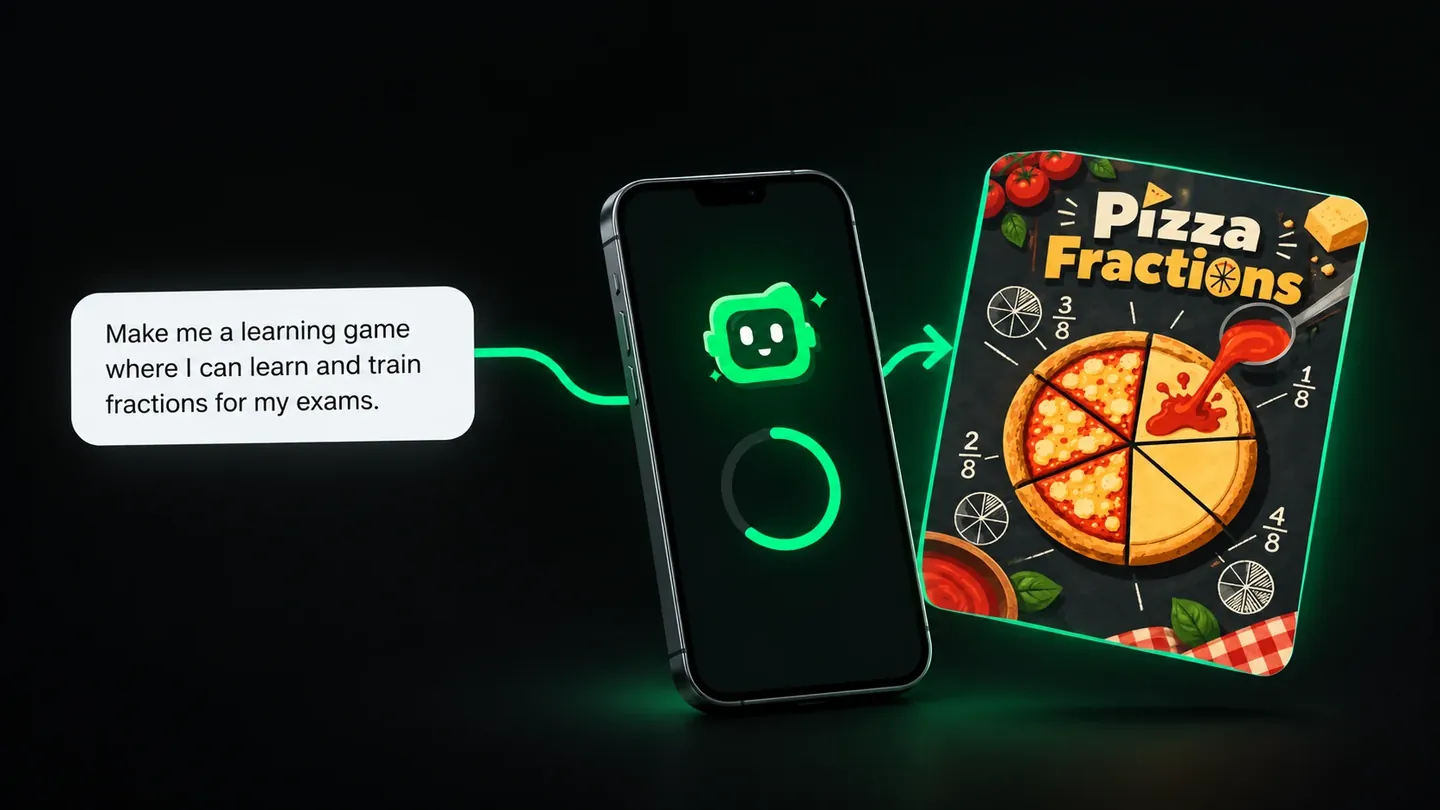
- Level games, where you beat level after level, like the study game Pizza Fractions.
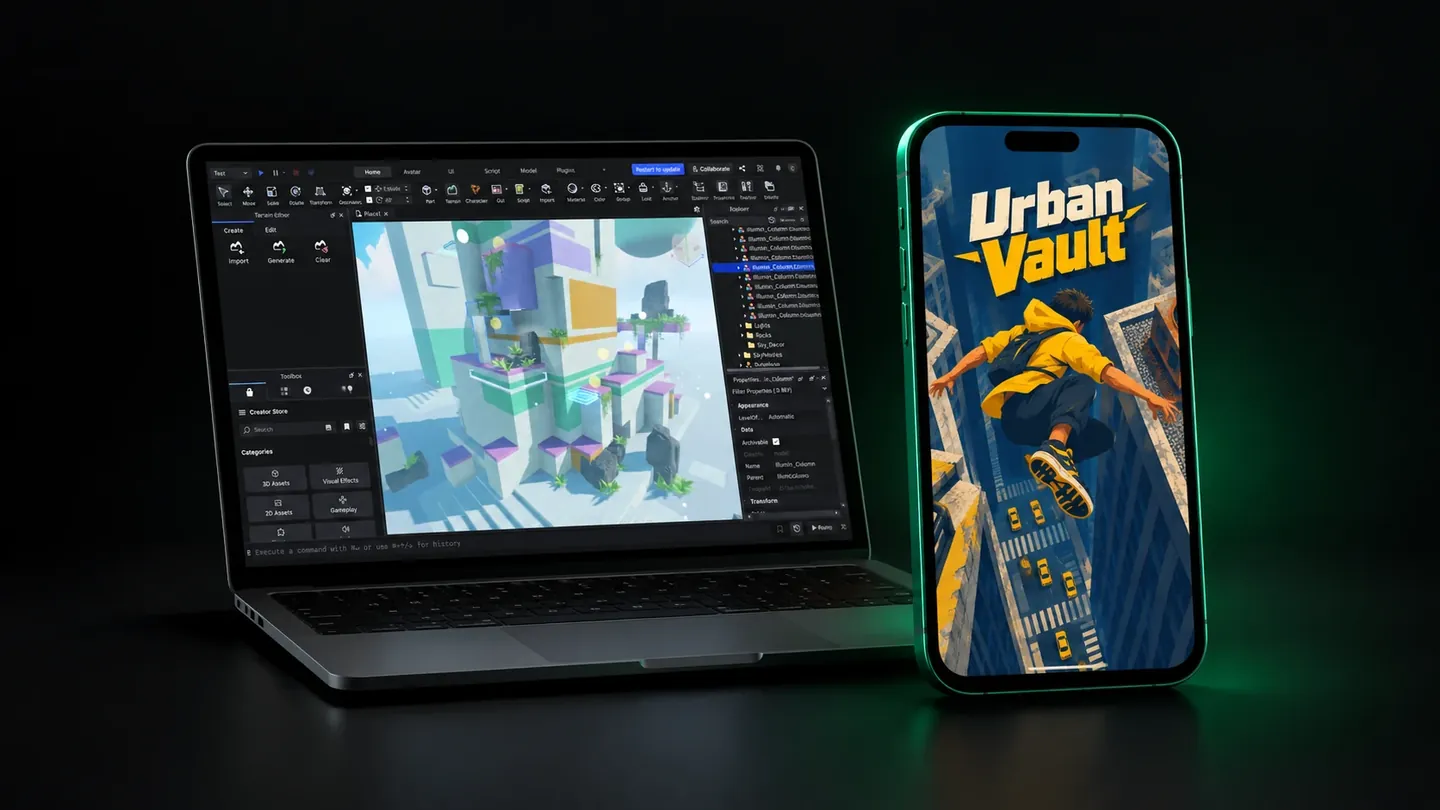
- High-score games, where you chase your best score, like our rooftop runner Urban Vault below.
Every game has a leaderboard, and you can share a game with a friend and try to beat each other's score. While you play, you collect Flikk Points.
Want ideas for what to play? Try our list of 10 spooky games for Halloween.
Part 2: Making your own game
This is where Flikk is different from other game apps. Here's a real build from October 12, 2026, start to finish.
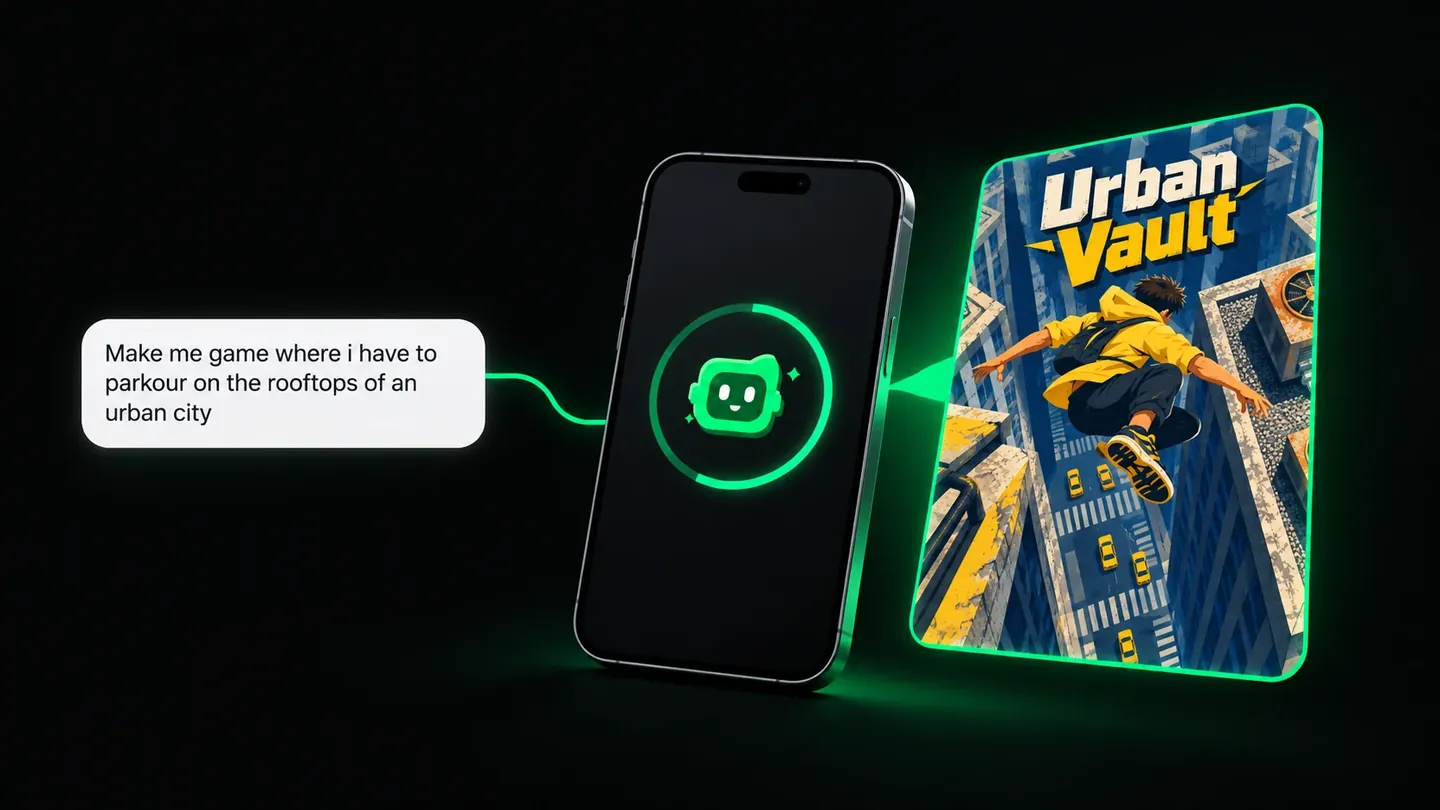
Step 1: Open the Create tab and describe your game
The Create tab says what to do in one line: "Describe your game. Flikk builds it." Type what the player does. You don't need perfect writing. This was our real prompt, typos and all:
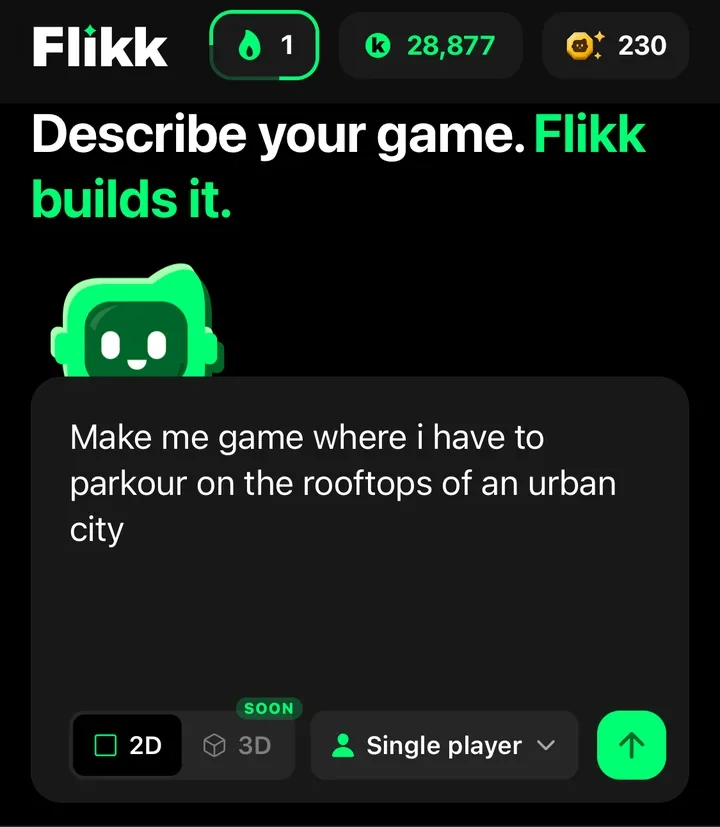
Make me game where i have to parkour on the rooftops of an urban city
Tip: say what the player does. "A cat catches fish" works. "A fun game" doesn't give Flikk anything to build. And don't put personal information in your idea, because your game will be public.
Step 2: Pick a look
Next, Flikk asks you to pick a look for your game. A look is an asset pack: a ready-made set of art, like characters, buildings, backgrounds and objects, all drawn in one style. Each pack has a name and a short description, and you can search them. Flikk doesn't pick one for you: the choice is yours.
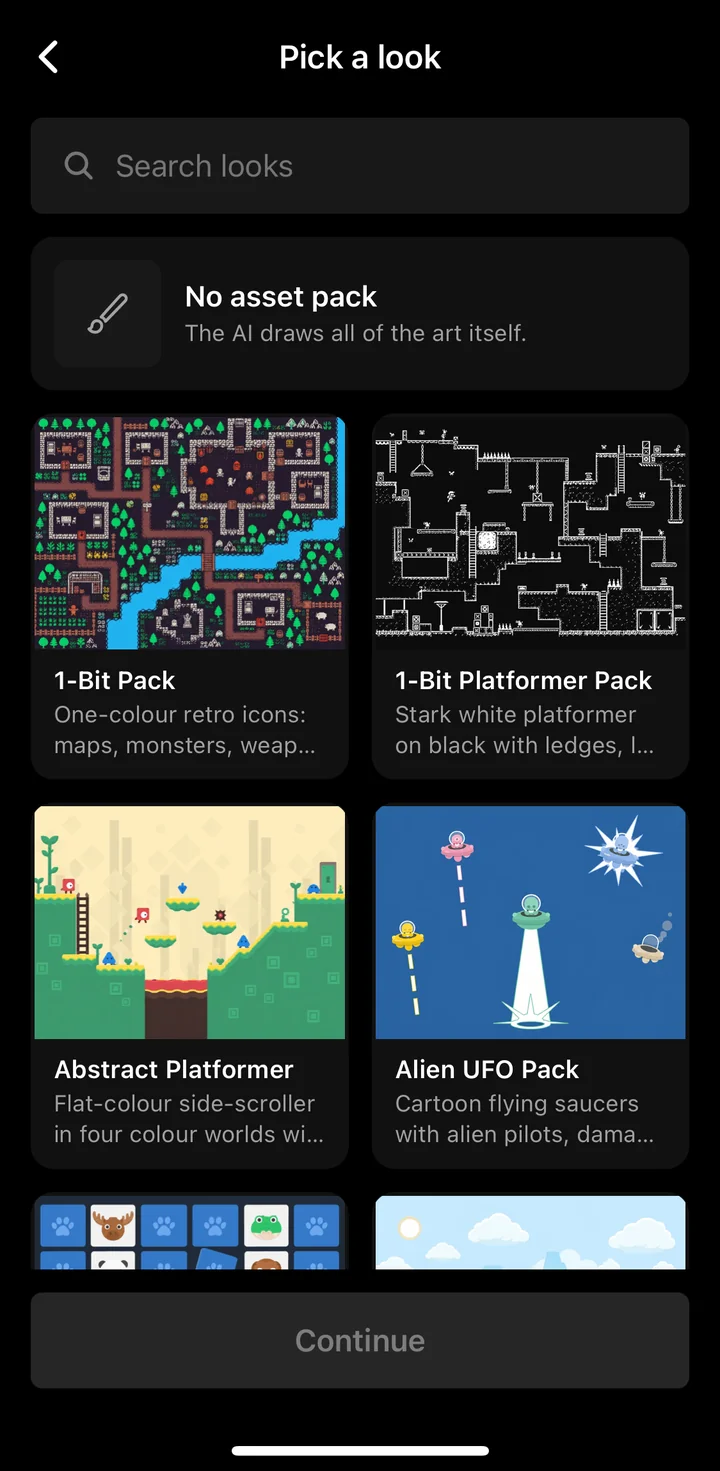
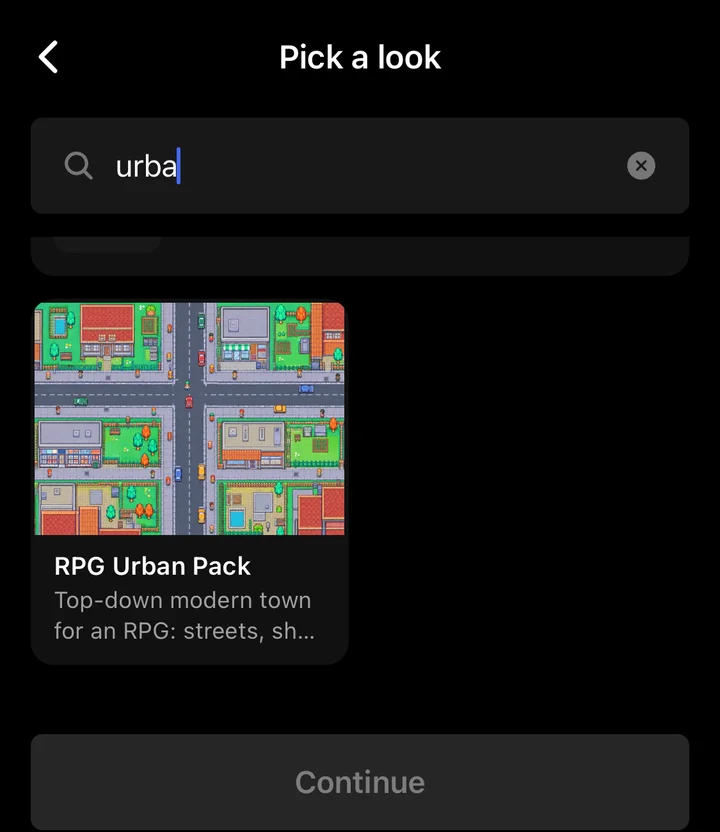
Why does this matter? The look decides more than the colors. Flikk builds your game to fit the pack's point of view. A top-down pack, seen from above, gives you a top-down game. A side-view pack, like Abstract Platformer ("Flat-colour side-scroller"), gives you a side-scroller.
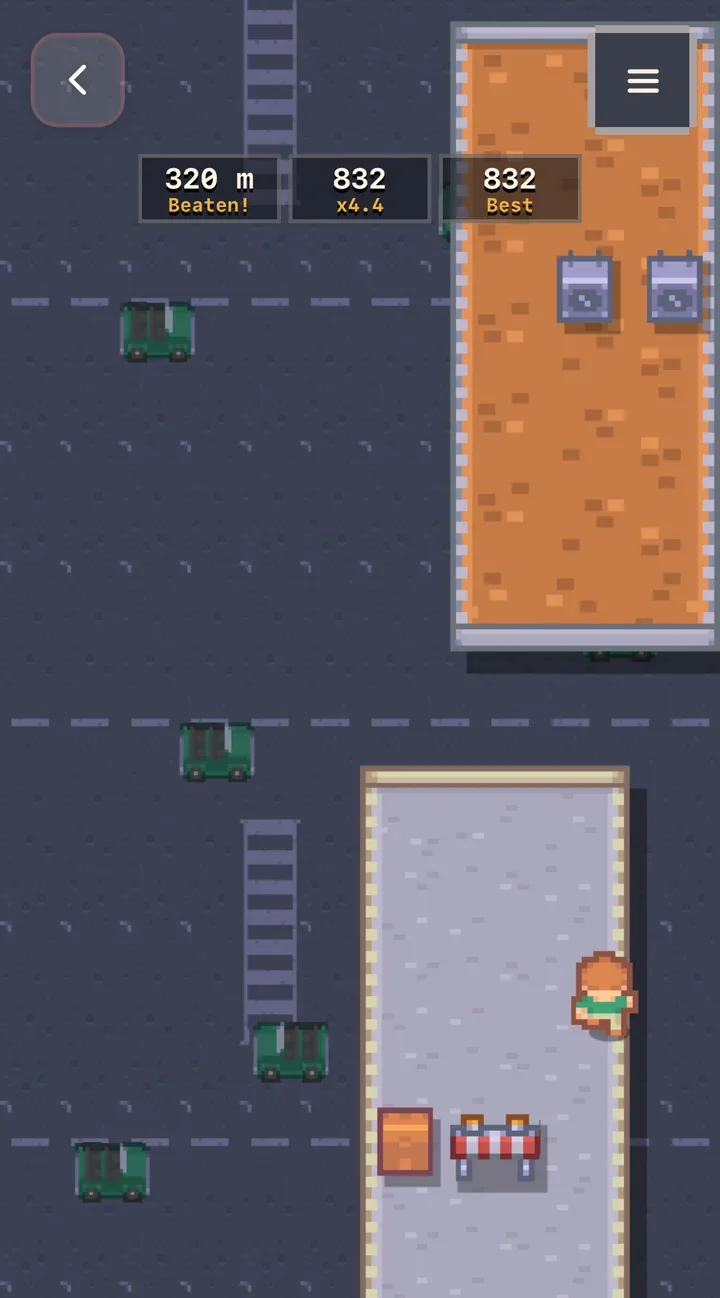
You can see that in our build. We wanted parkour on city rooftops and picked the RPG Urban Pack, a "top-down modern town". So Flikk made Urban Vault a runner seen from above, not a side-view parkour game. If you picture your game from the side, pick a side-view pack.
Don't want a pack? Choose No asset pack, and Flikk's AI tries to draw all of the art itself ("The AI draws all of the art itself."). Tap Continue when you've made your choice.
Tip: pick the look that matches how you imagine your game, from above or from the side, and say the same thing in your idea.
Step 3: Check the game plan
Before building anything, Flikk writes a game plan: the look you picked, a name, a short description and the rules. Ours became Urban Vault, a fast top-down runner across city rooftops, with the RPG Urban Pack at the top. The plan also shows the cost: 100 Tokens on October 12, 2026, and "Takes about 15 minutes to generate."
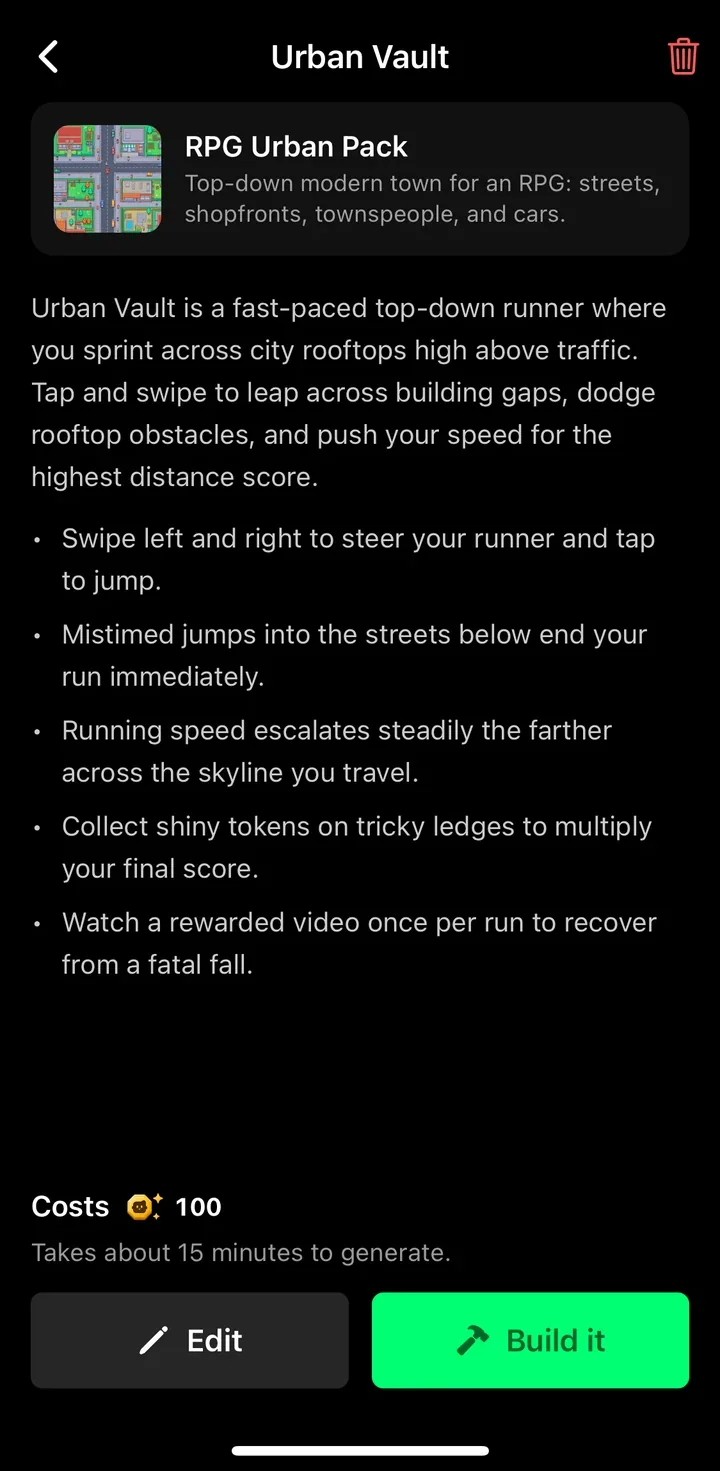
Not what you had in mind? Tap Edit and change the plan. Happy with it? Tap Build it.
Step 4: Wait about 15 minutes
Flikk builds your game inside the app and shows how much time is left. You don't have to watch. Tap Got it, play something else, and find your game on your Profile while it builds.
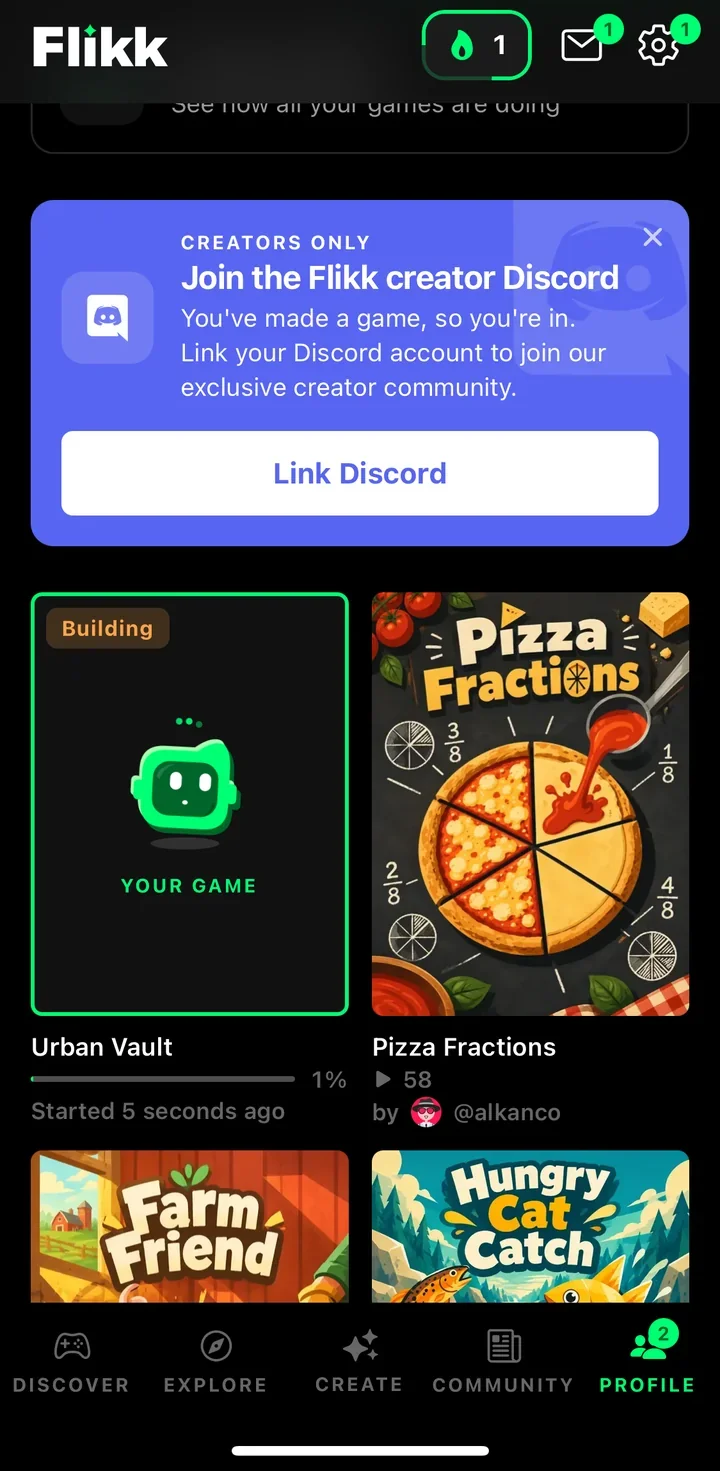
Ours took about 14 minutes from Build it to a finished game.
Step 5: Play your game
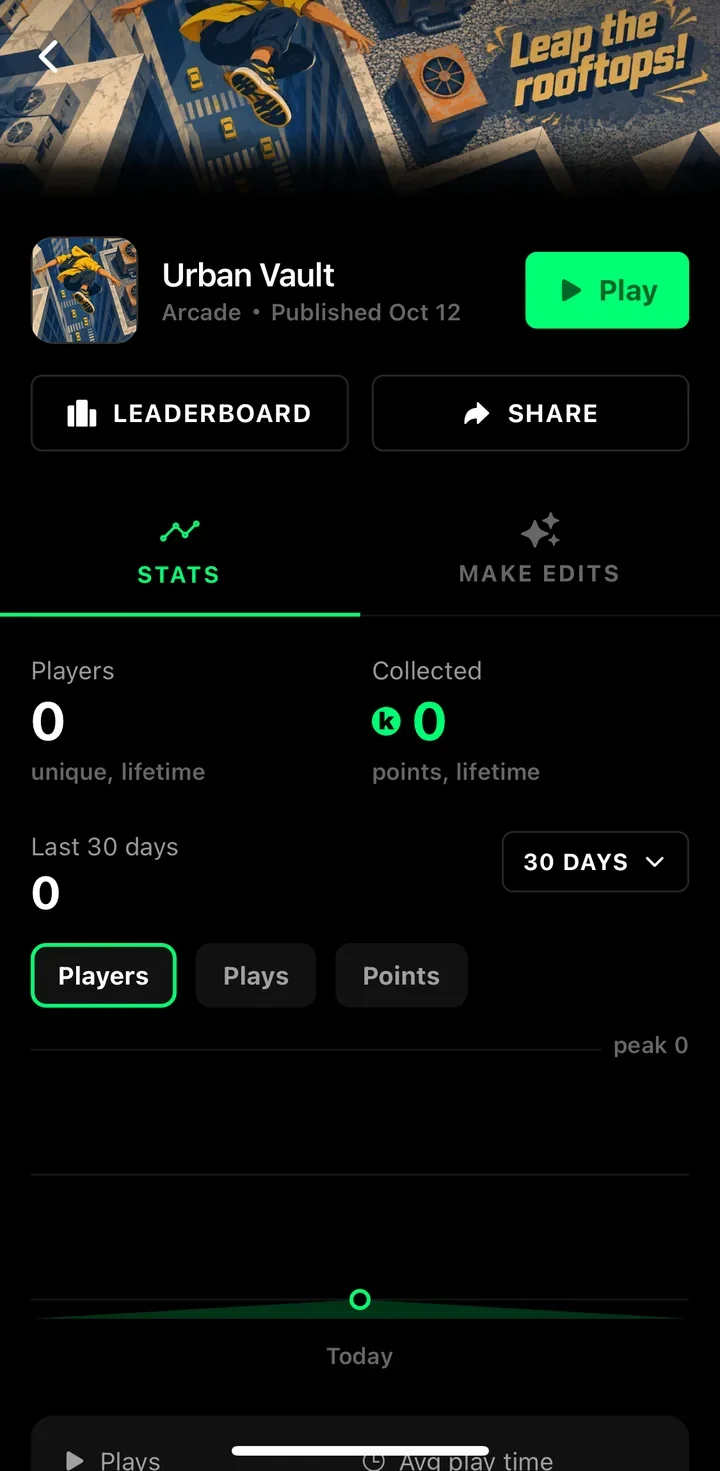
When it's done, your game gets its own page with a Play button, a Leaderboard, a Share button and its Stats: players, plays and points. It also lands in Discover, where everyone on Flikk can play it.
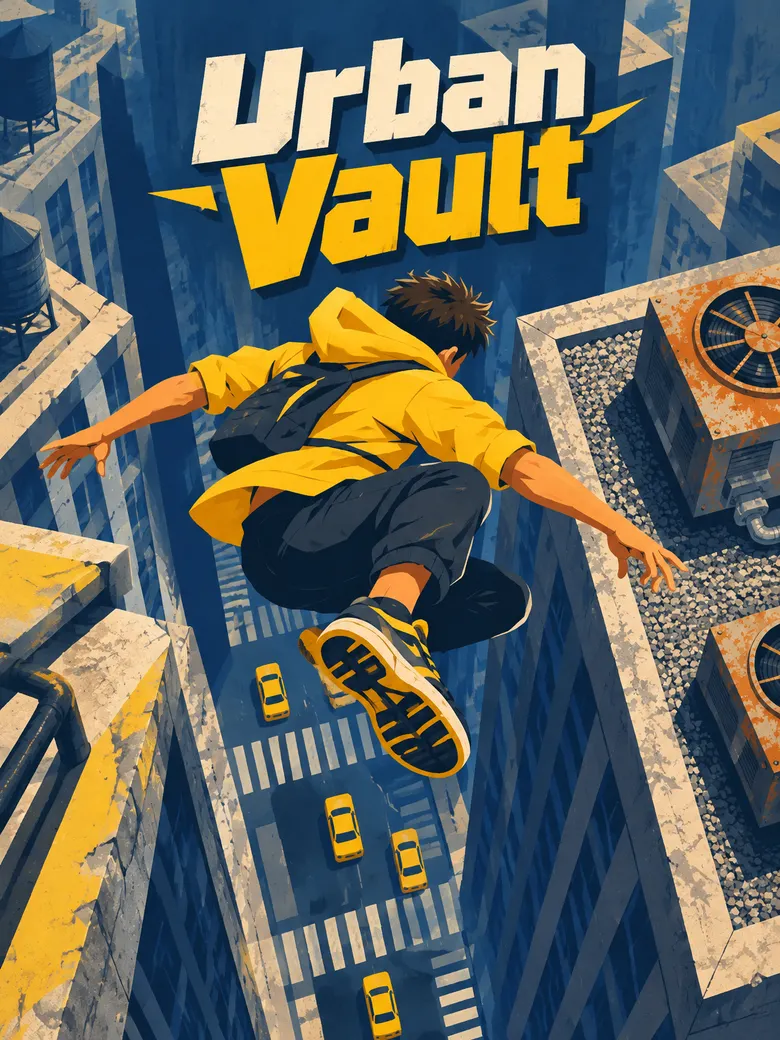
Then play it. Urban Vault came with a title screen, a "How to play" button and a daily target.
Part 3: Changing your game with Make Edits
Your first version is a start, not the end. Urban Vault worked, but it didn't feel like parkour yet, and we wanted a night version of the city. So we changed it.
Step 1: Describe the change
On your game's page, open the Make Edits tab and say what should be different, in plain words. Flikk also suggests quick changes you can tap, like "Add more obstacles" or "Make the game harder". We typed our own:
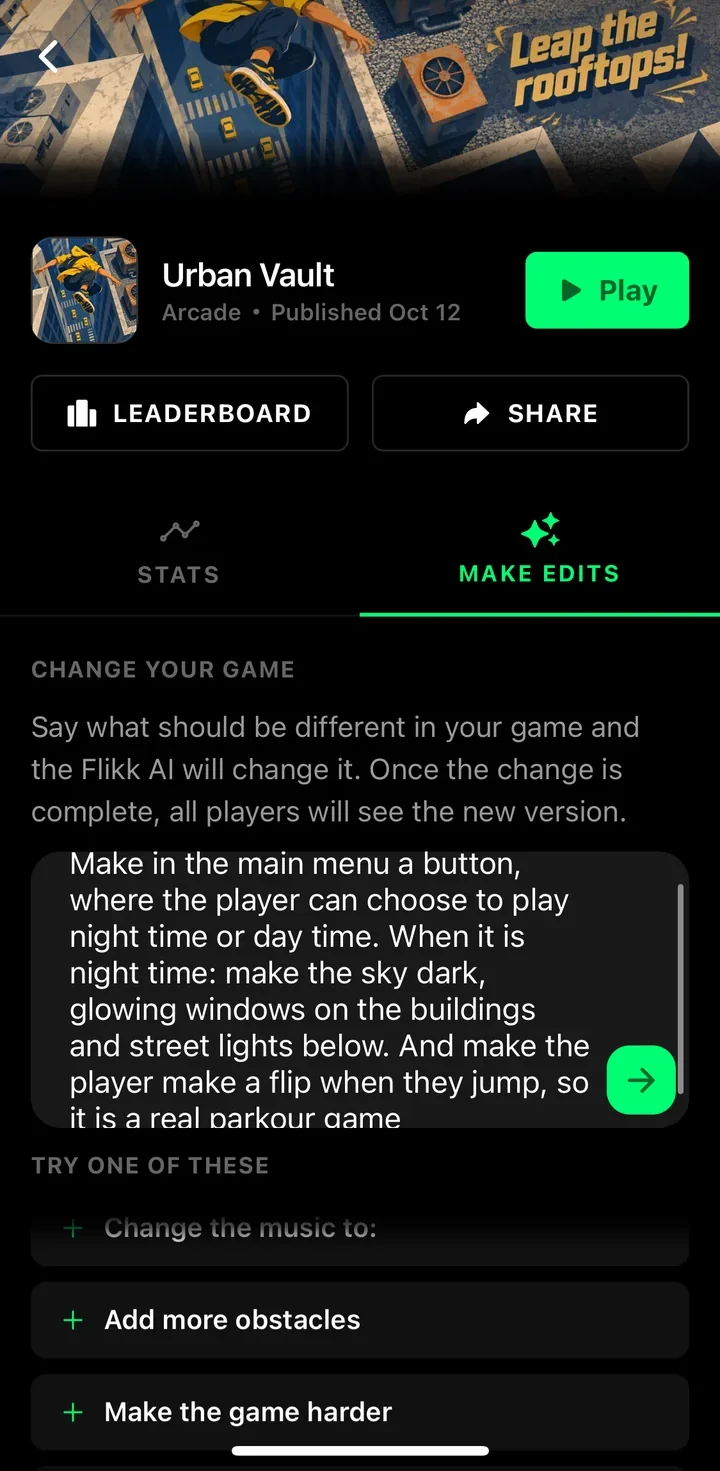
Make in the main menu a button, where the player can choose to play night time or day time. When it is night time: make the sky dark, glowing windows on the buildings and street lights below. And make the player make a flip when they jump, so it is a real parkour game
Step 2: Check the plan
Just like with a new game, Flikk first shows a plan of the change: "You can now choose between Day and Night mode from the main menu, and your runner performs flips mid-air!" It also shows the cost (25 Tokens on October 12, 2026) and "Takes about 5 minutes to generate." Tap Build it.
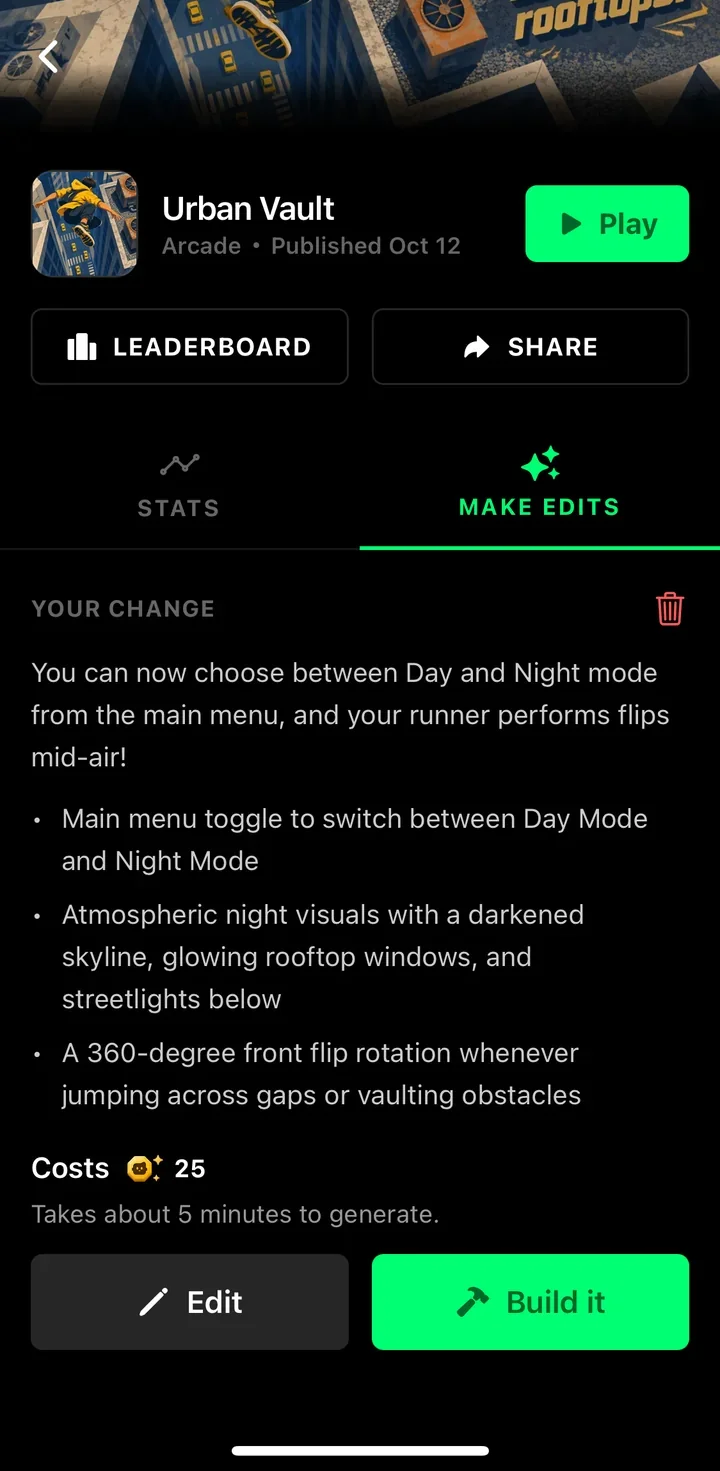
Sometimes Flikk leaves part of a request out, and the plan tells you why. For example, coin rewards belong to the app, not to your game. This time it took everything.
Step 3: Wait about 5 minutes
While Flikk builds the change, your game stays playable. "The game people can play right now doesn't change until it's done." After that, every player gets the new version.
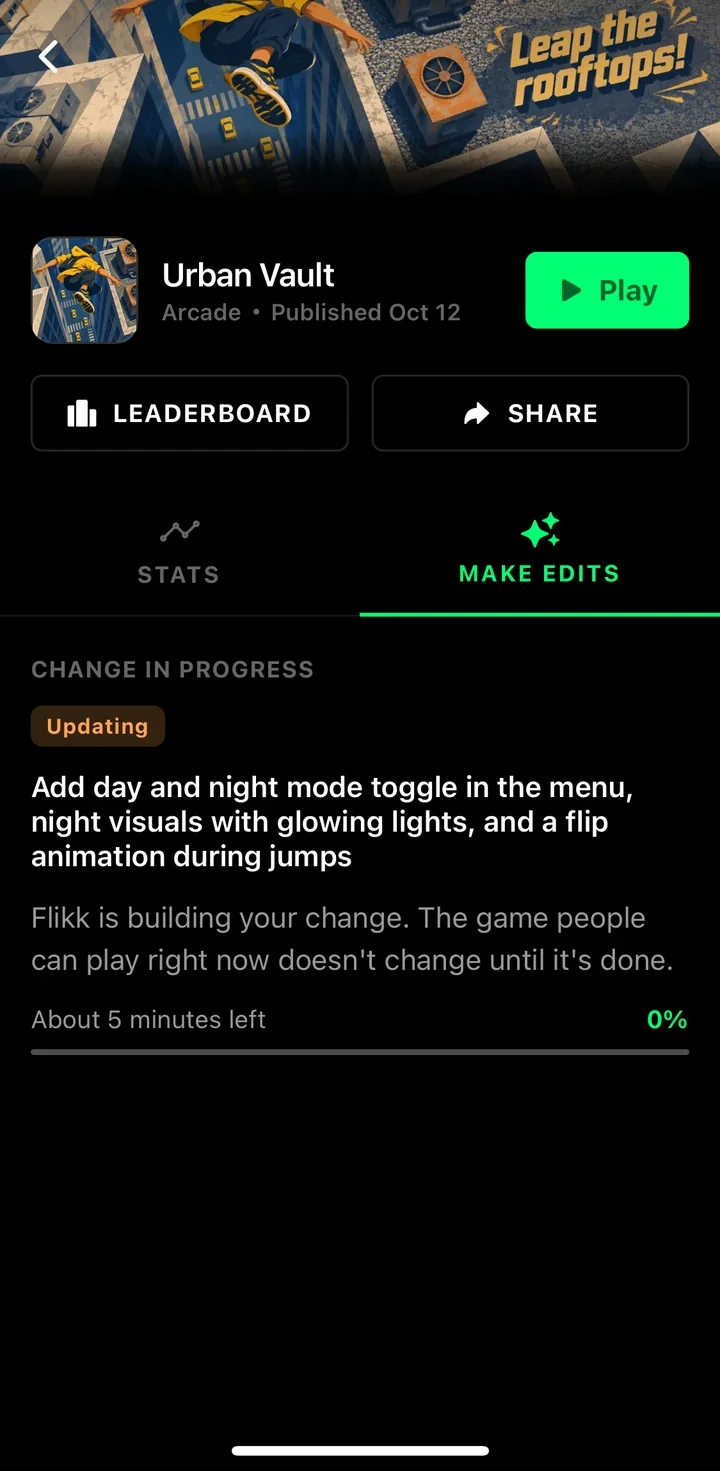
We tapped Build it at 16:41, and at 16:48 we were already running across the night city.
Step 4: Play the new version
Here's the same game before and after the edit. The night version has a dark sky, glowing lights along the rooftops and street lights below, and the runner flips when jumping a gap.
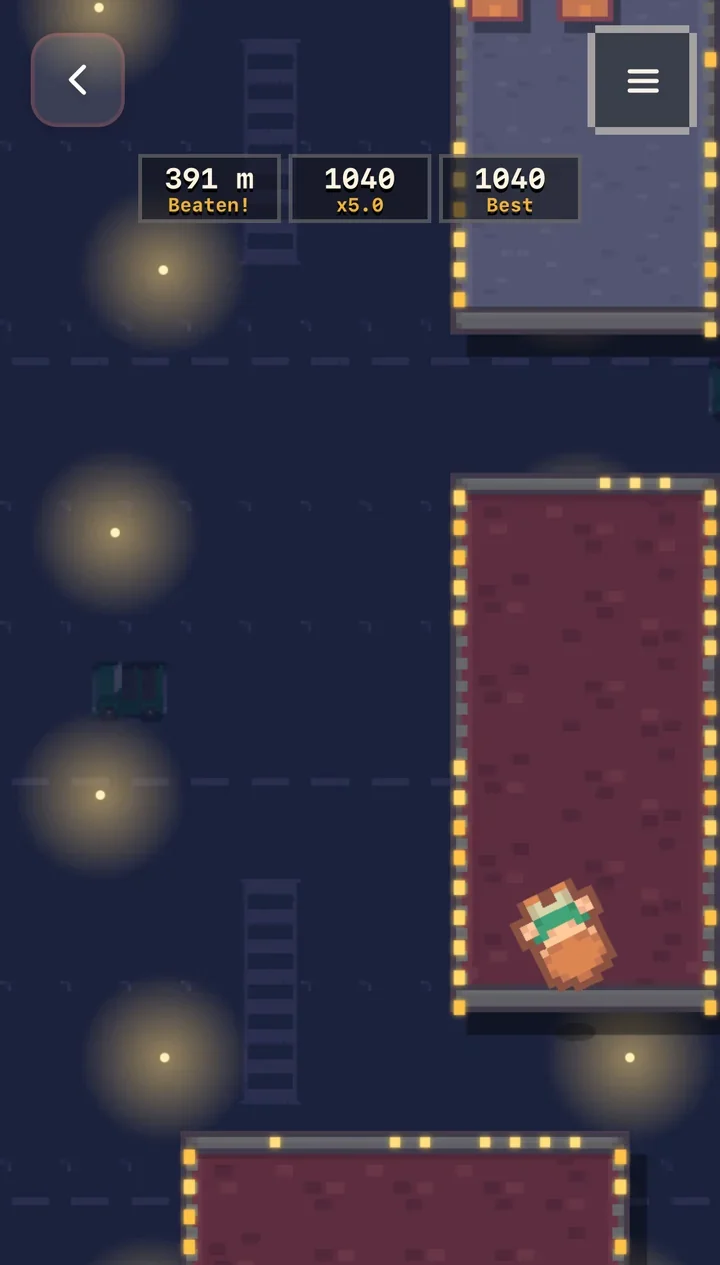
One edit, about 5 minutes, and it feels like a different game. Our new best score, by the way: 1,040.
Like someone else's game? You can only edit the games you made. But if you want a game like it in your own vision, describe it in a prompt in the Create tab, and then make it even more your own with Make Edits.
Want to know what to change? Our guide to the most important part of game design shows how to improve a game with three edits, and the game design glossary explains the terms with prompts to try.
Flikk Points and Tokens
Flikk has two currencies:
- Flikk Points (green coin): you collect them by playing. When you make a game, you also get points when people play it.
- Tokens (gold coin): you spend them to make and edit games. You can buy Tokens, or turn your Flikk Points into Tokens.
So playing games also helps you make your own.
Ideas for your first game
Not sure what to make? Pick something small with one clear action:
- "A cat catches fish." That's all we typed for Hungry Cat Catch.
- A study game for a topic you're stuck on, like our fractions game.
- A spooky game for Halloween.
- Your favorite kind of game, with one twist.
Try it now
Download Flikk, open the Create tab and describe your first game in one sentence. In about 15 minutes, you're playing it.
Download Flikk on iOS · Download Flikk on Android
FAQ
What is Flikk?
Flikk is a free AI gaming app for iPhone and Android. You can play hundreds of games made with AI, or make your own by describing it in a sentence. Flikk builds it in about 15 minutes, and everyone on Flikk can play it.
Is Flikk free?
Yes. Flikk is free on iOS and Android, and making games is free to start. Optional in-app purchases let you make more games or edit the ones you made. As of October 2026, a new game costs 100 Tokens and each edit costs 25 Tokens.
Do I need to know how to code?
No. You describe your game in plain words, Flikk shows you a game plan, and after you approve it, it builds the game. You change it the same way, by describing what should be different.
Who can play the games I make?
Everyone on Flikk. Your finished game lands in Discover, and you can share it with friends. That's also why you shouldn't put personal information in your game idea.
Where is Flikk available?
Flikk is currently available in the US.
What can I do with Flikk Points?
You collect Flikk Points by playing, and creators get them when people play their games. You can turn them into Tokens to make and edit games. Playing also earns rewards you can trade for gift cards.