From Three Chickens to a Whole Farm: How to Grow a Game One Edit at a Time
Great games aren't great on the first try. Start with one sentence, play it, then grow your game with edits. Here's the method, shown with a farm game.
In this article
Most great games aren't great on the first try. They start as a rough idea. You play it, you notice what's missing, and you change it. That loop (build, play, improve) used to need a team, an engine and a lot of time. On Flikk it's a conversation: you describe the game, play it, and tell Flikk what to change.
This guide shows how to grow a game that way, using one example: a farm game that starts as a bare yard with three chickens and becomes a whole farm with a windmill, a duck pond, a farmer and his dog, in three steps.
Quick note: Flikk is our app. All pictures in this guide are AI illustrations of how a game can grow. They're not screenshots from the app, and your own game will look different.
Step 1: Describe the game in one sentence
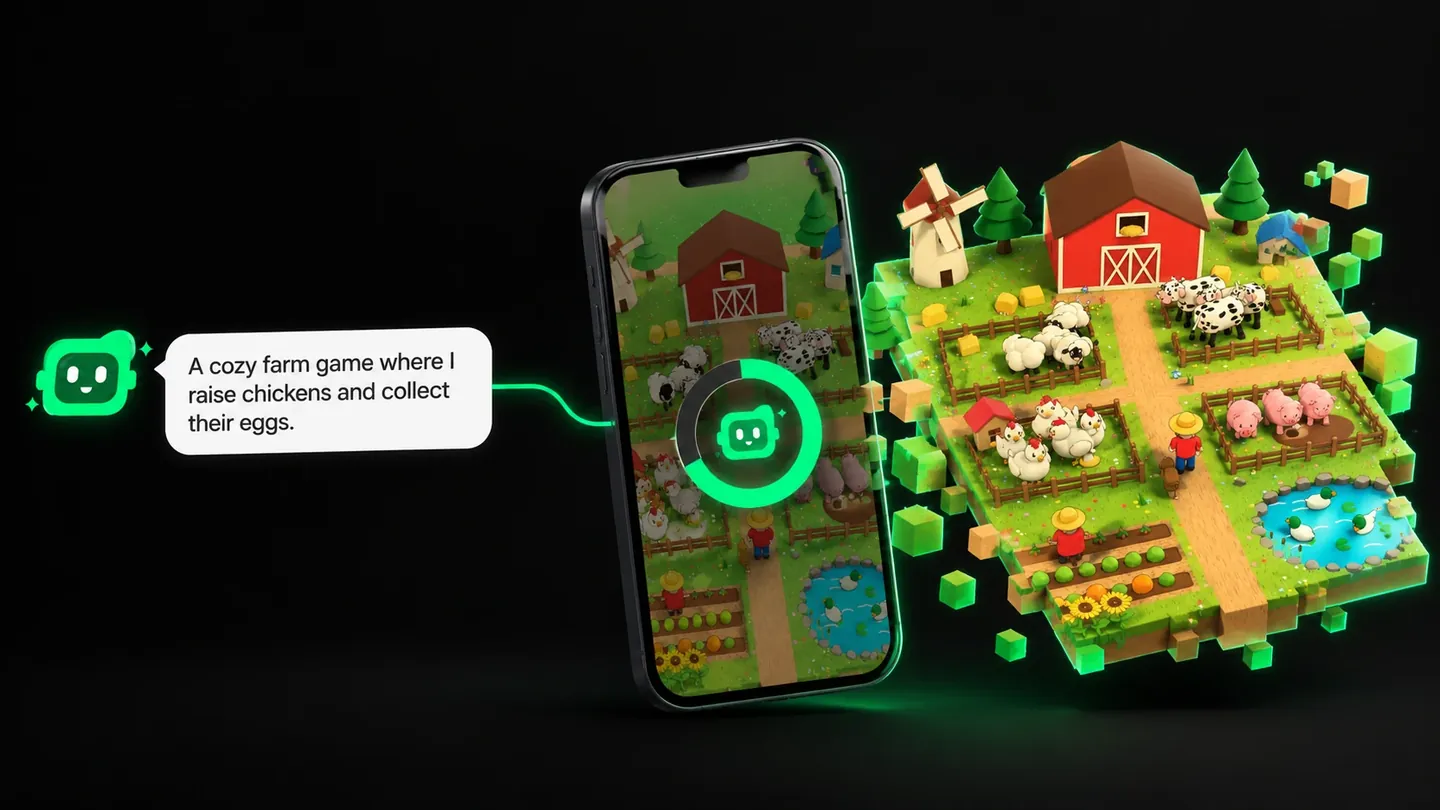
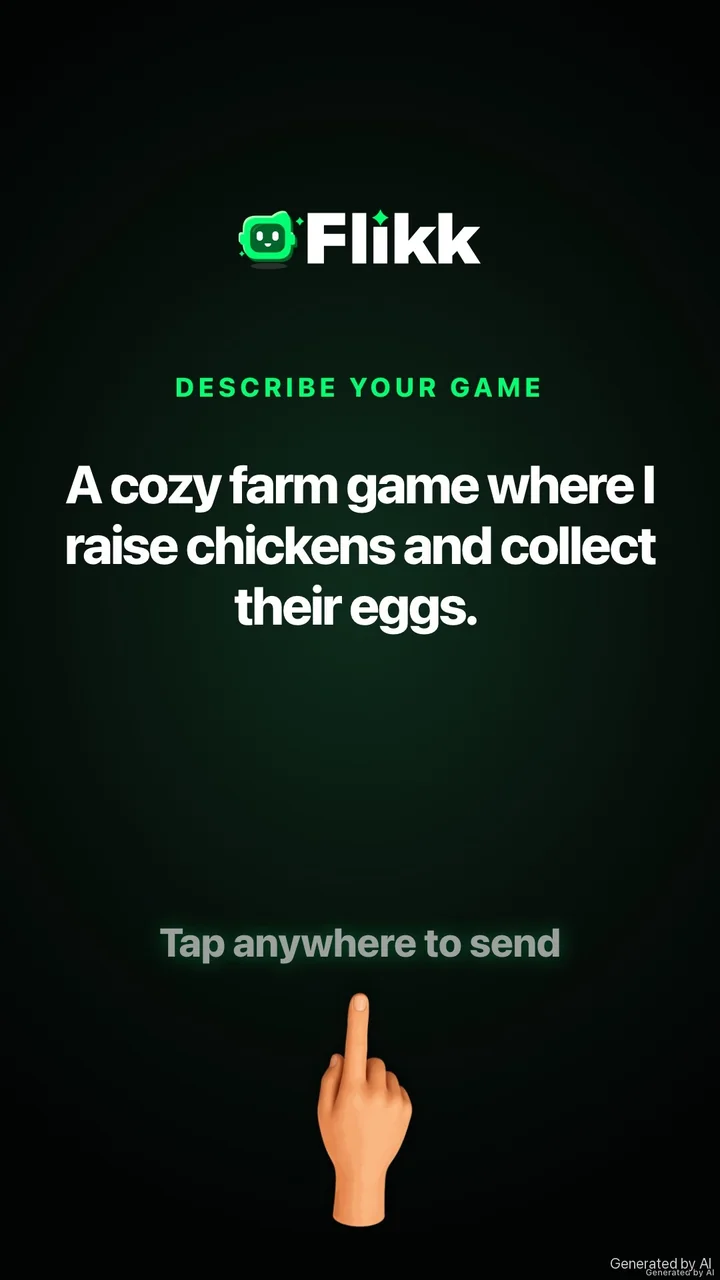
Everything starts in Flikk's Create tab, with a sentence. No code, no design document, no engine. For a farm game, a good start would be:
"A cozy farm game where I raise chickens and collect their eggs."
Notice what that sentence does. It names one thing the player does (raise chickens), and one thing they get for it (eggs). That's the core of the game. Everything else can come later.
Before anything is built, Flikk writes a short game plan from your sentence: a description and a few rules, plus the cost. You can change the plan with Edit, or tap Build it. A build takes about 15 minutes. That's long enough to grab a coffee, and short enough to try an idea the same afternoon you had it.
Step 2: Play the first version
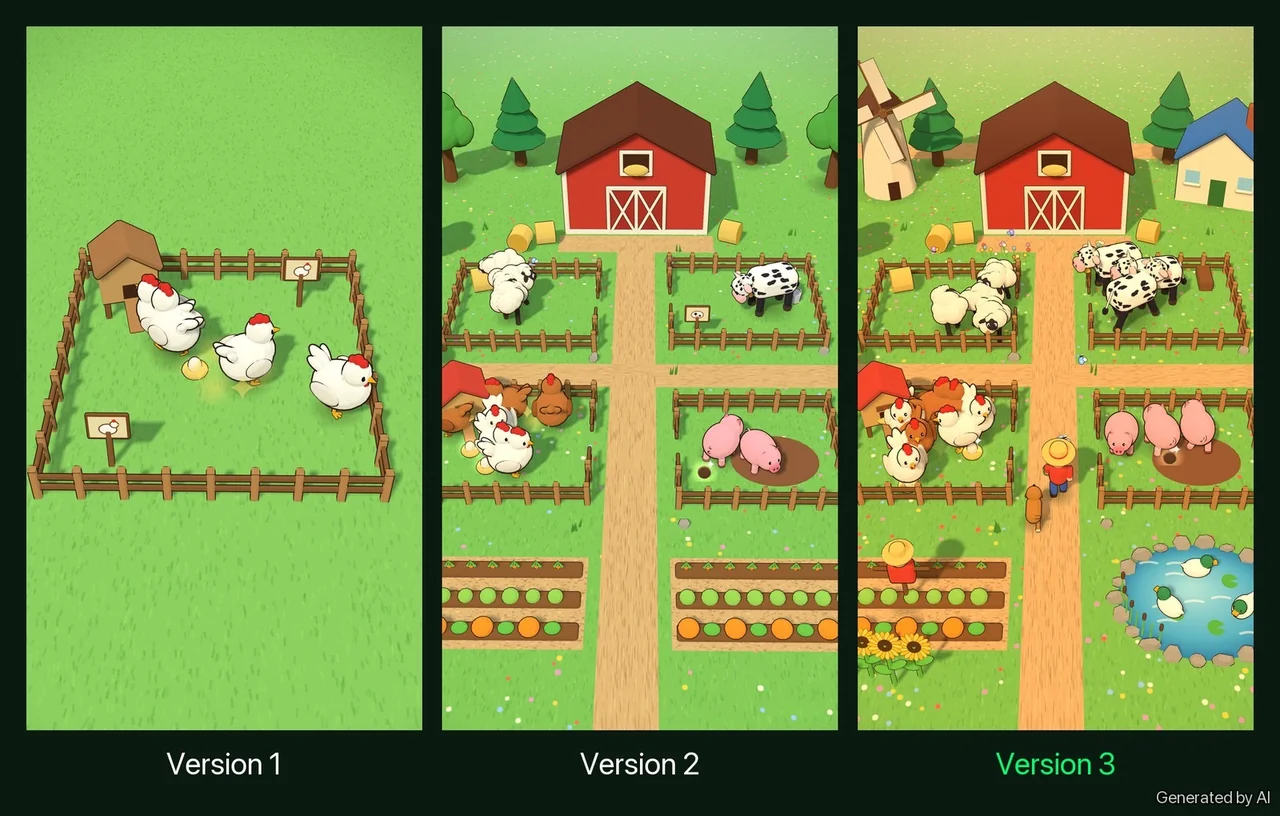
A one-sentence idea gives you a one-sentence game, and that's exactly where you should start. For our farm, picture a first version like this: a fenced yard on plain grass, a little coop and a few hens. The hens wander and peck, they lay eggs, and you tap the eggs to collect them.
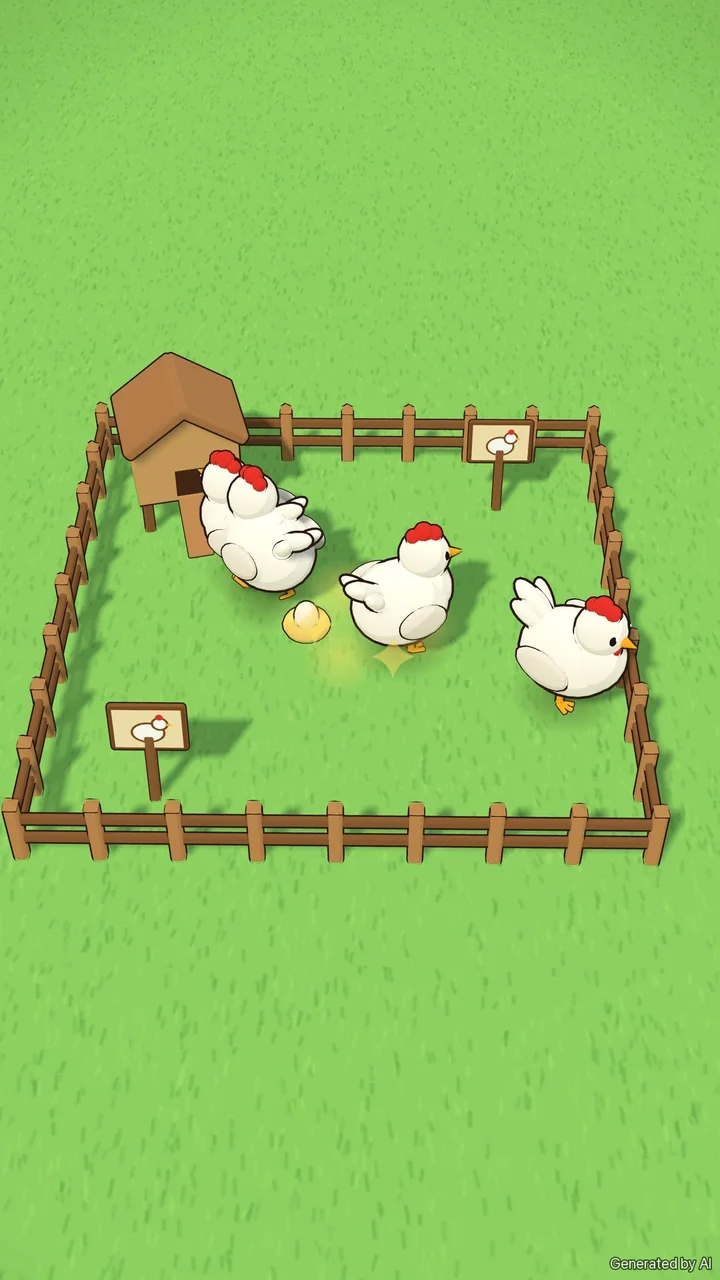
It's cute, and it works, but it's empty. One kind of animal, nothing around it. That's normal for a first build, and it's not a failure. It's information.
Tip: Play your first version for a minute before changing anything. You'll notice what's missing much faster by playing than by thinking about it.
Step 3: First edit, fill the world
Changing your game doesn't mean starting over. Open your game's page, go to the Make Edits tab, and say what you want in plain words. For the farm, the first edit is about content: more animals, more things to see.
"Add cows, sheep and pigs, a big red barn, trees and a veggie field."
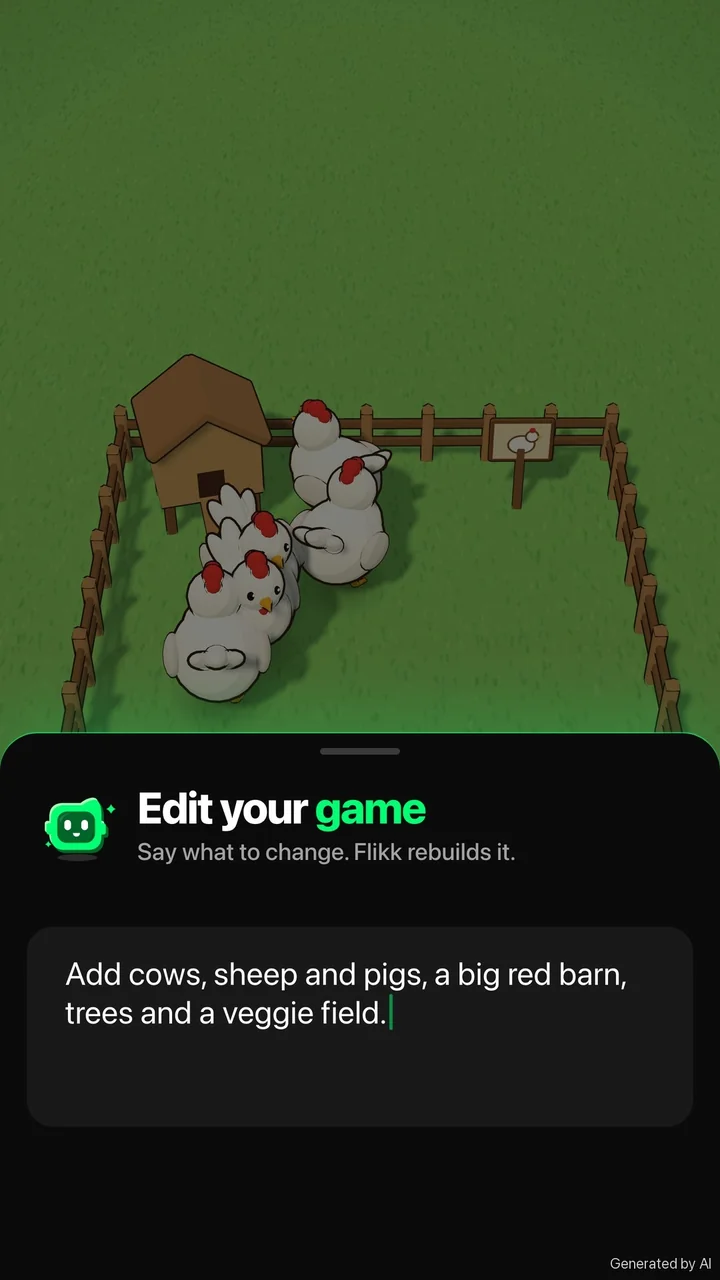
Just like with a new game, Flikk first shows you a plan of the change and what it costs (25 Tokens per edit as of October 2026). Tap Build it, and about 5 minutes later your game has the change. The version people are playing doesn't change until the new one is done.
Here's what that first edit could turn the farm into:
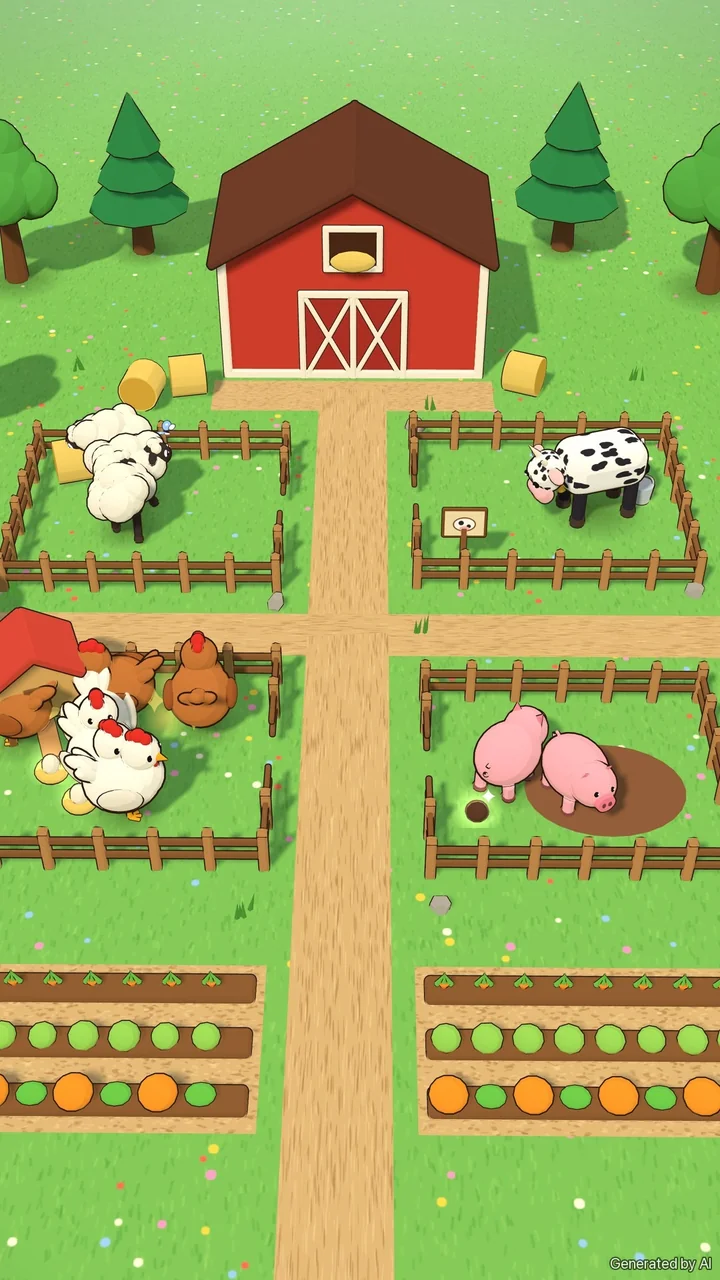
Now it's a farm. A red barn at the top, a pen for each kind of animal, hay bales, trees, a path down the middle and rows of carrots, cabbages and pumpkins. And because it's a game, you can ask for every animal to make something: eggs from hens, wool from sheep, milk from cows.
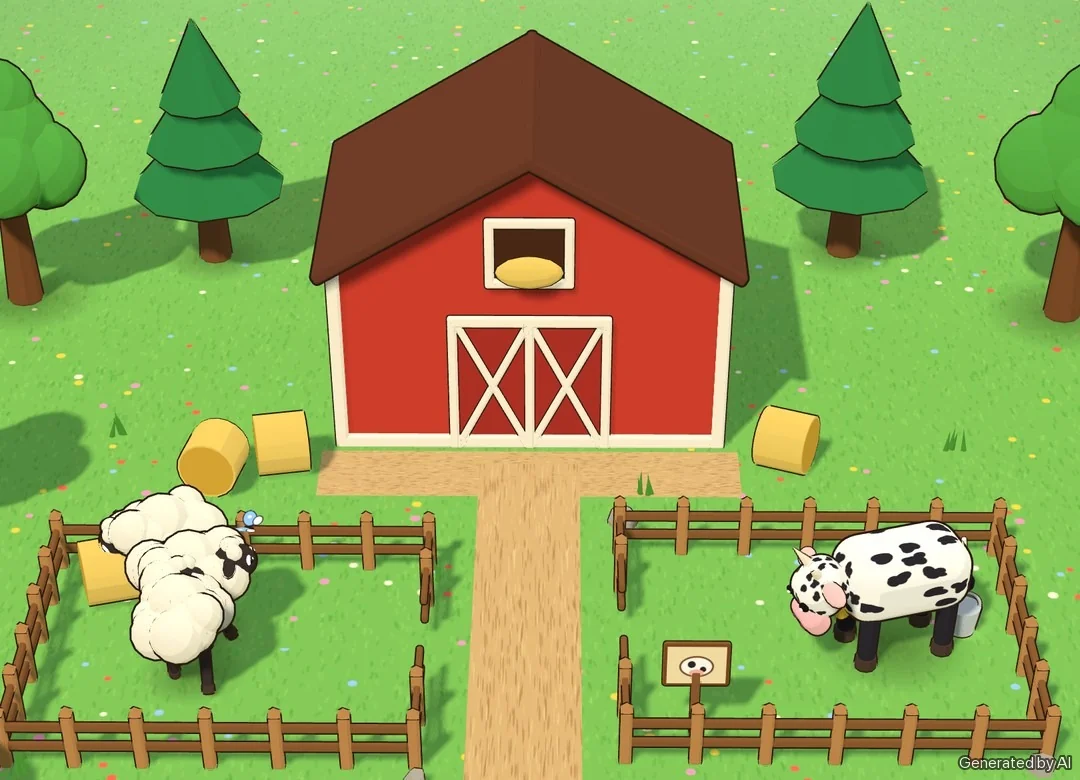
Tip: Name things, not vibes. "A big red barn, trees and a veggie field" gives Flikk something concrete to build. "Make it nicer" doesn't.
Step 4: Second edit, bring it to life
Once the world is full, the next thing you'll notice is that it feels a bit still. So the second edit is about life: movement and animation.
"Now make it come alive: a windmill, a duck pond, a farmer and lots of animations."
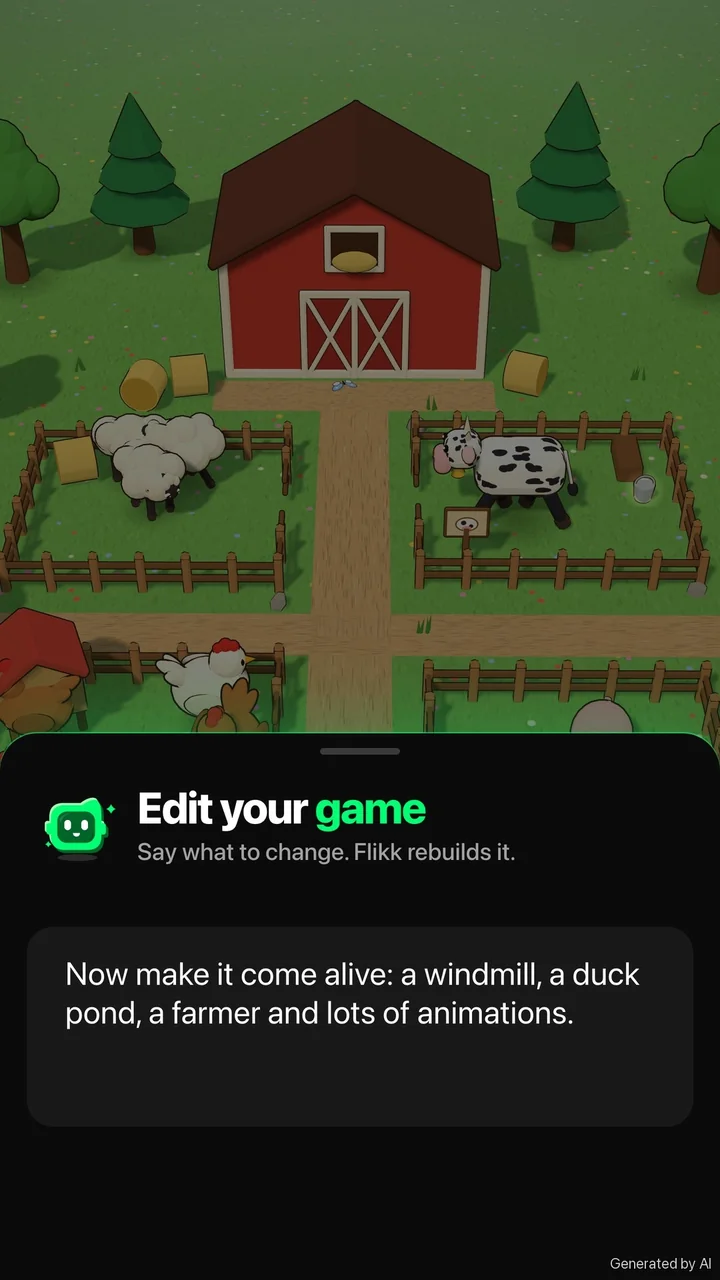
This is the step where a game starts to feel like a place. Picture it:
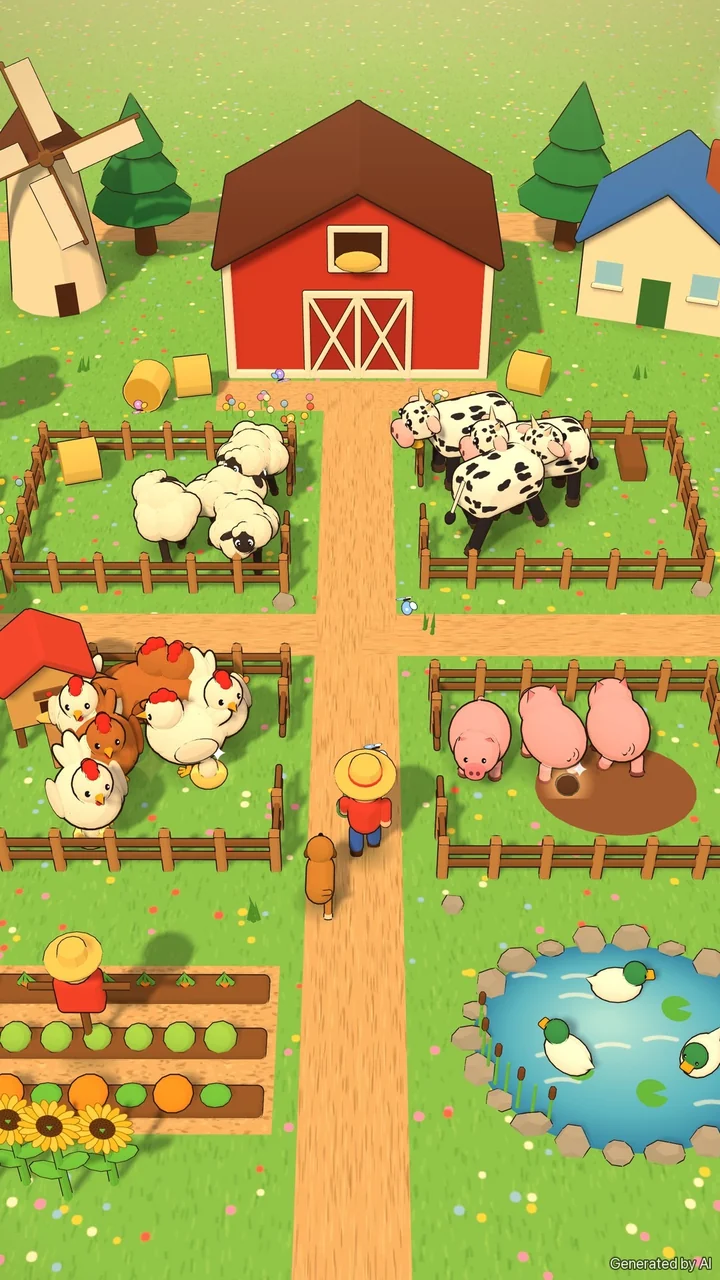
- a windmill that keeps turning, and a farmhouse with smoke from the chimney,
- a duck pond with ducks paddling in circles,
- a farmer walking the lane, with his dog trotting after him,
- sunflowers nodding in the breeze,
- and small animations on every animal: sheep hop, pigs roll in the mud, hens flap.
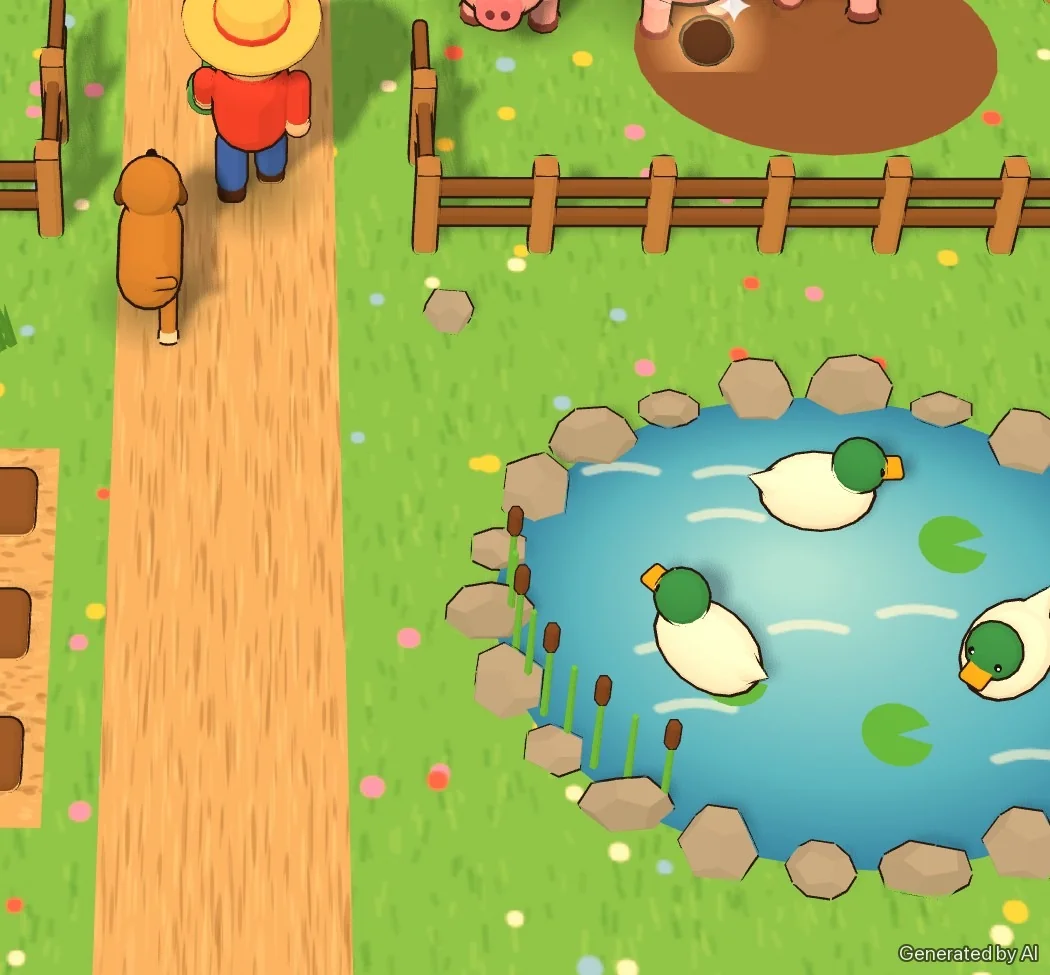
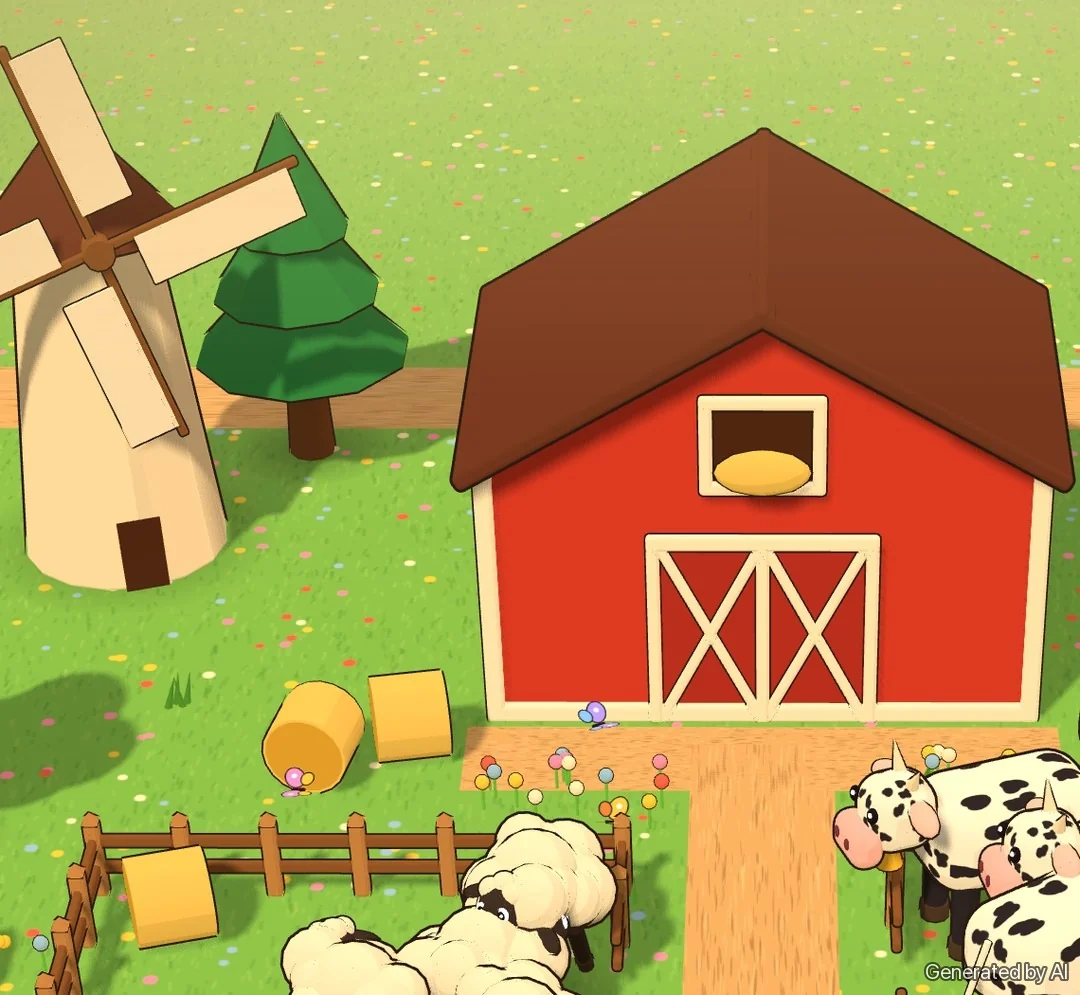
Will your edit give you all of that? Maybe not on the first try. Flikk sometimes leaves part of a request out, and tells you why. That's fine. Play the new version, see what you got, and ask again for what's still missing.
What each edit adds
| Version 1 | Version 2 | Version 3 | |
|---|---|---|---|
| How | one sentence | + a content edit | + a life edit |
| Animals | hens | hens, cows, sheep, pigs | + ducks, a farmer and his dog |
| Around them | grass, a fence, a coop | red barn, pens, trees, hay, a veggie field, a path | + windmill, duck pond, farmhouse, sunflowers |
| Things that move | hens walk and peck | + grazing, tail swishing | + hopping, rolling in the mud, a turning windmill, chimney smoke |
Same game, same farm, same hens. Each edit builds on the one before.
How to grow a great game on Flikk
The farm is just an example. The method works for any game:
- Start small. One clear sentence about the core of the game ("raise chickens and collect their eggs") beats a paragraph of features. You'll add the rest by editing.
- Play before you change. The first build tells you what it needs. Often it's obvious within a minute.
- One idea per edit. Make one edit about content (more things) and another about life (movement, sound, animation). Two clear steps are easier to steer than one giant wish list.
- Be concrete. Name what you want to see: a windmill, a duck pond, a farmer. Flikk builds what you describe.
- Keep going. There's no final version. A third edit could add seasons, a market day or a golden goose. It's your game.
Looks are only half of it, though. A farm that's beautiful but boring won't keep anyone playing. To make sure your game is fun to repeat, read our guide to the most important part of game design, where we improve a real game's core loop with three edits. And for a full real build from one sentence, step by step, see how we made a study game in about 15 minutes.
Try it yourself
Flikk is free to start. Open the Create tab, describe your game in one sentence, play it, and tell Flikk what to change. Collect Flikk Points while you play other people's games, and turn them into Tokens to make and edit your own.
What would you change first?
Download Flikk on iOS · Download Flikk on Android
FAQ
How do I improve a game I made on Flikk?
Open your game's page and go to the Make Edits tab. Describe what should be different in plain words, check the plan Flikk shows you, and tap Build it. An edit takes about 5 minutes, and the version people are playing stays the same until the new one is ready.
Do I have to start over to change my game?
No. Edits change the game you already have. Your game keeps its name and its page, and each edit builds on the last one.
What makes a good edit?
One idea at a time, in concrete words. "Add cows, sheep and pigs and a red barn" works better than "make it better". If an edit doesn't give you everything you asked for, play the result and ask again for what's missing.
How much does it cost to make and edit a game on Flikk?
Flikk is free on iOS and Android, and making games is free to start. As of October 2026, a new game costs 100 Tokens and each edit costs 25 Tokens. You can buy Tokens or turn Flikk Points into Tokens. Flikk is available in the US.