How to Make a Satisfying Cleaning Game on Your Phone (and Change It With One Edit)
Turn a plain match-3 into a satisfying cleaning game where every match scrubs away grime. Then make it harder or more dramatic with one edit each.
In this article
Cleaning games are oddly hard to put down. A filthy car, a few swipes of a sponge, and suddenly a shiny red paint job peeks through the mud. You don't need a big studio to make one. You need one sentence and a couple of edits.
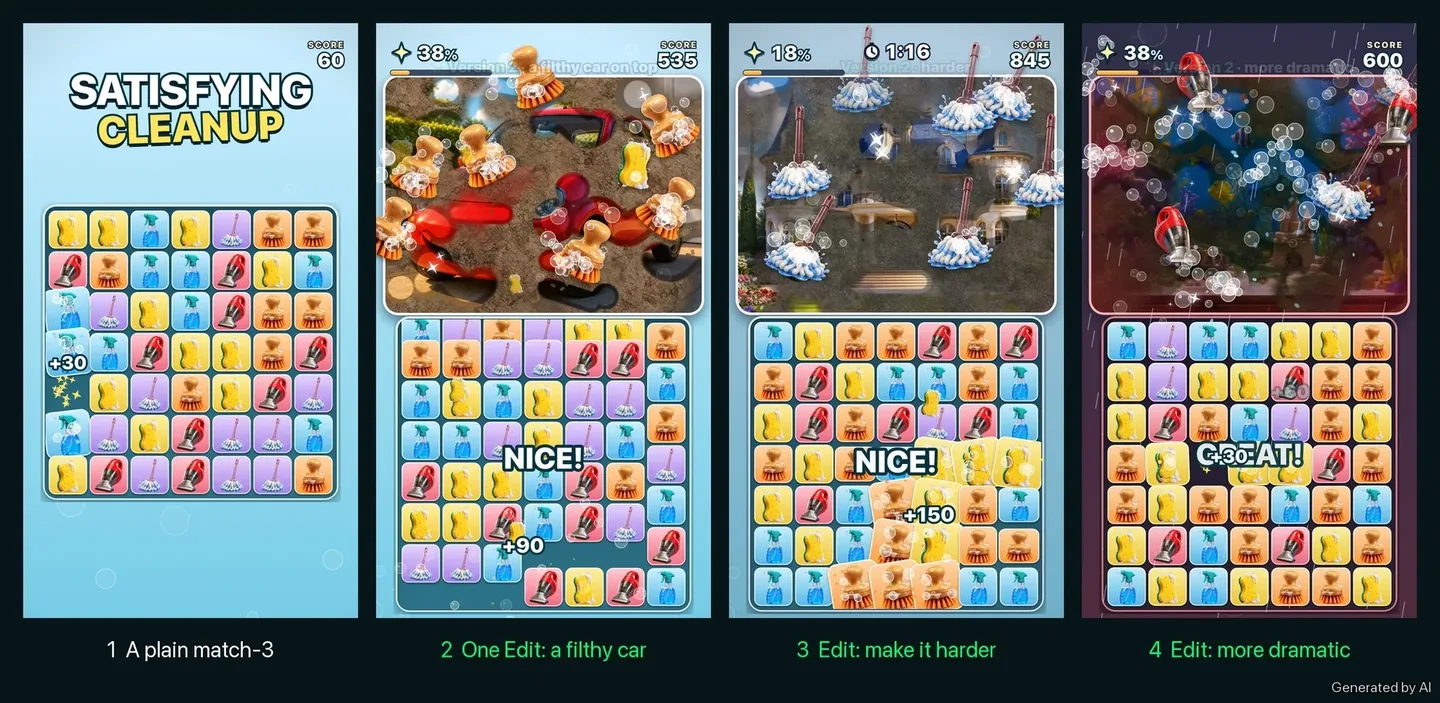
This guide shows how a plain match-3 of cleaning tools can become a satisfying cleaning game on Flikk: first with a filthy car that gets scrubbed clean, then with one edit that makes it harder, and one edit that changes the whole mood.
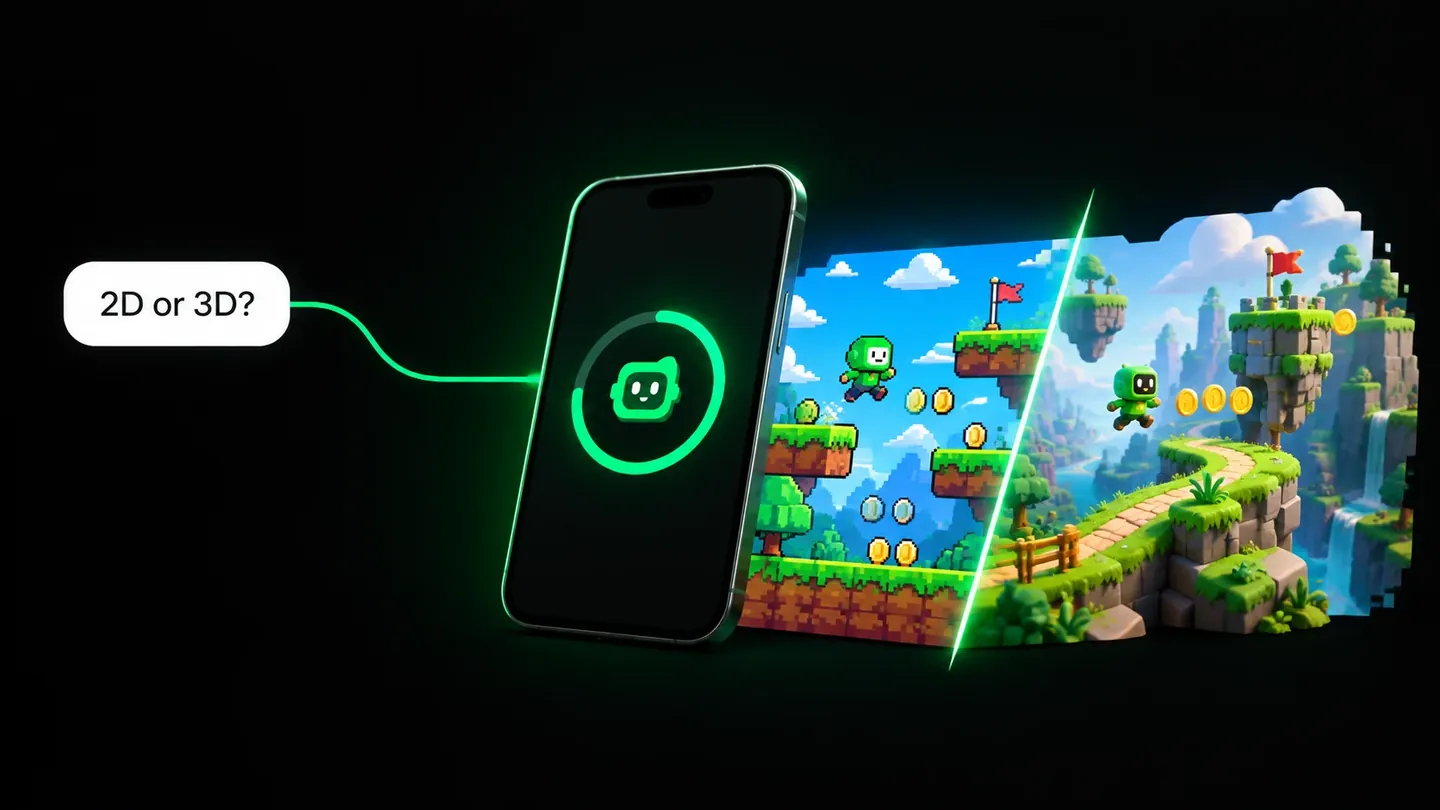
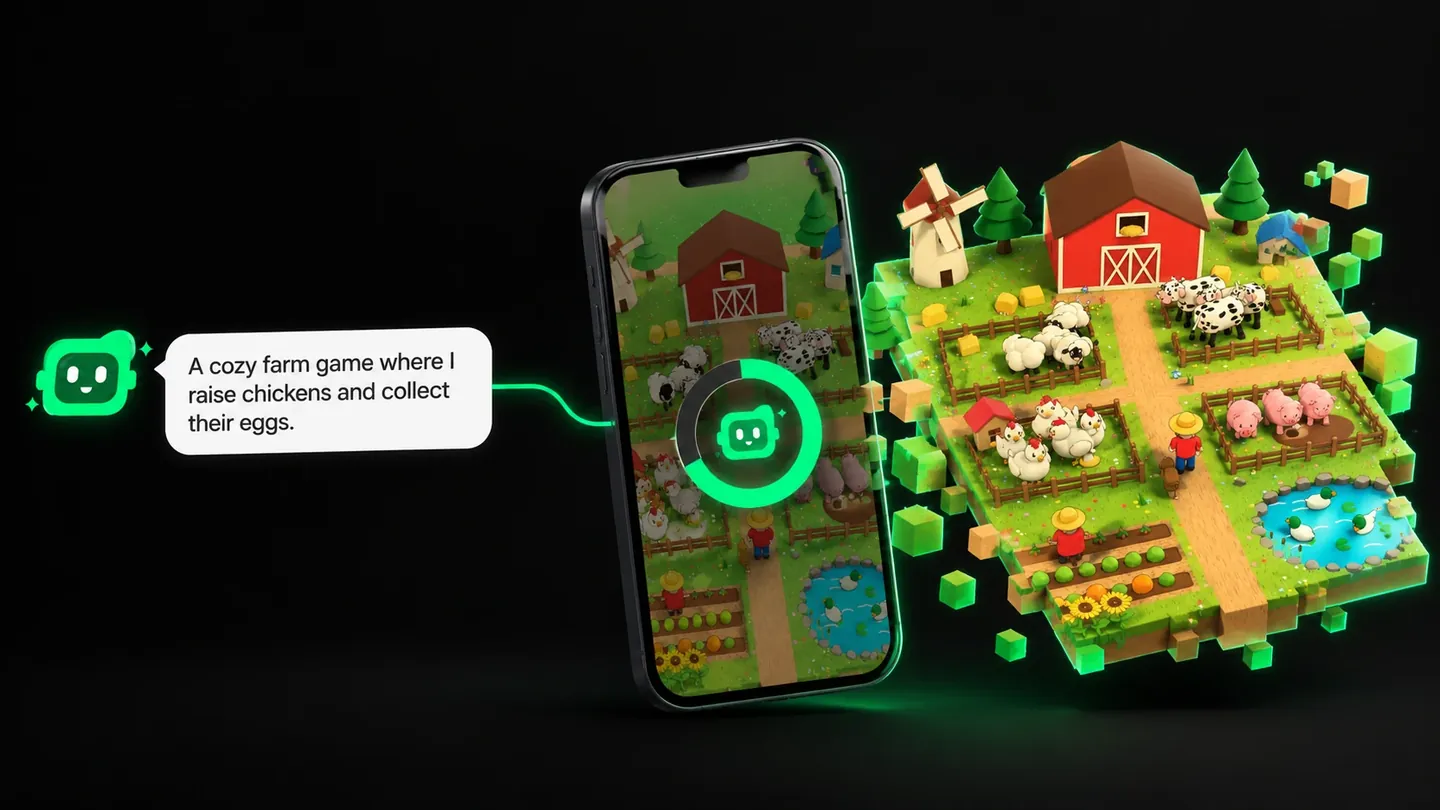
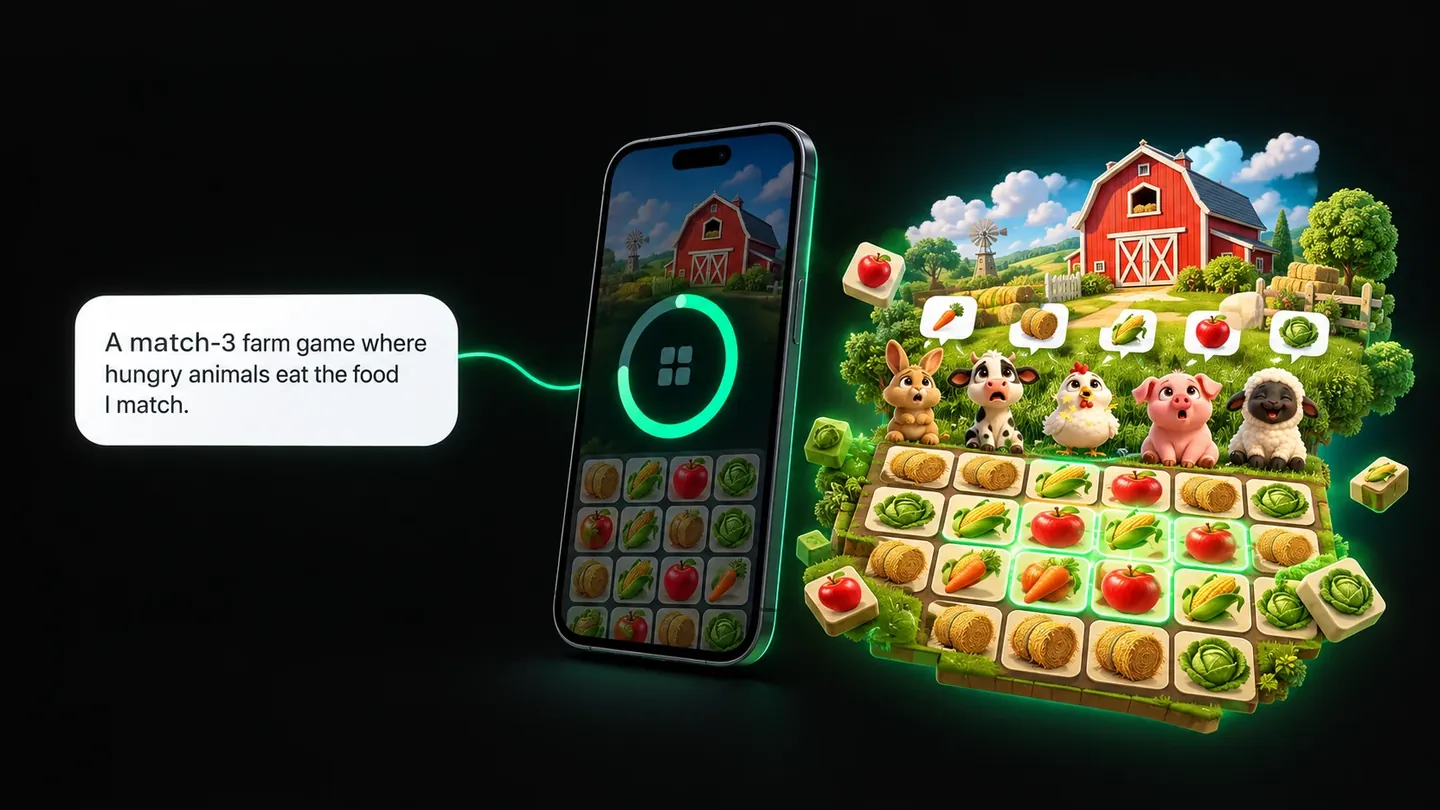
Quick note: Flikk is our app. All pictures in this guide are AI illustrations of how a game can grow. They're not screenshots from the app, and your own game will look different.
Why cleaning games feel so good
The fun of a cleaning game isn't the cleaning. It's the reveal. You can see what's under the dirt, a little at a time, and every move uncovers a bit more. Your brain wants to finish the picture.
Big cleaning games are built around that feeling. In PowerWash Simulator, you spray grime off houses and vehicles, and a percentage tells you how close you are to spotless. There's no enemy and no timer in most jobs. The progress itself is the reward.
A match-3 game is a great base for this, because matching is already quick and satisfying. All it needs is a reason: something dirty that every match helps clean.
Step 1: Start with a plain match-3
Everything starts in Flikk's Create tab, with a sentence. For a cleaning game, a simple start could be:
"A match-3 game with cleaning tools: sponges, spray bottles, brushes, vacuums and mops."
Pick a look (an asset pack, or none if you want the AI to draw everything), check the short game plan Flikk writes, and tap Build it. A build takes about 15 minutes.
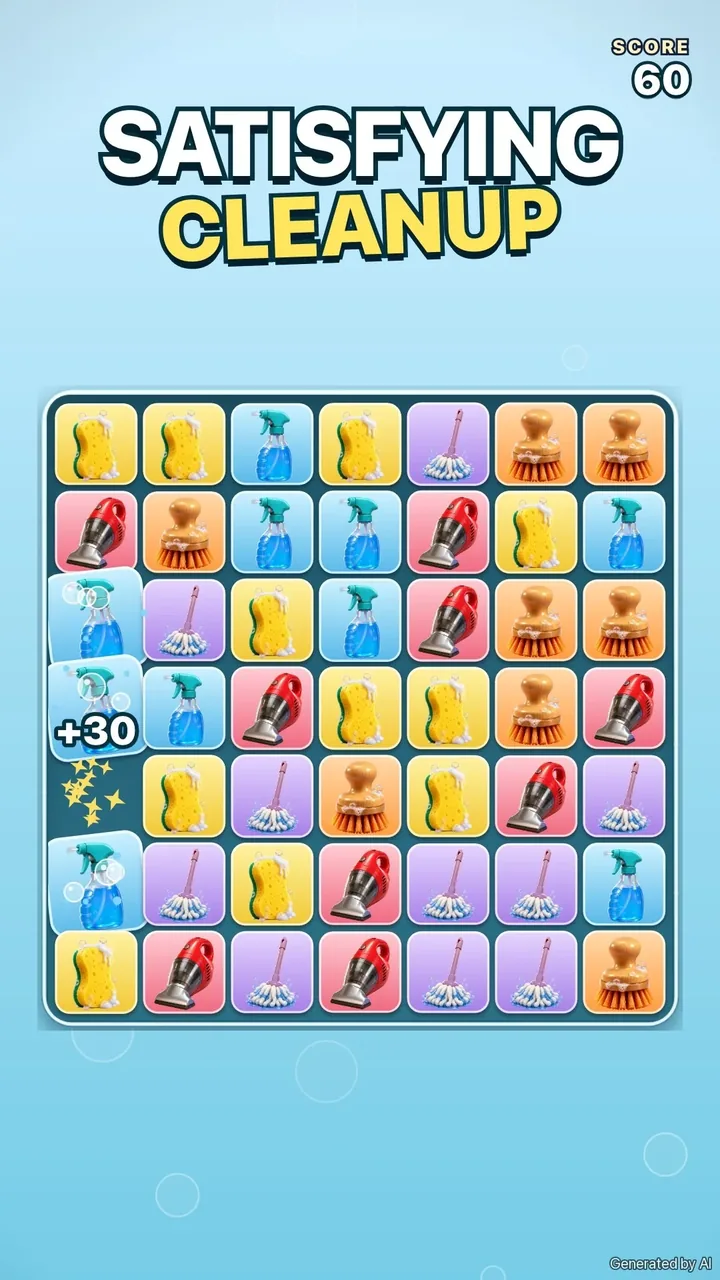
Picture a first version like this: a bright board of colorful tiles, each one a cleaning tool. Swap two neighbors, line up three, and they pop. It plays fine. But nothing is getting cleaned. The tools have no job yet.
Tip: Play your first version for a minute before you change anything. You'll notice what's missing much faster by playing than by thinking about it.
Step 2: One edit, give the tools a job
Changing your game doesn't mean starting over. Open your game's page, go to the Make Edits tab, and say what you want in plain words:
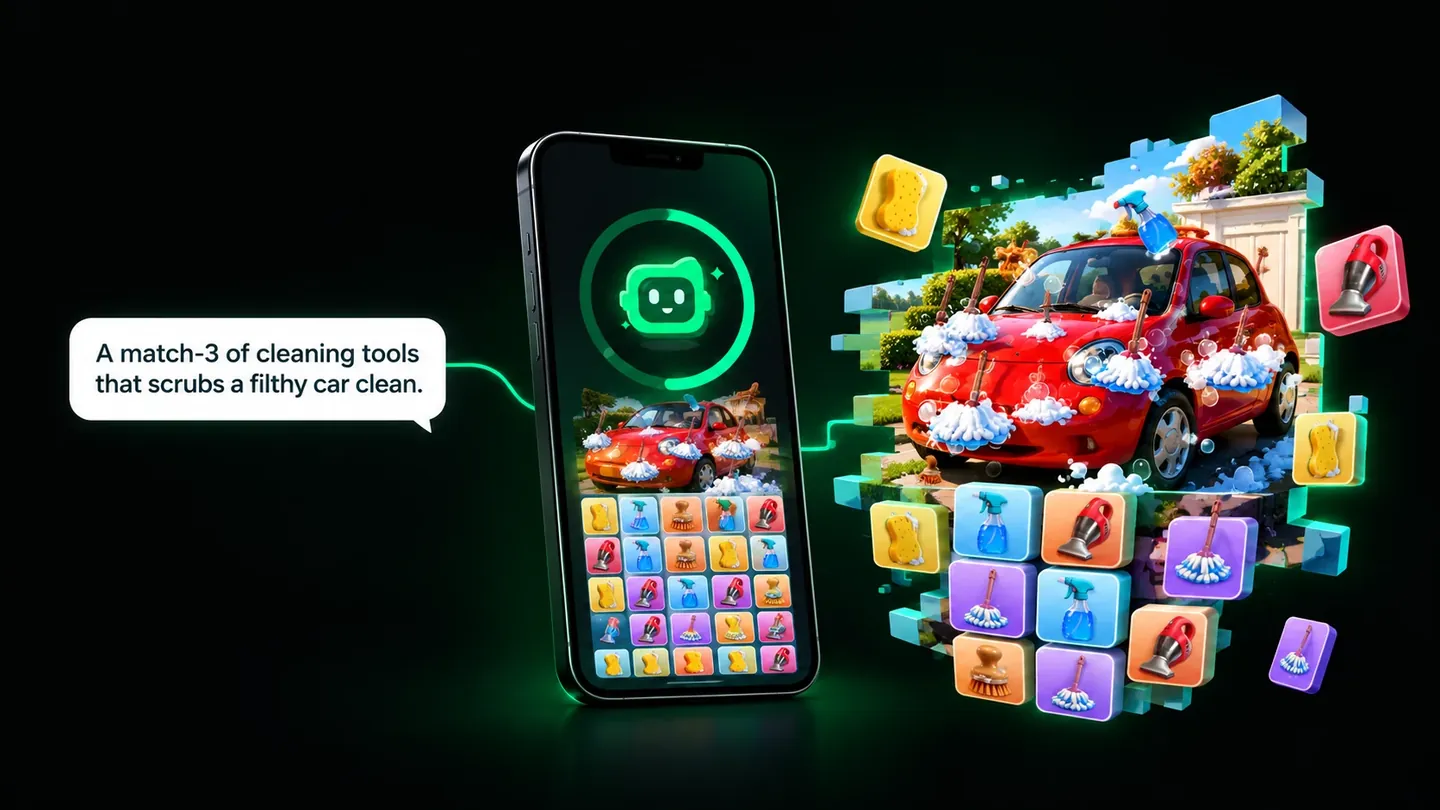
"Add a filthy car on top that gets scrubbed clean, patch by patch, by the tools I match."
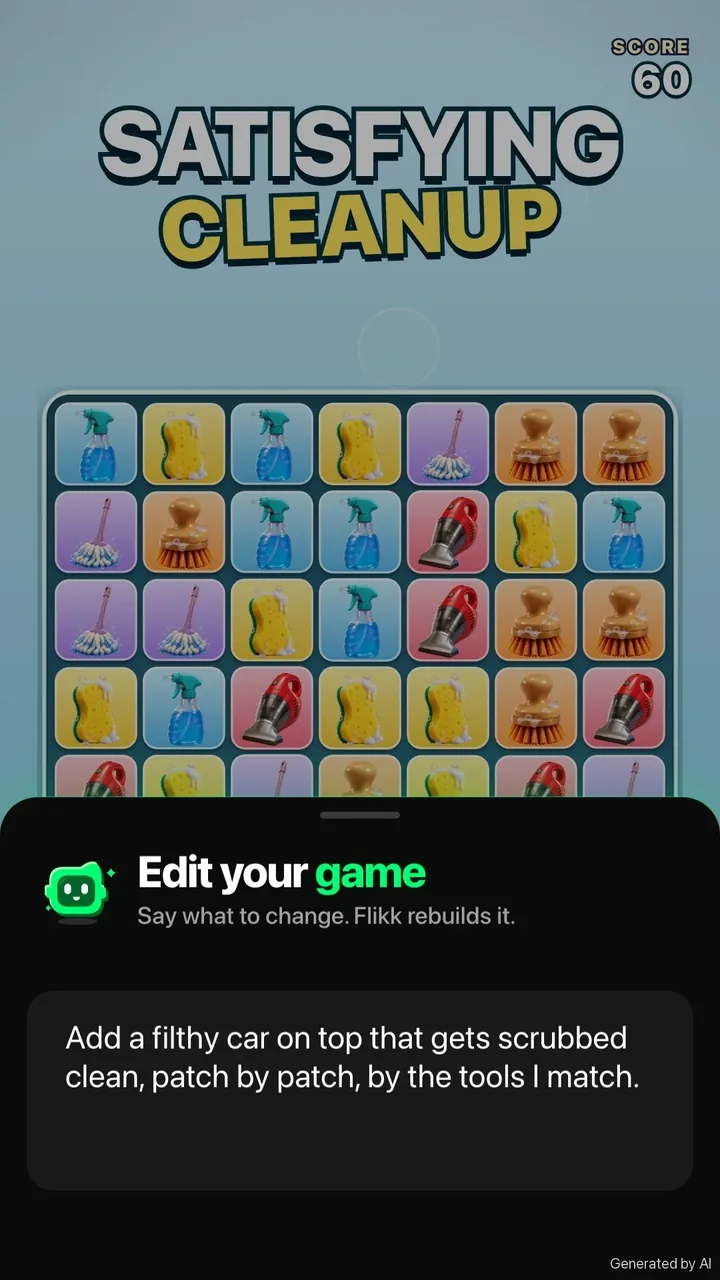
Flikk first shows you a plan of the change and its cost (25 Tokens per edit as of October 2026). Tap Build it, and about 5 minutes later your game has the change. The version people are playing stays the same until the new one is ready.
Here's what that edit could look like. Above the board sits a car so muddy you can barely tell it's a car. Every match sends its tools flying up to the dirt: mops swish, brushes scrub in circles, sponges wipe.
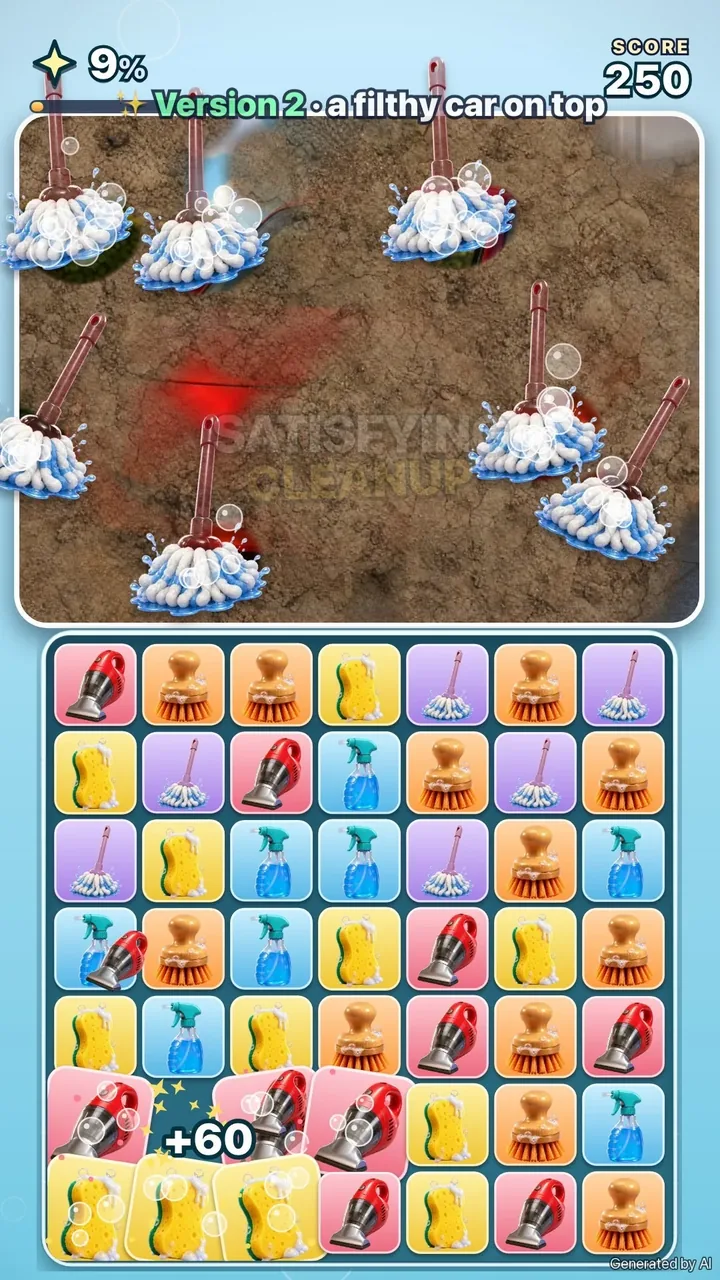
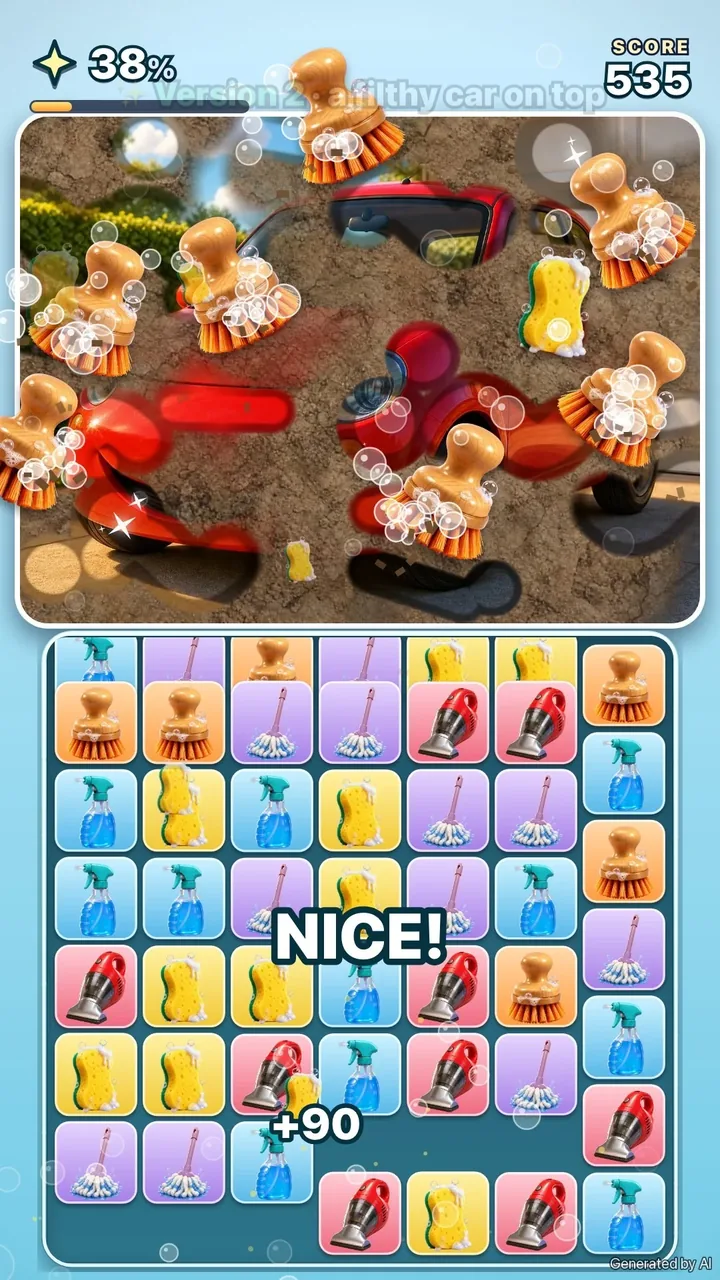
Patch by patch, red paint shows through. A bar at the top counts up toward 100%. Near the end, the car is almost spotless, and every match is a little victory lap.
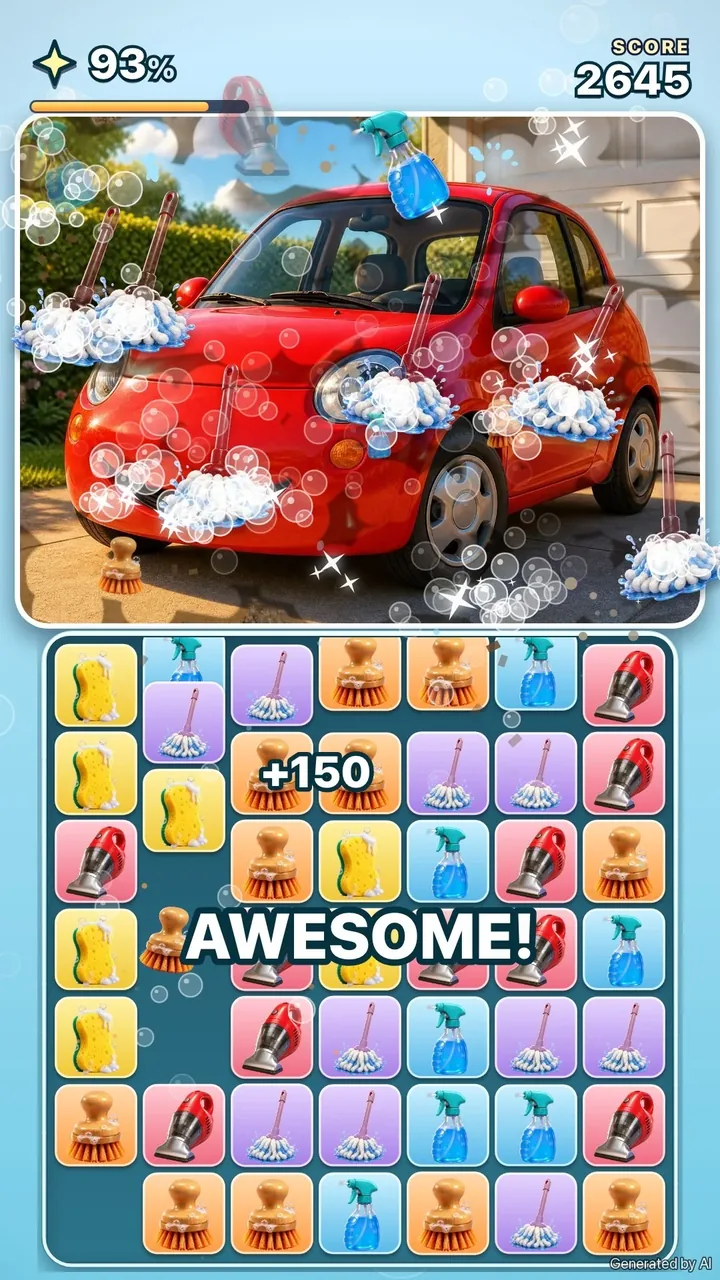
The matching works exactly as before. The only thing that changed is why you match. And that's the moment the game gets its pull:
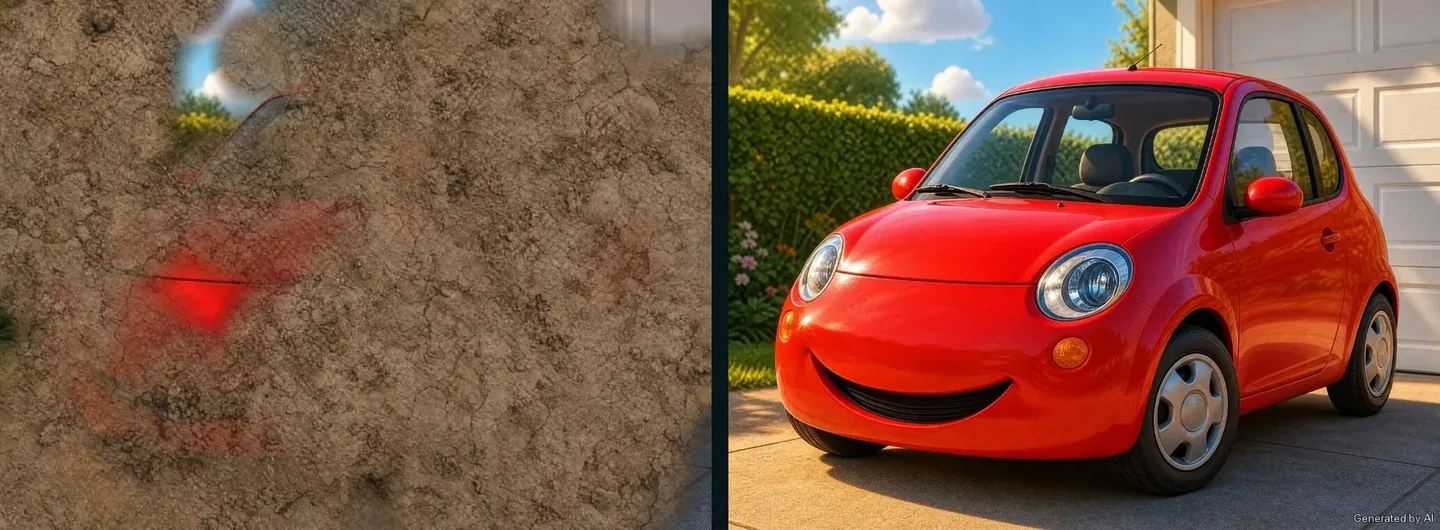
Will your edit give you all of that? Maybe not on the first try. Flikk sometimes leaves part of a request out, and tells you why. Play the new version, see what you got, and ask again for what's still missing.
Step 3: Make it harder
A calm cleaning game is relaxing. A cleaning game that fights back is exciting. Here's an example that starts gentle: a grand mansion with a light layer of grime.
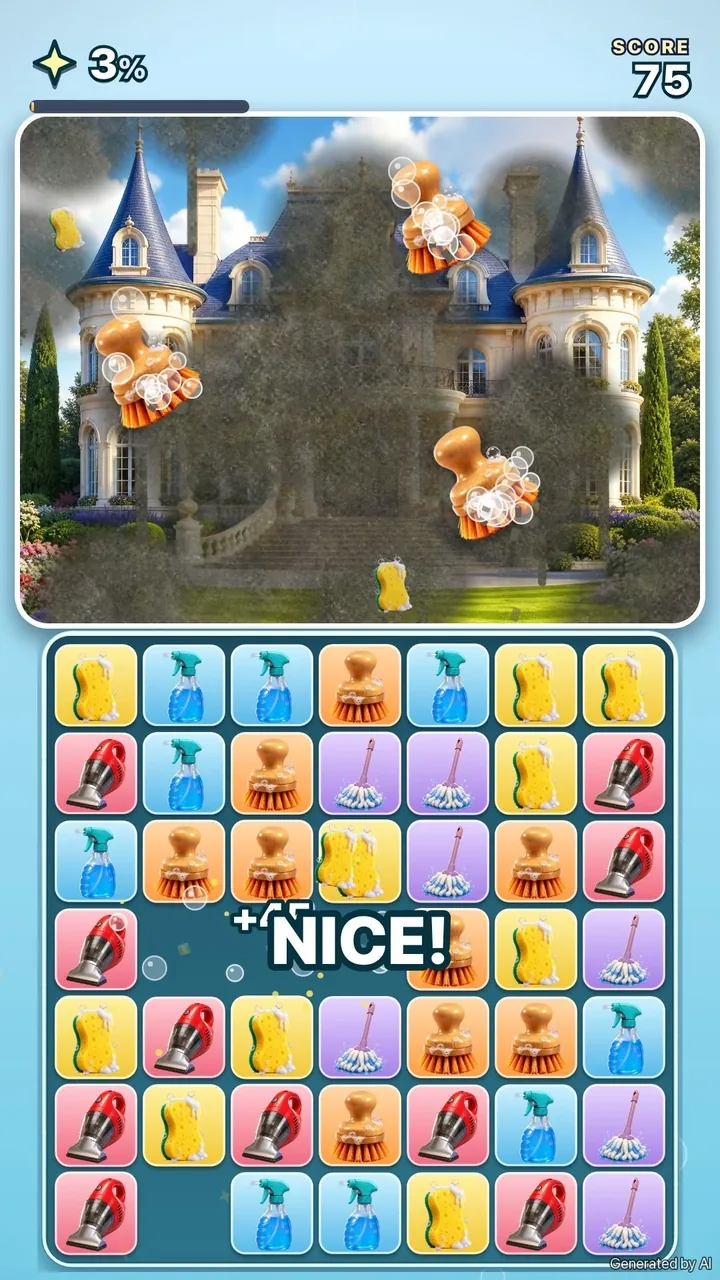
A second edit can turn up the pressure:
"Make it harder: the mud keeps coming back and the clock is ticking."
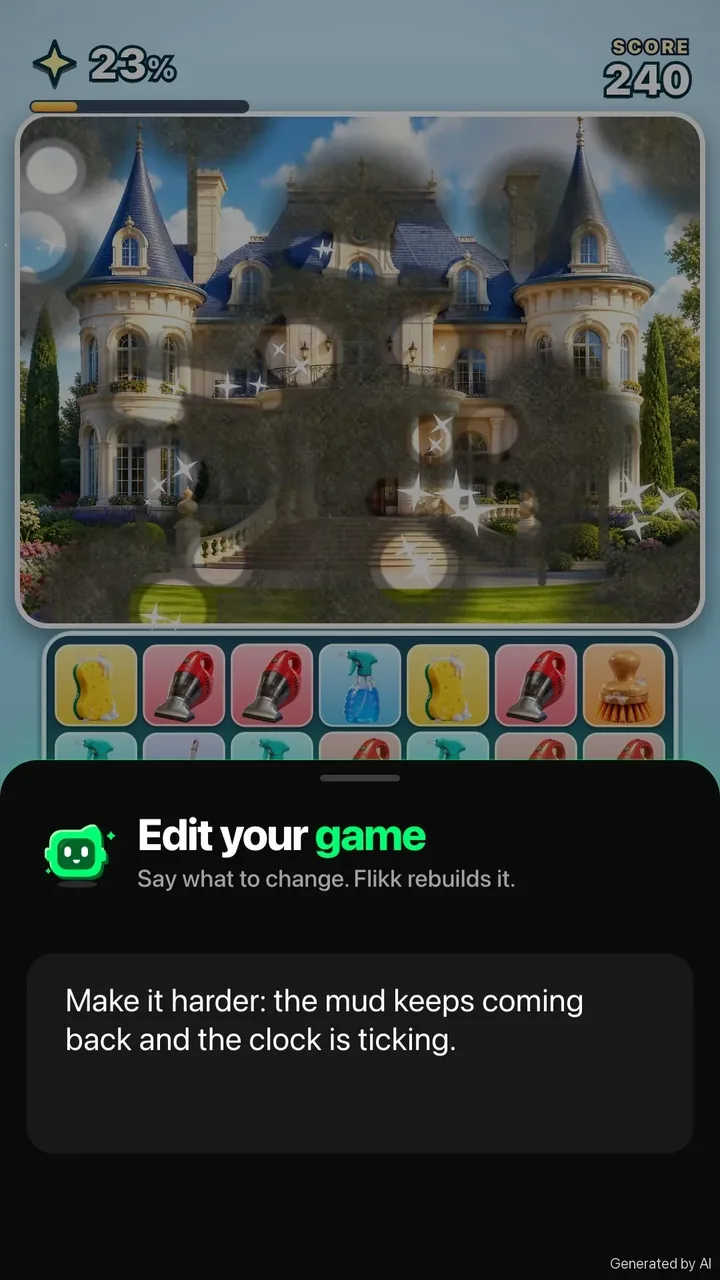
Now cleaning isn't a sure thing. Mud splats back onto spots you already cleaned, fresh grime lands on the walls, and a clock counts down at the top. You have to clean faster than the mess comes back.
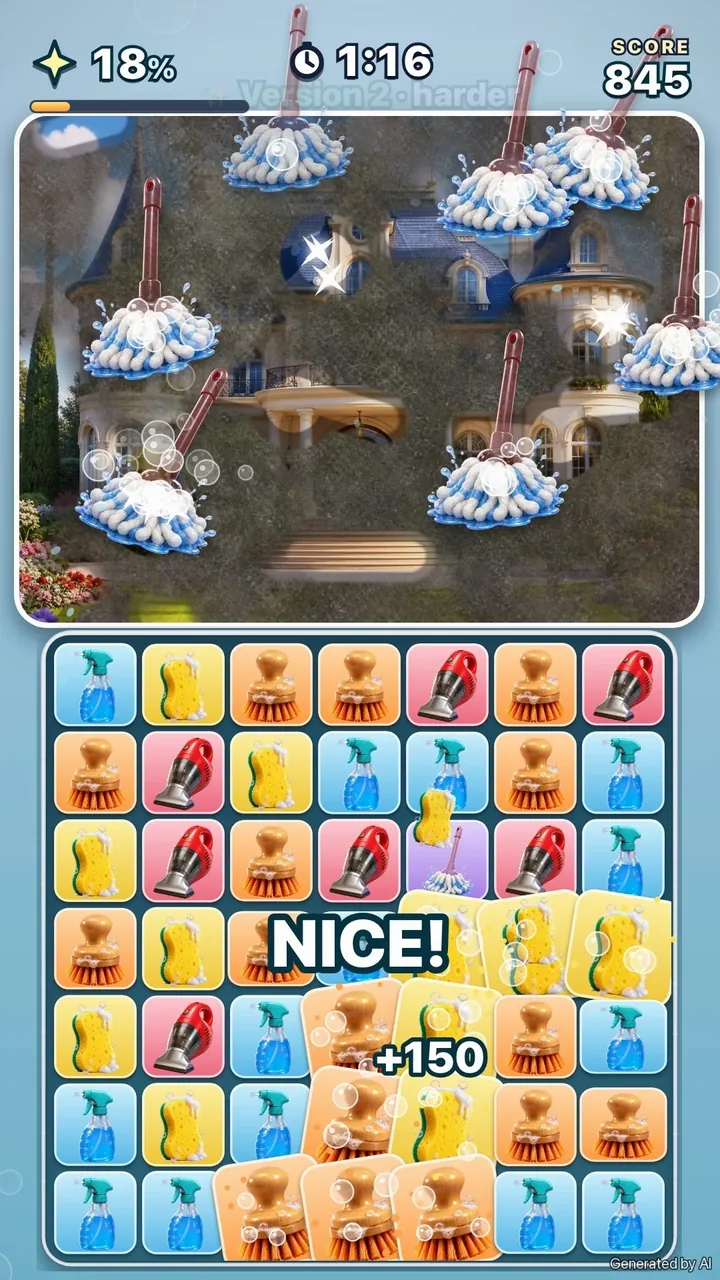
Notice what the edit names: two concrete things (mud that comes back, a clock), not "make it more fun". Flikk can build things you name. Make Edits also offers one-tap suggestions like "Make the game harder" if you'd rather start there and see what you get.
Tip: Add a little pressure, not a lot. A cleaning game should still feel satisfying. If players never get to see the clean picture, the reward is gone.
Step 4: Change the mood
Edits don't only change rules. They can change how a game feels. This example starts as a calm aquarium: soft warm light, fish drifting past, green algae on the glass.
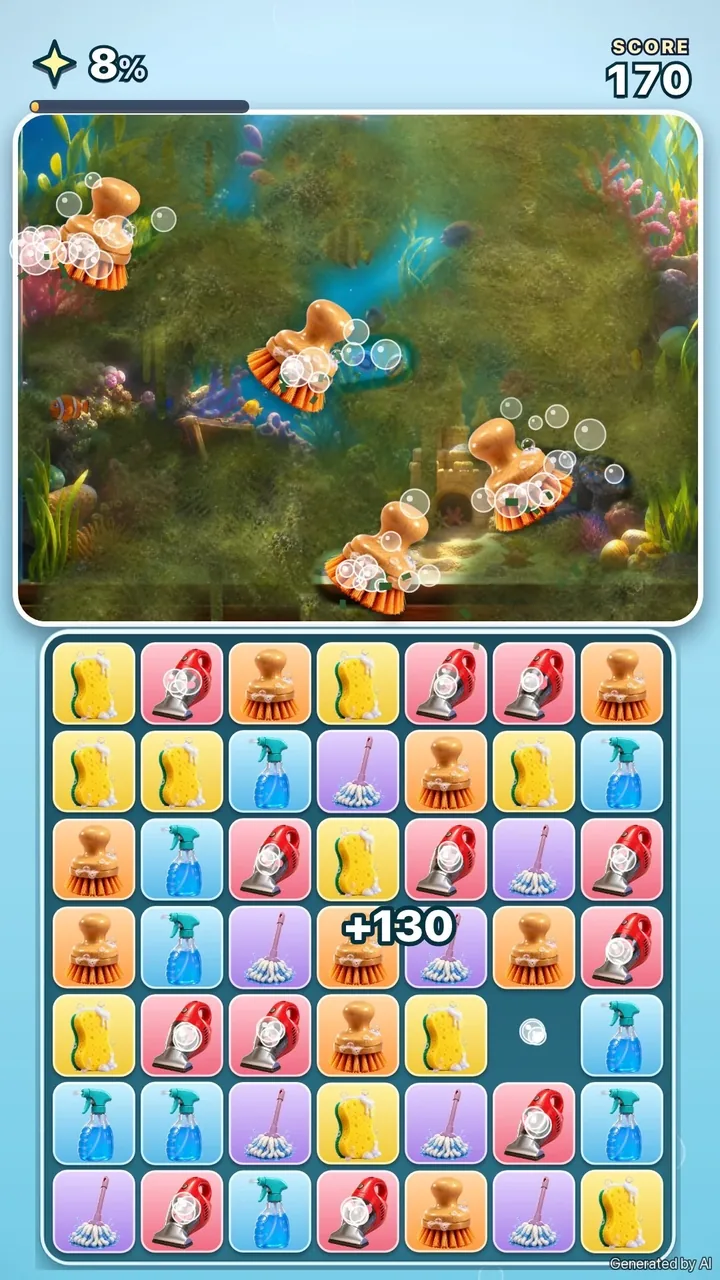
Then one edit asks for drama:
"Make it more dramatic: a storm, dark red light and tense music."
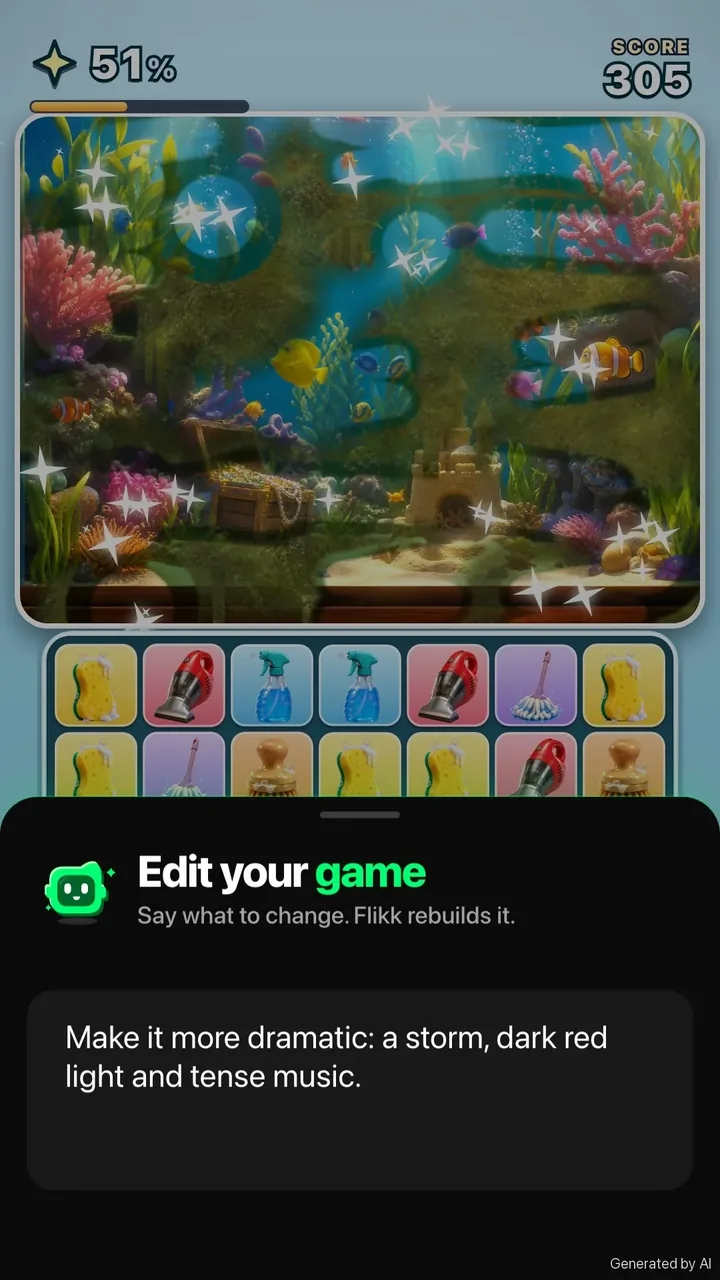
Same board, same rules, same aquarium. But the light turns dark red, rain streaks down the screen, and the cleaning suddenly feels like a race against the weather.
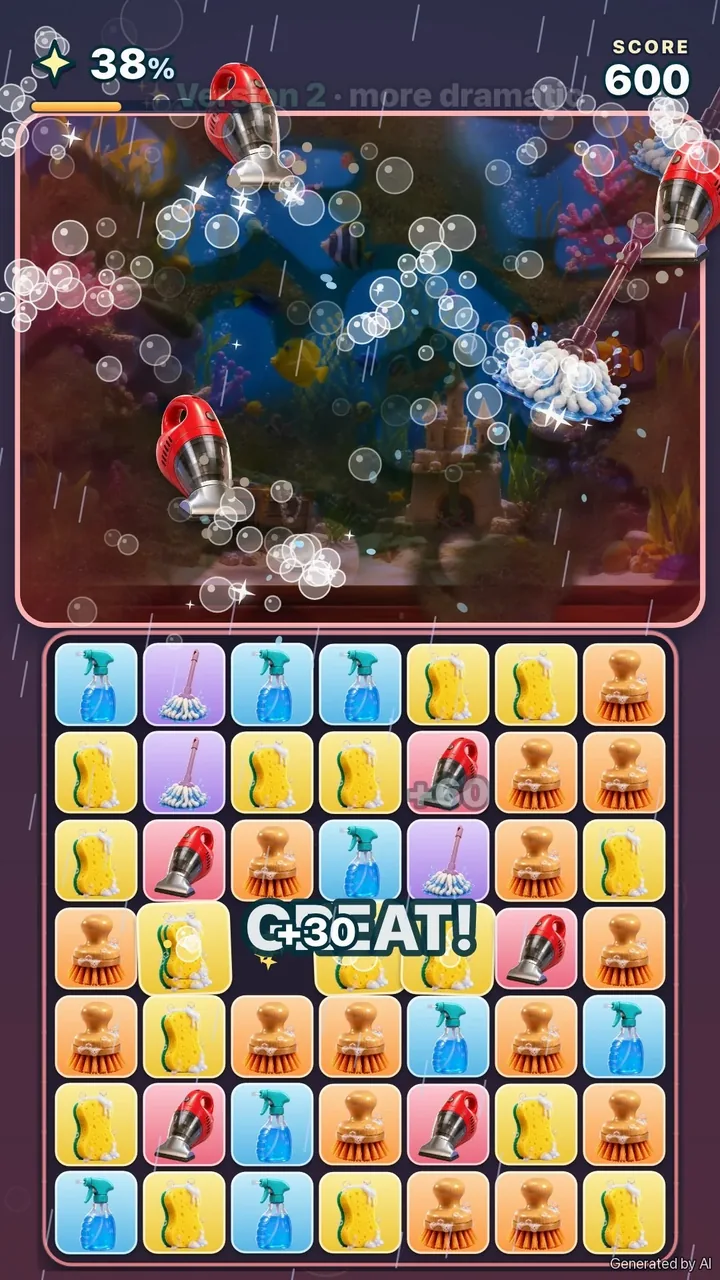
Mood edits are a cheap way to make a game feel new without touching how it plays. Try a few on the same game and keep the one you like best.
Why this cleaning game works
A few design ideas make the difference between "cleaning, I guess" and "one more match":
- Show the goal from the start. The clean picture is already there, under the dirt. Players can see what they're working toward.
- Let every match uncover something. Small, visible progress after each move keeps players going. In game design terms, it's instant feedback in the core loop.
- Use layers of dirt. Thick mud first, then a thin haze, then clean. Two passes per spot feel more satisfying than one, and they make the game last longer without making it slower.
- Count up to 100%. A progress bar turns "clean the car" into a clear win condition.
- Give each tool its own move. Mops swish, brushes scrub, sponges wipe. It's the same match, but it never looks the same twice.
The same trick works for anything that can get dirty:
- A muddy dog that gets shampooed and fluffy.
- An old sneaker that ends up looking brand new.
- A haunted house covered in cobwebs, just in time for Halloween.
These are ideas, not tested prompts. Try one, play it, and change what doesn't work.
Five tips for a great cleaning game
- Start with one sentence. A plain match-3 of cleaning tools is a fine first version.
- Give the tools a job. One edit with something dirty on top turns matching into cleaning.
- Name things, not vibes. "A filthy car on top" works. "Make it more satisfying" doesn't.
- Change one thing per edit. Harder or more dramatic, not both at once. It's easier to judge.
- Always let the clean picture win. Pressure is fun, but the reveal is the reward.
Try it yourself
Flikk is free to start. Open the Create tab, describe your cleaning game in one sentence, play it, and tell Flikk what to change. New to Flikk? Our beginner's guide walks you through every step, and the hungry farm guide shows the same method with a match-3 full of hungry animals.
Collect Flikk Points while you play other people's games, and turn them into Tokens to make and edit your own.
What would you clean first?
Download Flikk on iOS · Download Flikk on Android
FAQ
How do I make a cleaning game without coding?
On Flikk, you describe it in one sentence, for example "A match-3 game with cleaning tools: sponges, spray bottles, brushes, vacuums and mops." Pick a look, check the game plan Flikk writes, and tap Build it. About 15 minutes later you can play it, and you can add something to clean with Make Edits.
What makes a cleaning game satisfying?
The reveal. Players see the dirty object, know there's something clean underneath, and uncover a bit more with every move. Visible progress, layers of dirt and a progress bar that counts up to 100% all make that feeling stronger.
Can I make my game harder after it's built?
Yes. Open your game's page, go to the Make Edits tab and describe what should change, for example "the mud keeps coming back and the clock is ticking." Make Edits also suggests one-tap changes like "Make the game harder." An edit takes about 5 minutes, and players keep the old version until the new one is ready.
How much does it cost?
Flikk is free on iOS and Android, and making games is free to start. As of October 2026, a new game costs 100 Tokens and each edit costs 25 Tokens. You can buy Tokens or turn Flikk Points into Tokens. Flikk is available in the US.