How to Make a 3D Game Without Coding (Right on Your Phone)
No engine, no code, no computer. Switch Flikk to 3D, describe your game in one sentence, and play it in about 15 minutes. Free to start on iPhone and Android.
In this article
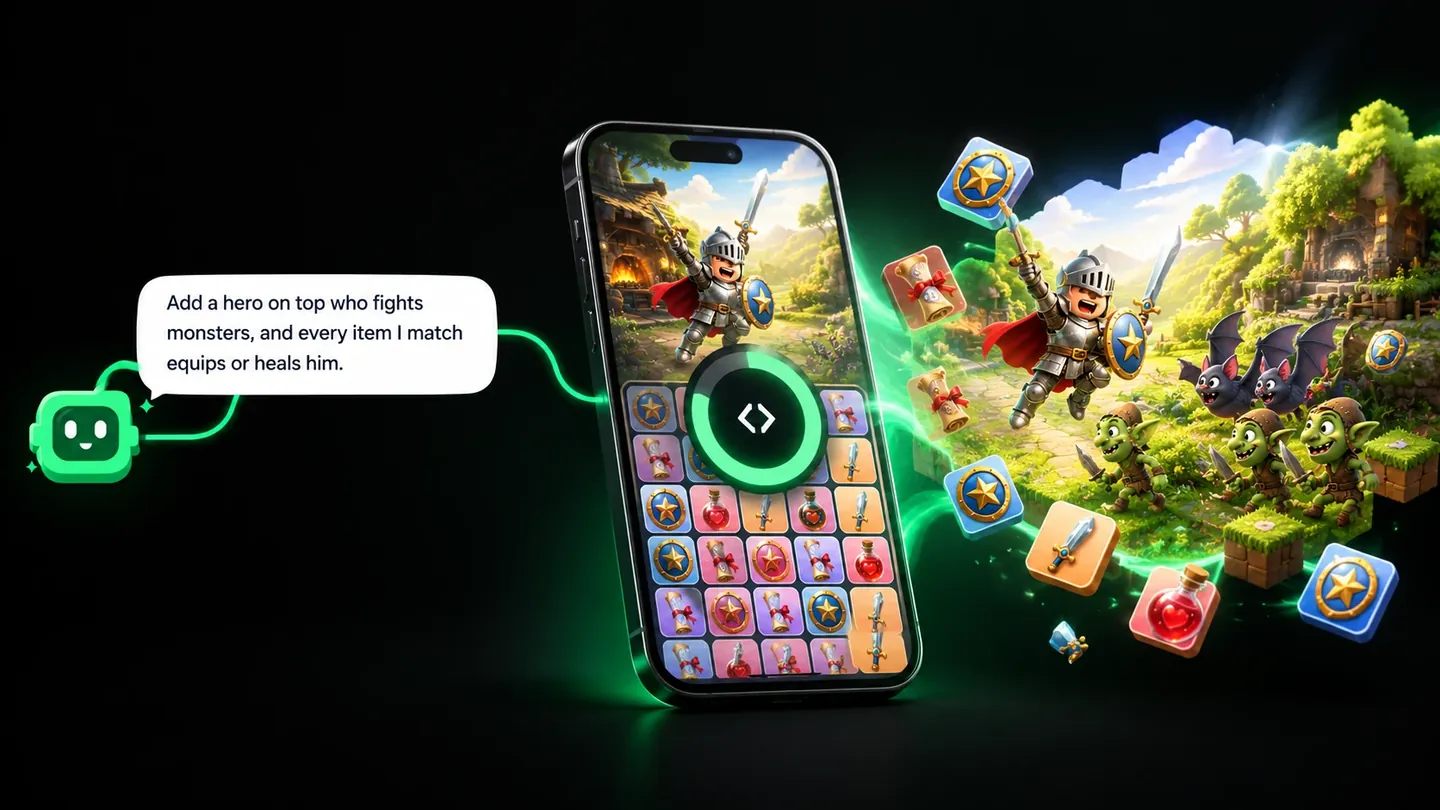
You can make a 3D game without coding by describing it. In the Flikk app, switch the Create tab to 3D, type one sentence about your game, and Flikk builds a playable 3D game in about 15 minutes. No engine, no editor, nothing to install, and no computer needed. It works on iPhone and Android, and it's free to start.
Most guides to making a 3D game point you to desktop engines and their tutorials, where you'll spend hours on cameras, lights and scripts before anything moves. This guide shows the short way. We made a 3D platformer called Lava Leap from one sentence, then changed it with one edit, and you'll see every step.
Quick note: Flikk is our app. Every screenshot below is from that real build, and we cover other no-code options near the end.
What you need
- A phone, iPhone or Android
- The Flikk app, free in the US
- One idea for a game
That's it. You don't need to know what a mesh, a shader or a collider is. If you can say what the player does, you can make the game.
Step by step: making a 3D platformer on Flikk
We wanted a 3D platformer: run and jump across platforms over lava, with checkpoints. If you play Roblox, you'd call it an obby. Here's how it went.
1. Open Create, switch to 3D and describe your game
Open Flikk and tap Create. Under the text field, switch from 2D to 3D. Then type what the player does. This is the exact sentence we used:
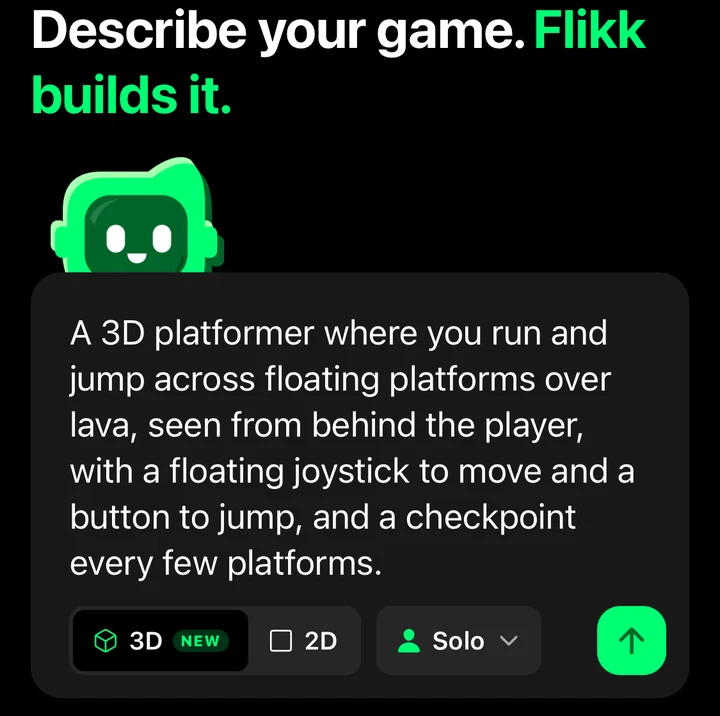
It says what the player does (run and jump), where it happens (floating platforms over lava), where the camera is, how you control it, and one extra (checkpoints). The app's own tip sums it up: "Say what the player does and the studio fills in the rest."
In 2D, Flikk asks you to pick a look for your art next. In 3D it doesn't: it works out which 3D assets your idea needs on its own.
2. Check the game plan, then tap Build it
Before it builds anything, Flikk shows you what it understood: a name it picked (Lava Leap), a quick pencil sketch of the game, tags (3D, Levels, Arcade), and the rules. Ours had checkpoints every five platforms, falling into lava sends you back to the last checkpoint, and later stages add moving ledges, crumbling floors and sweeping hazards.
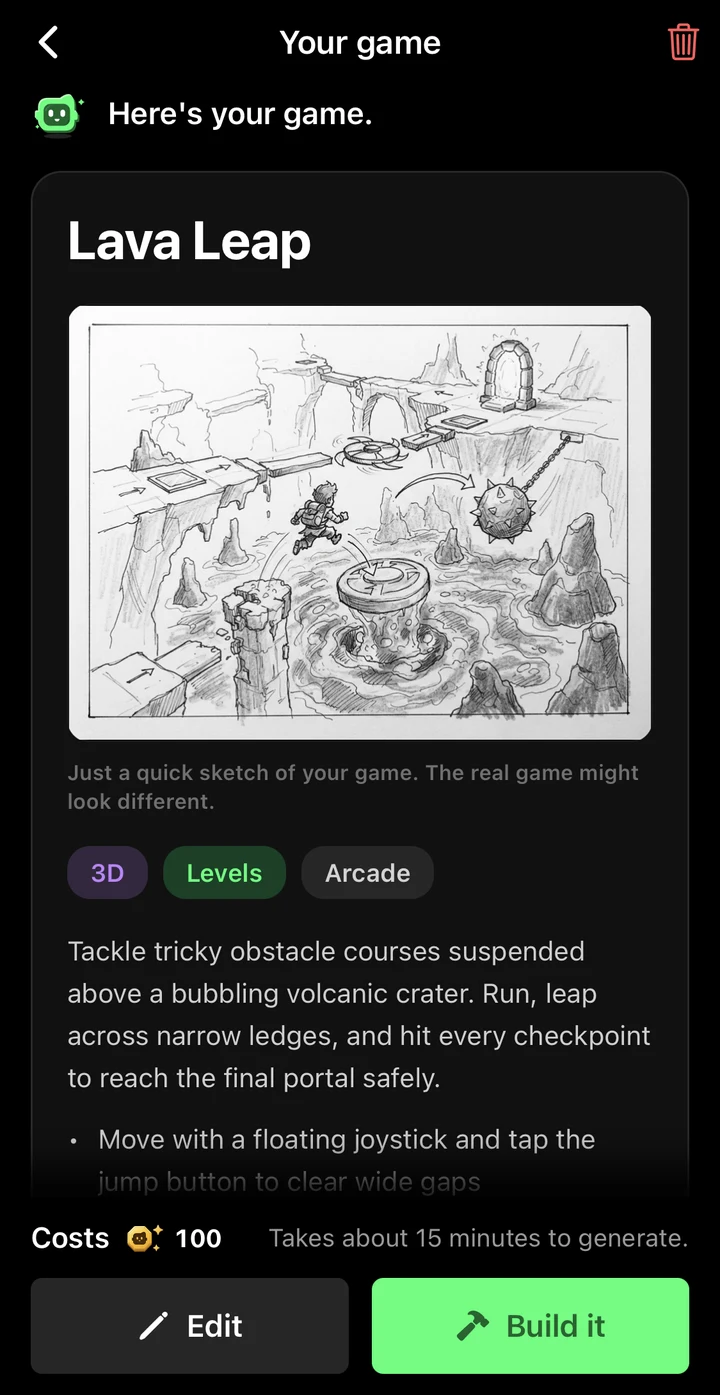
Read it. If something's off, tap Edit and fix it now, before you build. A new game costs 100 Tokens, and the app shows the price right there. When it looks right, tap Build it.
3. Wait about 15 minutes
Flikk builds the game inside the app, in about 15 minutes. Close it, play something else, come back.
4. Play it
Lava Leap came out with 50 levels and stars for your time on each one, plus a How to play screen that explains the controls.
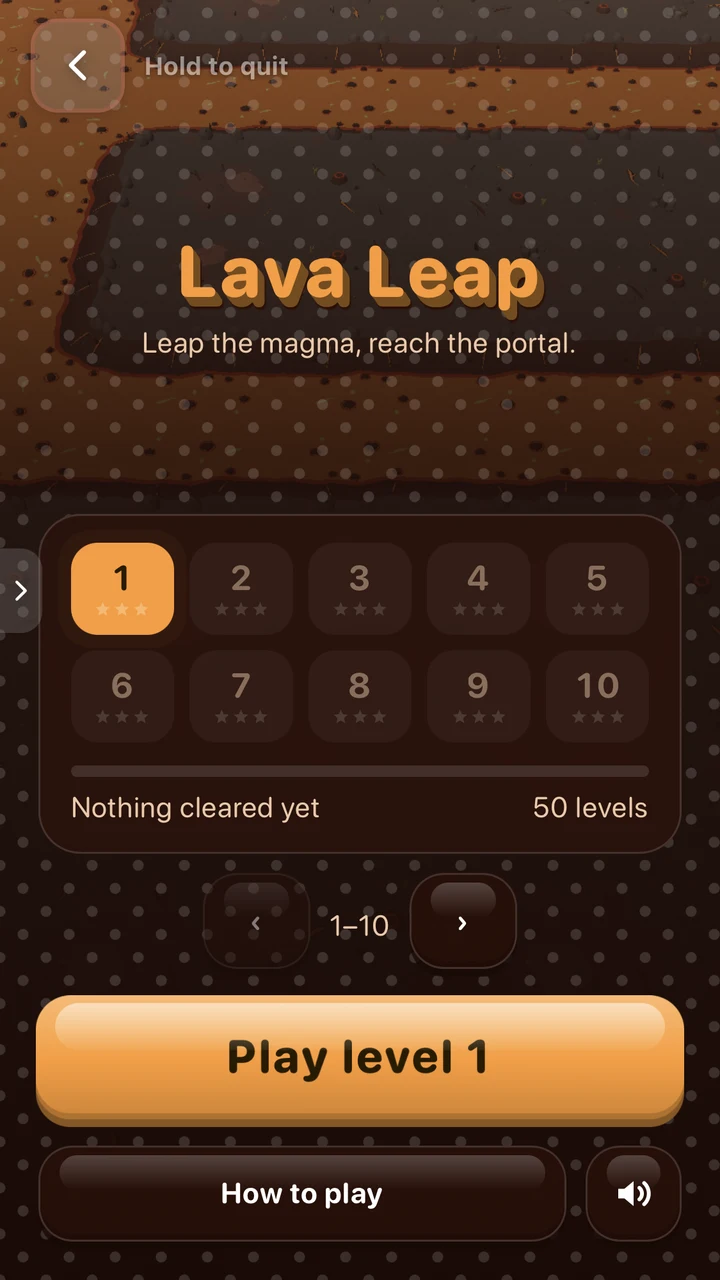
You drag on the left side to run, tap Jump to leap across the lava, and step on a glowing pad to save your place. The finish of every stage is a swirling portal.
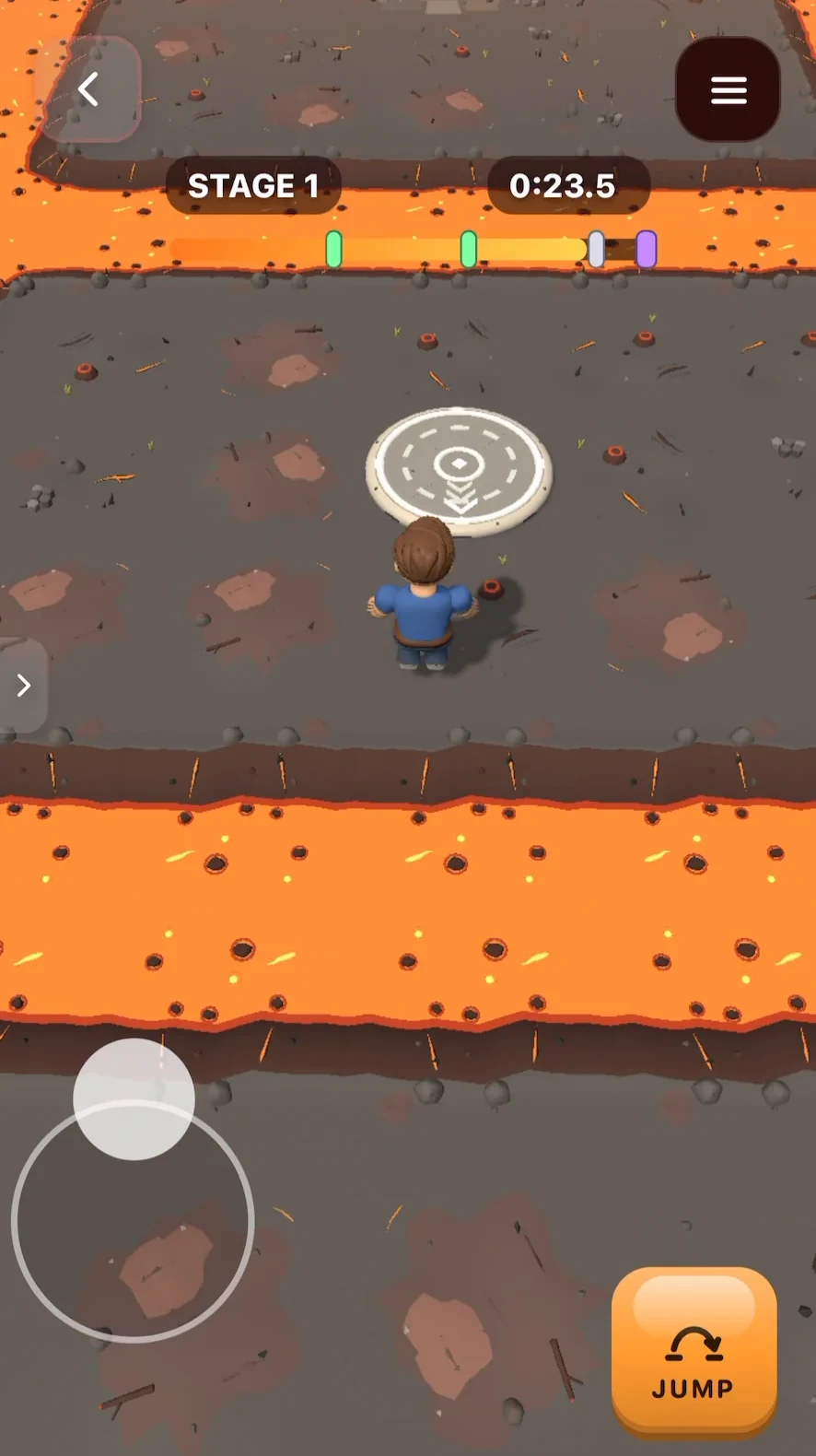
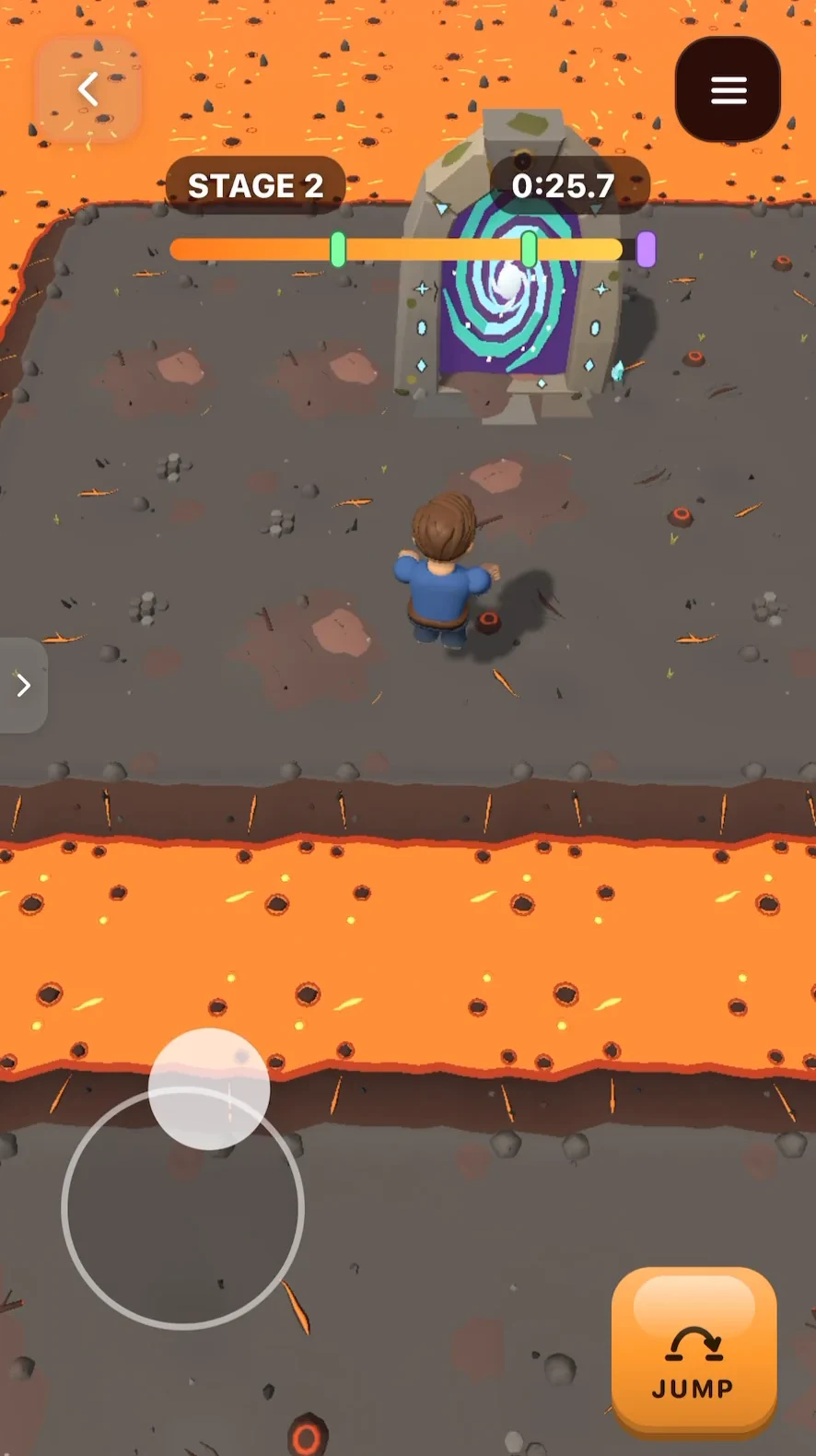
How did it play? The core loop worked right away: run, jump, hit the checkpoint, reach the portal. Jumps were easy to judge, and the controls were easy to follow from the first stage.
One thing we didn't expect: we asked for a camera "behind the player", and Flikk looks down from high above instead. It didn't bother us, because you see every gap clearly, but it's a good reminder to check what you got. The How to play screen says you can swipe on the right side to turn the view, and if you want a different camera altogether, that's one edit away.
Play your game for a few minutes and notice what bugs you. Too easy? Camera too far away? Not enough going on? That list is your next step.
5. Change it with Make Edits
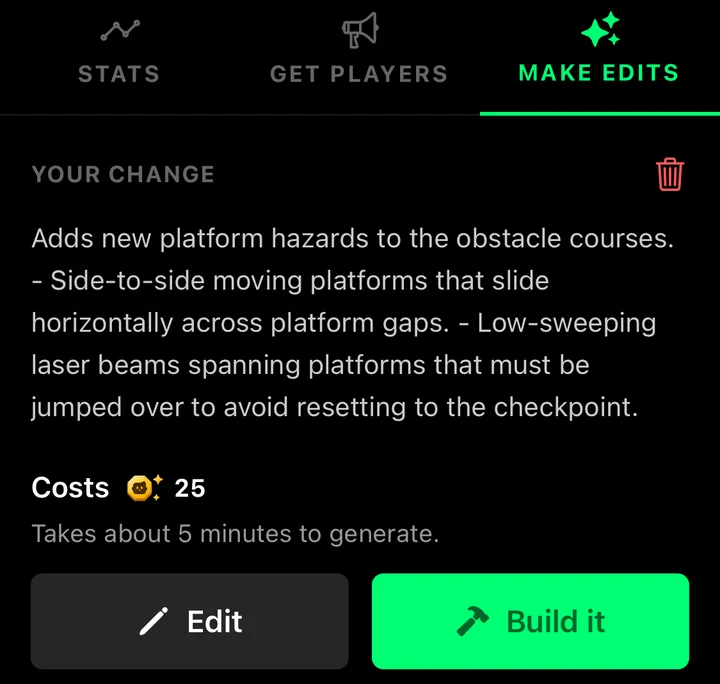
Our first stages were a bit plain: run, jump, done. So we opened Make Edits on the game's page and asked for more:
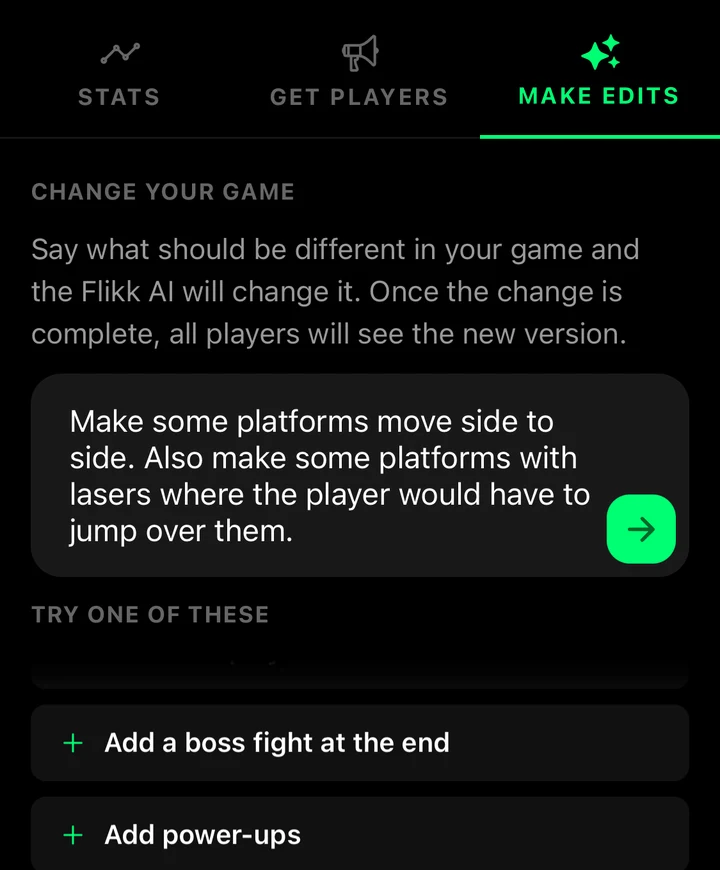
Flikk turned that into a plan: side-to-side moving platforms across the gaps, and low laser beams you have to jump over or you're sent back to the checkpoint. An edit costs 25 Tokens and takes about 5 minutes. The version people can play stays the same until the new one is done.
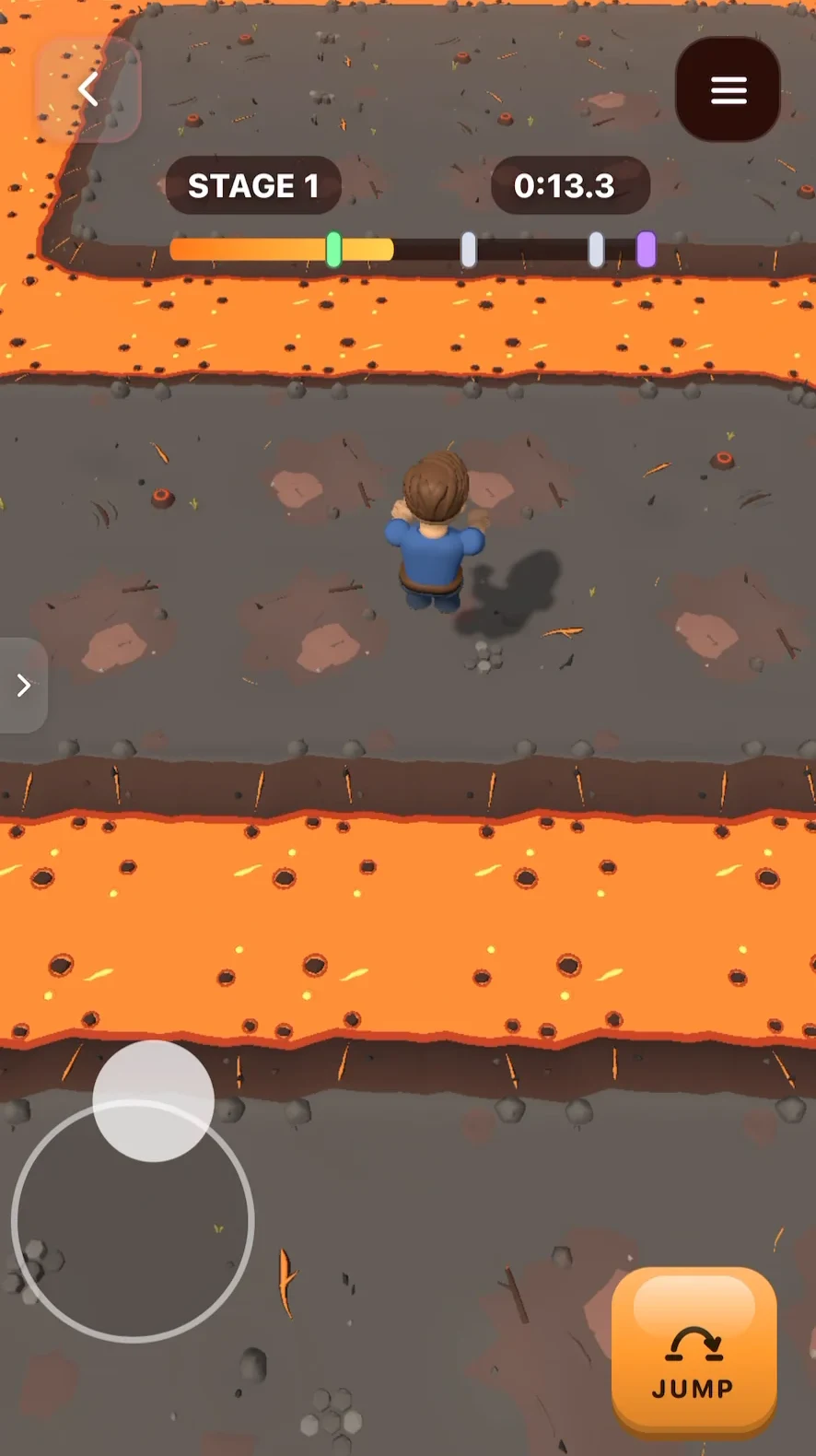
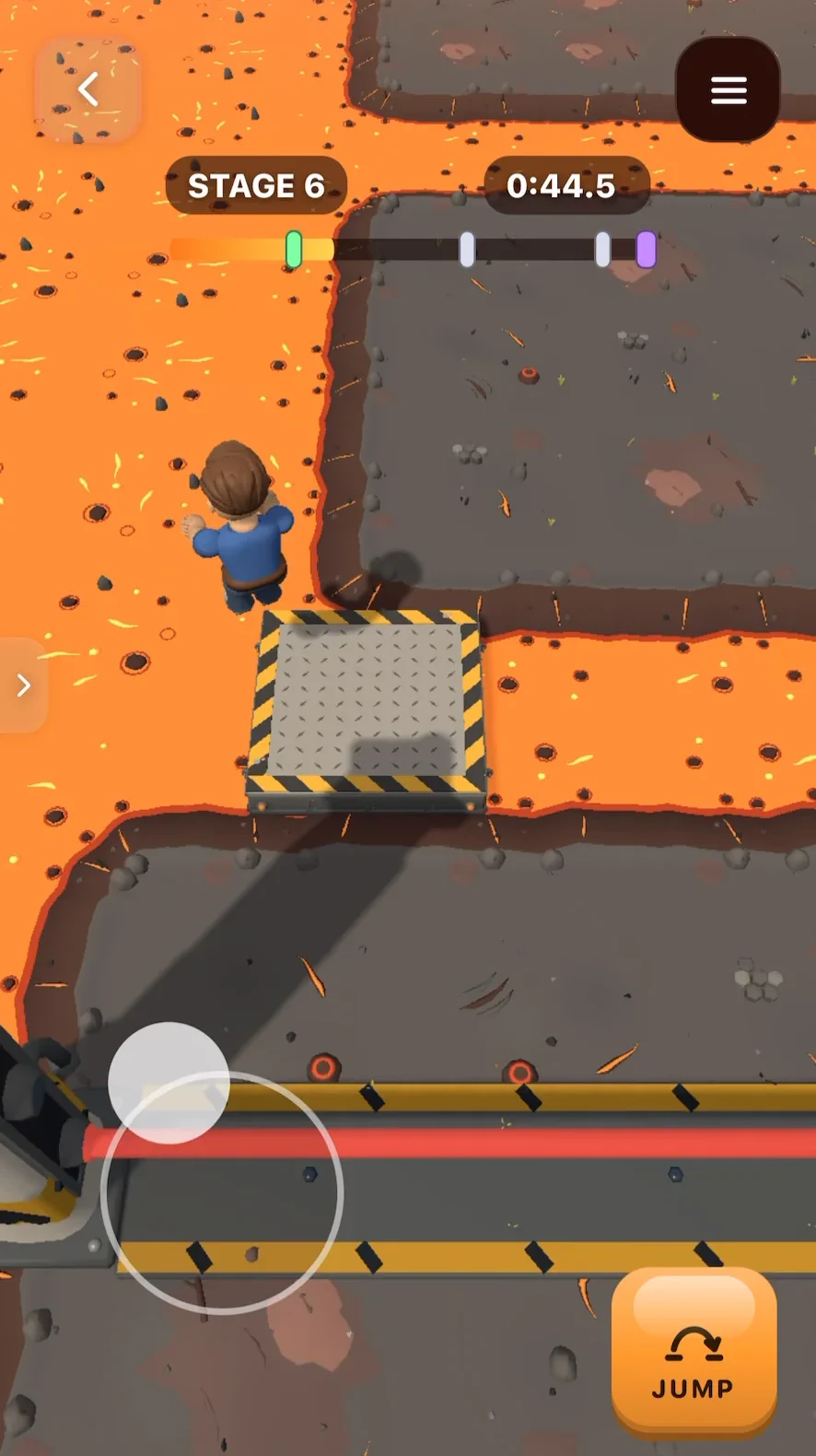
Here's the difference. On the left, an early stage of the first version. On the right, a later stage after the edit, with a moving platform over the lava and a red laser across the path.
6. Share it
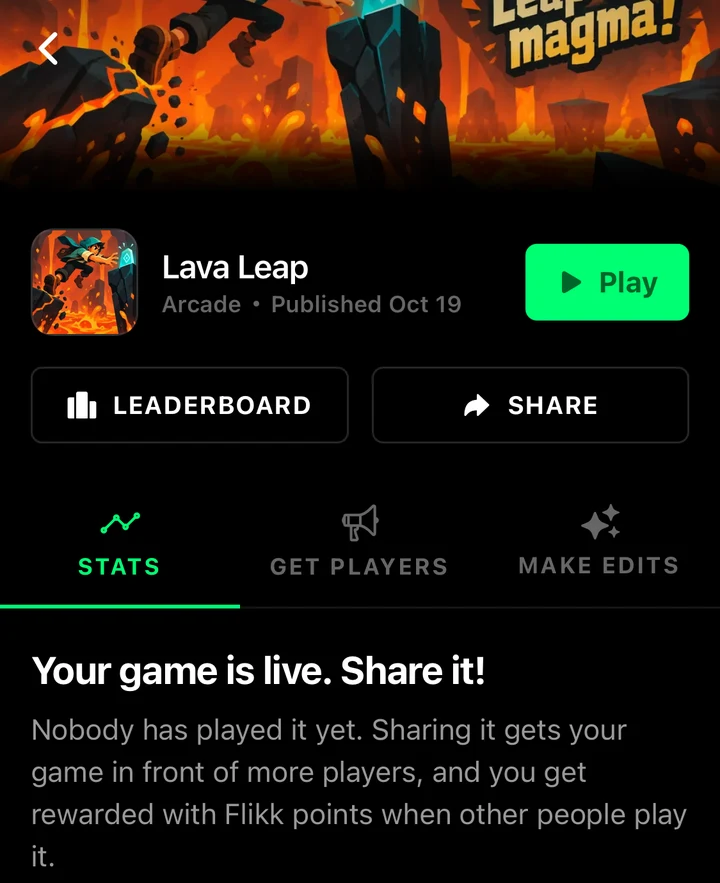
Your finished game lands in Discover, where everyone on Flikk can play it. Tap Share on your game's page to send it to friends and try to beat each other's score. When other people play your game, you collect Flikk Points.
How to write a good 3D game idea
A 3D idea needs the same things as a 2D one: a clear goal, one thing the player does, and one twist. 3D adds two more questions worth answering in your sentence.
How do you move? Every Flikk game is played in portrait, on a touchscreen. Flikk reliably builds joysticks: fixed, floating, following, even two at once. Name the controls and you'll get them:
- "a floating joystick to move and a button to jump" (what we used for Lava Leap)
- "two joysticks: one to move, one to aim"
Where's the camera? In 3D, the camera decides what the player sees. Say it if you have a picture in your head, then check it when you play. Lava Leap shows you won't always get it on the first try, and that's fine: it's one edit away.
- "seen from above at an angle"
- "the camera follows behind the player"
- "an isometric view of the island"
Not sure which camera words to use? Our mobile game glossary explains follow cams, isometric views, first-person and more, each with a sentence you can copy.
Then add one twist. Ours was checkpoints. Our edit added moving platforms and lasers. Start with one, play it, and add the next with Make Edits.
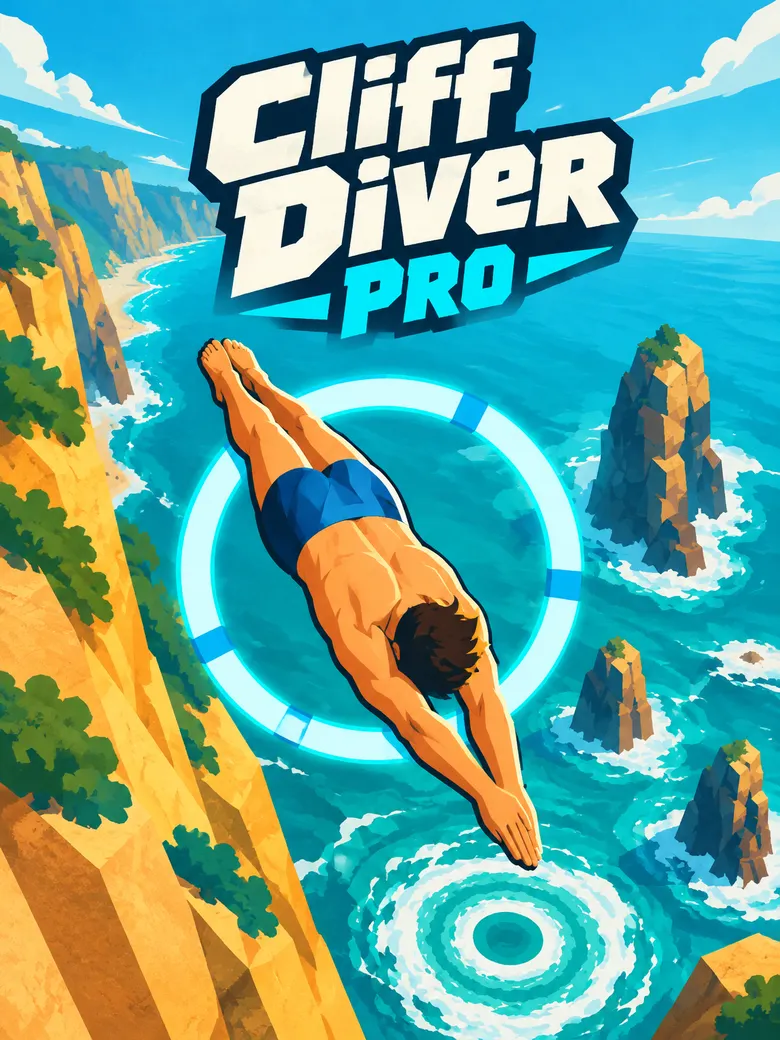
Here's another 3D game we made, Cliff Diver Pro. We didn't save the exact sentence, but it was close to this: "Make me a cliff diving game where I make tricks with the movement joystick and have to land headfirst. There are judges who judge you for your jump at the end of the level. If the score is below the average, the player fails the level."
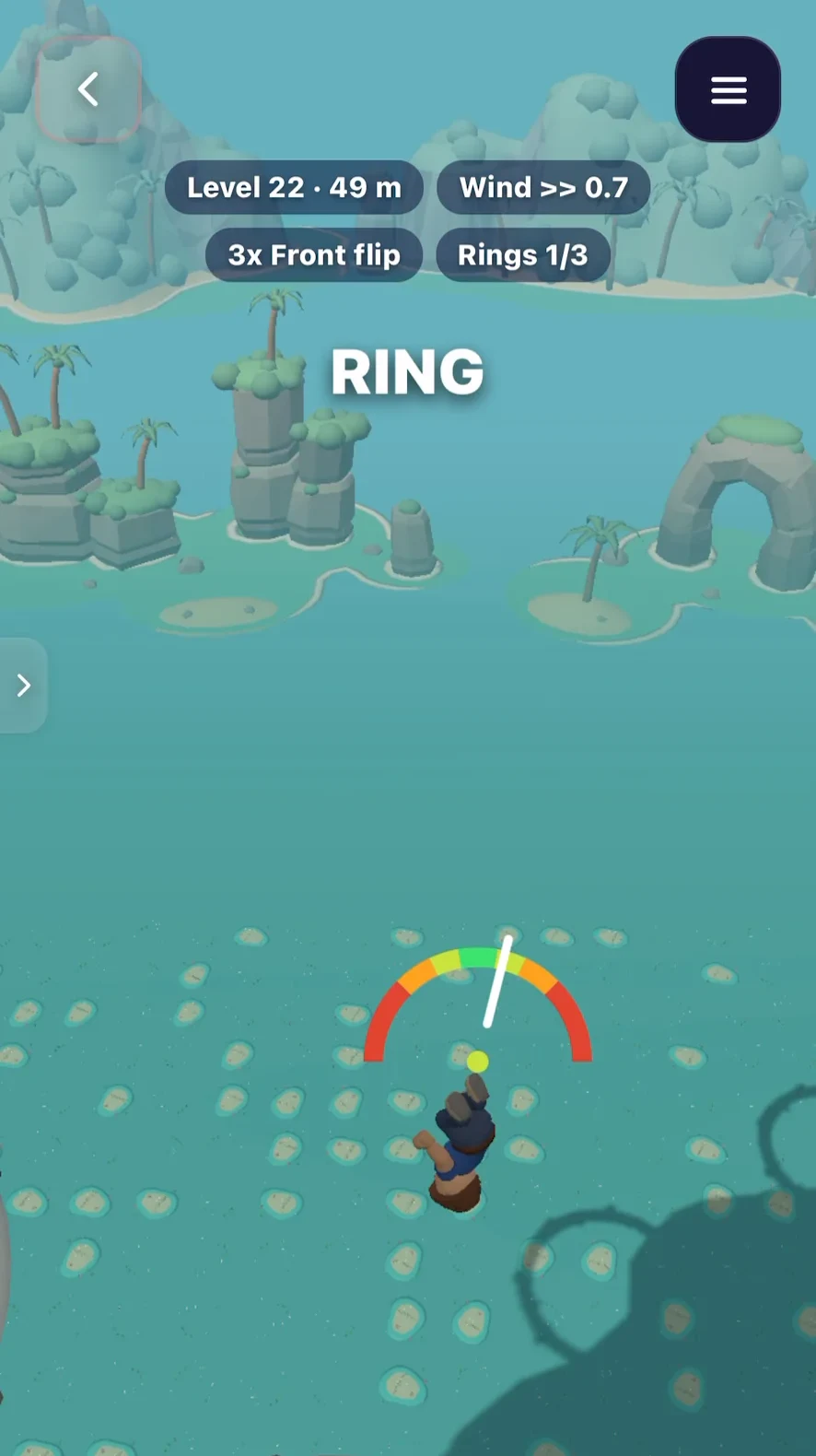
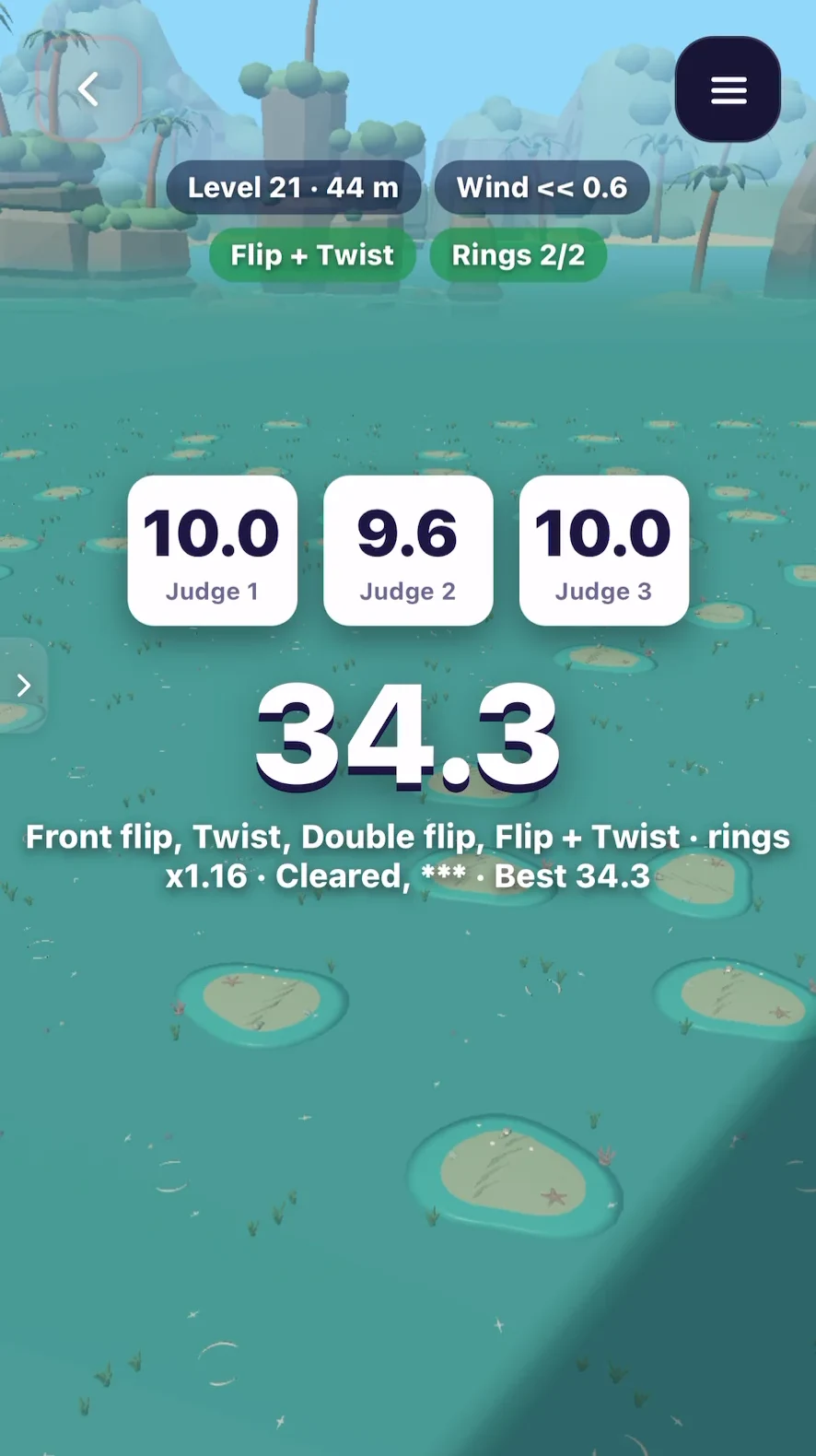
The judges made it in, and they're the best part: three scores pop up after every dive. Flikk added the rest on its own, like wind, rings to dive through and a gauge that shows how clean your entry will be. A goal (land headfirst), one thing you do (tricks), and a twist (the judges) were enough for a whole game.
Should your game be 3D at all?
Not every idea gets better in 3D. Match-3, card games and most puzzles play best flat, where every piece is easy to read. 3D shines when the fun is in space: jumping across gaps, dodging things from every side, exploring.
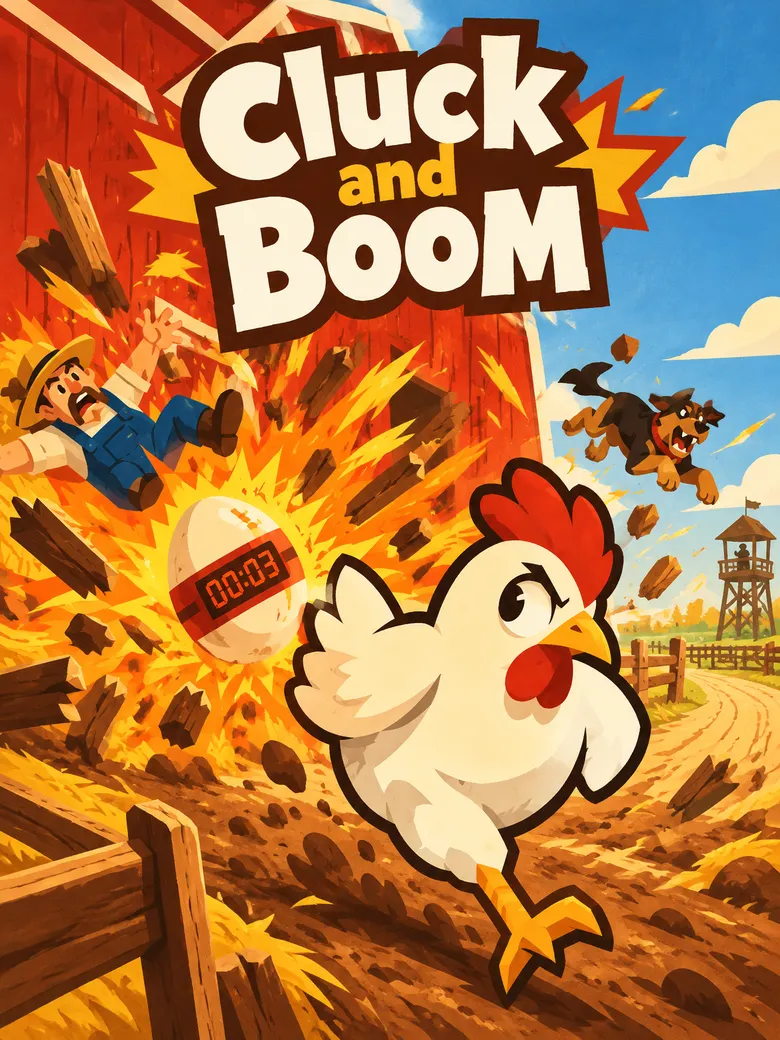
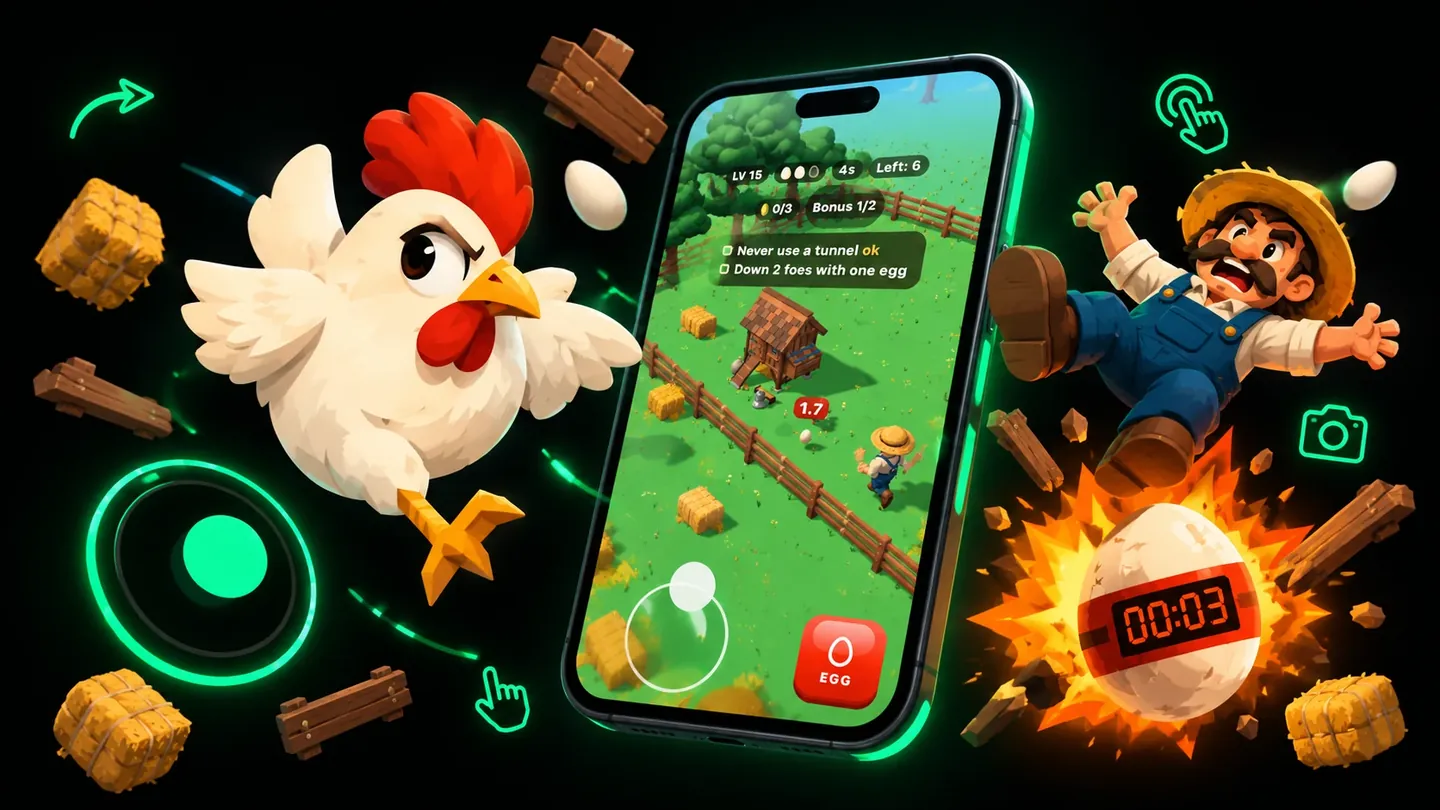
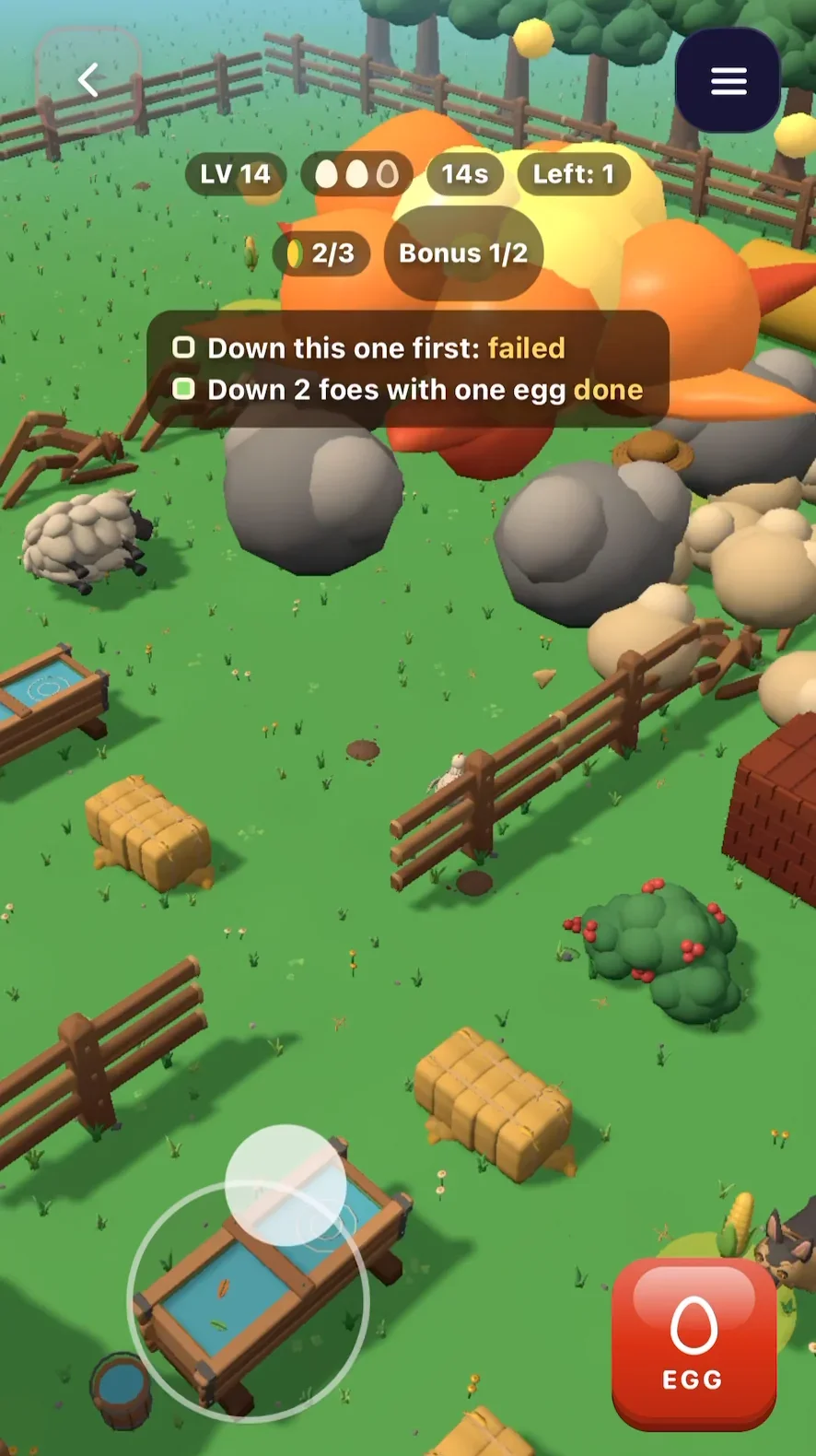
Cluck and Boom, another 3D game on Flikk, shows the trick: it looks down at a farm at an angle, so you see enemies coming from every side, and you play it with one thumb.
If you're unsure, our guide to 2D vs 3D games helps you pick before you build.
What you can and can't make
Honest limits, so you don't waste Tokens:
- Portrait only. Every Flikk game is played upright. No landscape games.
- No tilt controls. Steering by tilting the phone isn't supported. Joysticks, taps, swipes and buttons are.
- Vibration works. Ask for a buzz when the player gets hit.
- Check the camera. Flikk may pick a different view than you described. Ours worked fine, but play first and fix it with an edit if it bugs you.
- Flikk tells you when it can't do something. If you ask for something it can't build, Make Edits says so and asks you to describe how the game should play, look or sound instead.
- One idea at a time. Start small: one goal, one way to move, one twist. Add more later with Make Edits, one change at a time.
Other ways to make a 3D game without coding
Flikk is the quickest route if you want to stay on your phone. If you have a computer and more time, these are worth a look:
- Roblox Studio. Free on Windows and Mac, with great official tutorials and a huge store of ready-made assets. It's where most obbies are made. Real games there are scripted in Luau, though, so "no code" only gets you so far. We compared it with Flikk in Roblox Studio Is a Great Start.
- GDevelop. An open-source, no-code engine that runs on phones, browsers and desktops. You build with visual "events" instead of code, and it can export games to the app stores. More control than Flikk, more to learn.
- Summer Engine. An AI game engine for 2D and 3D games on Windows, Mac and in the browser, where you can chat with the AI or write code yourself. It's for ages 18 and up.
Try it yourself
Open Flikk, tap Create, switch to 3D, and describe one game in one sentence. Say what the player does, how they move and where the camera is. In about 15 minutes you'll be playing it.
Want to know what makes a game fun to come back to? Read the most important part of game design before your first edit. New to Flikk? Start with What is Flikk?.
FAQ
Can you make a 3D game without coding?
Yes. With Flikk you describe the game in one sentence, and the app builds a playable 3D game in about 15 minutes. You never see code, an engine or an editor.
Can I make a 3D game on my phone for free?
Yes, on iPhone and Android. Flikk is free to download and making games is free to start. Building and editing games uses Tokens. You can buy more as an optional in-app purchase, or turn Flikk Points from playing into Tokens.
Can I make an obby without Roblox?
Yes. An obby is a 3D obstacle course, and that's what we built for this guide: Lava Leap, with platforms over lava, checkpoints, moving platforms and lasers. On Flikk you describe it in one sentence instead of building it piece by piece in Roblox Studio.
Can I change my 3D game after it's built?
Yes. Open your game's page and use Make Edits to describe a change, like moving platforms, a different camera or more lives. An edit takes about 5 minutes, and only your own games can be edited.
Can other people play my 3D game?
Yes. Your finished game lands in Discover, where everyone on Flikk can find and play it.