Progression in Game Design: Why Players Come Back Tomorrow
The core loop makes one round fun. Progression makes people come back for the next one. Here's how it works in real Flikk games, and how to add it to yours.
In this article
A fun round gets someone to play once. Progression is what brings them back: the feeling that every round gets you somewhere. A stronger hero, a new item, the next level on the map.
In this guide we look at how progression works in some of the most-played games on Flikk, and how you can add it to your own game with a single edit.
What is progression in game design?
Progression is everything in a game that grows over time: your power, your options and how far you've come.
It sits on top of the core loop, the one thing you do over and over (tap, serve, merge, fight). If you haven't read it yet, start with the most important part of game design, where we build a core loop step by step.
The difference in one sentence: the core loop makes the next 30 seconds fun, progression makes the next 30 days worth playing. A game with a great loop and no progression is fun for a few rounds. Add progression, and each round becomes a step toward something.
5 kinds of progression, in real Flikk games
1. Numbers that go up
The simplest kind: you get stronger, and you can see it.
Card Clicker is a clicker game where you tap a credit card on a card reader. Every tap brings in in-game cash, and you put it into upgrades that bring in more per tap and more per second. At the start, a tap is worth +3. About two minutes later, the same tap shows +77.
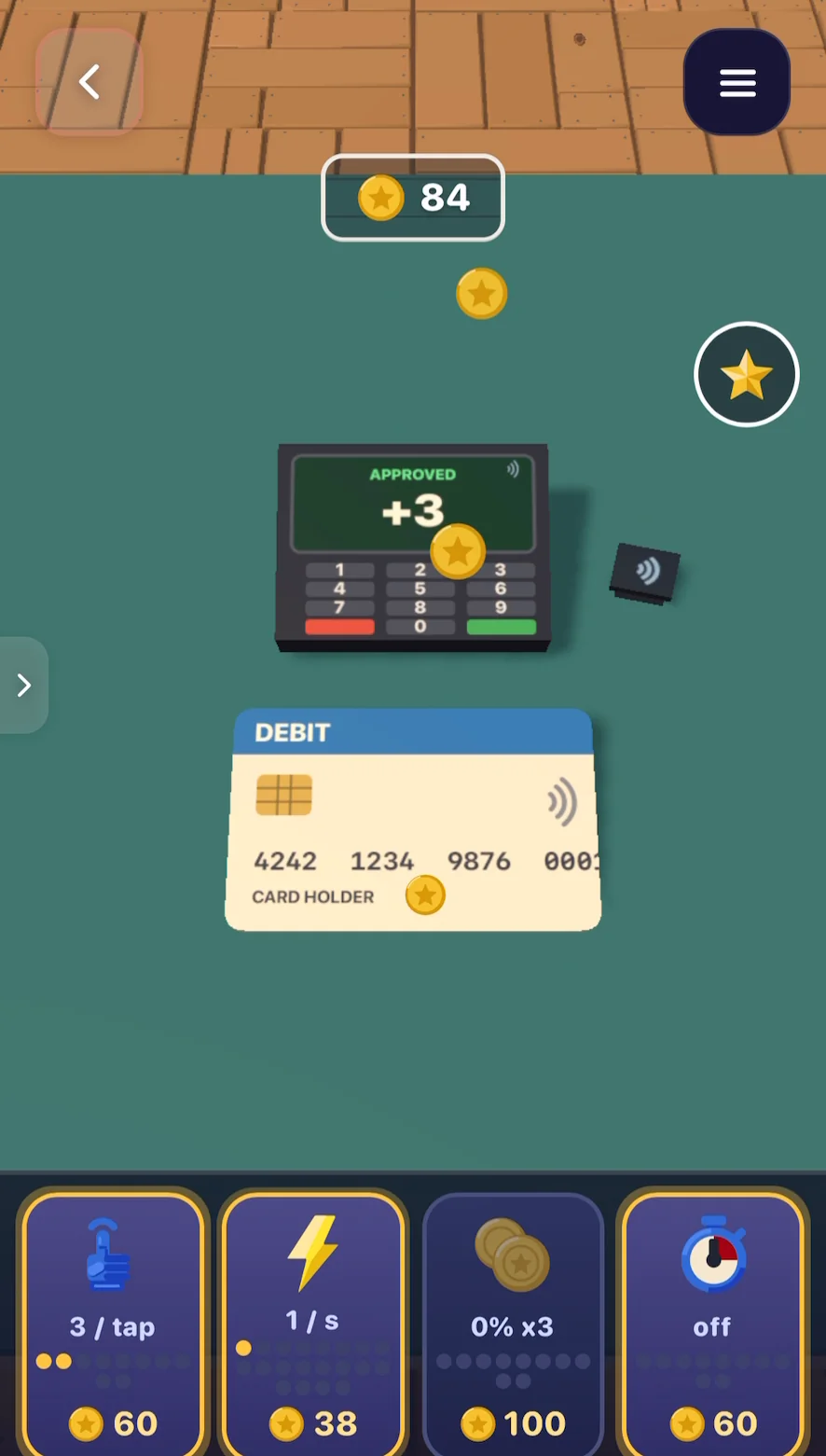
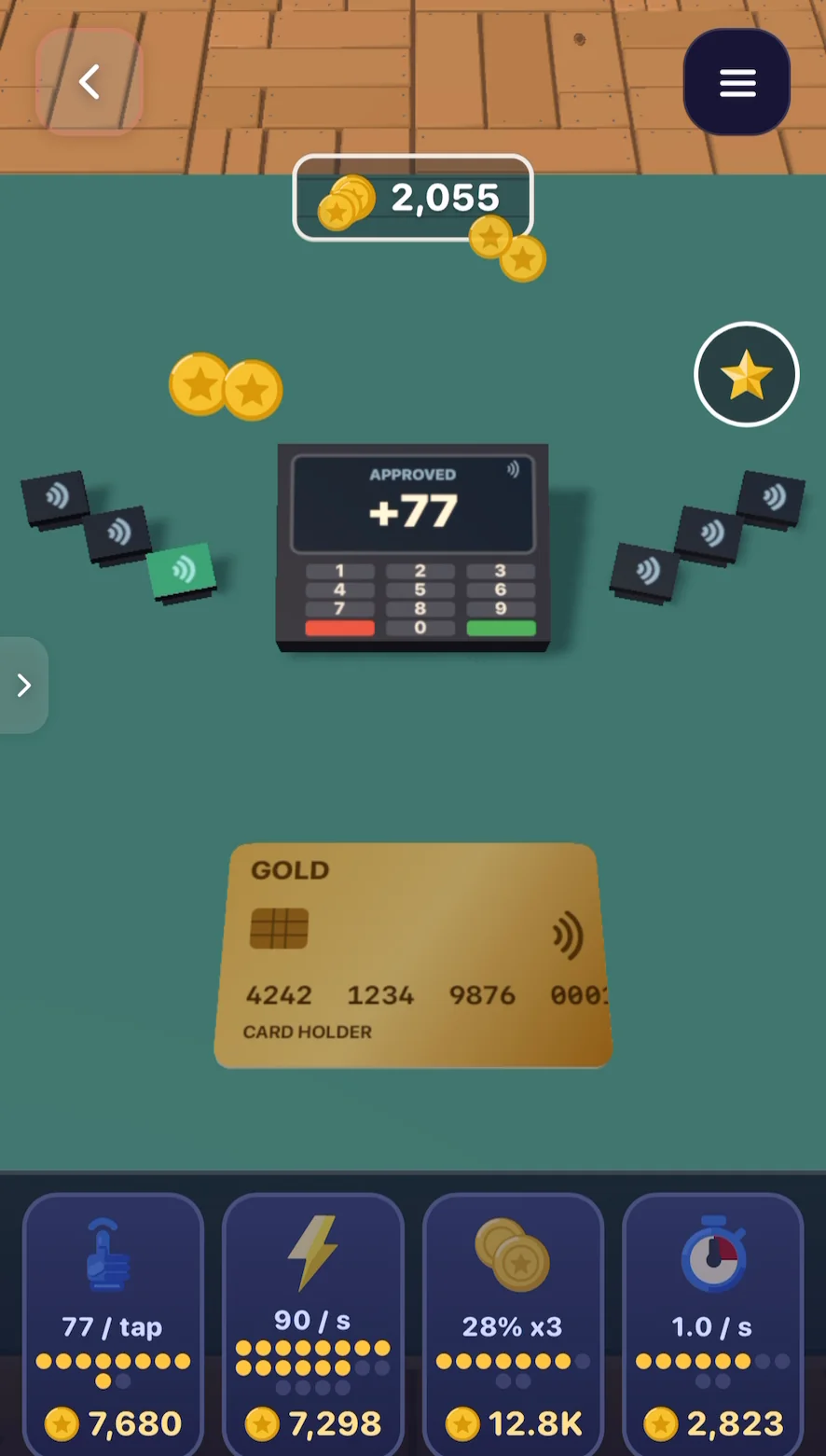
Same tap, much bigger number. That's the whole trick, and it's why clicker games are so hard to put down: you can feel your progress with every tap.
2. Something new to save up for
Bigger numbers get old fast. A goal you can see keeps players going.
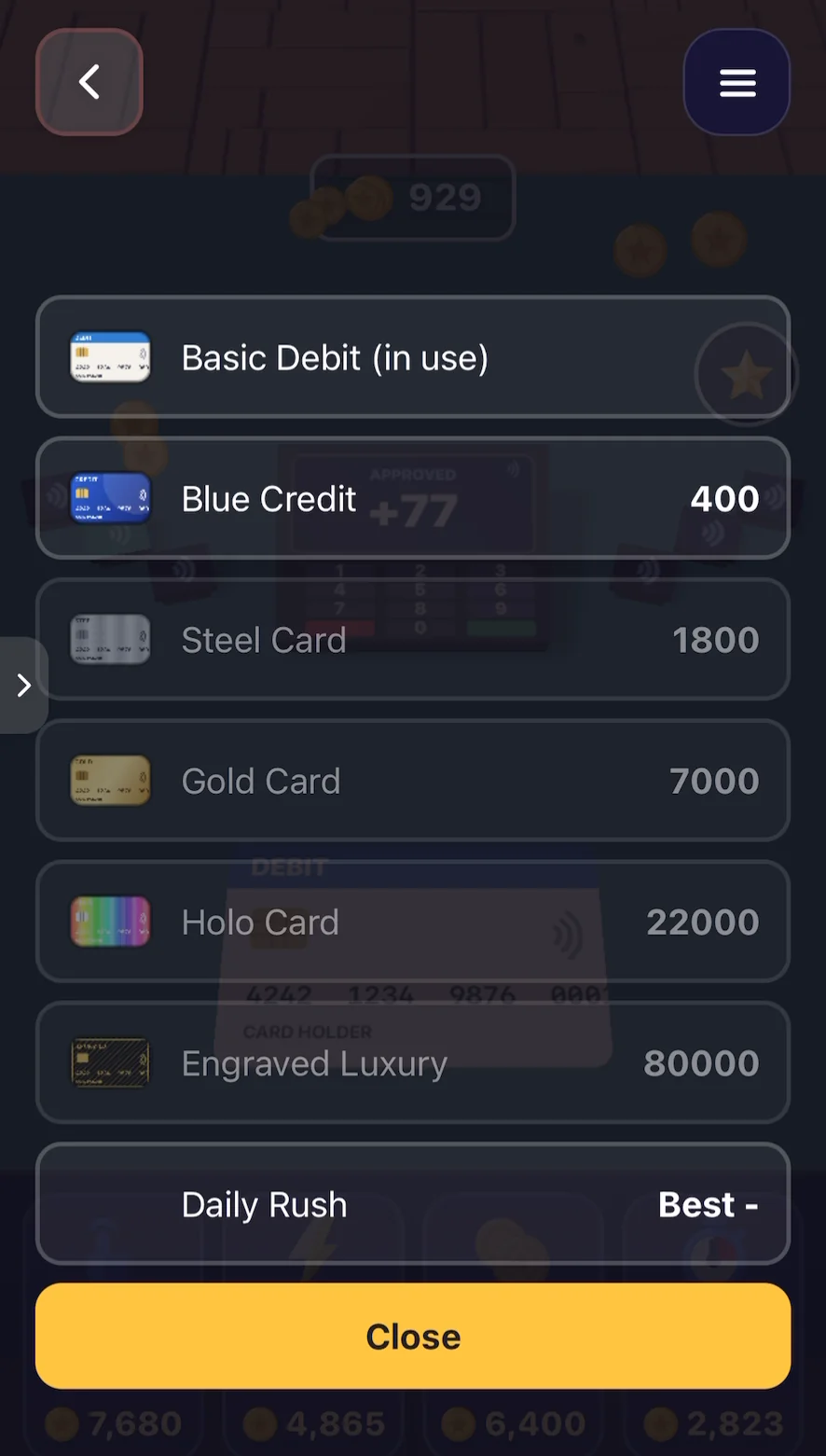
Card Clicker shows you every card you can unlock, with its price: from Blue Credit for 400 up to an Engraved Luxury card for 80,000. You always know what's next and how far away it is.
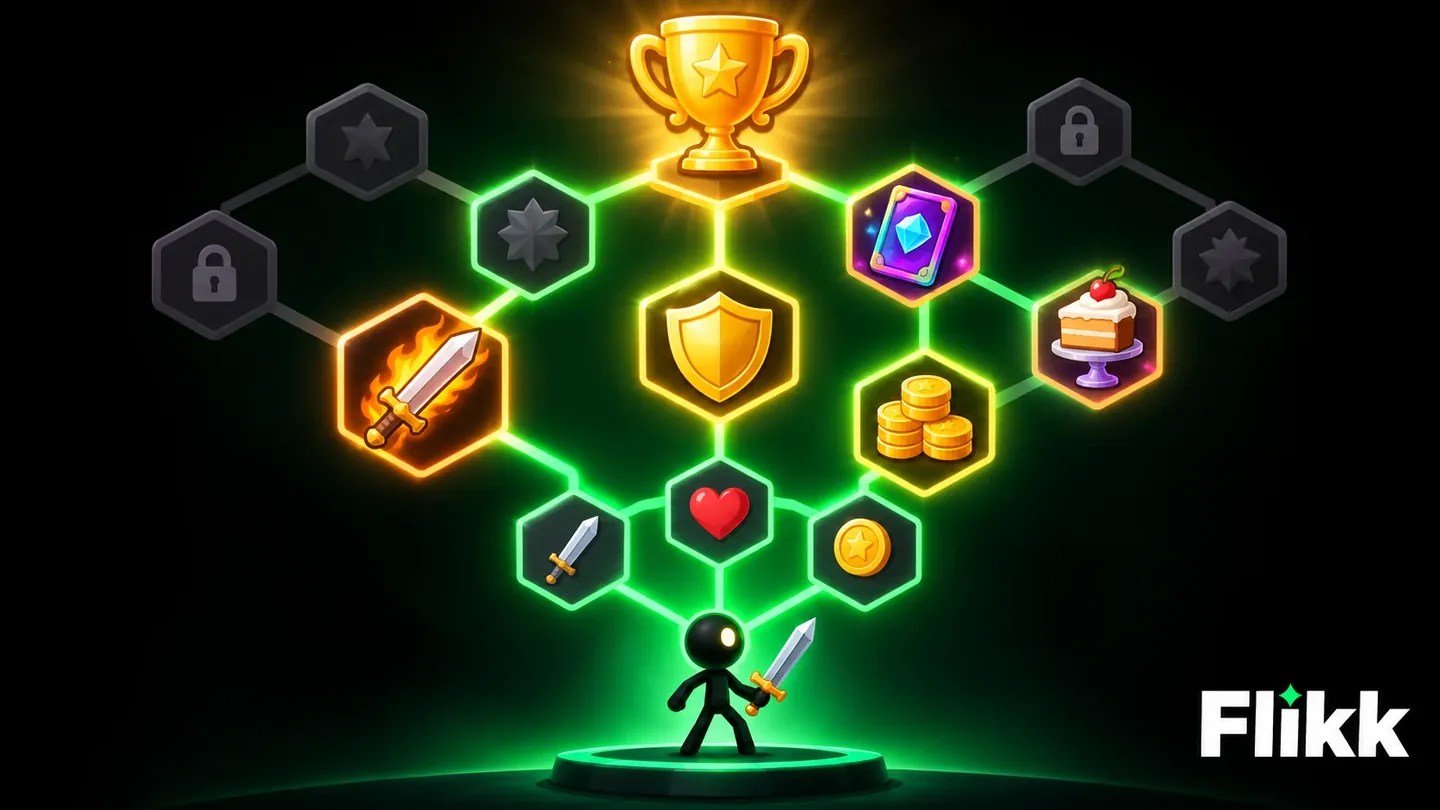
Stickman Warrior Auto does the same with whole menus of upgrades. Your stickman runs through the stages on its own and fights wave after wave of enemies. They drop in-game gold, which you spend on better weapons, costumes and skills. There's always a new item or skill to save up for, which makes it really hard to stop.
3. A path you can see
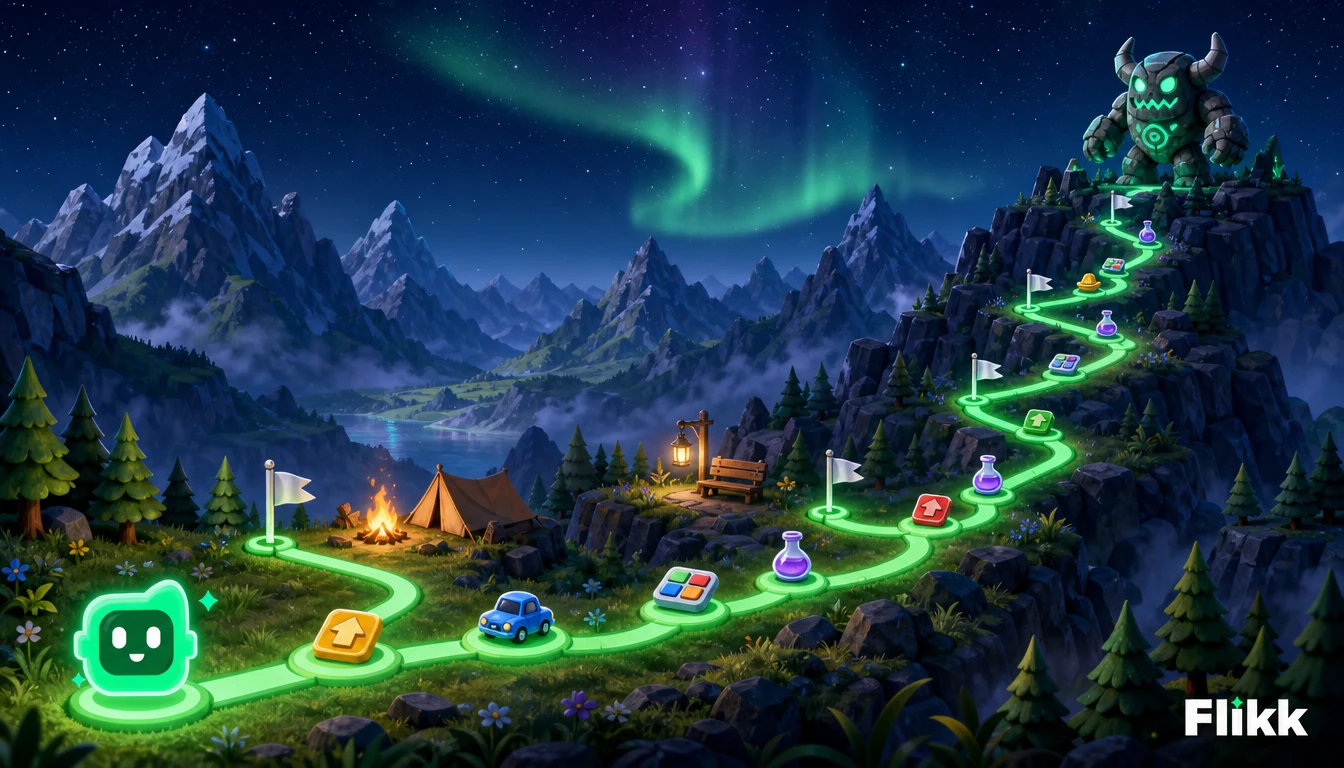
Players like to know where they are. A level map, a numbered stage or a progress bar turns "I played a bit" into "I'm at level 210".
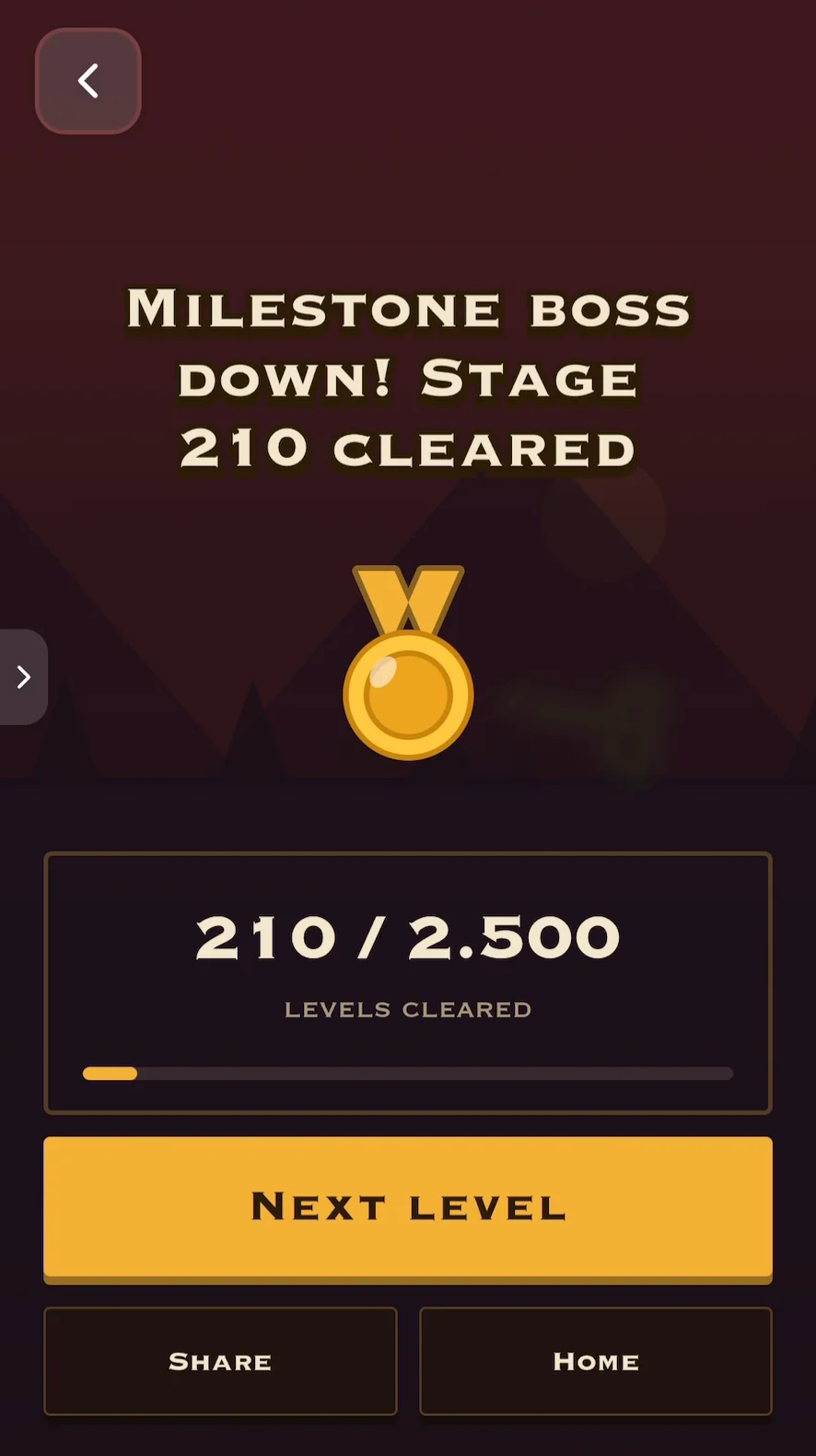
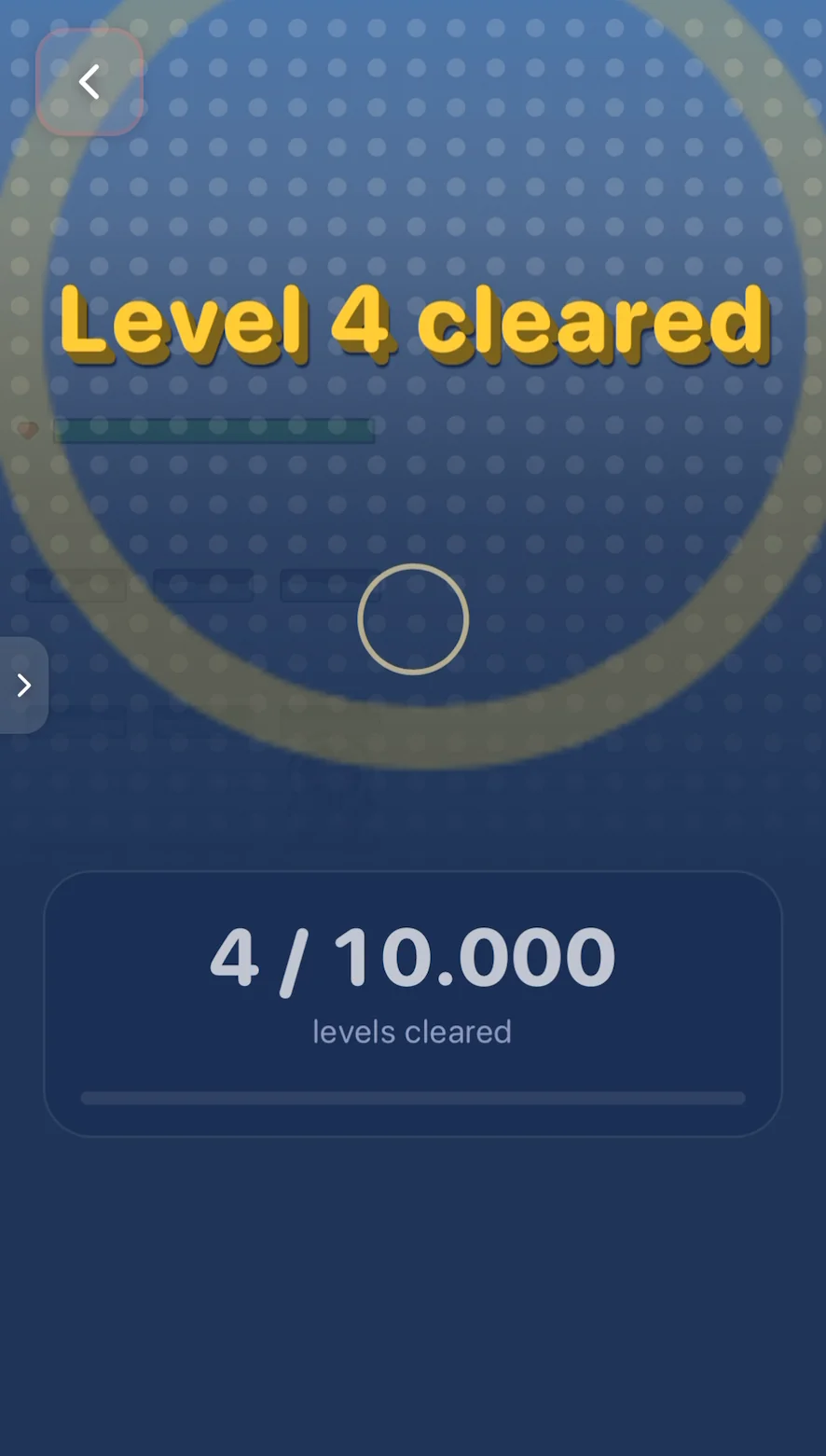
Stickman Warrior Auto shows exactly how far you've come: 210 of 2,500 stages cleared, with a bar that slowly fills up. Merge Castle Defense, a relaxed defense game where you merge two of the same defender into a stronger one, counts its levels the same way.
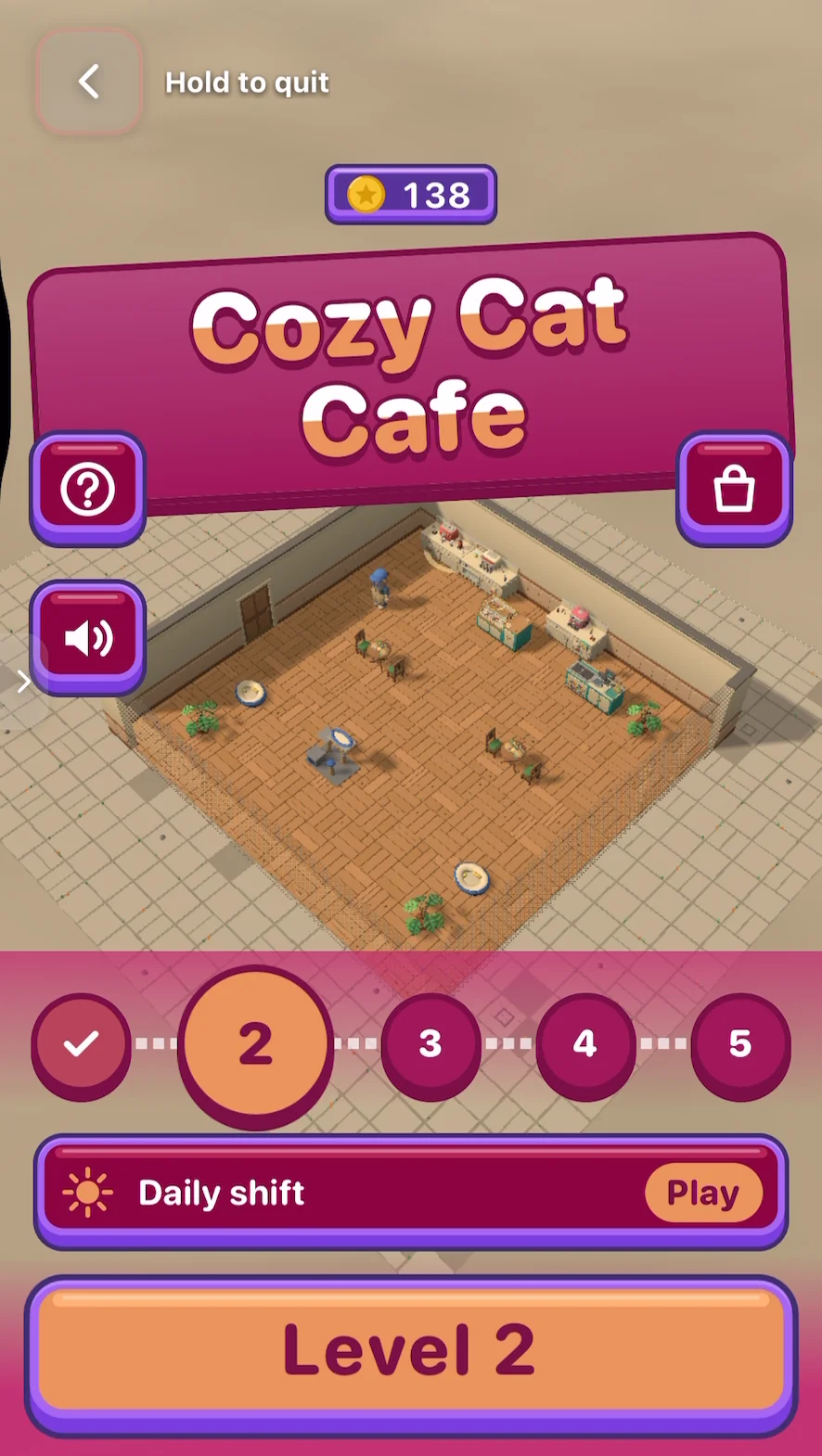
Cozy Cat Cafe, a game we made where you serve coffee and cake to cat customers, has a level path at the bottom of its start screen: the levels you've finished get a check mark, and the next ones wait in a row.
4. New things that unlock
Progression isn't only about power. New stuff keeps a game fresh.
In Cozy Cat Cafe, level 2 brings something new to the counter: a sponge cake. The game pauses for a moment to show it off, with a big "New!" and a one-line explanation of how it works.
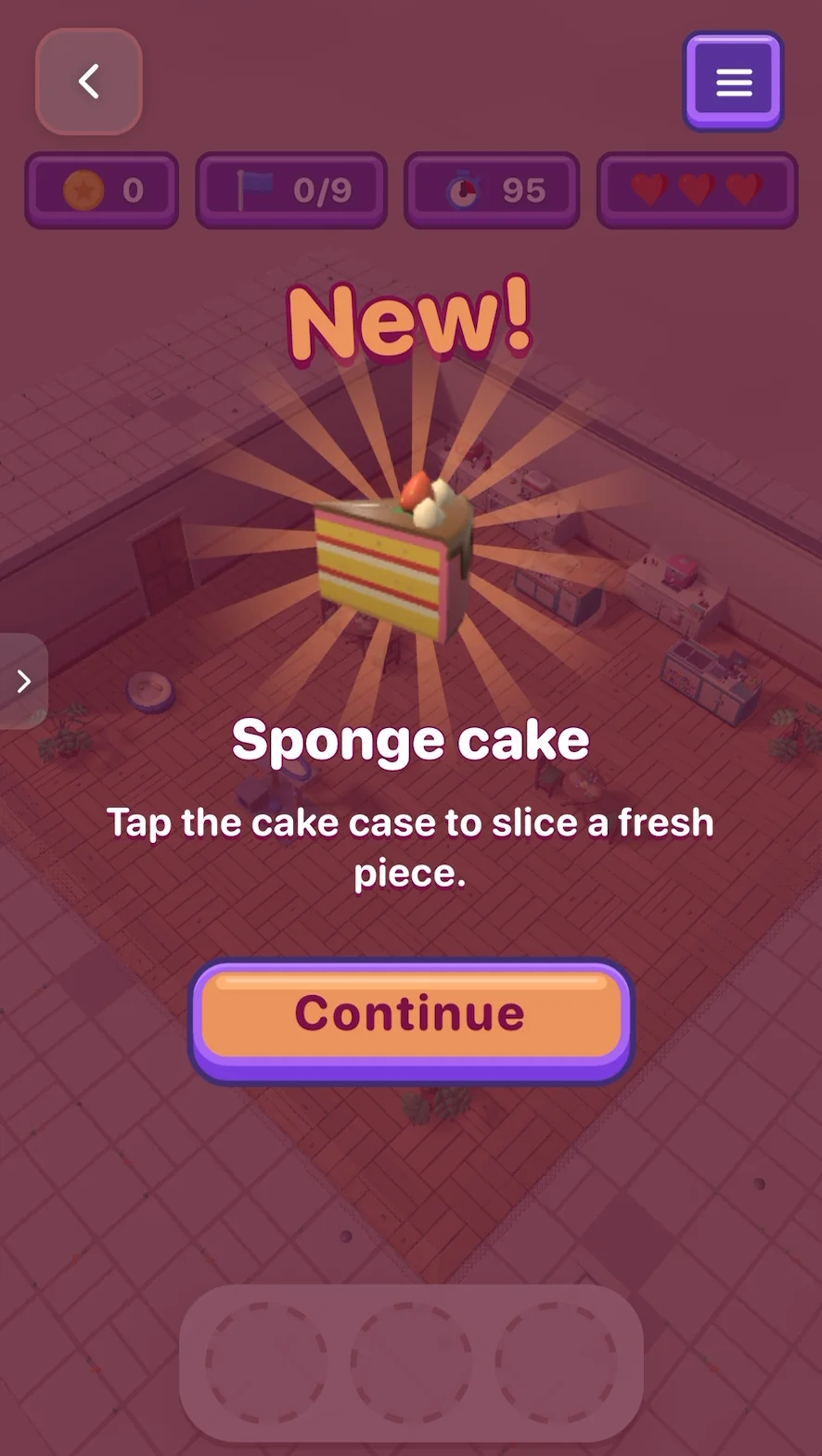
This does two jobs at once: it rewards the player for reaching the level, and it teaches the new mechanic right when it matters. Blade Tap Hero works the same way with enemies: every stage sends a new wave at you, from bats to goblins to skeletons, and the gold they drop lets you hire helpers like an archer, a wizard and a knight.
5. Milestones that feel big
Every so often, progression should feel like an event. In Stickman Warrior Auto, some stages end with a milestone boss, and beating one gets its own screen: "Milestone boss down!"
Cozy Cat Cafe plans for this too. Its game plan from Flikk includes VIP cat critics every five levels with multi-part orders, and cafe coins you spend on faster appliances, extra prep counters and cute aprons.
How to add progression to your game
You don't need to rebuild anything. Open your game, go to Make Edits, and describe the progression you want in a sentence. Each edit costs 25 Tokens and is ready in about 5 minutes.
Pick one of these to start. Here are prompts to try, based on the five kinds above:
| Kind | Try this in Make Edits |
|---|---|
| Numbers that go up | "Add an upgrade shop where coins make my character faster and stronger. Each upgrade costs a bit more than the last." |
| Something to save up for | "Add 5 unlockable skins in the shop, from cheap to very expensive, and show their prices." |
| A path you can see | "Add a level map with numbered levels. Finished levels get a check mark." |
| New things that unlock | "Every 3 levels, unlock a new enemy or item and show a short 'New!' popup that explains it." |
| Milestones | "Every 10 levels, add a boss level with a big celebration screen when you beat it." |
Then play your game again. Does the next upgrade feel close enough to chase? Does something new show up before you get bored? If not, make one more edit.
Three things to watch out for
- Too fast: if every tap buys an upgrade, nothing feels earned. Ask Flikk to "make upgrades more expensive".
- Too slow: if the first upgrade takes ten minutes, most players leave first. The first reward should come within the first minute or two.
- Invisible: an upgrade players can't see or feel doesn't count. "Make the character glow after each upgrade" is a great follow-up edit.
Not sure your core loop is ready for this? Our game design glossary explains the basics, and our Make Edits prompts that worked show more before-and-after changes.
FAQ
What is progression in game design?
Progression is everything in a game that grows over time: the player's power, their options, and how far they've come. Upgrades, level maps, unlockable items and boss milestones are all kinds of progression.
What's the difference between the core loop and progression?
The core loop is the action you repeat every few seconds, like tapping, merging or serving. Progression is what grows while you repeat it. The loop makes a round fun; progression makes you want to play the next one.
How fast should progression be?
Fast at the start, slower later. The first reward should come within the first minute or two, so new players feel it right away. After that, each goal can take a bit longer than the one before.
Can I add progression to a game I already made on Flikk?
Yes. Open your game, go to Make Edits and describe what you want, for example an upgrade shop or a level map. Each edit costs 25 Tokens and is ready in about 5 minutes. Make Edits only works on your own games.
Do I need to code to add upgrades or levels?
No. You describe the change in plain words, and Flikk builds it. No code, no engine.