Meet the Flikk Companion: How It Turns Your Idea Into a Game Plan
The little green robot in Flikk's Create tab reads your idea and writes a game plan before anything is built. Here's what it does and how to work with it.
In this article
When you make a game on Flikk, you don't talk to a code editor. You talk to the companion: the little green robot that reads your idea and answers with a game plan. It says "Here's your game." and shows you what it understood, before a single Token is spent.
This post shows what the companion does, what it tells you, and how to get the best out of it. Every screenshot is from a real game we made.
Quick note: Flikk is our app. Everything below is what we saw in the app.
Where you meet the companion
Open the Create tab, pick 2D or 3D, and type your idea. One or two sentences are enough. The app's own tip: "Say what the player does and the studio fills in the rest."
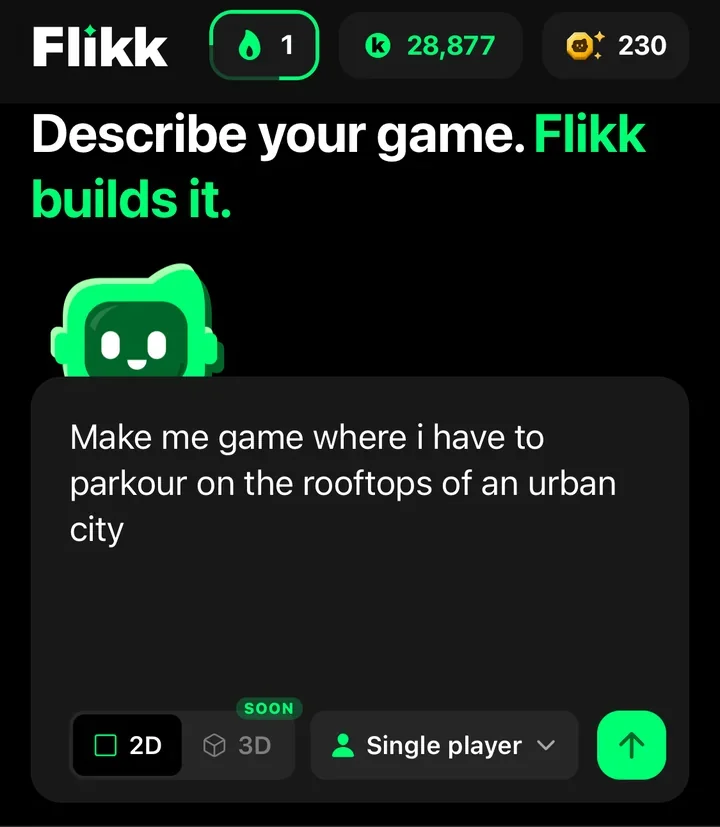
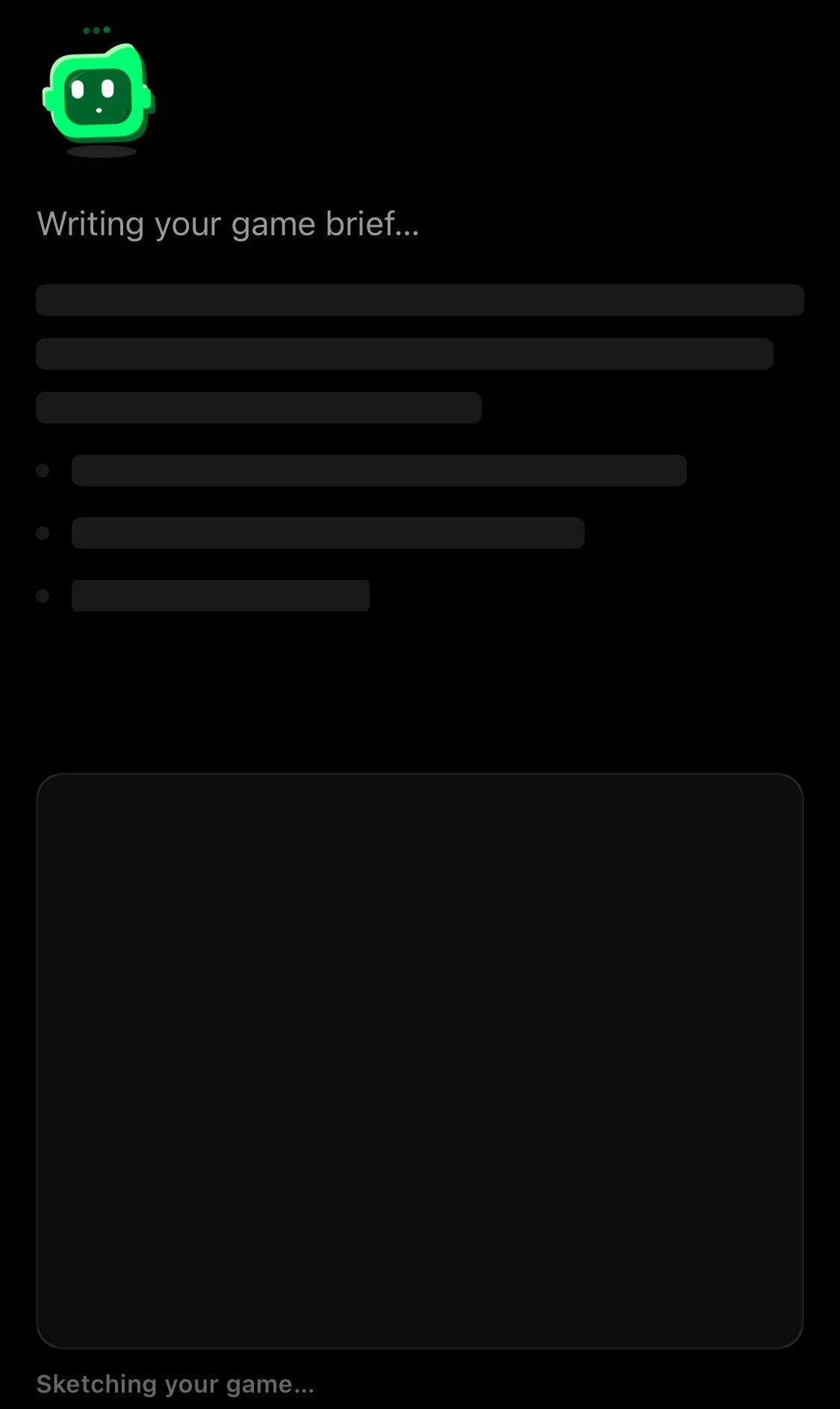
Send it, and the companion gets to work. You'll see it thinking: "Writing your game brief…" at the top, and "Sketching your game…" underneath.
What's in a game plan
Then the companion shows you the game plan. It has:
- A name. The companion picks one for you, like Urban Vault or Haunted Trivia Show. You can change it later.
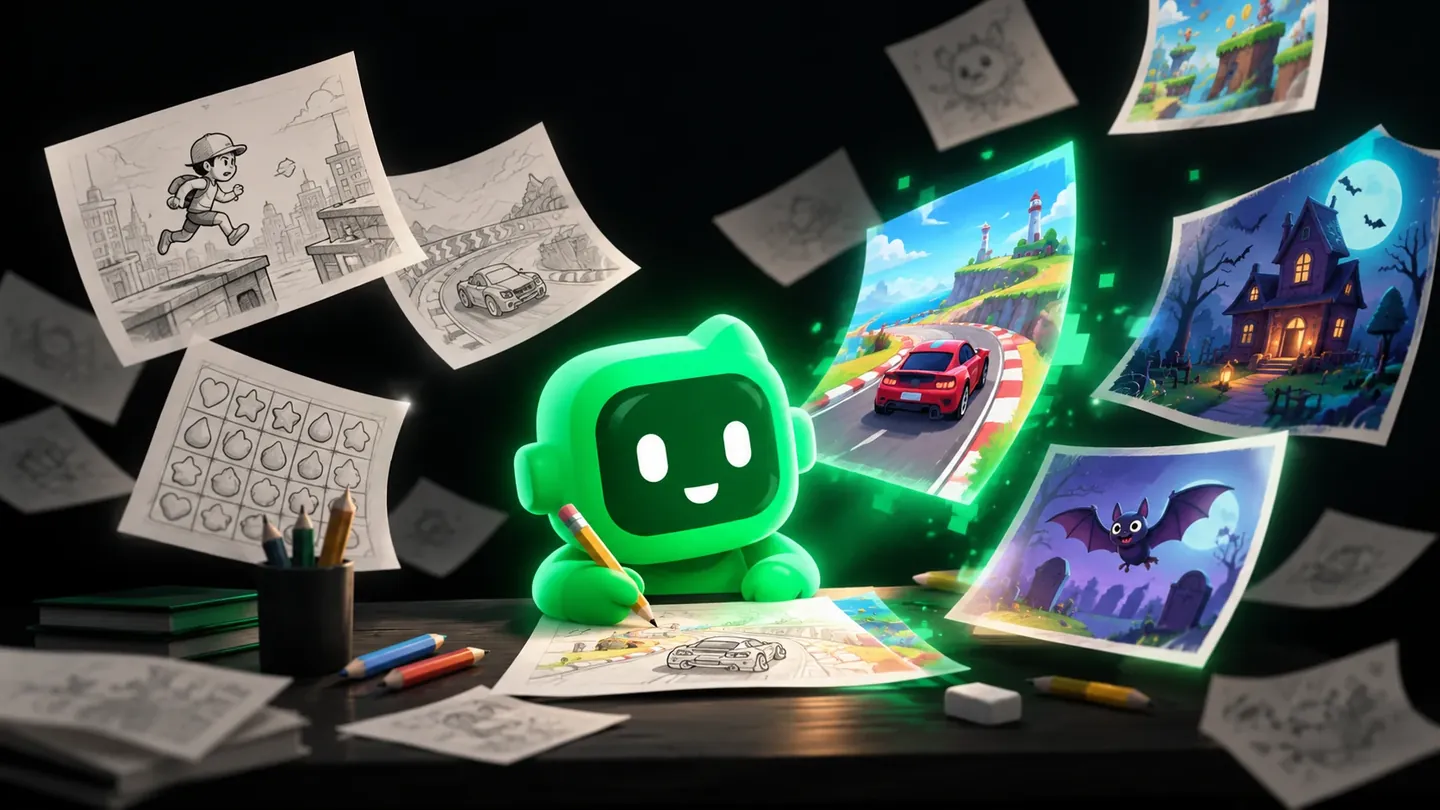
- A sketch. A quick pencil drawing of the game. "Just a quick sketch of your game. The real game might look different."
- Tags, like 2D or 3D, Levels or High score, and a category such as Arcade or Puzzle.
- A description and the rules: what you do, how you win or lose, and what changes as you play.
- The cost and the time: 100 Tokens for a new game (as of October 2026), "Takes about 15 minutes to generate."
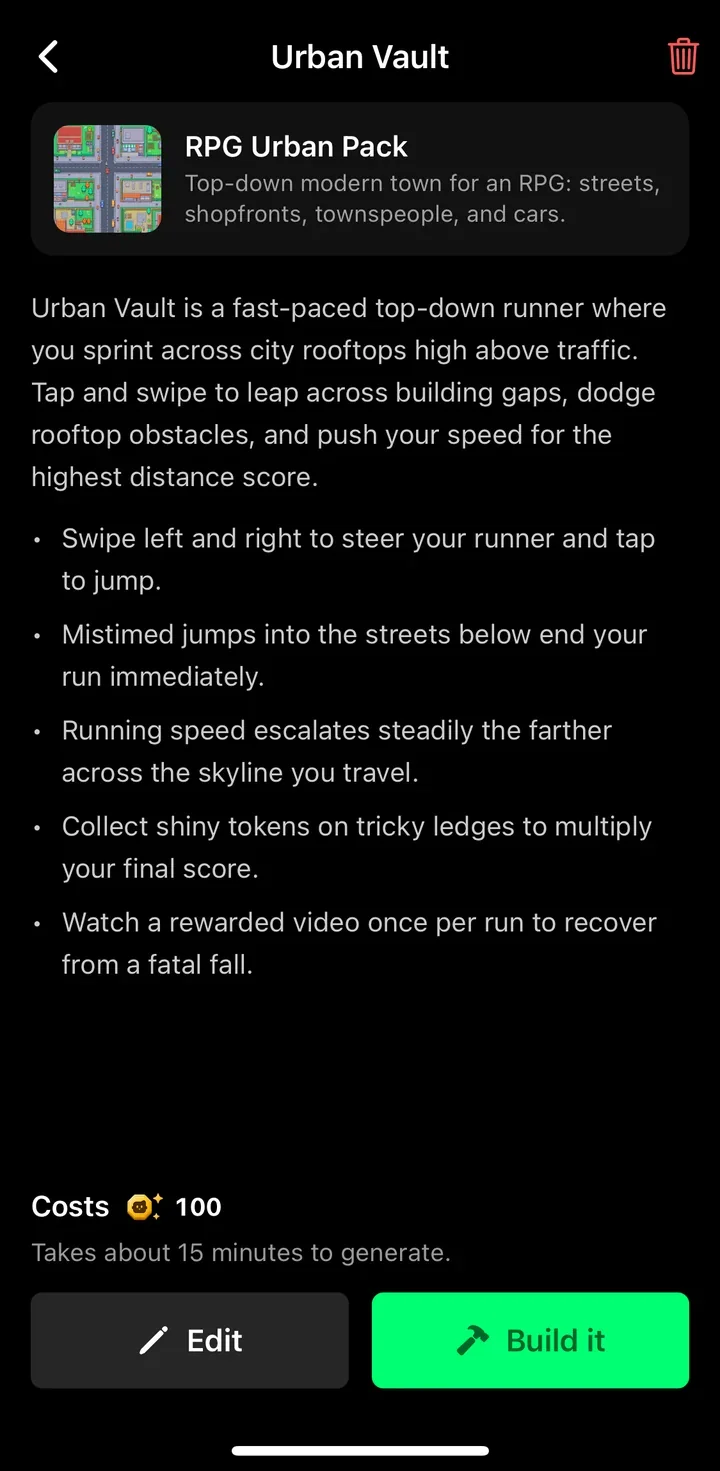
Here's the plan the companion wrote for our rooftop idea from above. It named the game Urban Vault and put Edit and Build it at the bottom, as on every plan:
The sketch is often the most fun part of a plan. Here's an example from another game. For our Halloween quiz idea, the companion picked the name Haunted Trivia Show and sketched a stone stage with a candle on the podium, jack-o'-lanterns and four answer stones:
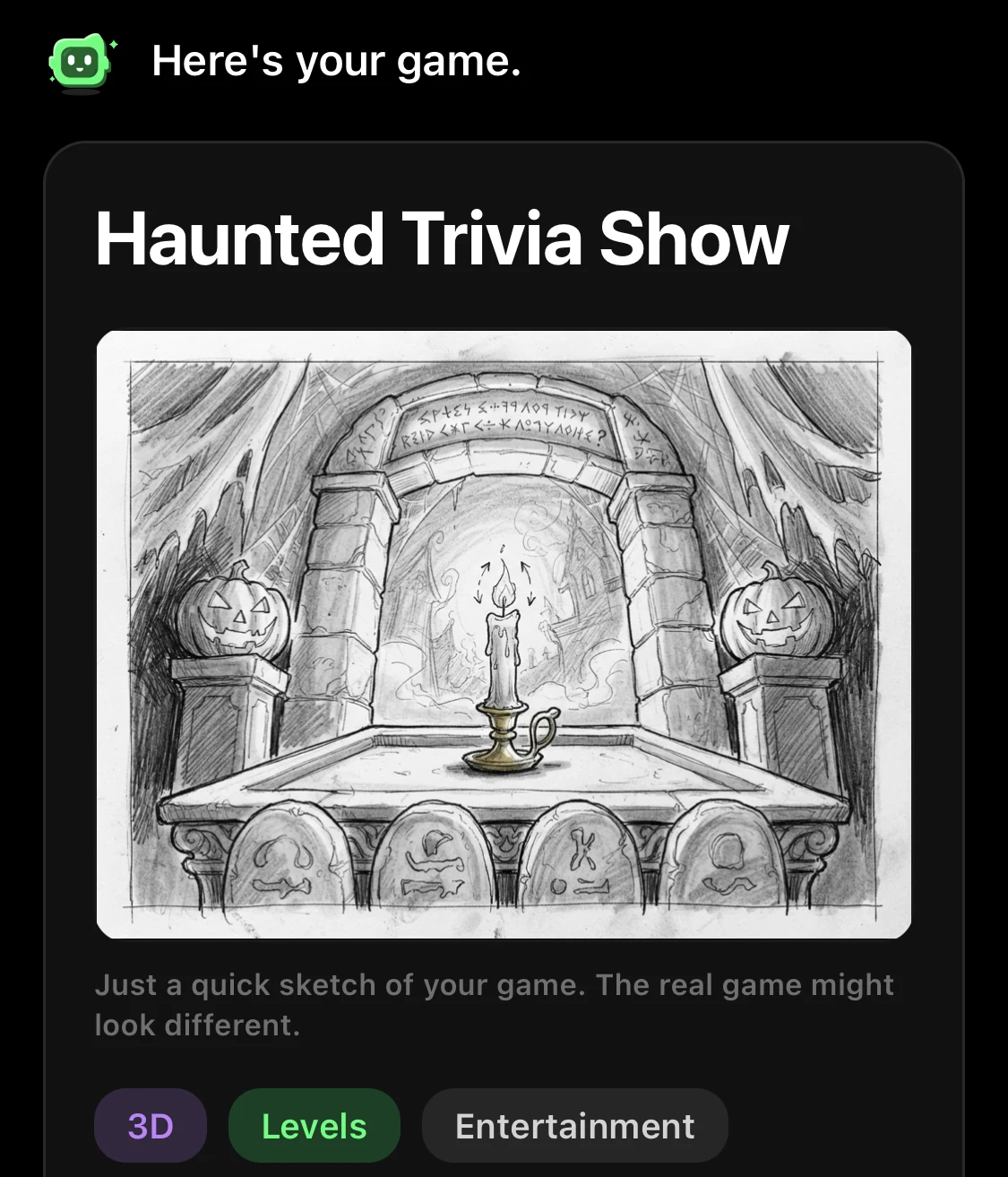
The sketch is close to what we got. When we built it, the real game had the same candle on the podium and jack-o'-lanterns on both sides. You can see it in our 10 Halloween game ideas.
The best part: the game plan is free. You only spend Tokens when you tap Build it. So you can try an idea, read the plan, change a few words and try again, as often as you like.
It fills in what you didn't say
Your idea doesn't need every detail. The companion adds the rest. For Urban Vault, we only asked for "parkour on the rooftops of an urban city". The plan came back with steering, jumping, speed that rises the farther you run, shiny tokens on tricky ledges to multiply your score, and a once-per-run continue after a fall.
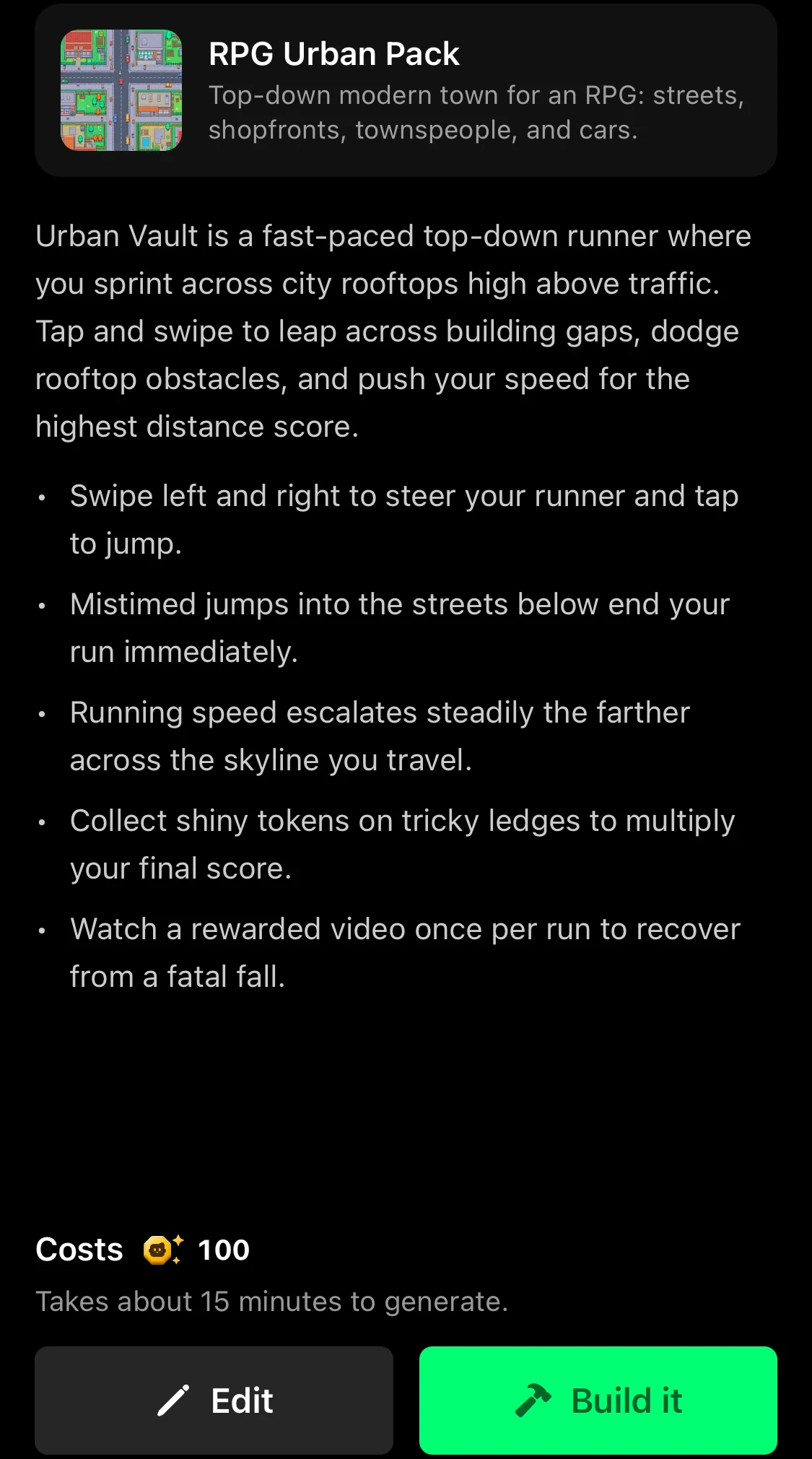
That's handy, and it's also a warning. With a short idea, the companion makes safe, typical choices. When we typed just "A racing game", it named the game Turbo Circuit and decided everything itself: drag to steer, a drift button, a nitro tank, five rival cars and fifty tracks.
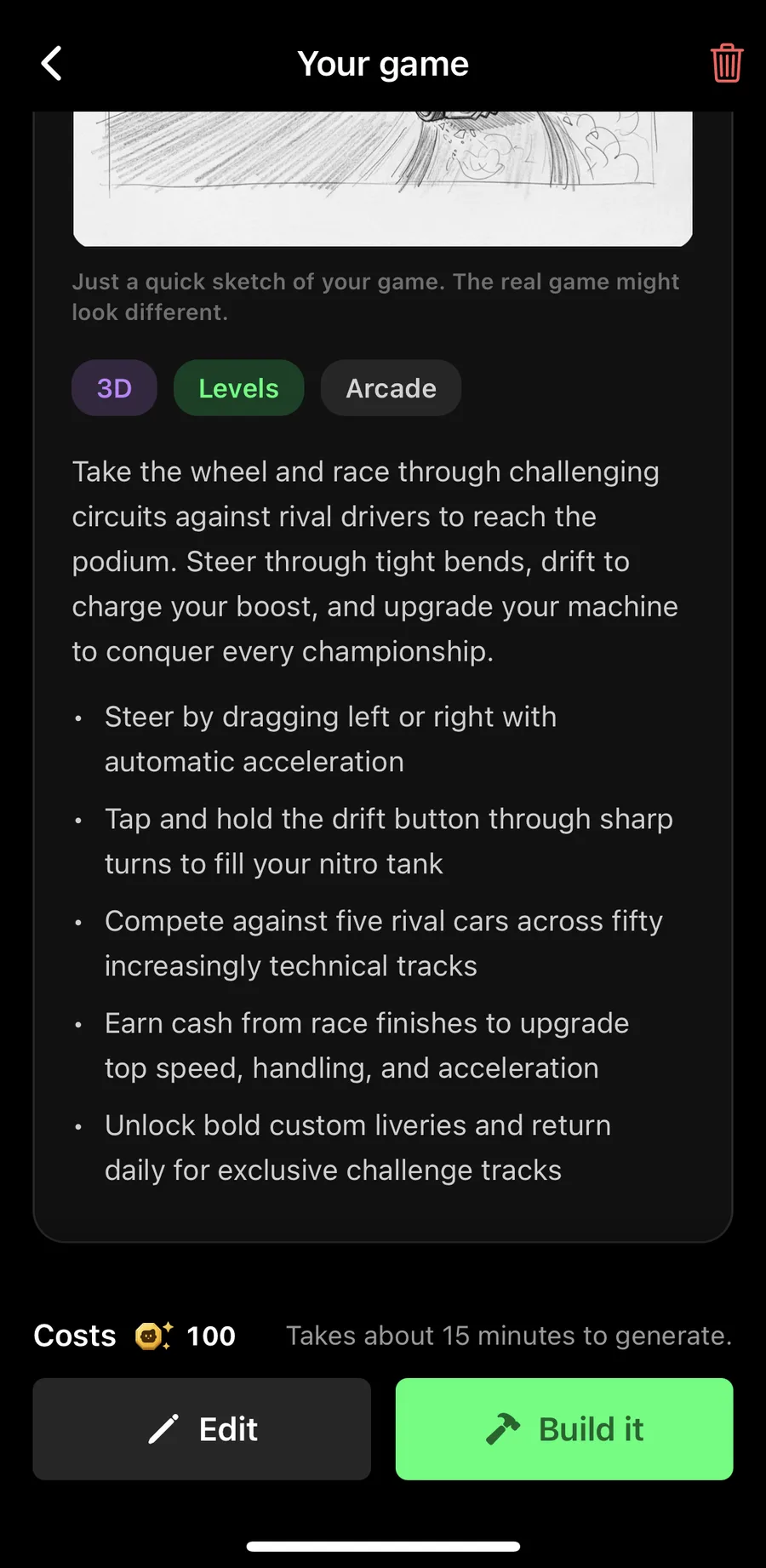
A fine racing game, but the companion's, not ours. Anything you don't mention, the companion decides for you. If something matters to you, say it. Our game prompt guide shows how a more detailed racing prompt changed the plan.
It tells you when your idea is too vague
Some ideas don't give the companion enough to work with. When we typed "A fun game", there was no plan at all, just a red hint:
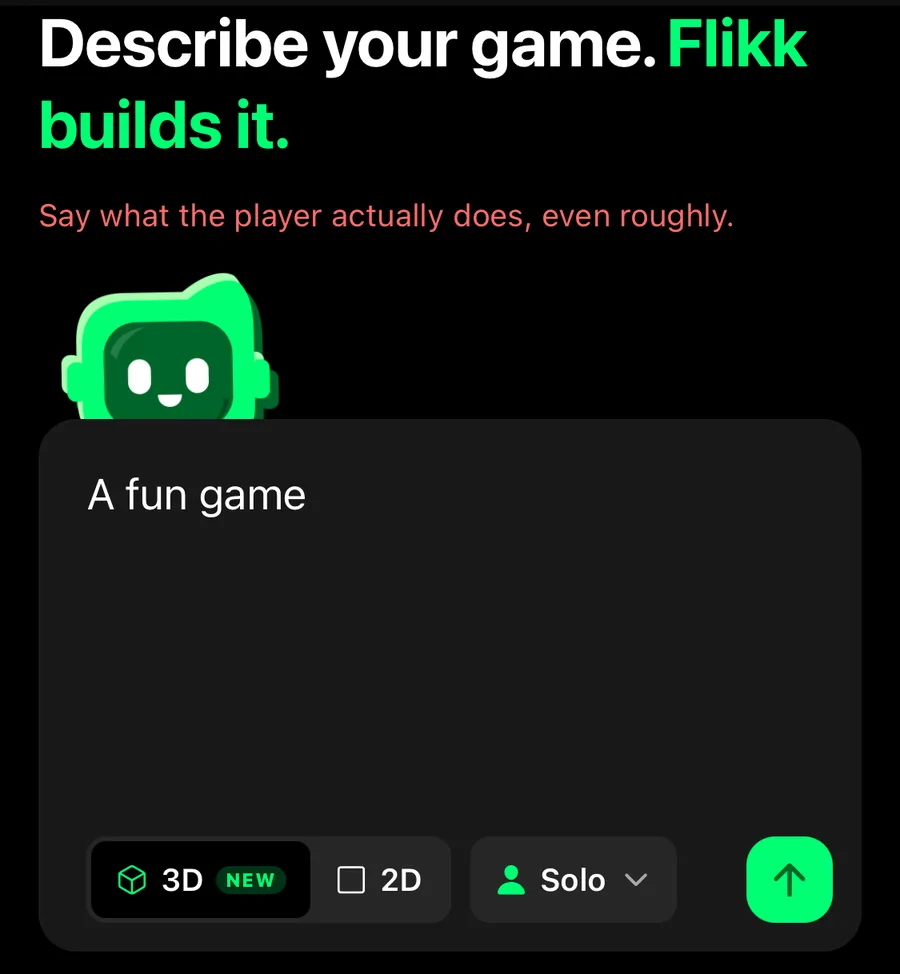
"Say what the player actually does, even roughly." Fun is what you hope the game will be. The companion needs to know what happens on the screen. Four words like "A cat catches fish" are enough.
It tells you what it changed and why
The companion doesn't quietly drop parts of your idea. If it changes something, the plan says so at the bottom.
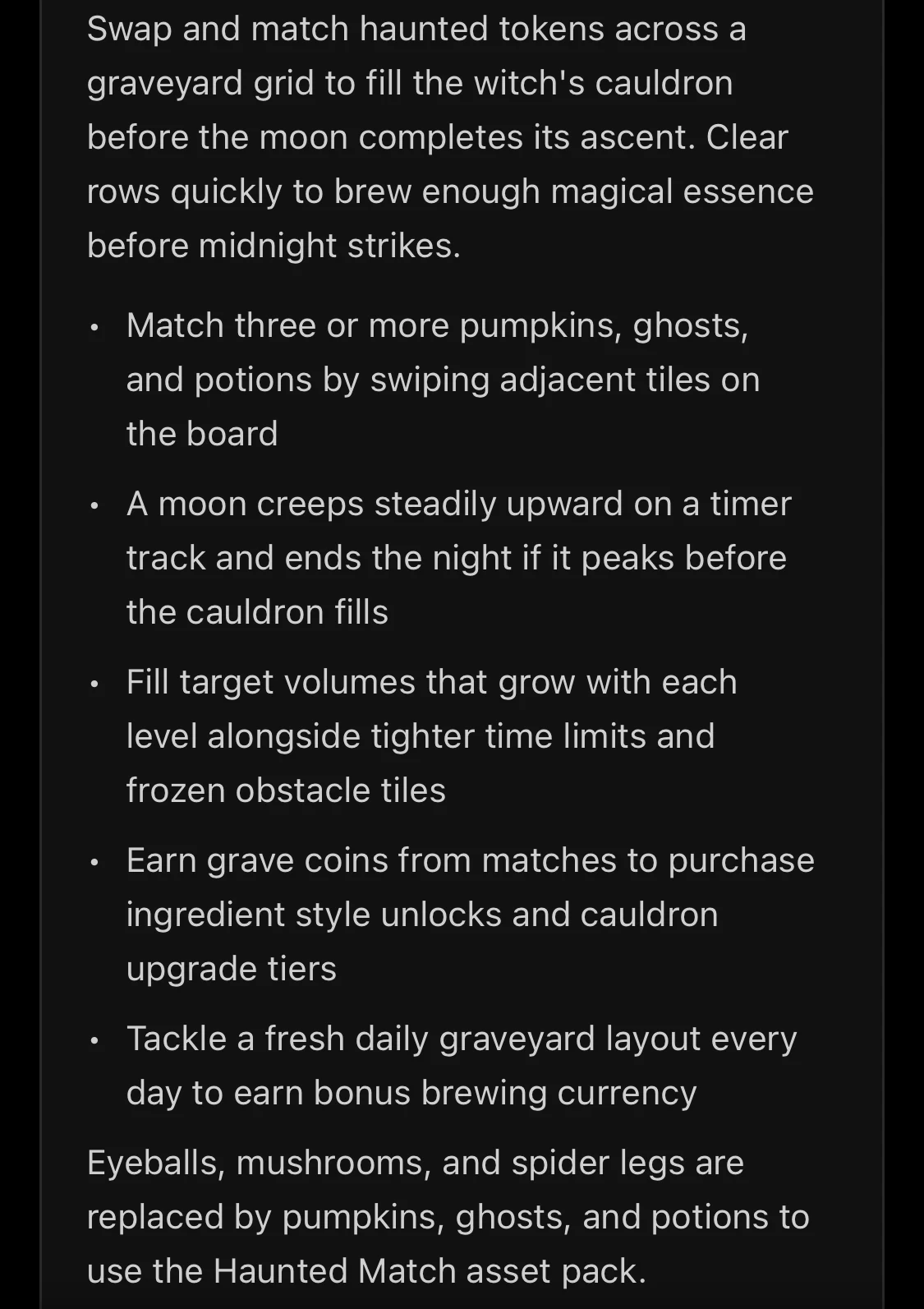
When we picked the Haunted Match asset pack for a witch's match-3, the plan said: "Eyeballs, mushrooms, and spider legs are replaced by pumpkins, ghosts, and potions to use the Haunted Match asset pack."
It does the same for edits. When we asked Retro Quiz Show for podiums in four colors and special lighting, the edit plan said: "Specific podium colors and lighting effects are determined by the engine's visual styling, so they were left out."
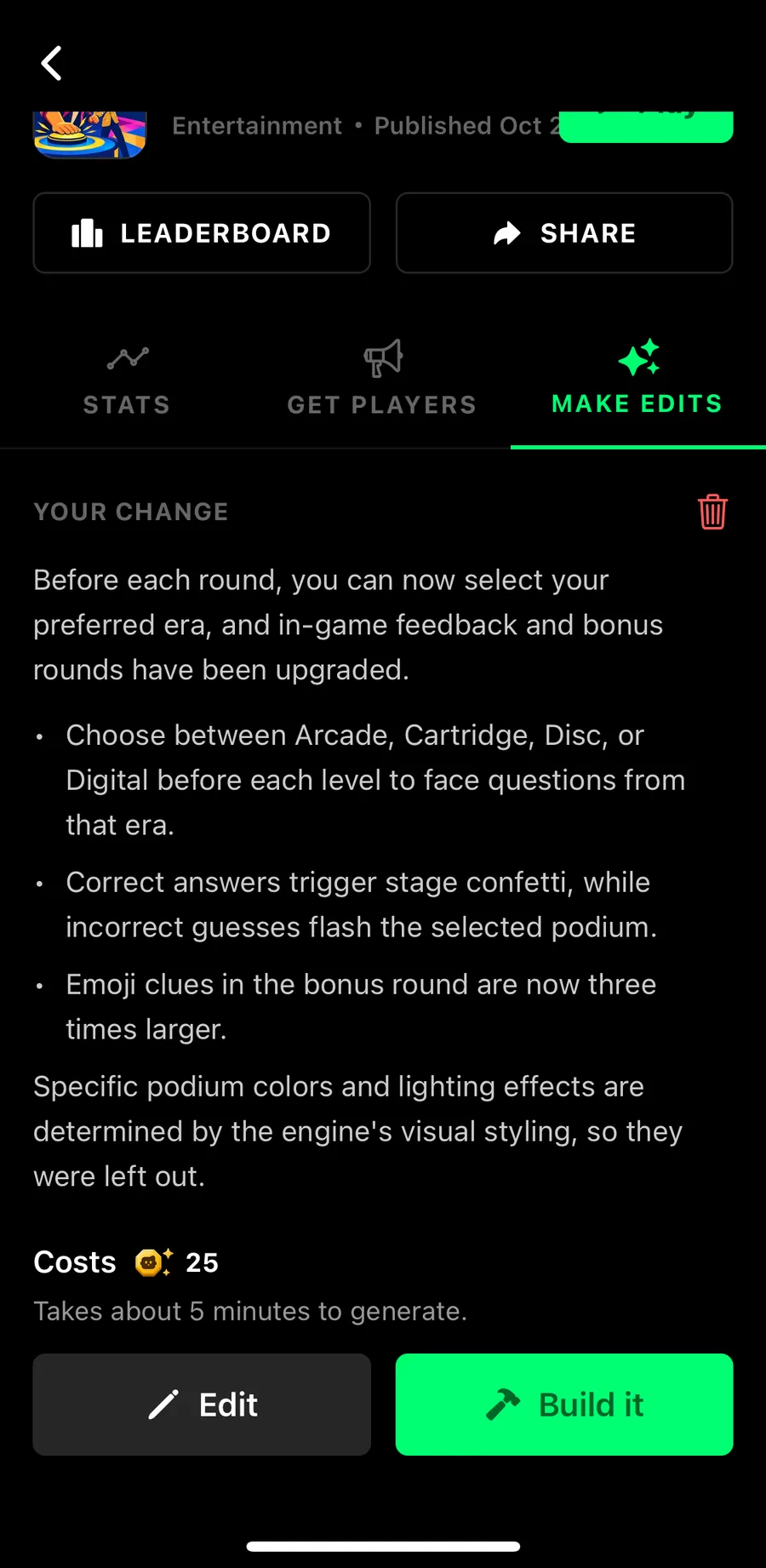
That's the moment to decide: build it anyway, or tap Edit and change your idea. Either way, you know before you spend anything.
It tells you when it can't
Some things Flikk can't build yet, like tilt controls. Ask for one, and the companion says so right away, in red: "Flikk can't make that one. Say what the game should be like instead — how it plays, looks or sounds."
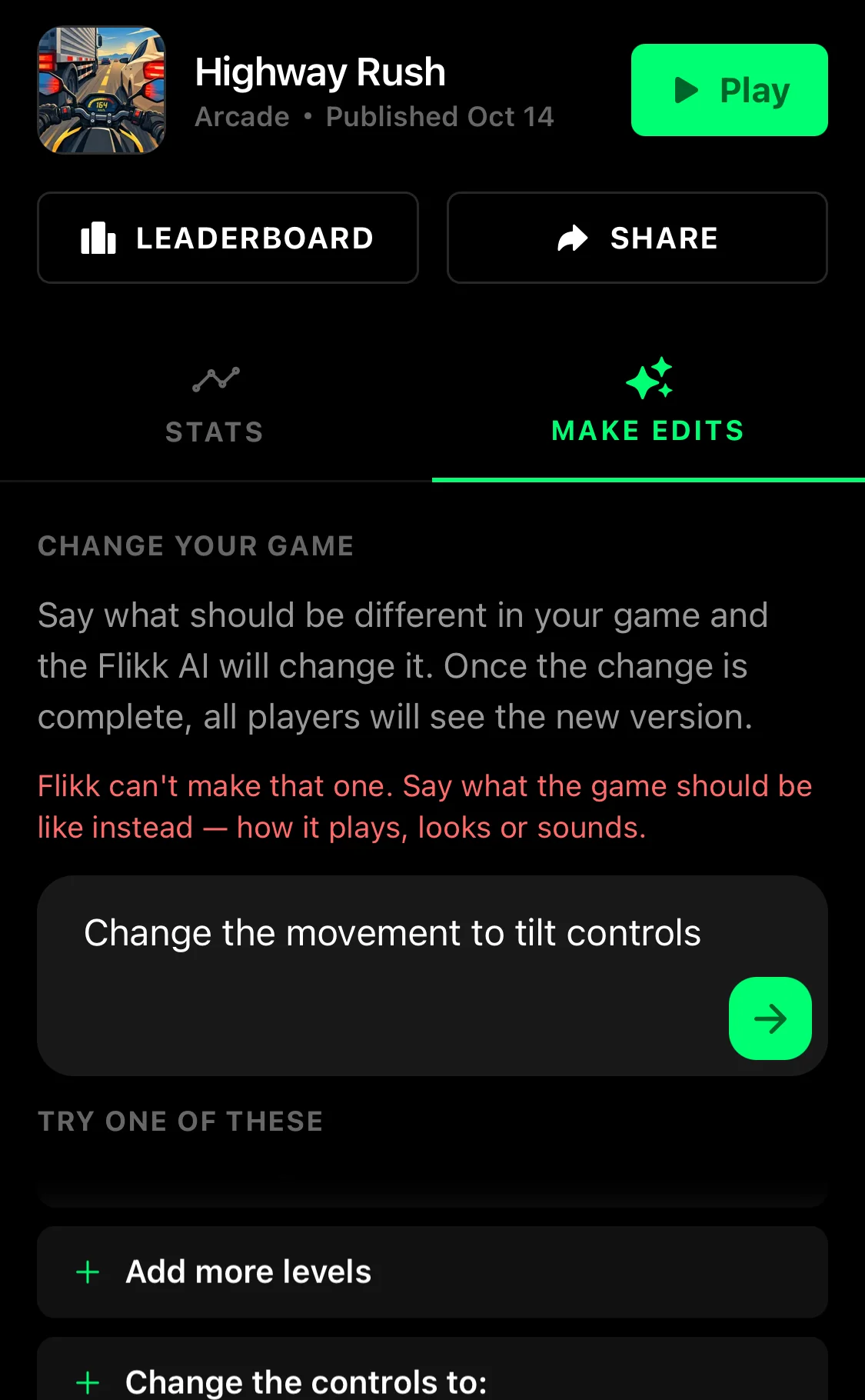
Nothing is built, and nothing is spent. Try a different way to get the same feeling, like a joystick or swipes instead of tilting.
It works on your edits too
The companion doesn't stop once your game is built. When you describe a change in Make Edits, it answers with a plan of the change first. For Urban Vault, ours read: "You can now choose between Day and Night mode from the main menu, and your runner performs flips mid-air!" The cost (25 Tokens, as of October 2026) and "Takes about 5 minutes to generate" sit right below.
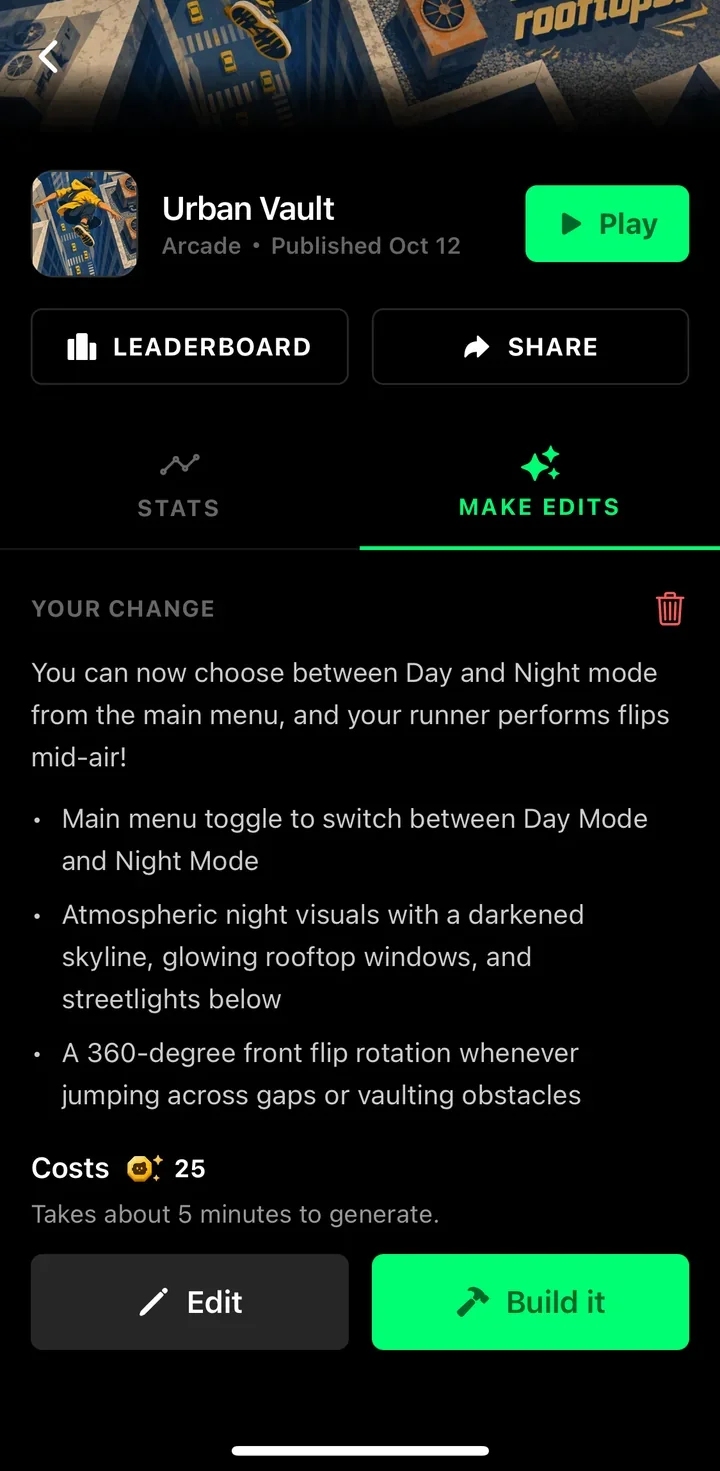
Your players keep the current version until the new one is ready. Need inspiration? Here are 9 edit prompts that worked.
5 tips for working with the companion
- Say what the player does. An action is the one thing the companion needs. "Tap to flap a bat through a graveyard" is plenty.
- Mention what matters to you. Controls, camera, the twist, the look. Everything else, the companion decides.
- Read the whole plan, including the last lines. That's where it says what it changed or left out.
- Use Edit before Build it. Plans are free, so tweak your idea until the plan matches the game in your head.
- Find another way when it can't do something. Describe the feeling you want instead, like swipes instead of tilting.
Ready to meet it? Open the Create tab, type an idea, and see what the companion makes of it. It's free until you tap Build it.
Download Flikk on iOS · Download Flikk on Android
FAQ
What is the Flikk companion?
The companion is the little green robot in Flikk's Create tab. It reads your game idea and answers with a game plan: a name, a sketch, tags, the rules and the cost. It also writes the plan for every edit you make.
Does the companion cost anything?
No. Getting a game plan is free. You only spend Tokens when you tap Build it: 100 Tokens for a new game and 25 Tokens for an edit (prices as of October 2026).
Can I change the game plan before building?
Yes. Tap Edit, change your idea, and the companion writes a new plan. You can do this as often as you like before you tap Build it.
Why did the companion leave part of my idea out?
Usually because Flikk can't build that part yet, or because it doesn't fit your asset pack. The plan says what was left out and why, so you can change your idea or build it anyway.
Does the companion have a name?
No. In the app it's just the little green robot at the top of your game plan, so we call it the companion.