How to Make a Survival Game Without Coding (Zombie Island Game on Your Phone)
Gather by day, build a fort, survive the zombies at night. Here's how we made a 3D survival game on Flikk from one prompt, plus the 5 parts every survival game needs and 10 ideas to copy.
In this article
Chop trees while the sun is up. Build your walls before dark. Keep the fire burning when the zombies come out of the forest. Survival games are some of the most loved games out there, because every day feels like a race against the night.
The short answer: you can make a survival game without coding by describing it in a few sentences: where the player is stranded, what they gather, what they build and what attacks them. On Flikk, you write the prompt on your phone, get a free game plan, and the finished 3D survival game is ready in about 15 minutes. Our game, Island Nights, came out with a day and night cycle, crafting, walls, a hut, a campfire and zombie attacks, all from one prompt.
Here's exactly how we made it, step by step. You can play Island Nights in your browser.
Key takeaways
- You can make a survival game without coding on Flikk: describe it, and it's ready in about 15 minutes, on your phone.
- Every survival game has the same loop: gather by day, build and craft, survive the night, repeat.
- Name the threat and the goal in your prompt, for example "zombies at night" and "survive 3 nights to unlock a bigger island".
- The game plan is free, so you can check your idea before you build it (100 Tokens).
- You can change the game after you play it with Make Edits. We added a wolf pack and an arrow tower with one edit (25 Tokens, about 5 minutes).
What is a survival game?
A survival game is a game where you start with almost nothing and have to stay alive by gathering resources, crafting tools and building shelter, while danger gets worse over time. Most survival games use a day and night cycle: the day is for gathering and building, the night is for defending what you built.
5 popular kinds of survival games
| Kind | What you do | Prompt to try |
|---|---|---|
| Island survival | Stranded on an island, gather and build | "A 3D survival game on a small island where I gather wood and fish and build a hut before the storm." |
| Zombie survival | Hold out against waves of zombies | "A 3D zombie survival game in a small town where I barricade a house and survive 5 nights." |
| Winter survival | Stay warm in the cold | "A 3D winter survival game where I chop wood to keep my campfire burning in a snowy forest." |
| Space survival | Keep your base running on another planet | "A 3D space survival game where I mine crystals on a red planet and repair my oxygen dome before it runs out." |
| Base defense survival | Build walls and towers, defend by night | "A 3D survival game where I build walls and towers by day and defend my camp from monsters at night." |
Step 1: Describe your survival game
Open the Create tab, pick 3D, and describe your game. Here's the prompt we used:
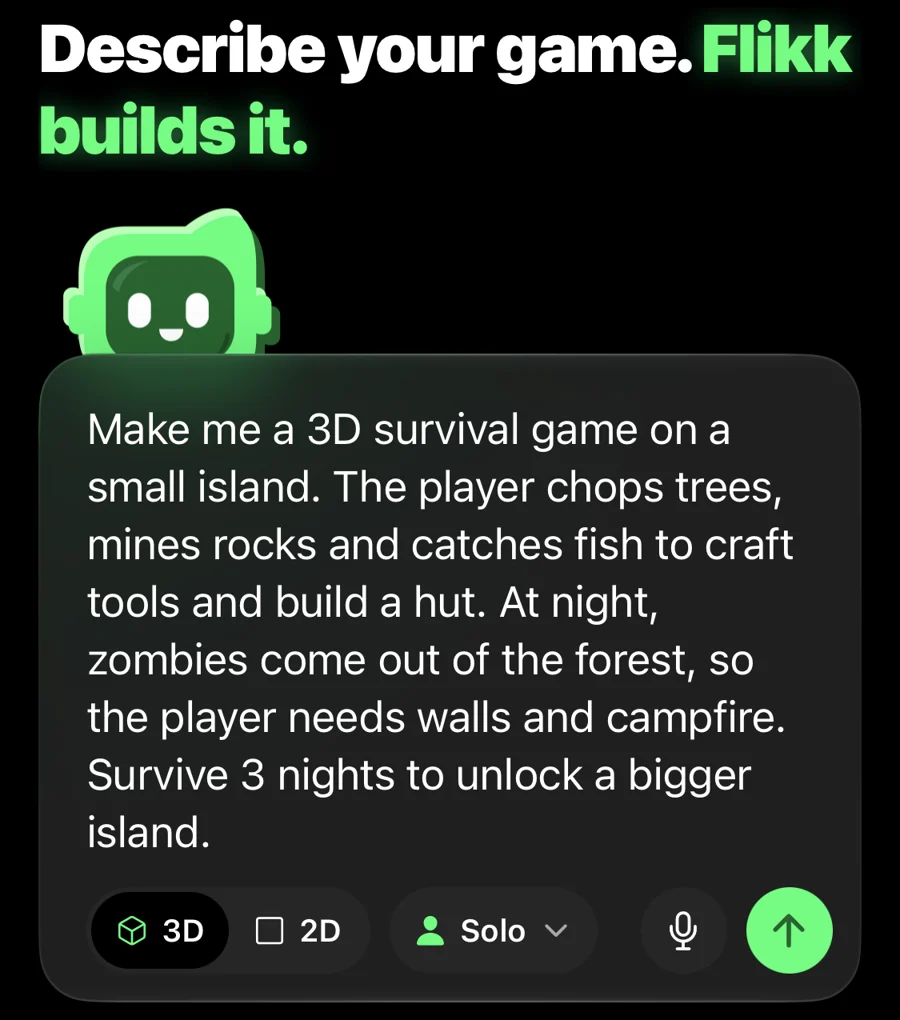
"Make me a 3D survival game on a small island. The player chops trees, mines rocks and catches fish to craft tools and build a hut. At night, zombies come out of the forest, so the player needs walls and campfire. Survive 3 nights to unlock a bigger island."
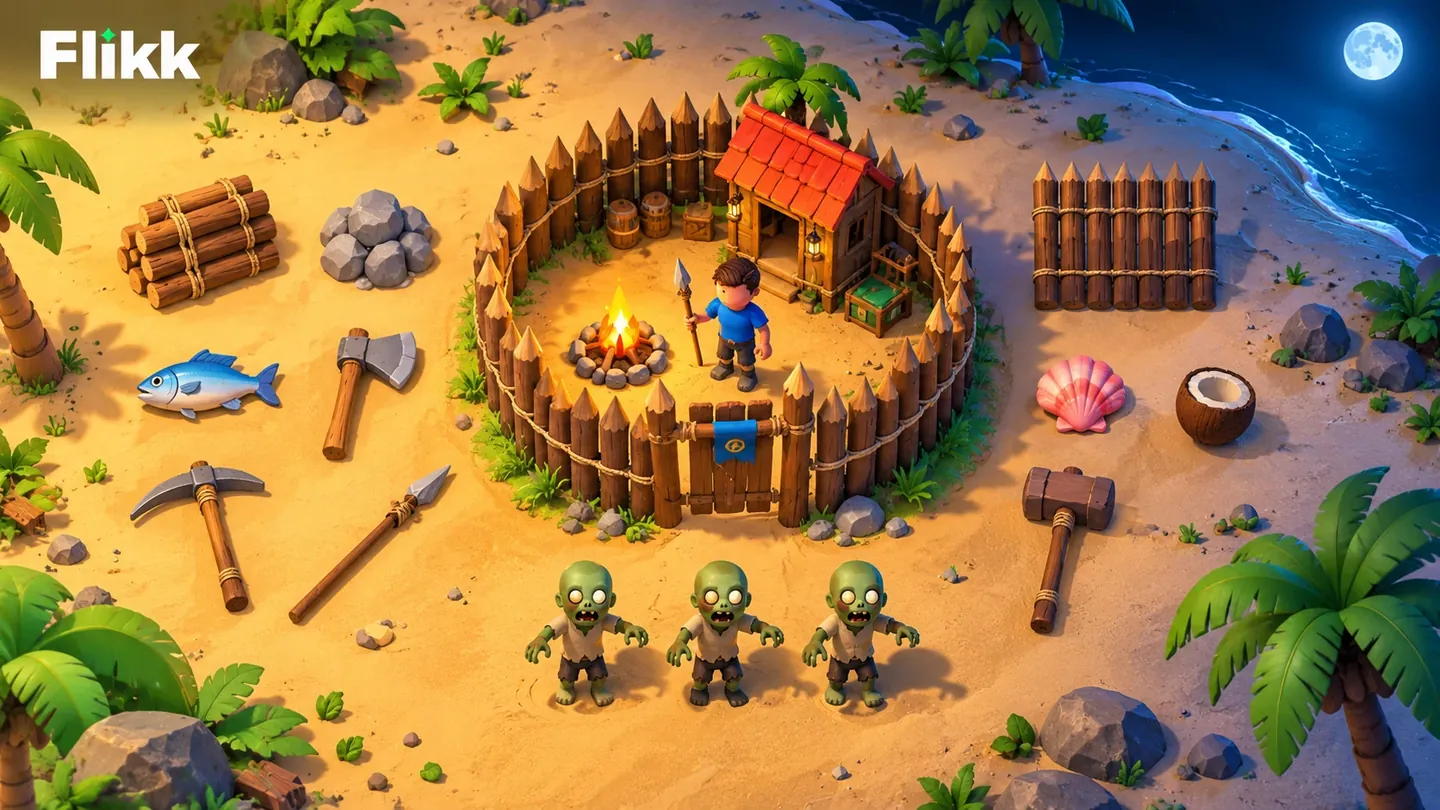
It names all five parts of a survival game: the place (a small island), the resources (trees, rocks, fish), what you build (tools, a hut, walls, a campfire), the threat (zombies at night) and the goal (survive 3 nights).
Step 2: Check the free game plan
Flikk turns your prompt into a game plan with a sketch, the game type and what you'll do in the game. It named our game Island Nights: chop trees, crack boulders and catch fish, craft better axes, spears and walls, keep the campfire burning, and survive three nights to sail on to bigger islands.
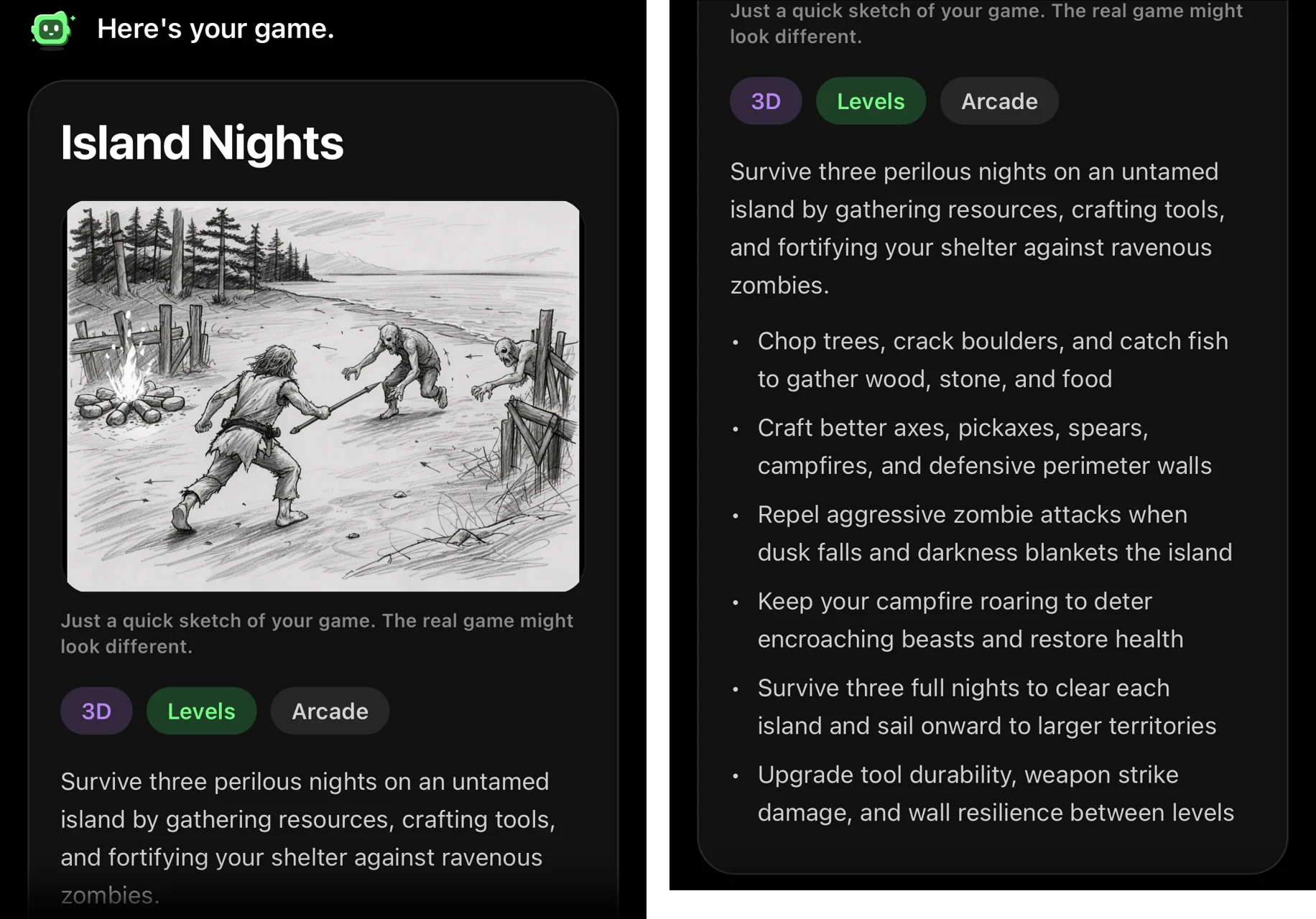
The plan is free. If something's missing, tap Edit and change your idea before you build. When it looks right, tap Build it (100 Tokens). The game is ready in about 15 minutes.
Step 3: Play your survival game
Day: gather wood and stone
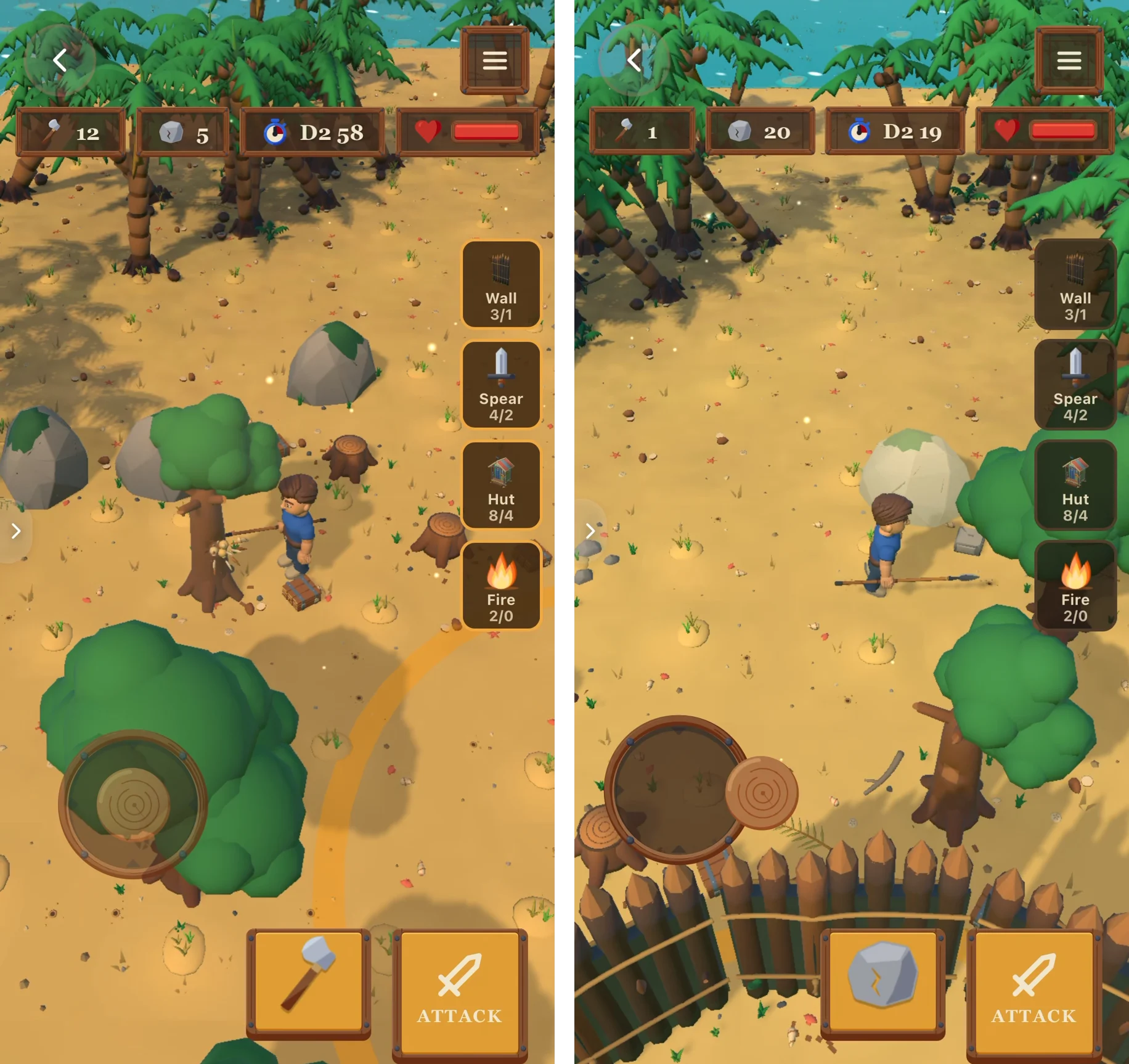
You start on the beach with nothing. Walk up to trees and rocks to chop wood and mine stone. The counters at the top show what you've collected and how much of the day is left.
Build: walls, a hut and a campfire
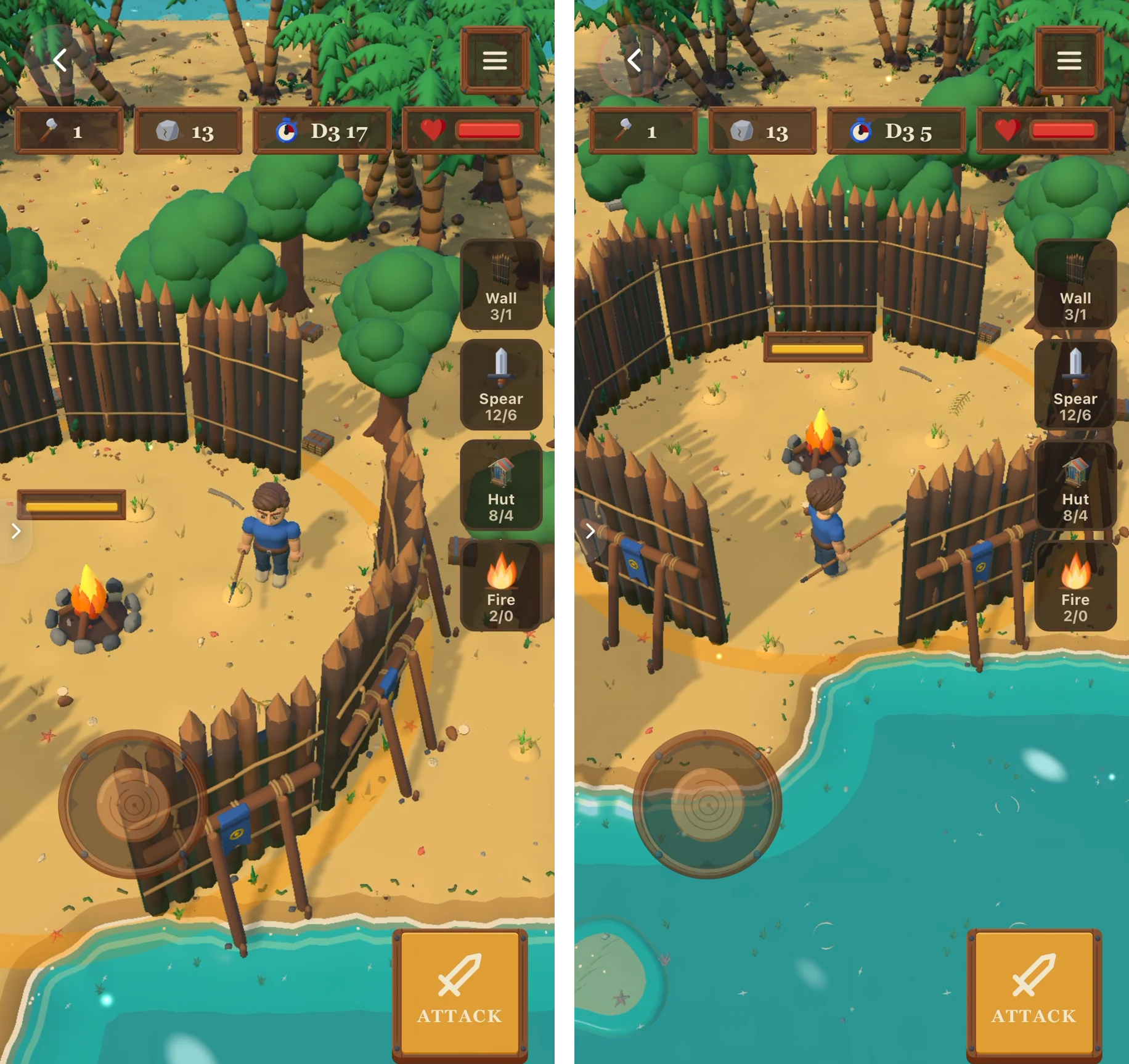
Spend your wood and stone in the side panel: Wall, Spear, Hut and Fire. Close the circle of spike walls before night, and put the campfire in the middle.
Night: survive the zombies
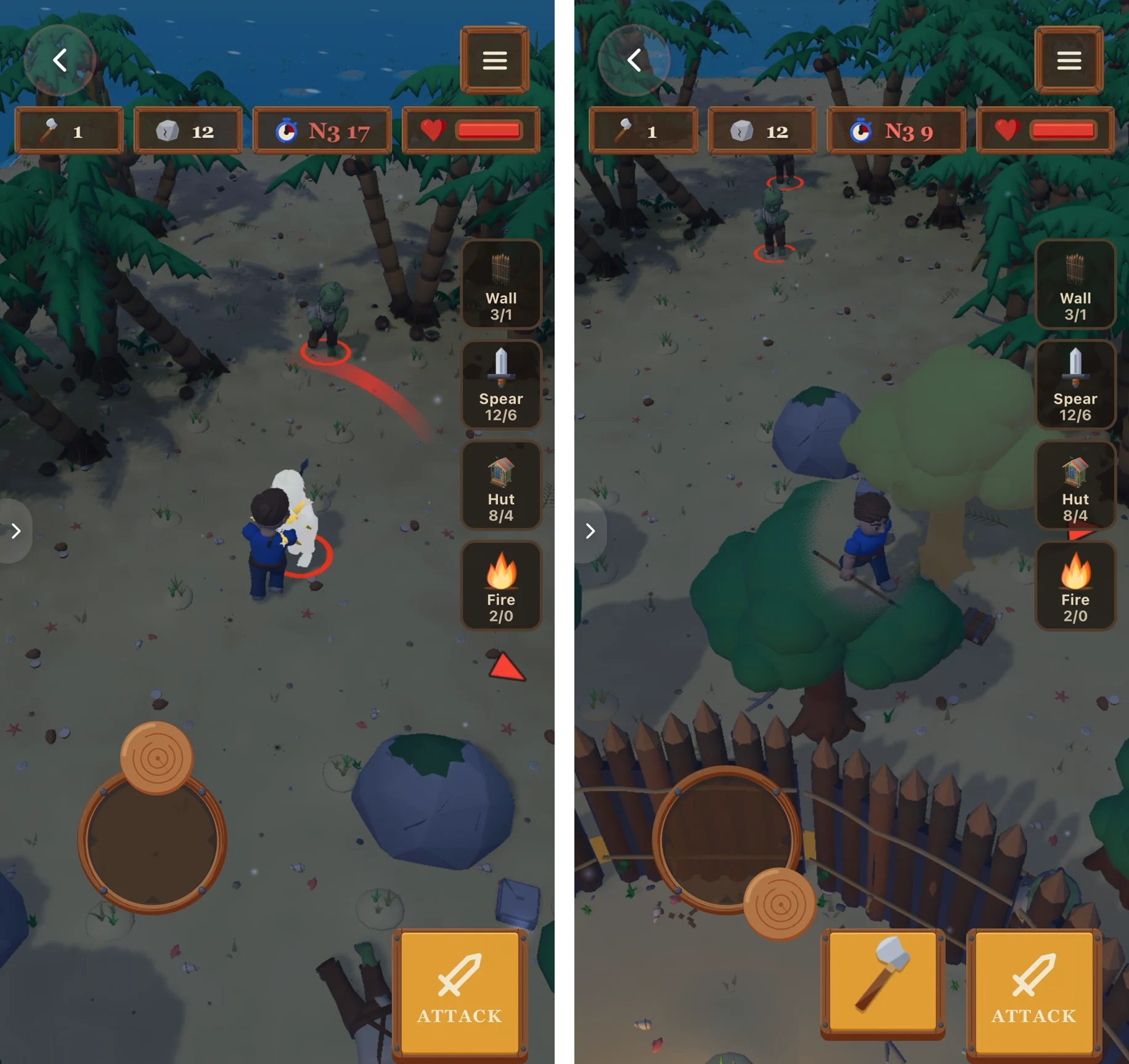
When it gets dark, the zombies come out of the forest. Fight them off with your spear, stay close to the fire, and hold out until morning.
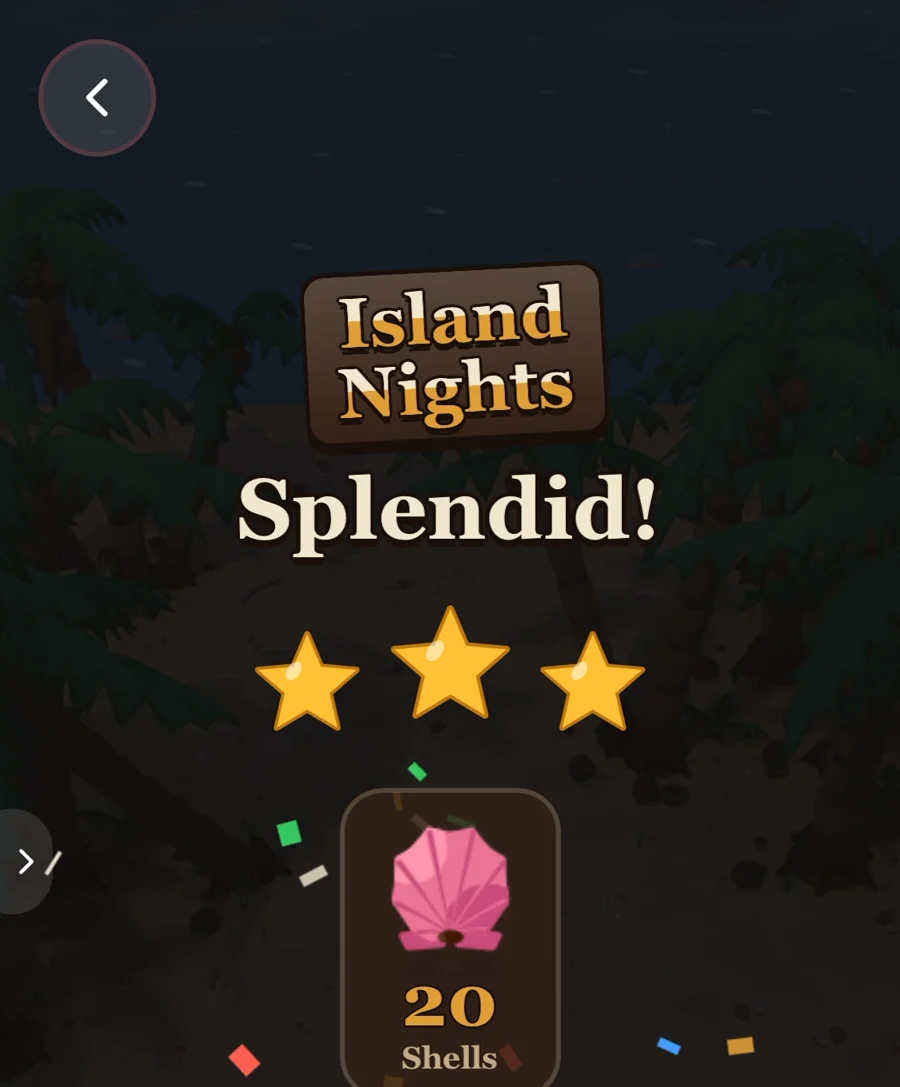
Step 4: Change it with Make Edits
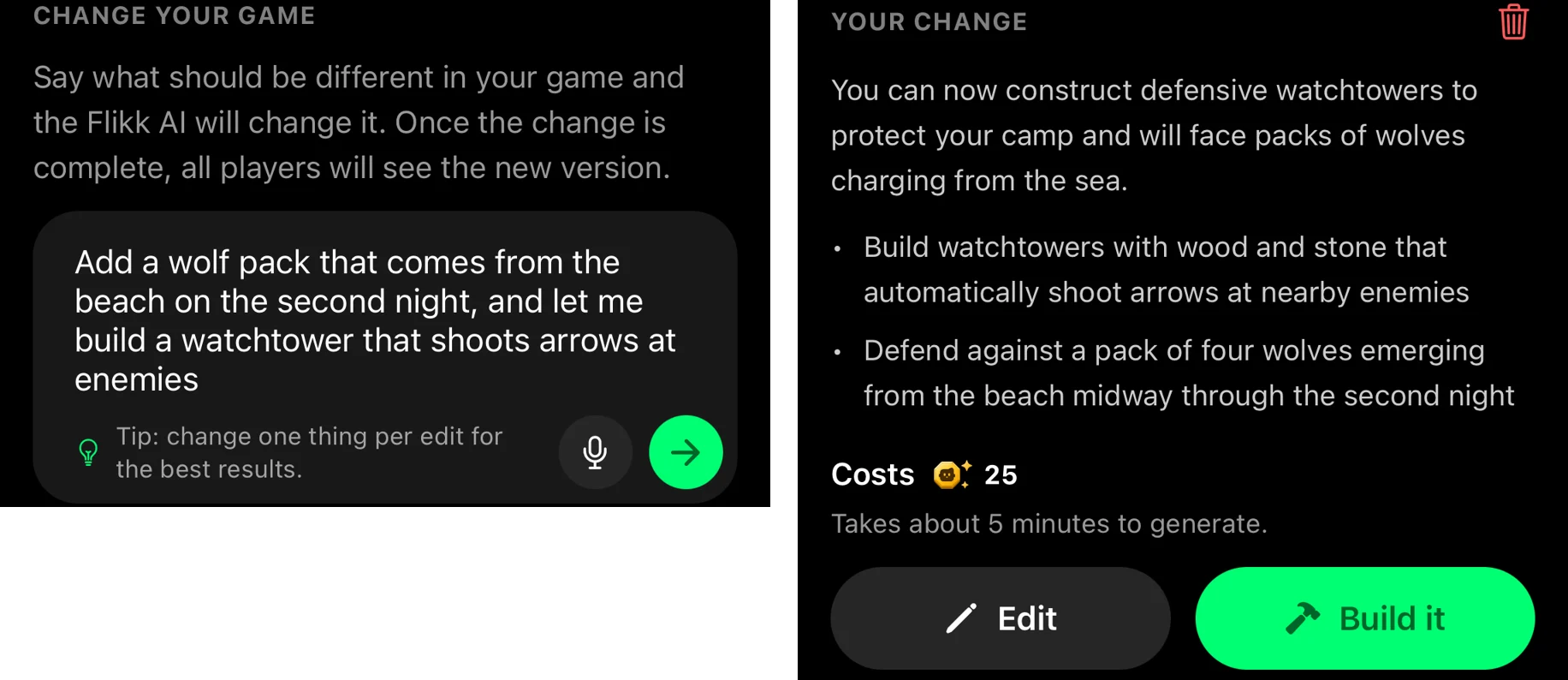
After a few rounds, we wanted the second night to feel more dangerous, and the player to have something new to build. So we opened Make Edits on Island Nights and wrote:
"Add a wolf pack that comes from the beach on the second night, and let me build a watchtower that shoots arrows at enemies."
Flikk showed the change as a plan first: watchtowers built from wood and stone that shoot arrows at nearby enemies on their own, and a pack of four wolves charging from the beach in the middle of the second night. The edit cost 25 Tokens and took about 5 minutes.
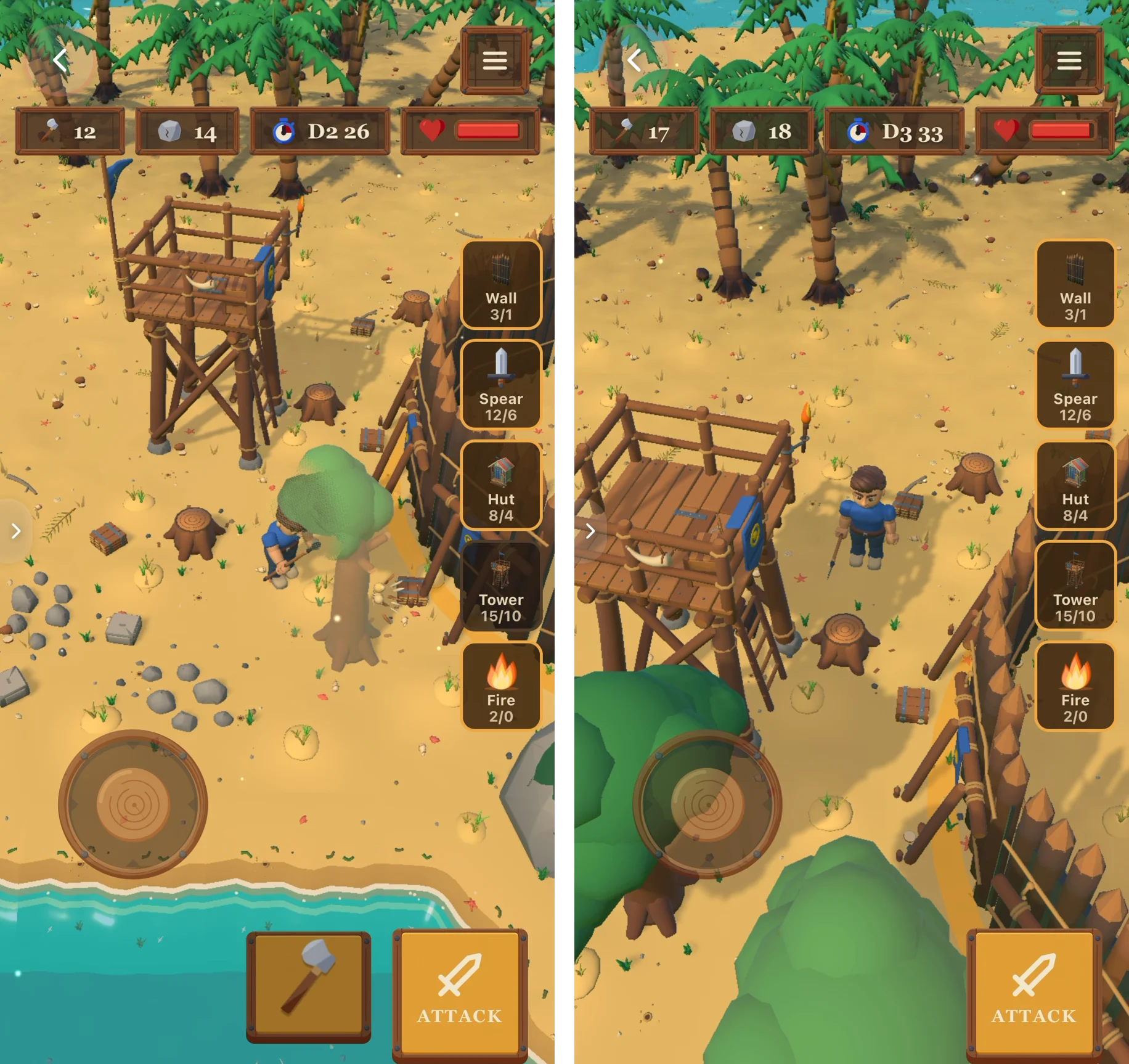
After the edit: a new tower to build
The side panel now has a fifth button, Tower. Build it next to your walls during the day, and it guards the camp at night.
Night two: the wolves arrive
Halfway through the second night, the wolves come up from the beach. Fight them at the wall with your spear while the tower helps you out.
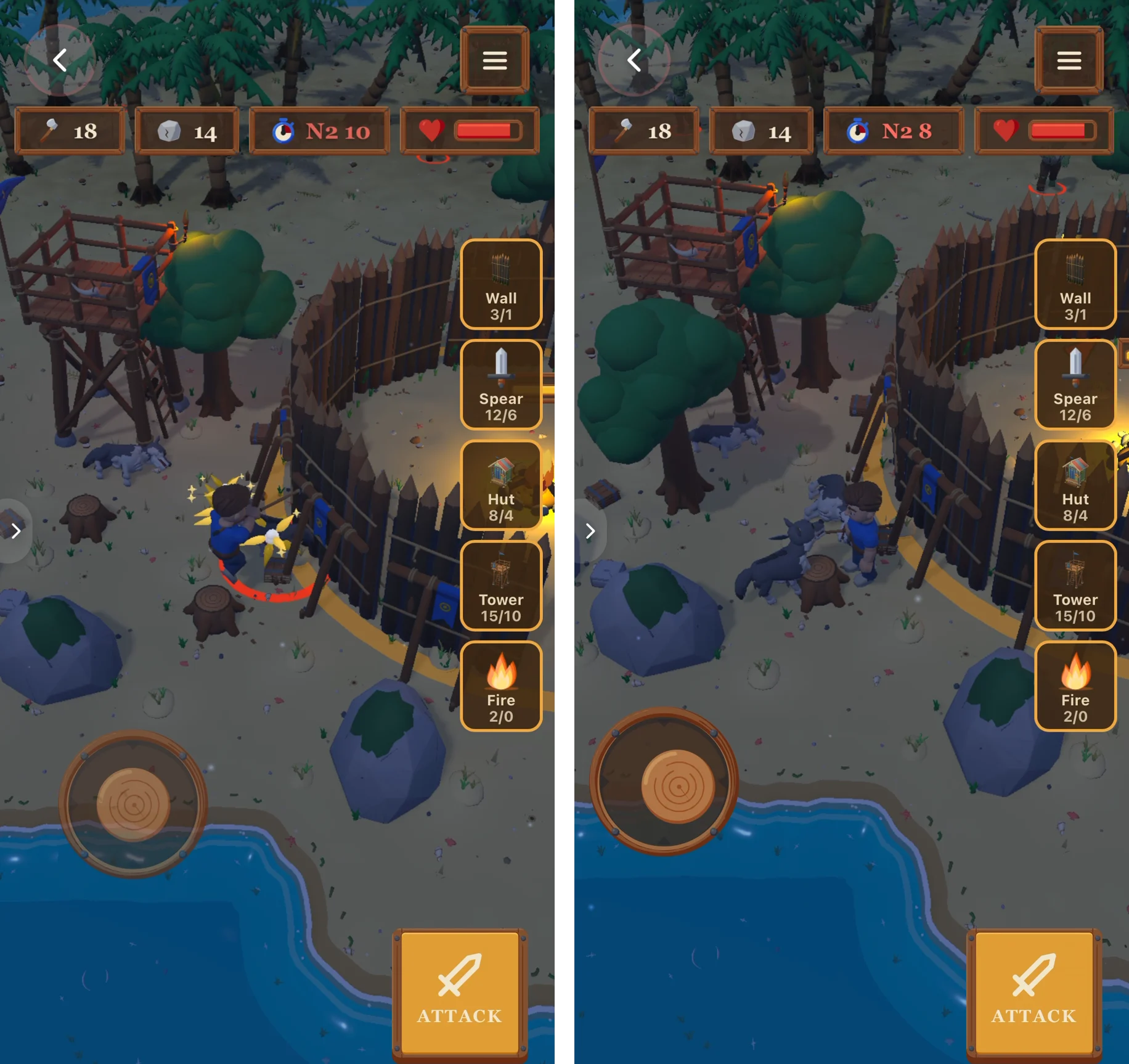
One edit gave the game a new enemy, a new building and a harder second night. That's the best way to grow a survival game: play it, find the moment that feels too easy, and change just that. For more edit ideas, see our list of Make Edits prompts.
The 5 parts every survival game needs
- A place to be stranded. An island, a frozen forest, a planet, a city. It sets the mood and the resources.
- Resources to gather. Wood, stone, food, metal. Two or three are enough for a first game.
- Things to build and craft. Walls, tools, a shelter, a fire. Building is where players make the game their own.
- A threat that grows. Zombies, monsters, the cold, hunger. It should get harder every night.
- A goal. Survive X nights, escape the island, reach a bigger map. It tells players when they've won.
10 survival game ideas to copy
Open the Create tab, pick 3D, and paste one of these. Change the details to make it yours.
- "A 3D survival game in a snowy forest where I chop wood, hunt for food and keep my campfire burning through the cold nights."
- "A 3D zombie survival game in an abandoned mall where I find supplies by day and barricade the doors at night."
- "A 3D survival game on a raft in the ocean where I fish for food, catch floating wood and make my raft bigger."
- "A 3D space survival game where I mine crystals on a red planet and repair my oxygen dome before it runs out."
- "A 3D survival game in a jungle where I build a treehouse and defend it from wild animals at night."
- "A 3D desert survival game where I find water, build a tent and hide from sandstorms."
- "A 3D survival game where a farmer defends the farm from scarecrow monsters every night and grows crops by day."
- "A 3D cave survival game where I mine deeper, light torches and fight off bats and spiders."
- "A 3D survival game on a mountain where I climb higher each day and build a camp before the blizzard."
- "A 3D survival game on a dinosaur island where I build fences and traps to stay safe from raptors."
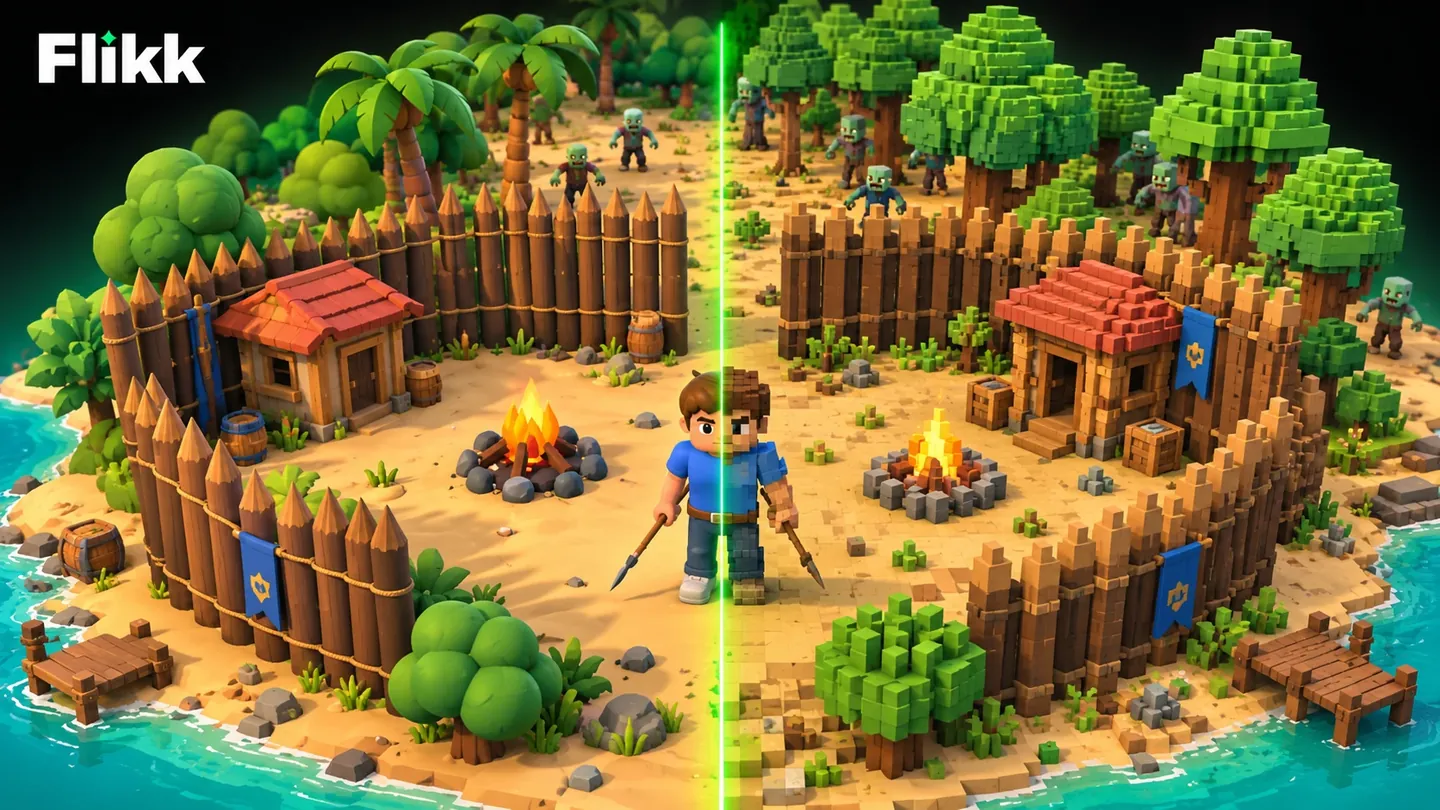
Want your survival game made of blocks? Add "Make the game in voxel style." to the end of your first prompt. See the same island in both looks in how to make a voxel game.
Tips for your survival game
- Keep the first night easy. Give players time to learn how to gather and build before the real danger starts.
- Make the night feel different. Darker light, new enemies and the campfire as a safe spot make the night exciting.
- Give building a purpose. Walls should actually stop enemies, and the fire should heal or protect.
- Add a clear goal. "Survive 3 nights" or "escape the island" keeps players going.
- Check the plan before you build. Getting a game plan is free, so try a few versions of your idea.
New to Flikk? Our guide on how to make a 3D game without coding walks you through every step, and how to write a game prompt that works helps you get the prompt right.
FAQ
How do I make a survival game without coding?
Describe it in a few sentences: where the player is stranded, what they gather, what they build, what attacks them and how they win. On Flikk, you write the prompt on your phone, check the free game plan, and the game is ready in about 15 minutes. No code needed.
Can I make a survival game on my phone?
Yes. With Flikk, you make the whole survival game on your phone: describe it, build it, play it, change it and share it. Flikk is free on iPhone and Android.
Can I make a zombie survival game?
Yes. Add zombies as the threat in your prompt, for example "at night, zombies come out of the forest, so the player needs walls and a campfire". Our game Island Nights was made exactly like that.
Does Flikk make a day and night cycle?
Yes. When your prompt mentions day and night, like "zombies come out at night", Flikk builds a game where the day is for gathering and building and the night is for defending.
How long does it take to make a survival game?
On Flikk, about 15 minutes from tapping Build it to playing your game. Each change with Make Edits takes about 5 minutes and costs 25 Tokens.
Can I add new enemies to my survival game later?
Yes. Open your game, go to Make Edits, and describe the new enemy. We added "a wolf pack that comes from the beach on the second night" to Island Nights, plus a watchtower that shoots arrows. One edit costs 25 Tokens and takes about 5 minutes.
What do I need in a survival game prompt?
Five things: a place, resources to gather, things to build, a threat and a goal. For example: "a small island, trees and rocks, a hut and walls, zombies at night, survive 3 nights".