New in Flikk: Give Your Game New Music and a New Banner
You can now change your game's soundtrack and its artwork in Flikk. Describe what you want, and about 5 minutes later it's done. Here's how.
In this article
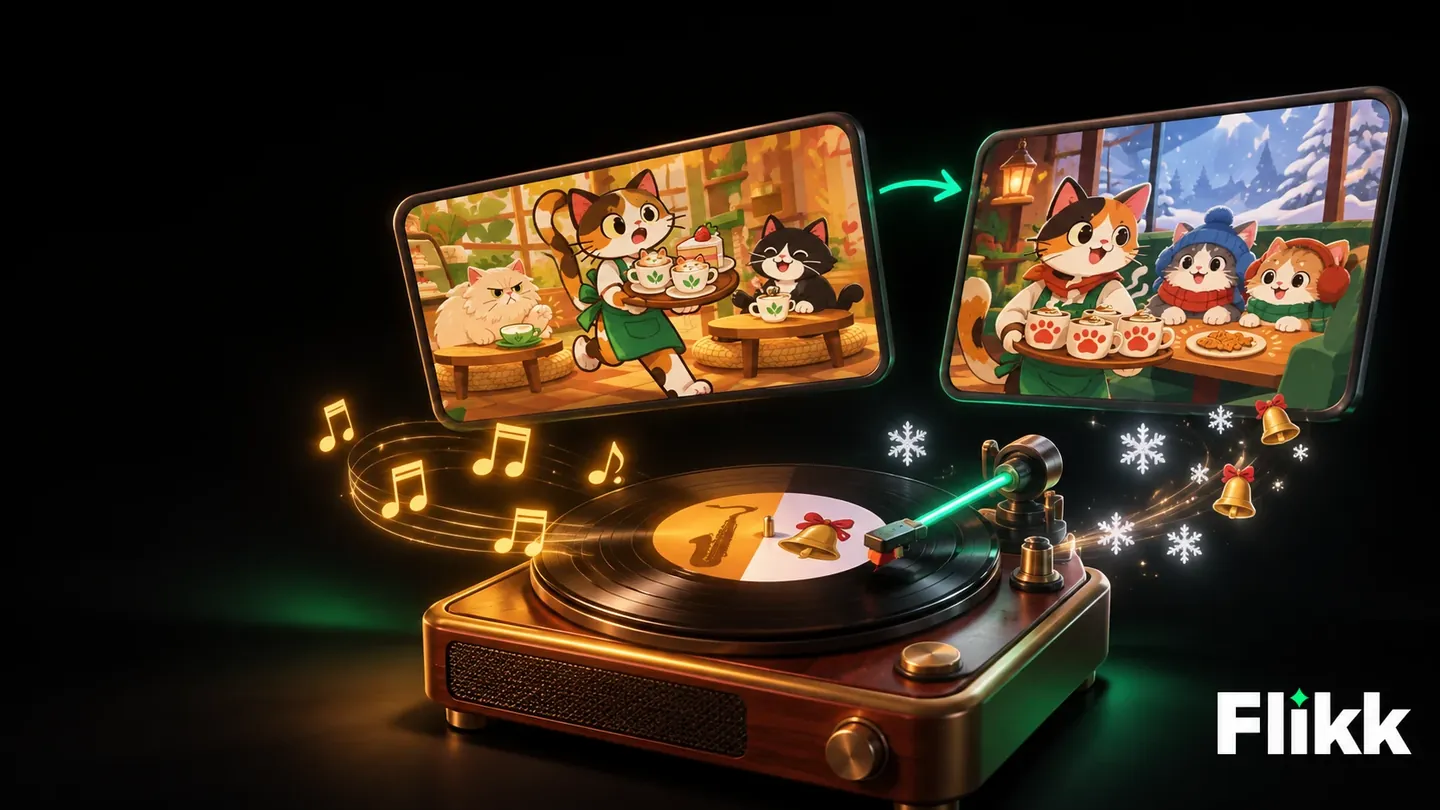
Your game on Flikk can now get new music and new artwork without touching the game itself. Describe the soundtrack or the look you want in a sentence, and Flikk makes it in about 5 minutes. The artwork covers your game's icon, banner and cover: everything people see before they tap Play.
We tried both on a game we made, Cozy Cat Cafe, and turned it into a winter edition. Both changes worked on the first try.
What's new
Open your game's page and go to the Make Edits tab. Below the usual box for changing your game, there's a new section called Change the art and music:
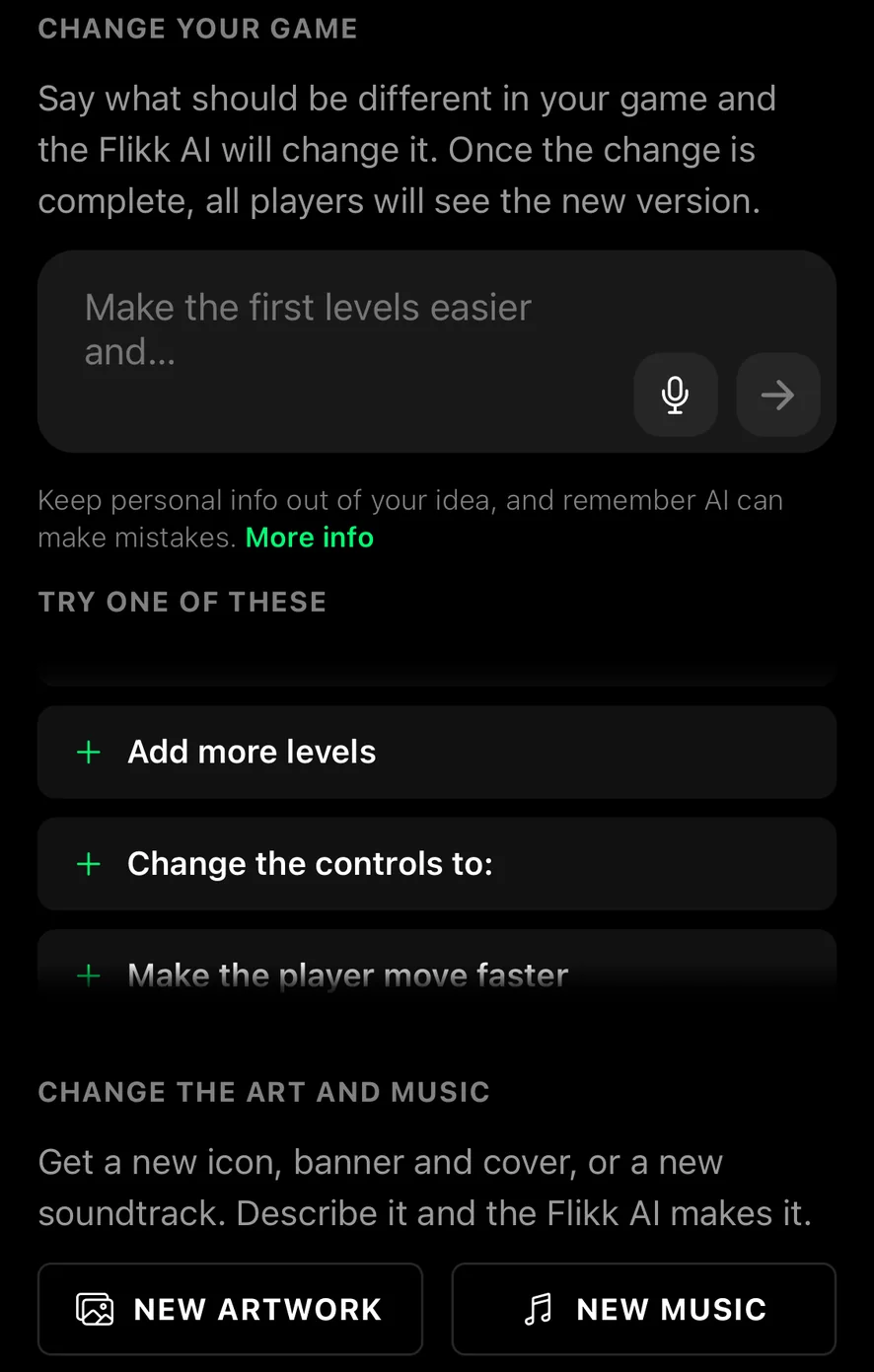
"Get a new icon, banner and cover, or a new soundtrack. Describe it and the Flikk AI makes it."
- New Music gives your game a new soundtrack.
- New Artwork gives it a new icon, banner and cover.
Each one costs 25 Tokens, the same as any other edit, and is ready in about 5 minutes.
What changes, and what doesn't
These two buttons only change the music and the artwork. The game itself stays exactly the same: same levels, same rules, same look while you play. If you want to change how your game plays or looks inside the game, use the box at the top of Make Edits, like before.
That makes them handy when your game already plays well and you only want it to feel different: a seasonal version, a new mood, or a banner that sells the game better.
Our test: Cozy Cat Cafe goes winter
We started with a brand-new game. In the Create tab, we described it in one sentence:
A cozy cat cafe game: tap to serve coffee and cakes to cat customers before they get impatient, with warm colors and relaxed music.
About 15 minutes later, Cozy Cat Cafe was ready: a 3D cafe where you tap the coffee machine and the pastry counter, then serve cat customers before their patience runs out. Golden bells speed things up when the cafe gets busy.
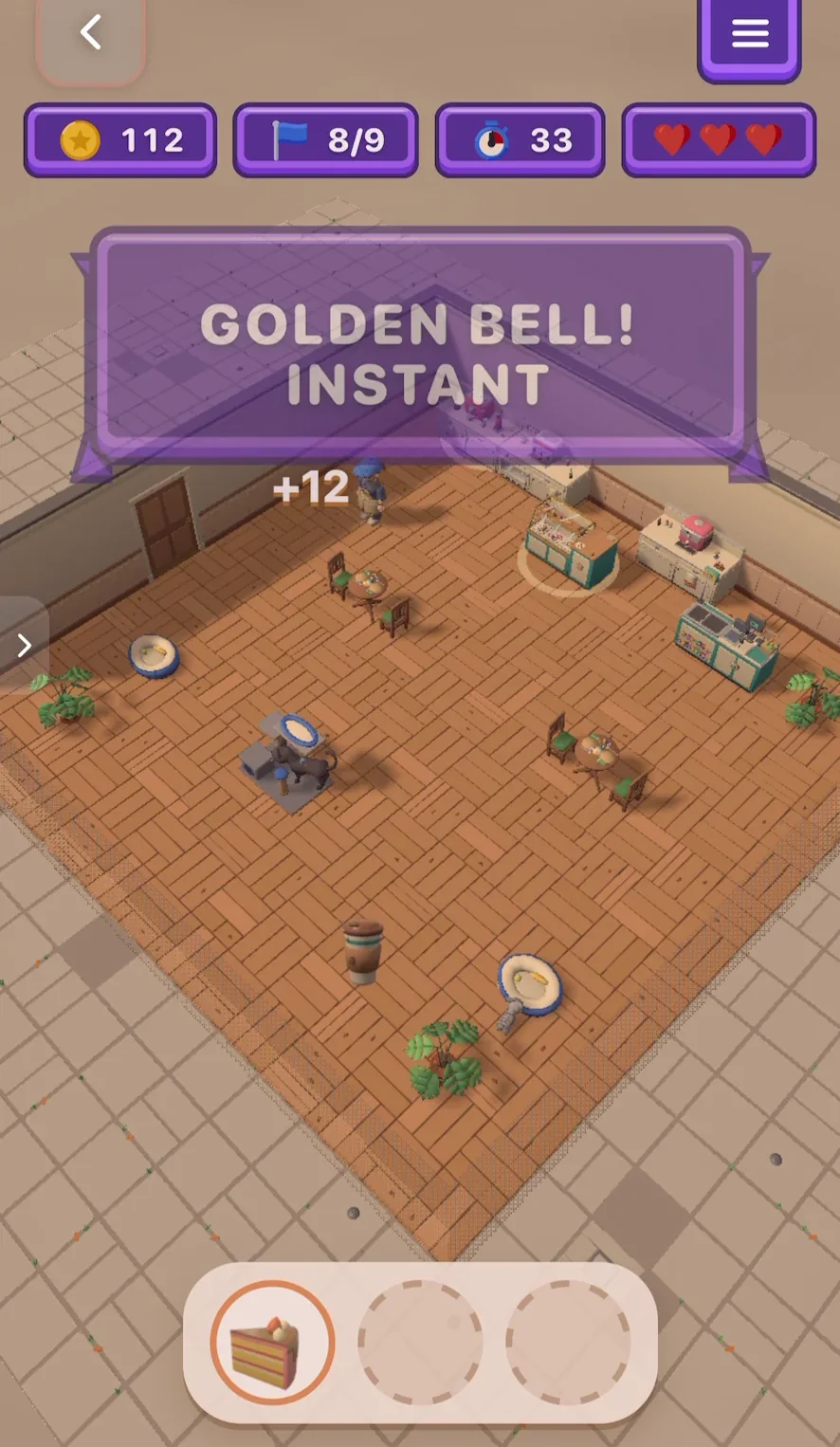
The first version came with warm autumn artwork and jazzy music. Nice, but we wanted a version for the holidays.
Step 1: New music
We tapped New Music and typed what we wanted to hear:
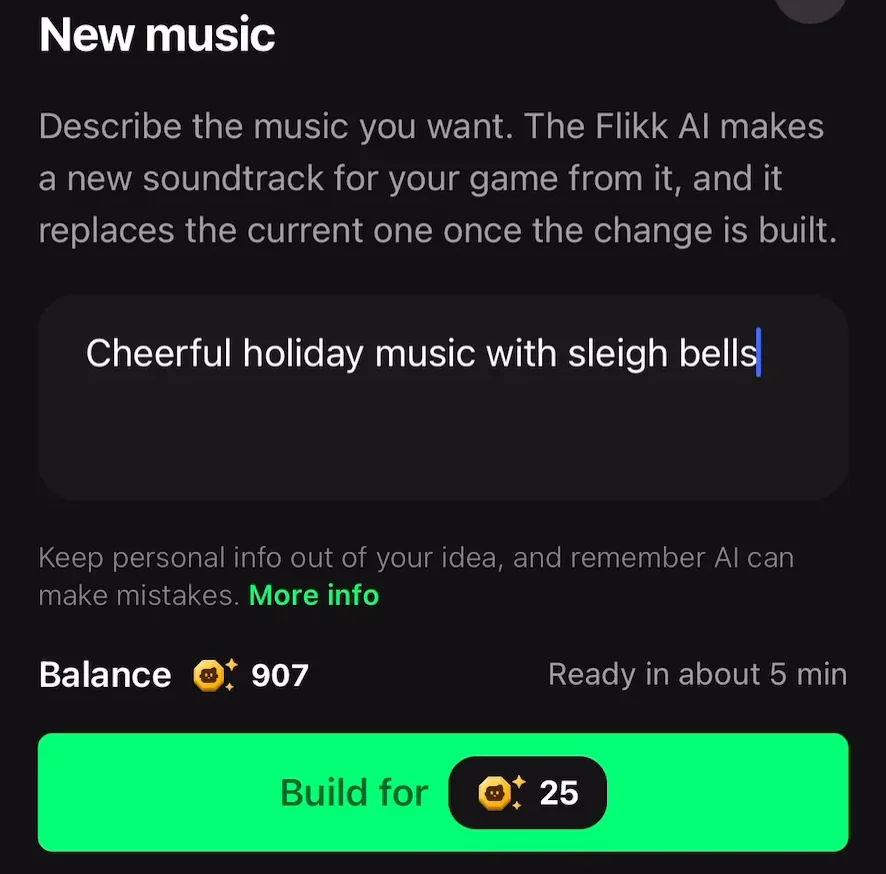
"Describe the music you want. The Flikk AI makes a new soundtrack for your game from it, and it replaces the current one once the change is built."
Our description was "Cheerful holiday music with sleigh bells". The jazzy cafe tune turned into a festive one. If you're not sure what to write, name a mood, one or two instruments and a tempo, like the app's own example: "A calm piano tune with soft drums."
Step 2: New artwork
Then we tapped New Artwork and described the look:
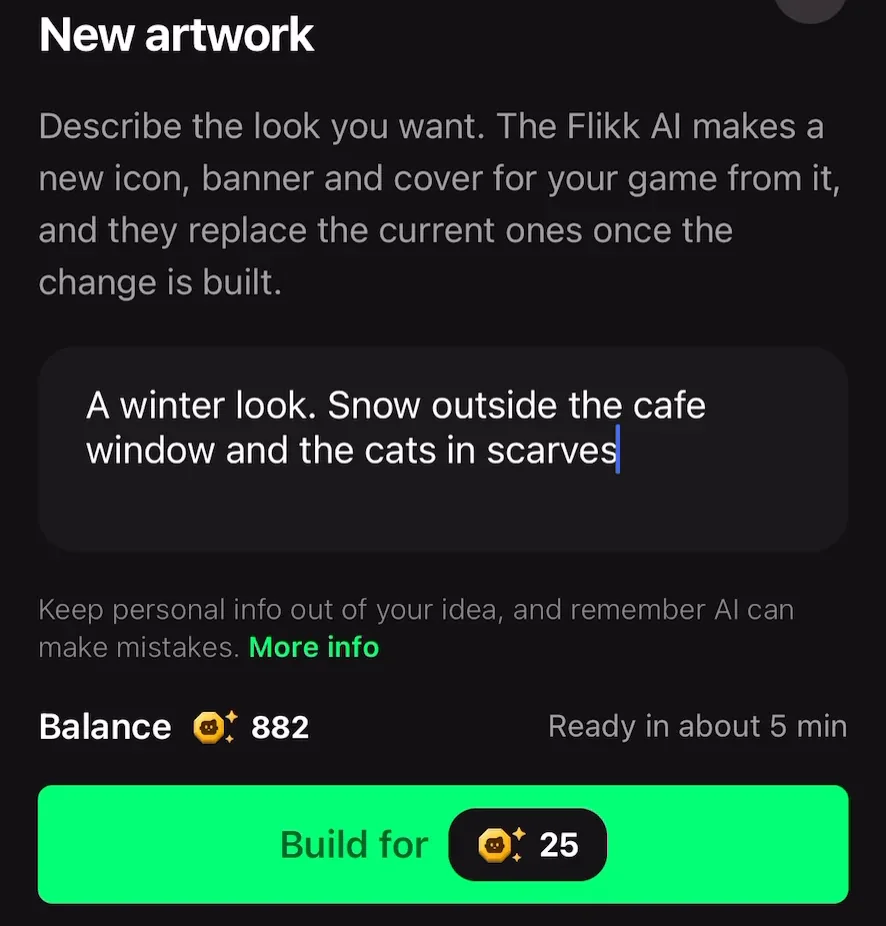
"Describe the look you want. The Flikk AI makes a new icon, banner and cover for your game from it, and they replace the current ones once the change is built."
Ours was "A winter look. Snow outside the cafe window and the cats in scarves." One description is enough for all three pieces of art.
While it builds
After you tap Build, your game page shows the change in progress. You don't have to wait for it:
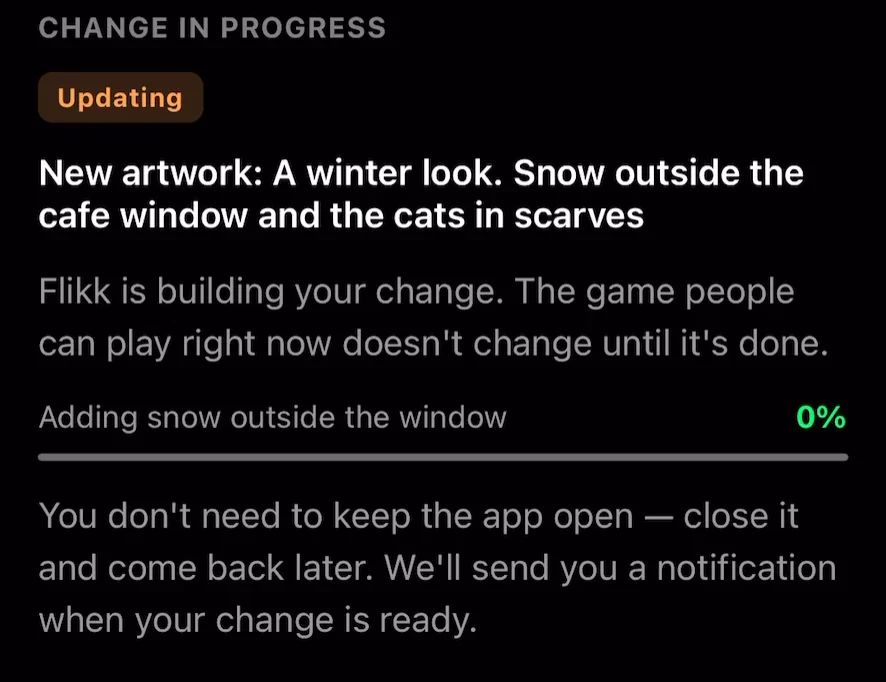
"Flikk is building your change. The game people can play right now doesn't change until it's done." You can close the app, and Flikk sends you a notification when your change is ready.
Before and after
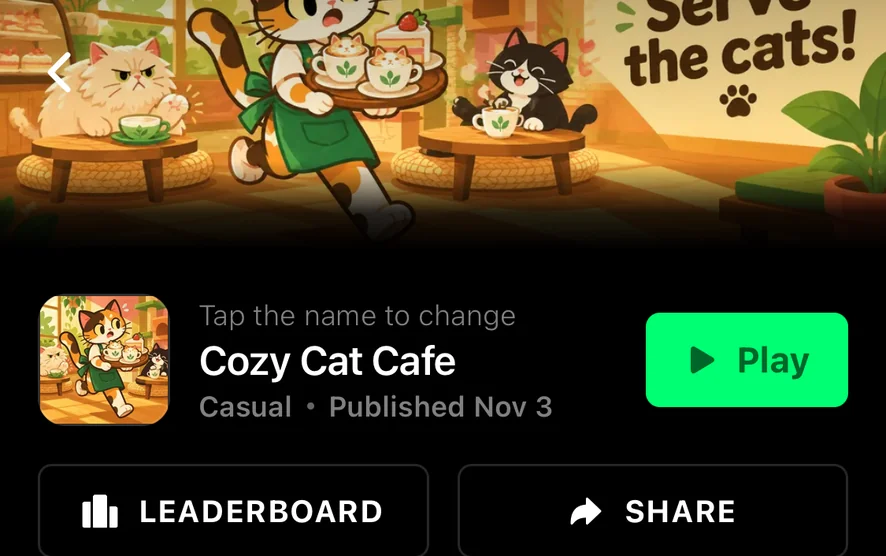
Here's the top of the game page before and after the new artwork. Same game, same name, same "Serve the cats!" line, now with snow outside the window and the cats in beanies and scarves. The icon changed to match.
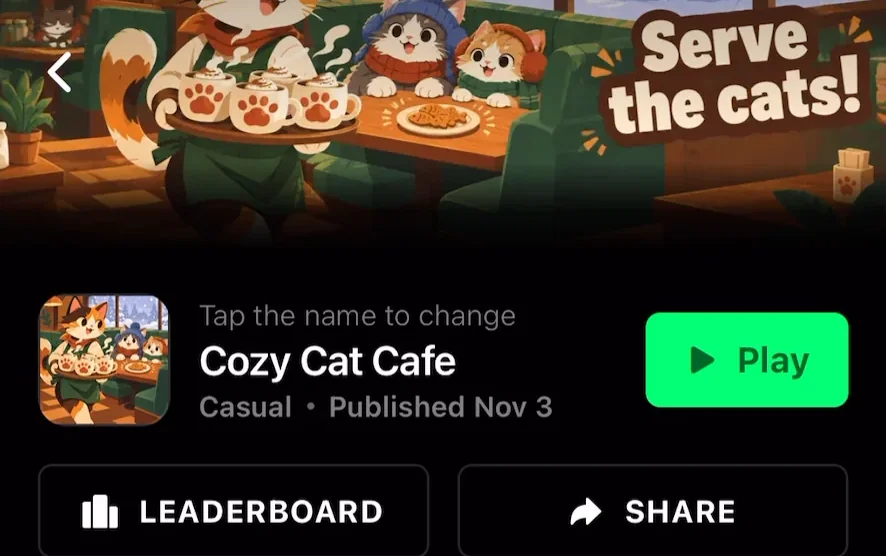
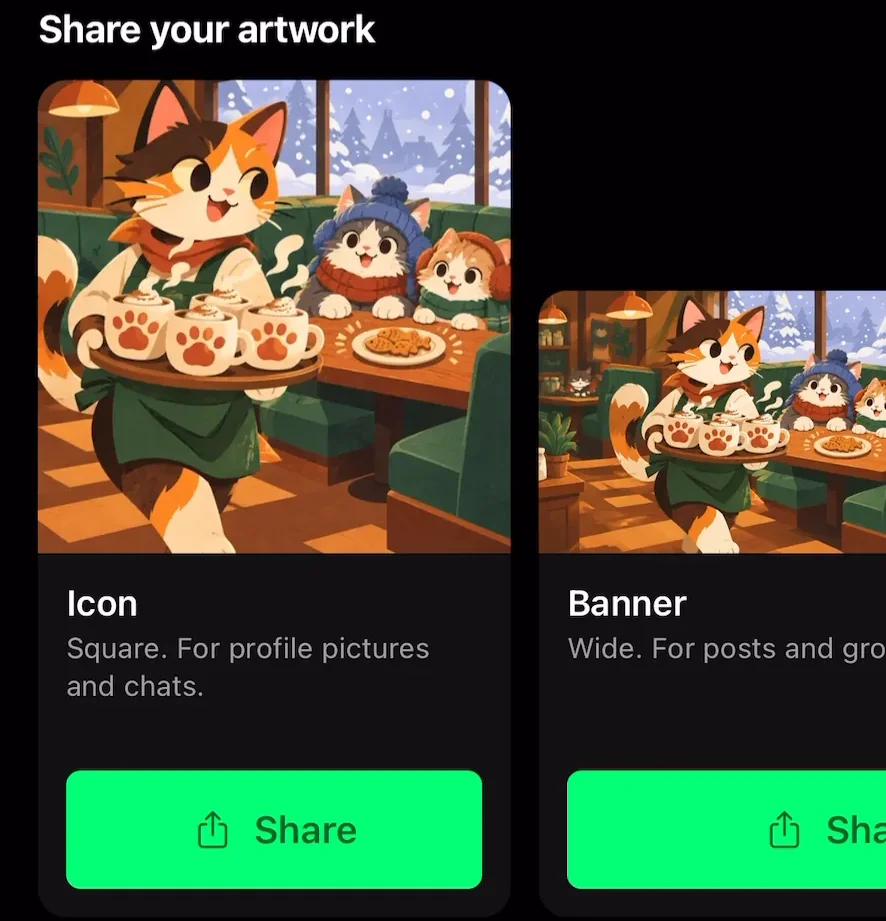
The new art also shows up in the Get Players tab under Share your artwork, so the icon, banner and cover you share in chats and posts match the new look right away.
Want to hear the holiday version? Play Cozy Cat Cafe in your browser, or open it in the Flikk app.
Ideas to try
- Seasonal editions. A winter banner and holiday music in December, something spooky for Halloween, a sunny look for summer. Change it back later with another edit.
- Match the music to the game. A calm puzzle game with a fast techno track feels off. Try "soft lo-fi beats" for puzzles or "epic drums and brass" for a boss fight game.
- A banner that shows the action. If your banner is just a logo, ask for the main character doing the thing your game is about.
- Make it yours. Got a mascot or a favorite color? Put it in the description.
Not sure how to describe something? Our guide to writing a good game prompt works for music and art too: say what you want to see or hear, the mood, and one or two details.
FAQ
How do I change the music in my Flikk game?
Open your game's page, go to Make Edits, and tap New Music under "Change the art and music". Describe the music you want and tap Build. The new soundtrack replaces the old one in about 5 minutes.
How do I change my game's banner or icon?
In Make Edits, tap New Artwork and describe the look you want. Flikk makes a new icon, banner and cover from one description, and they replace the current ones in about 5 minutes.
Does changing the music or artwork change my game?
No. New Music only changes the soundtrack, and New Artwork only changes the icon, banner and cover. The levels, rules and everything you see while playing stay the same.
How much does it cost?
Each change costs 25 Tokens, the same as any other edit.
Can I change someone else's game?
No. Like all edits, New Music and New Artwork only work on your own games.