Game Modes: Give Players More Than One Way to Play Your Game
A timer, a daily challenge, an auto button: game modes give one game many ways to play. Here's how real Flikk games use them, and how to add one to yours.
In this article
Some players want to relax. Some want to race the clock. Some want something new every day. Some barely want to tap at all. One game can make all of them happy, with game modes.
A game mode is the same game with one rule changed: add a timer, swap the goal, let the game play itself. It's one of the cheapest ways to make a game last longer, because you don't need new art or new levels. Here's how real Flikk games use modes, and how to add one to yours.
What is a game mode?
A game mode keeps the core of your game, the same pieces, the same controls, and changes one rule around it. The most common ones:
- Classic: the normal game, at your own pace.
- Timed: the same thing, against a clock.
- Daily: one special level or picture that changes every day.
- Auto or idle: the game plays for you while you make the big decisions.
Each one answers a different question: How do I want to play right now?
Three modes in one game: Can Pack Sort
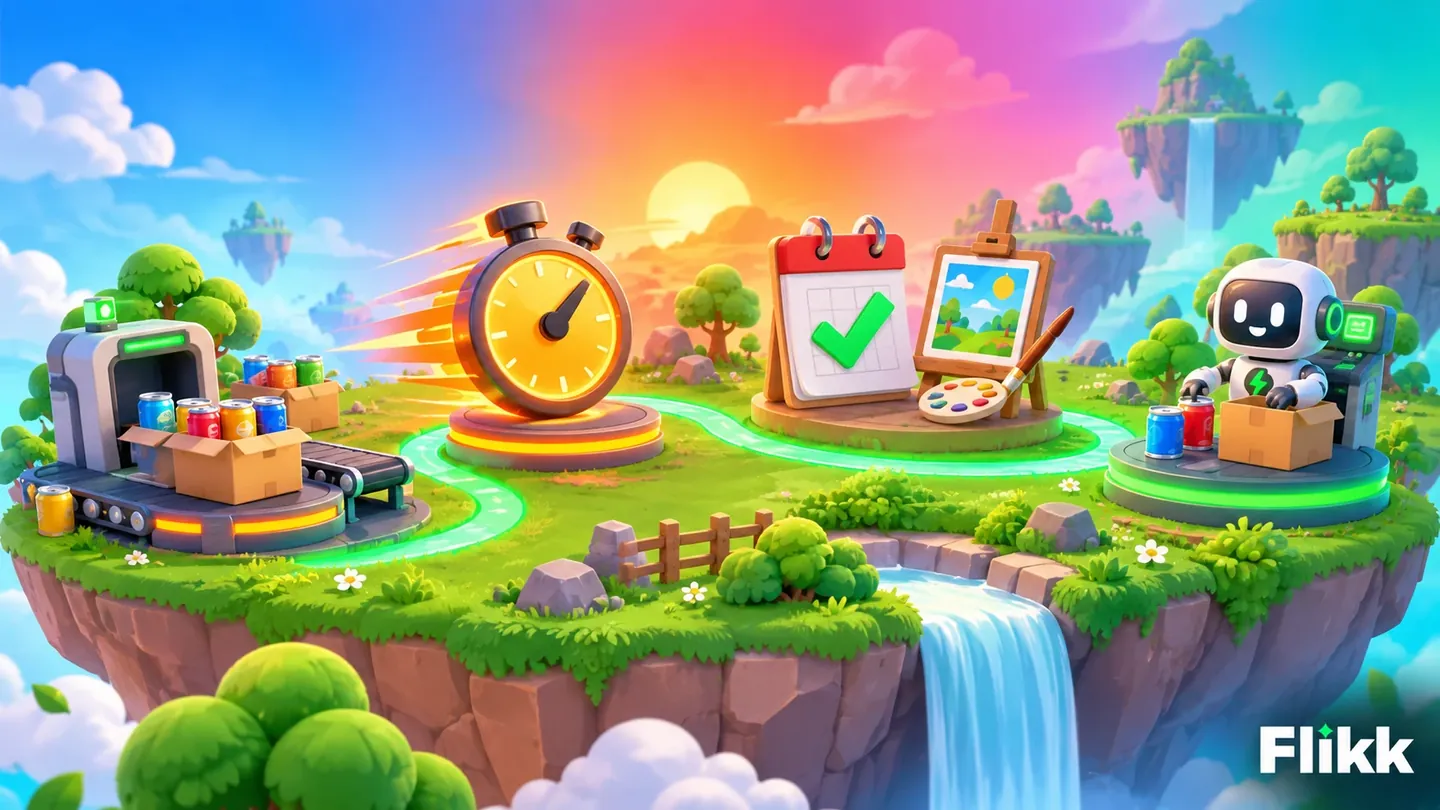
Can Pack Sort by @butchbeata shows it best. You pack colored cans into matching boxes, and right under the level there are three buttons: Conveyor, Classic and Time Attack.
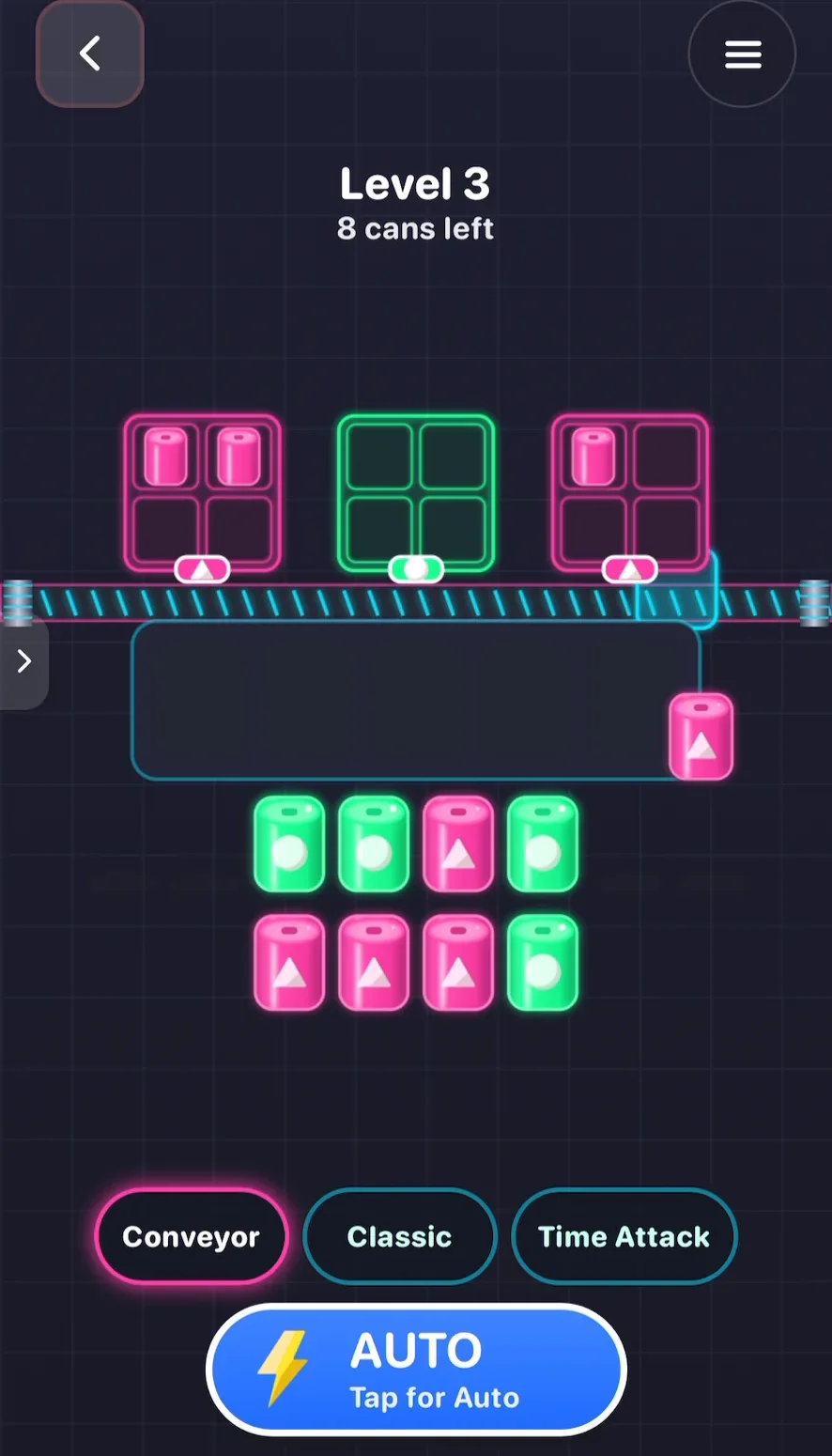
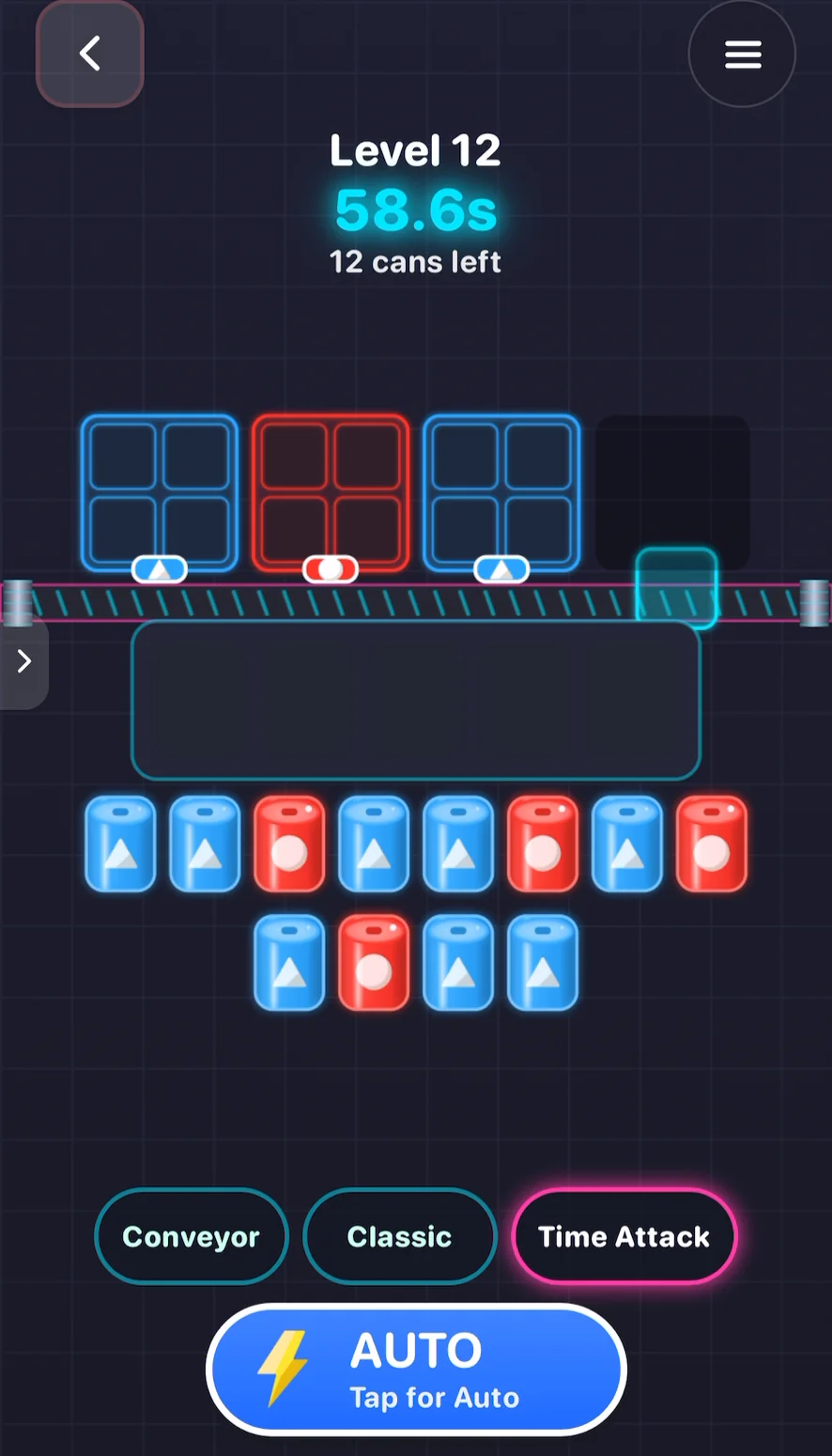
In Conveyor and Classic, you pack at your own pace. Switch to Time Attack, and a countdown appears under the level name: level 12 starts at just under a minute, and the clock keeps ticking down while you pack.
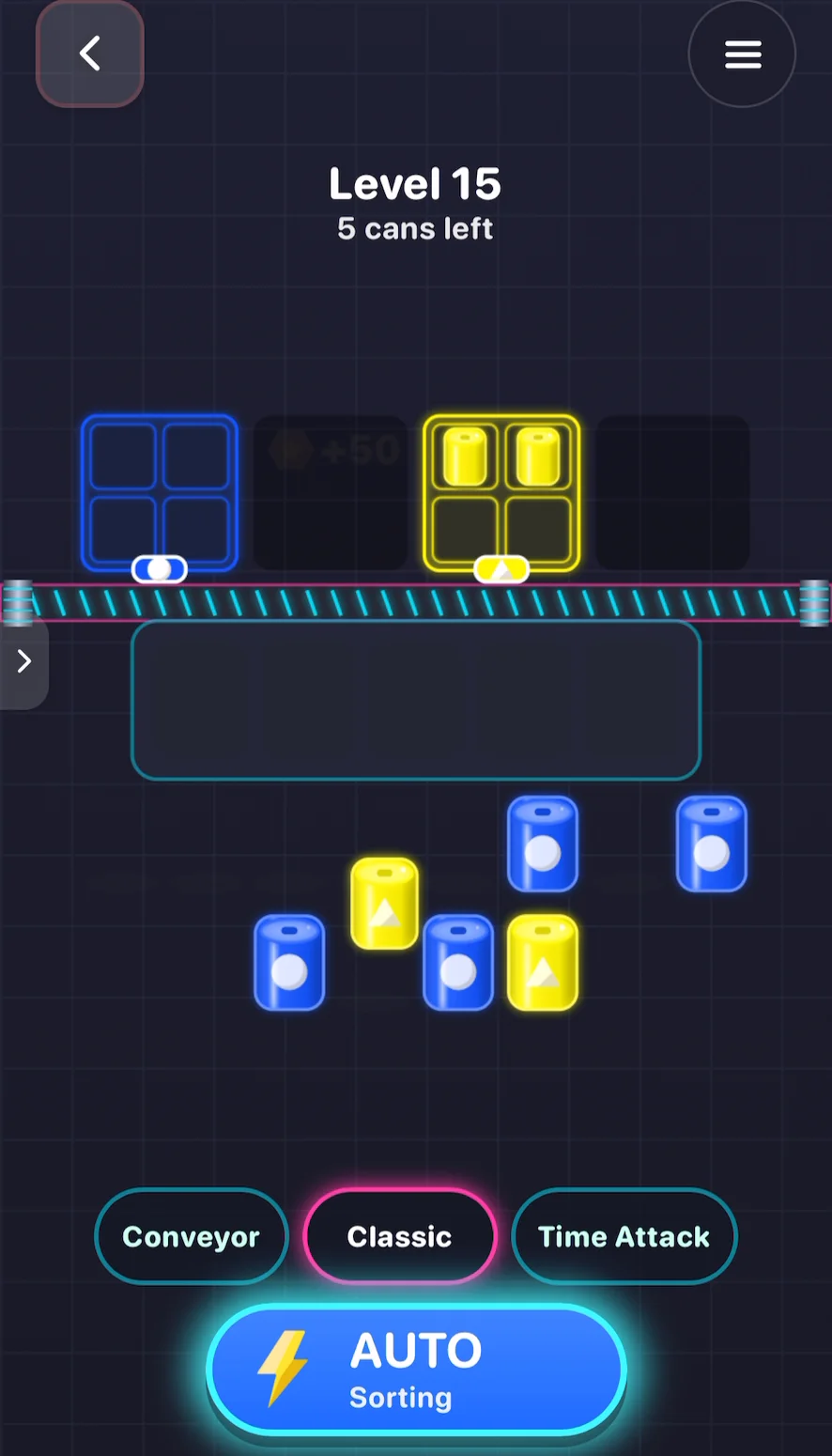
Then there's the big AUTO button. Tap it, the button switches to "AUTO Sorting", and the game packs the cans by itself until the level is done. You just watch the boxes fill up.
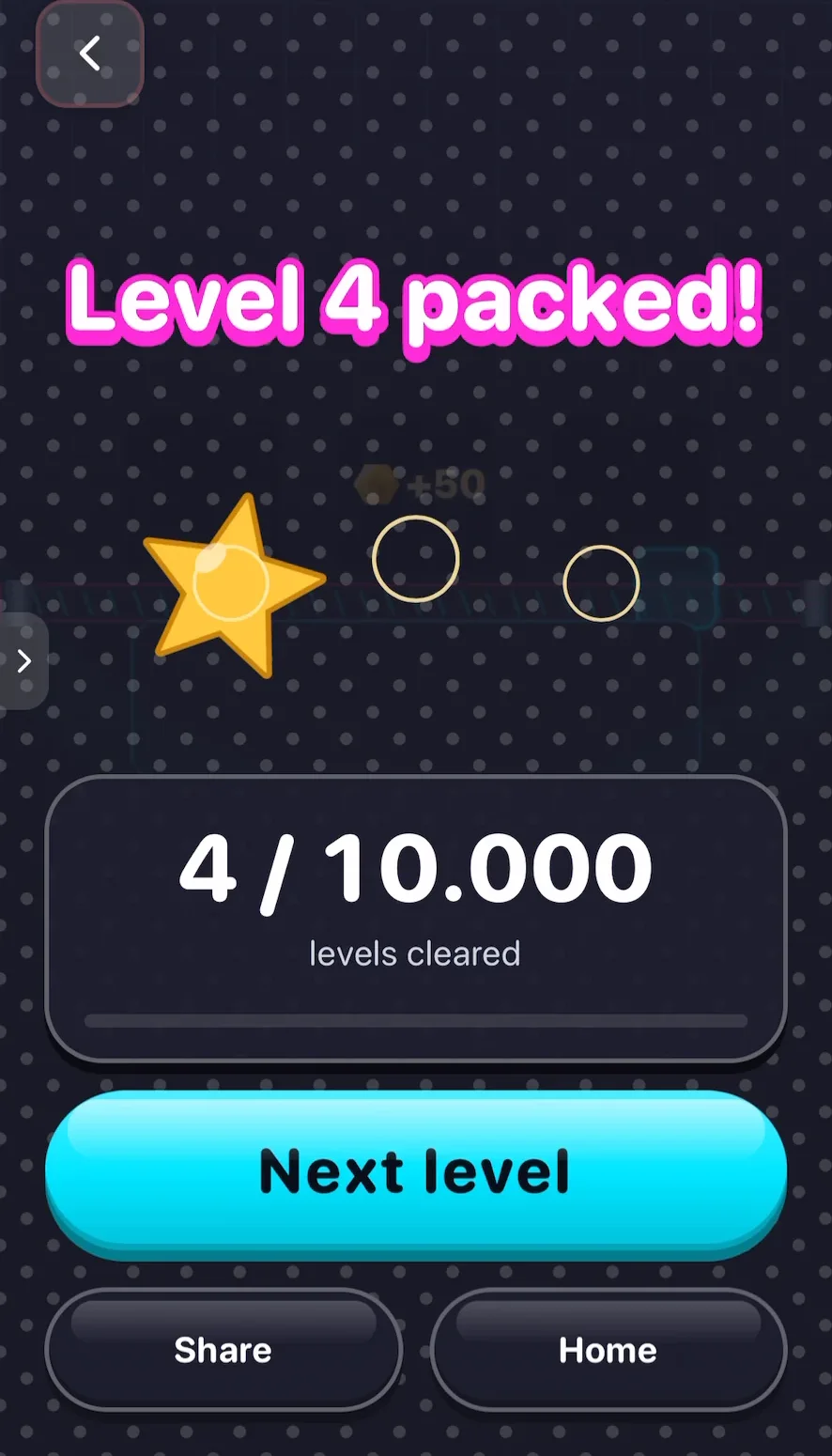
Same cans, same boxes, several ways to play. Players who get bored of one mode just switch, and the game feels new again.
A mode for when calm gets too calm: Screw Pets
Screw Pets by @butchbeata is a relaxing game: you unscrew colored screws from cute animals. But switch on Rush mode, and a timer starts running, and a combo counter like Combo x2 lights up when you're fast.
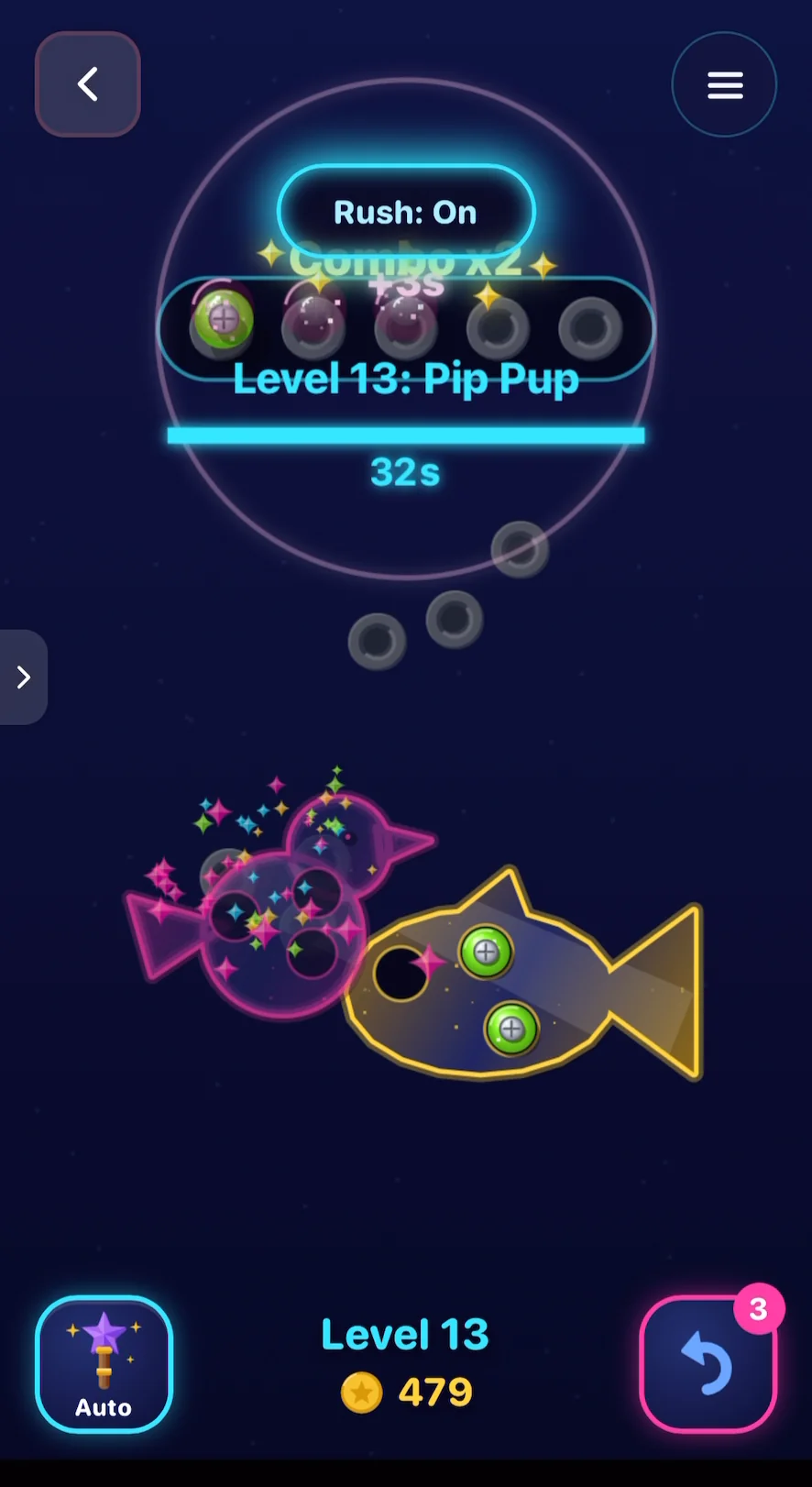
Nothing about the screws changed. One timer turned a calm puzzle into a race. That's the power of a mode: one small rule, a whole new feeling.
A reason to come back every day: Spooky Coloring
Spooky Coloring by @yes is a color-by-number game with 50 spooky pictures. On top of those, there's a Daily Canvas: one special picture just for today.
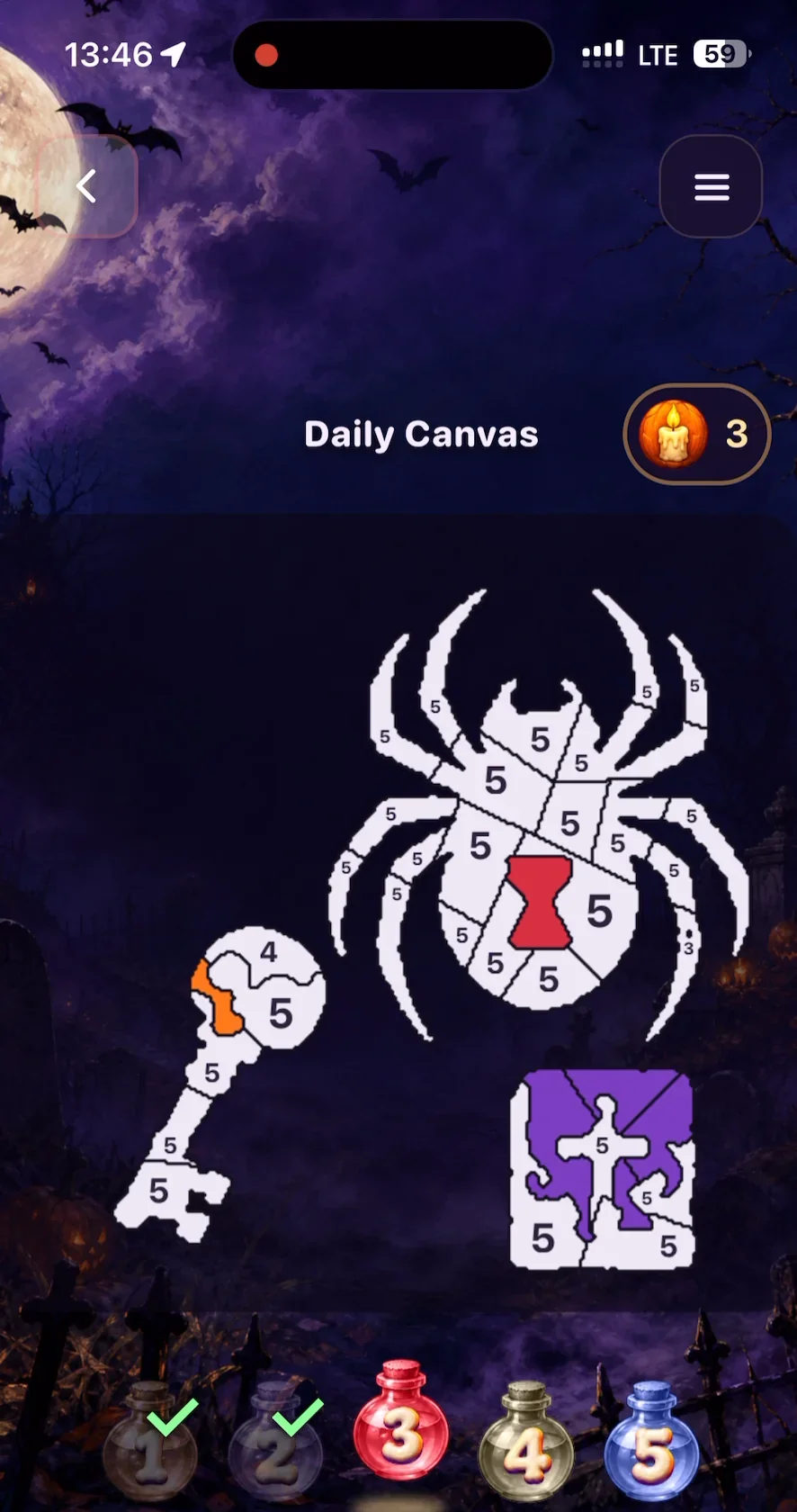
A daily mode is a small promise: come back tomorrow, there's something new. It's one of the best ways to turn a game people play once into a game they open every day.
A game that plays itself: idle modes
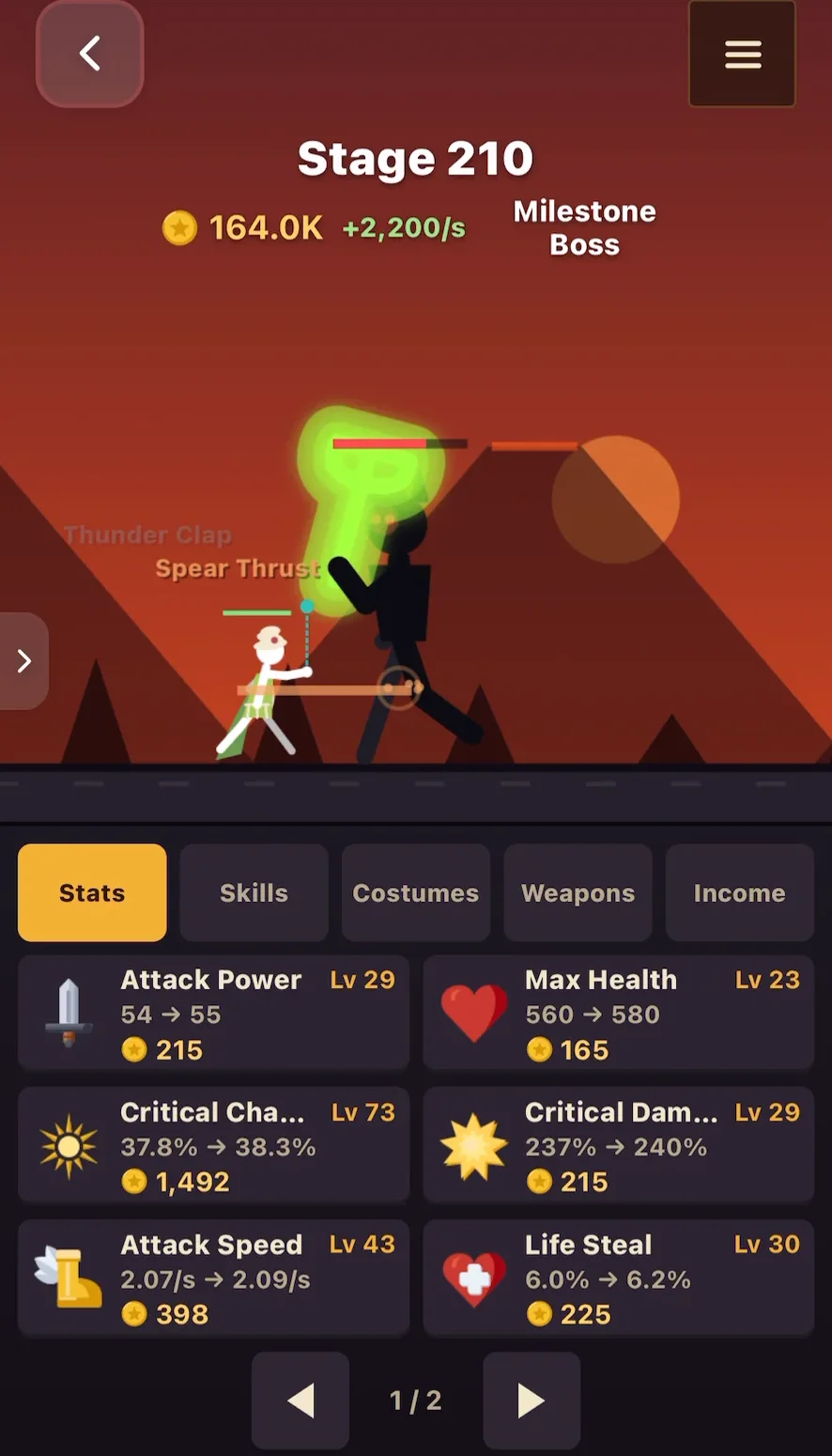
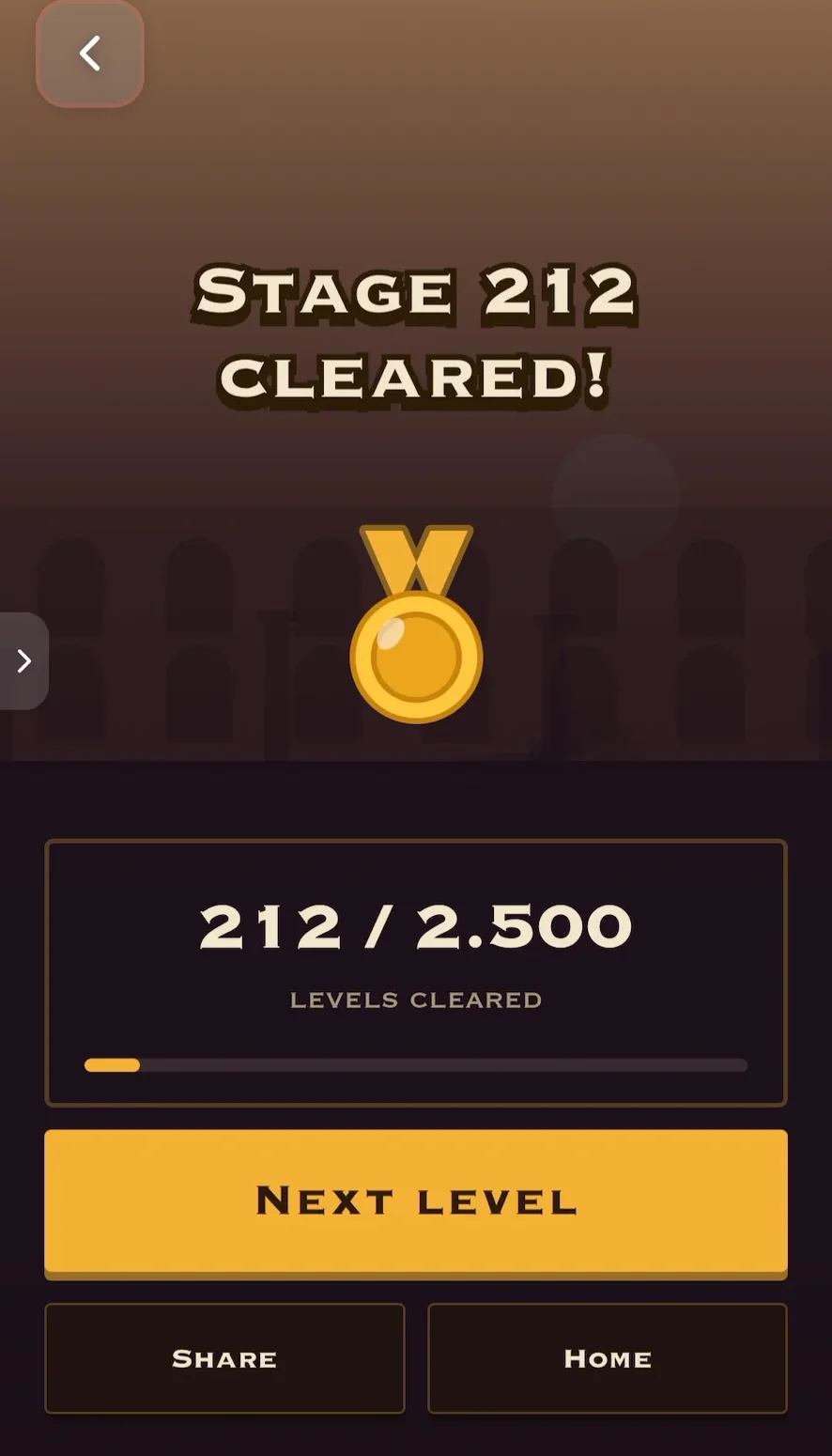
Some players love games they can leave running. In Stickman Warrior Auto by @mrionx26, your stickman fights on its own, stage after stage. Your job is the big decisions: upgrade attack, health or speed, pick weapons and costumes, and watch the numbers climb.
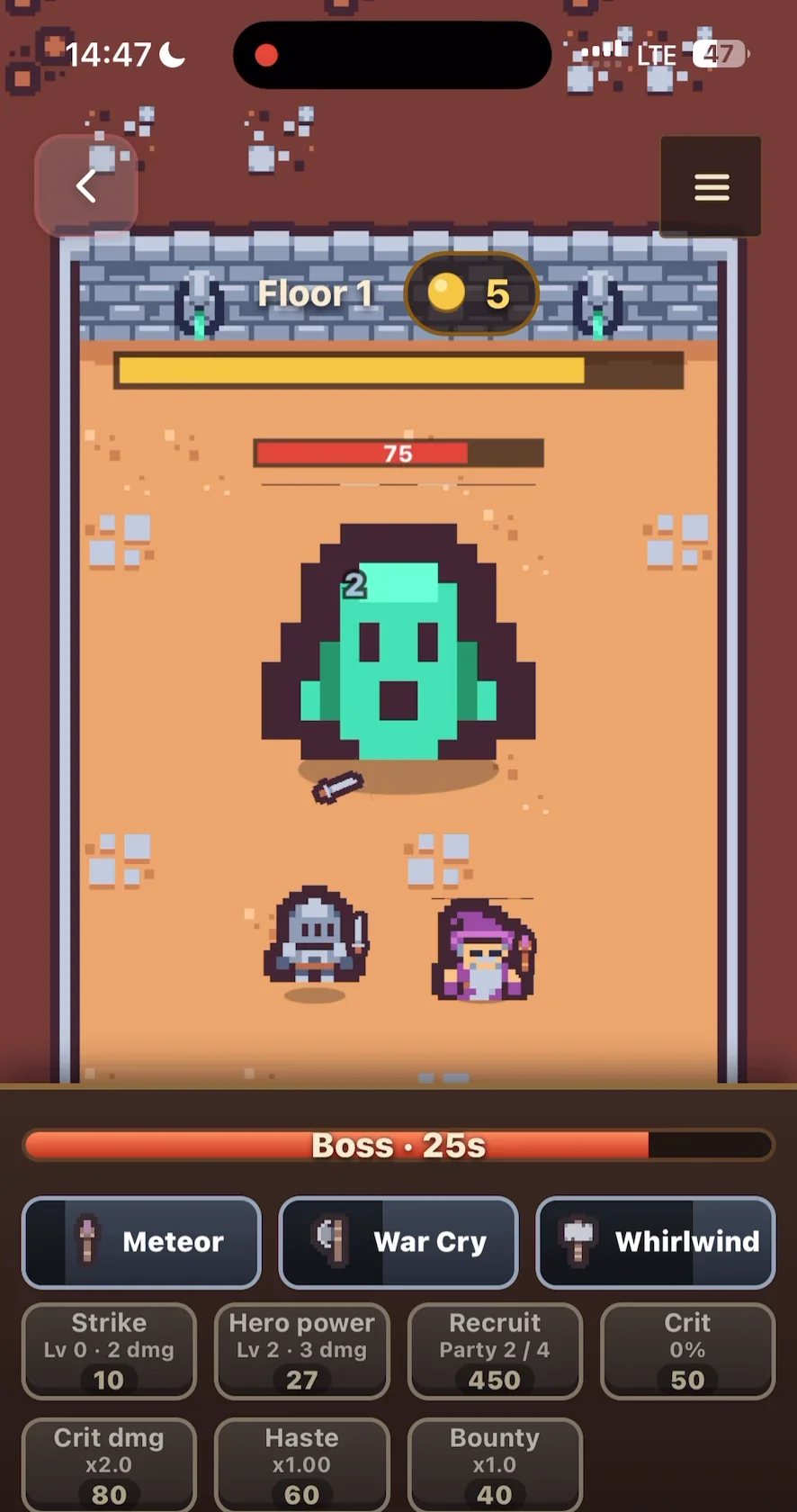
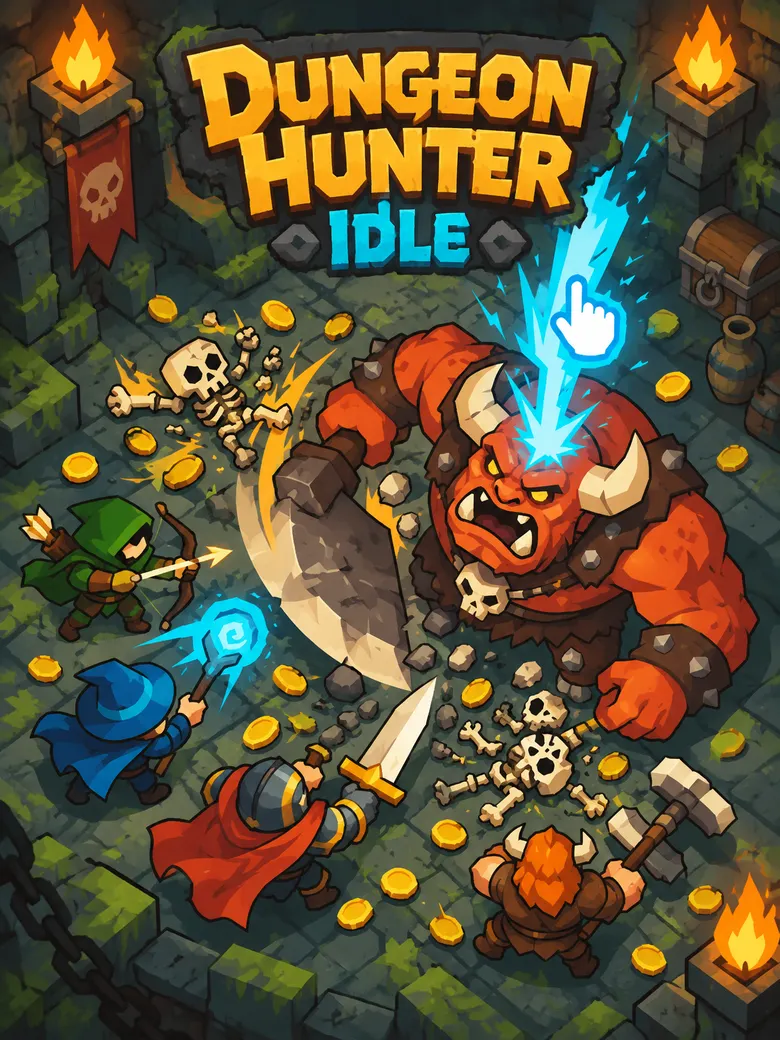
Dungeon Hunter Idle by @radiosmith works the same way: your hero fights dungeon monsters floor by floor while you choose skills like Meteor, War Cry and Whirlwind, and recruit companions for your party.
You can build a whole game this way, or add an auto button to a game that already exists, like Can Pack Sort does.
Which mode fits your game?
| Your game | Try this mode | Why |
|---|---|---|
| A calm puzzle | Timed or Rush | For players who want a challenge |
| A fast arcade game | Zen or endless | For players who want to relax |
| Any game with levels | Daily challenge | A reason to come back tomorrow |
| A game with upgrades | Auto or idle | It keeps going while you watch |
Start with the opposite of what your game already is. A relaxing game gets a fast mode. A fast game gets a calm one. That way, one game reaches two kinds of players.
How to add a game mode to your Flikk game
Open your game, go to Make Edits, and describe the mode. Each edit costs 25 Tokens and takes about 5 minutes. Add one mode per edit, and play it before you add the next. Some prompts to try:
- A timed mode: "Add a Time Attack mode next to the normal mode. The player has 60 seconds to clear as many levels as possible."
- A daily challenge: "Add a Daily Challenge button that gives the player one special level each day."
- A calm mode: "Add a Zen mode with no timer and no way to lose, just for relaxing."
- An auto button: "Add an Auto button that plays the next move for the player when they tap it."
- A mode switch: "Show the modes as buttons under the level so the player can switch at any time."
Keep the names short and clear. "Time Attack" and "Daily" explain themselves. "Mode 2" doesn't.
FAQ
What is a game mode?
A game mode is a different way to play the same game, usually by changing one rule: adding a timer, changing the goal or letting the game play itself. Classic, Time Attack, Daily and Idle are common modes.
Why do games have different modes?
Different players want different things: some want to relax, some want a challenge, some want something new every day. Modes let one game serve all of them, and they make a game last longer without new art or levels.
What is an idle game?
An idle game mostly plays itself. Your character fights or earns on its own, and you make the big choices, like which upgrades to buy. Stickman Warrior Auto and Dungeon Hunter Idle are idle games on Flikk.
How many modes should a game have?
Start with one extra mode. A game with one great main mode and one twist is better than a game with five half-finished modes. Add more once players use the first one.
Can I add a game mode to my Flikk game without coding?
Yes. In Make Edits, describe the mode, like "add a Time Attack mode with a 60-second timer", and Flikk updates your game in about 5 minutes.